

Online box mockup generator

Upload your artwork, fine-tune every detail, and download a free PNG image of your box design — no software or design skills needed.
Online box mockup generator
Upload your artwork, fine-tune every detail, and download a free PNG image of your box design — no software or design skills needed.
Trusted by leading companies


Using an online box mockup generator is effortless with Pacdora!
Building a realistic box mockup shouldn't require a complex software box mockup generator or hours of design work. Pacdora makes it simple for everyone. Whether you need a free 3D box mockup generator for quick product visuals or a full 3D product box online mockup generator for a polished campaign, we've got you covered. Pick a box style, upload your design, customize sizes, colors and materials in real time, then download a 4K/8K PNG or printable file. Try it free today!




How to design a box mockup online?
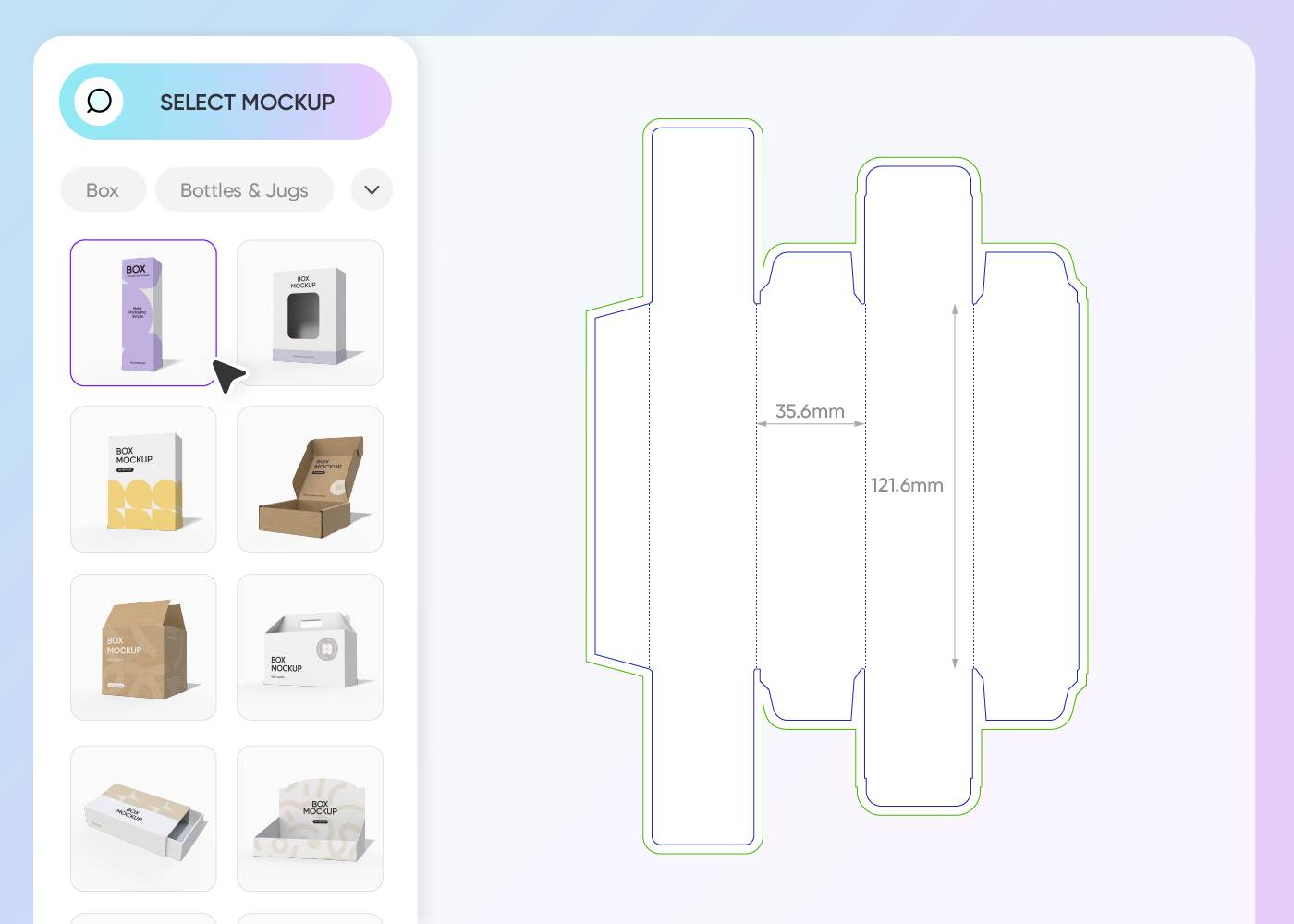
Step 1: Choose a box style
Choose from hundreds of box styles in Pacdora's library — filter by shape, size, or industry to find the perfect starting point.
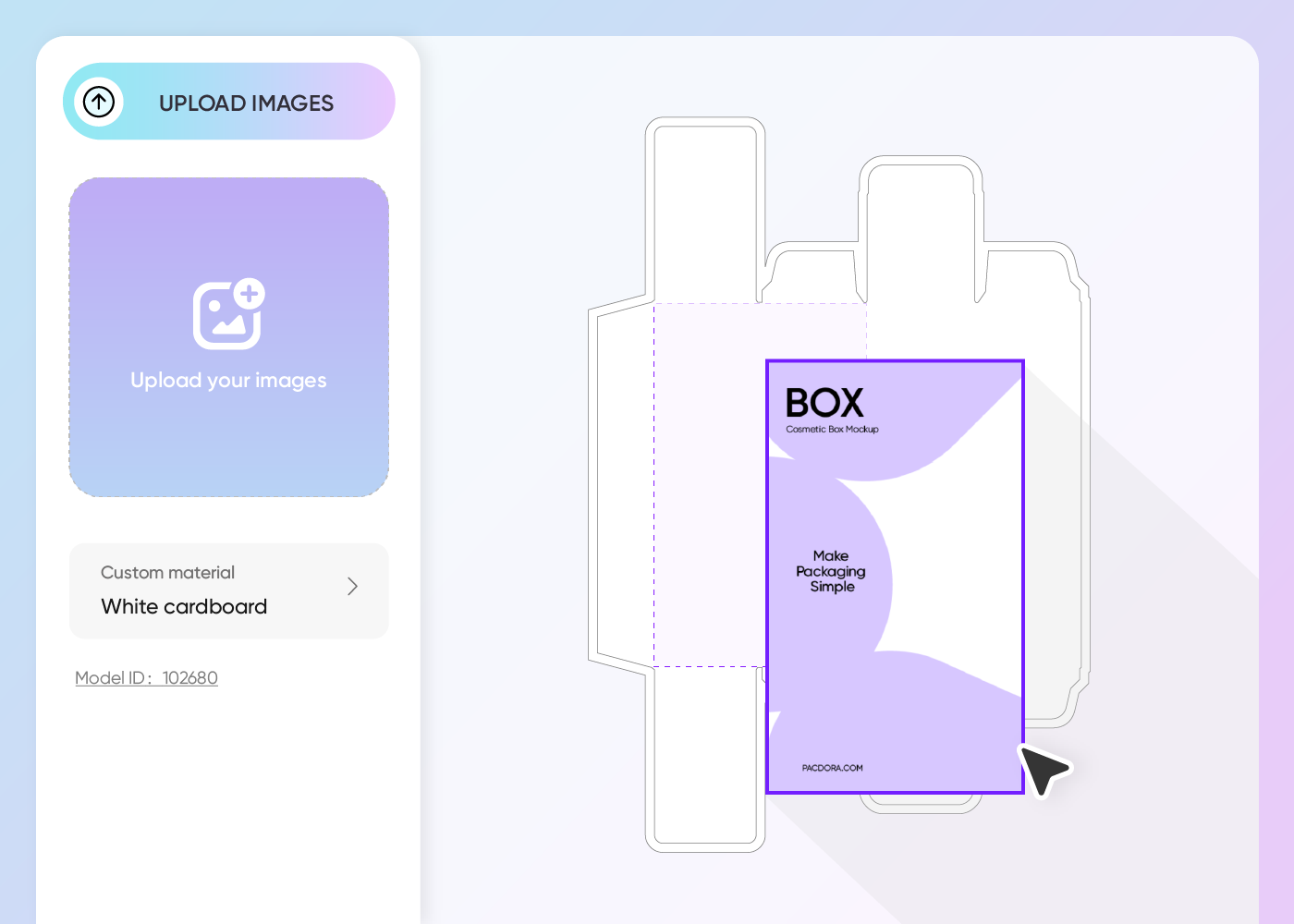
Step 2: Customize your design
Upload your logo, artwork, or pattern, then adjust dimensions, colors, textures, and backgrounds until your box looks exactly right.
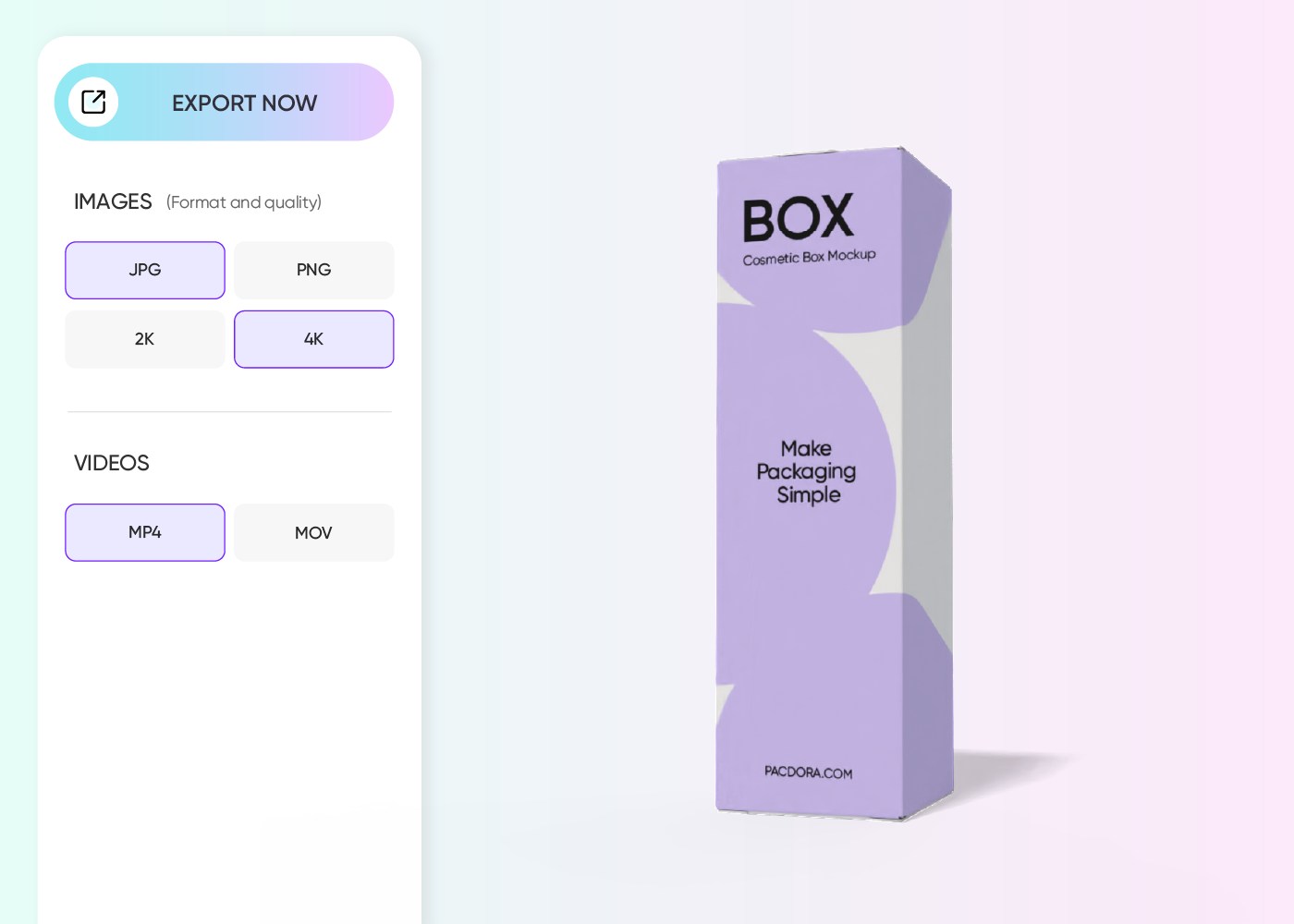
Step 3: Download your box mockup
Download your finished box design as a high-res PNG, JPG, printable dieline, or MP4 video — ready for any use case.
Step 1: Choose a box style
Choose from hundreds of box styles in Pacdora's library — filter by shape, size, or industry to find the perfect starting point.
Step 2: Customize your design
Upload your logo, artwork, or pattern, then adjust dimensions, colors, textures, and backgrounds until your box looks exactly right.
Step 3: Download your box mockup
Download your finished box design as a high-res PNG, JPG, printable dieline, or MP4 video — ready for any use case.
Why use Pacdora's online box mockup generator
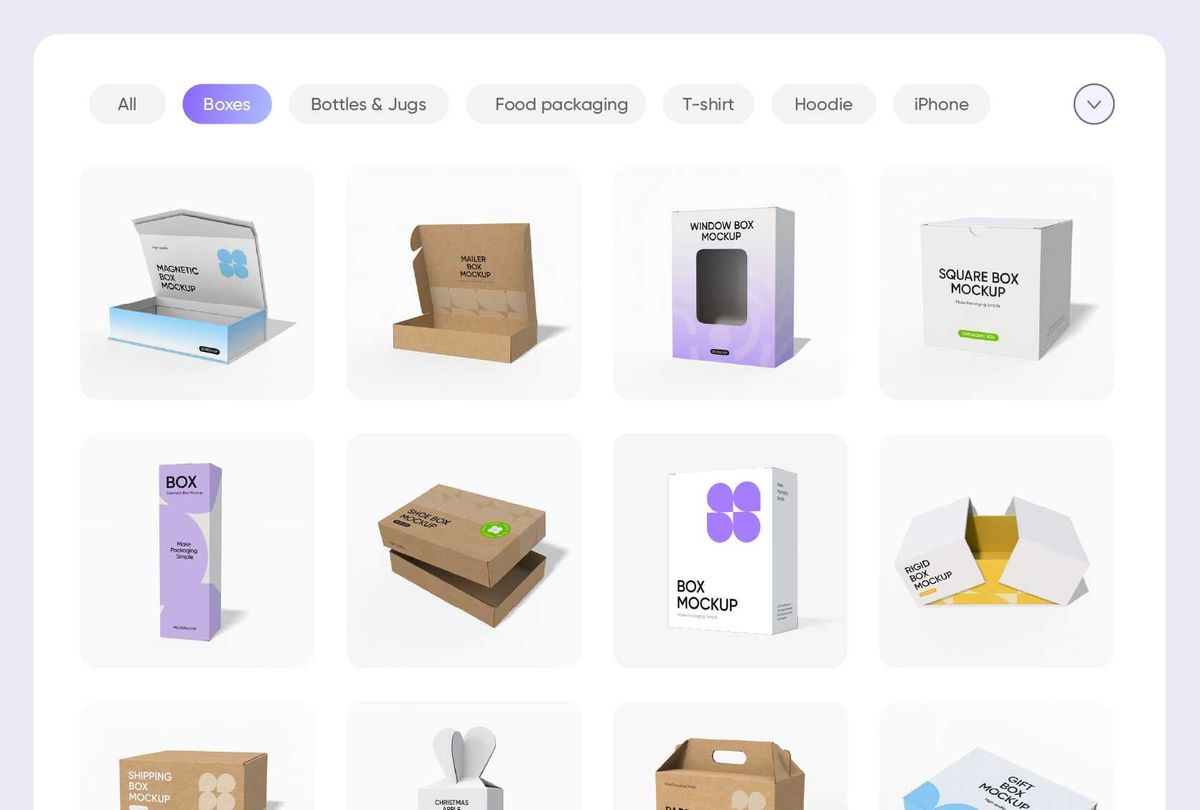
Dozens of box mockup styles to explore
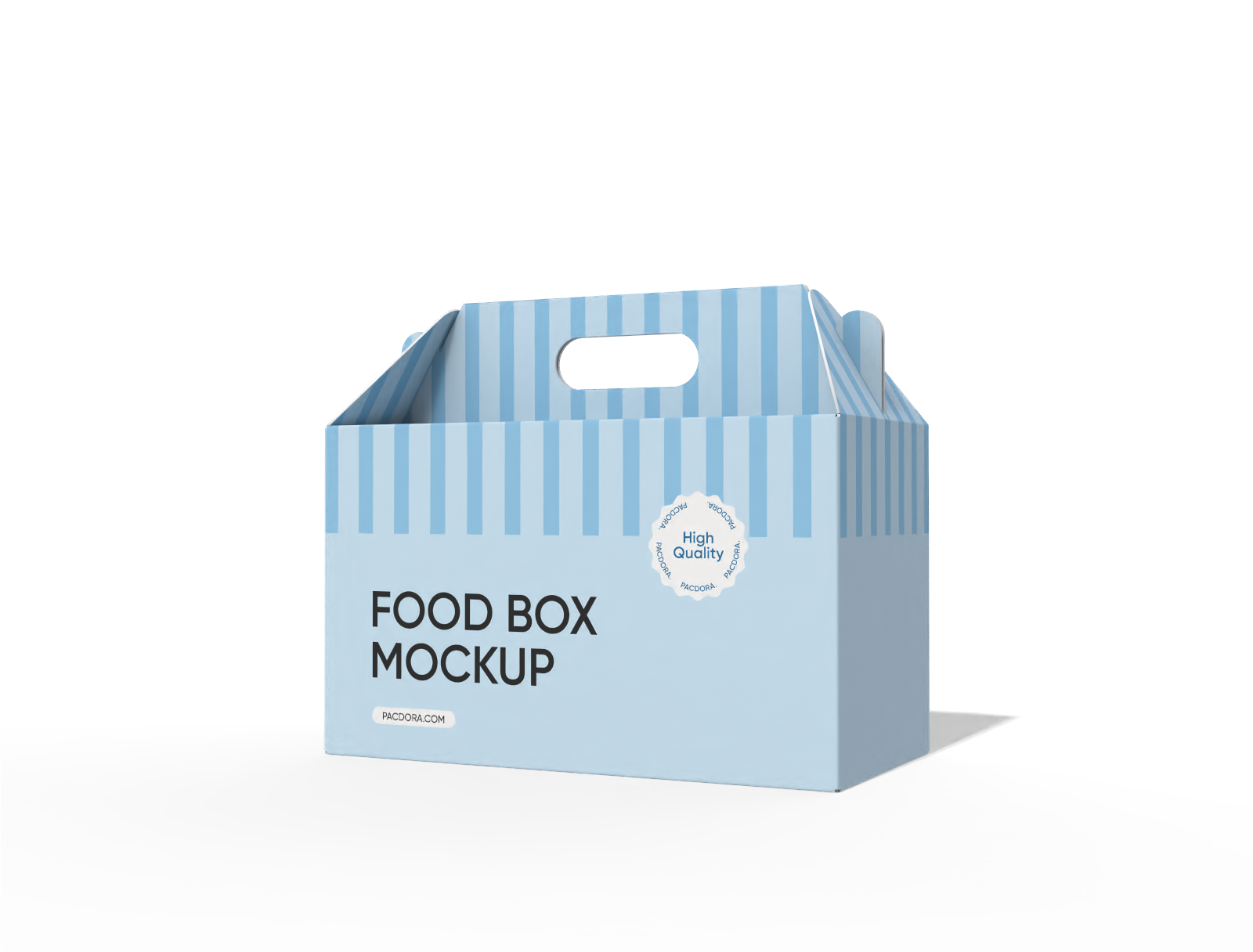
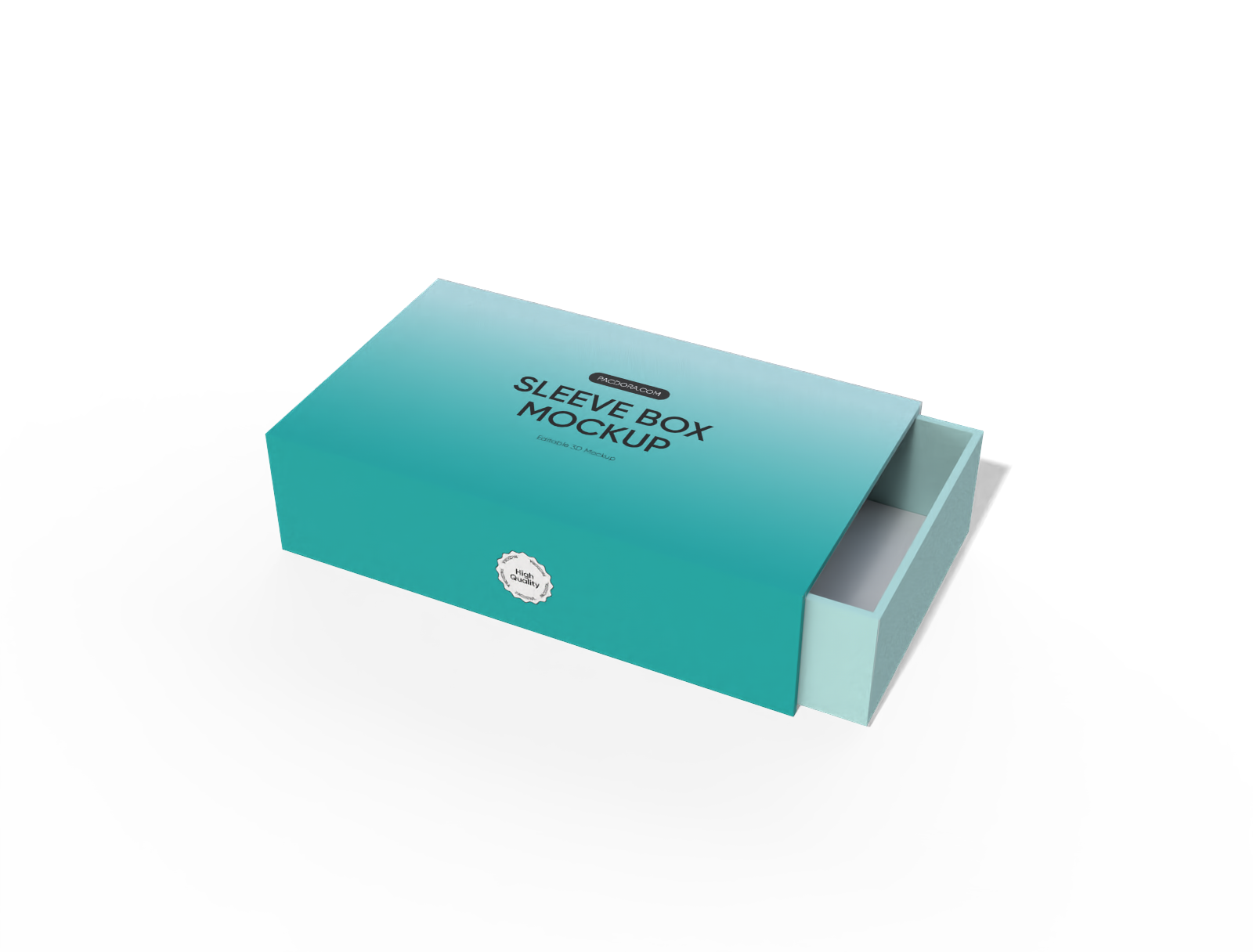
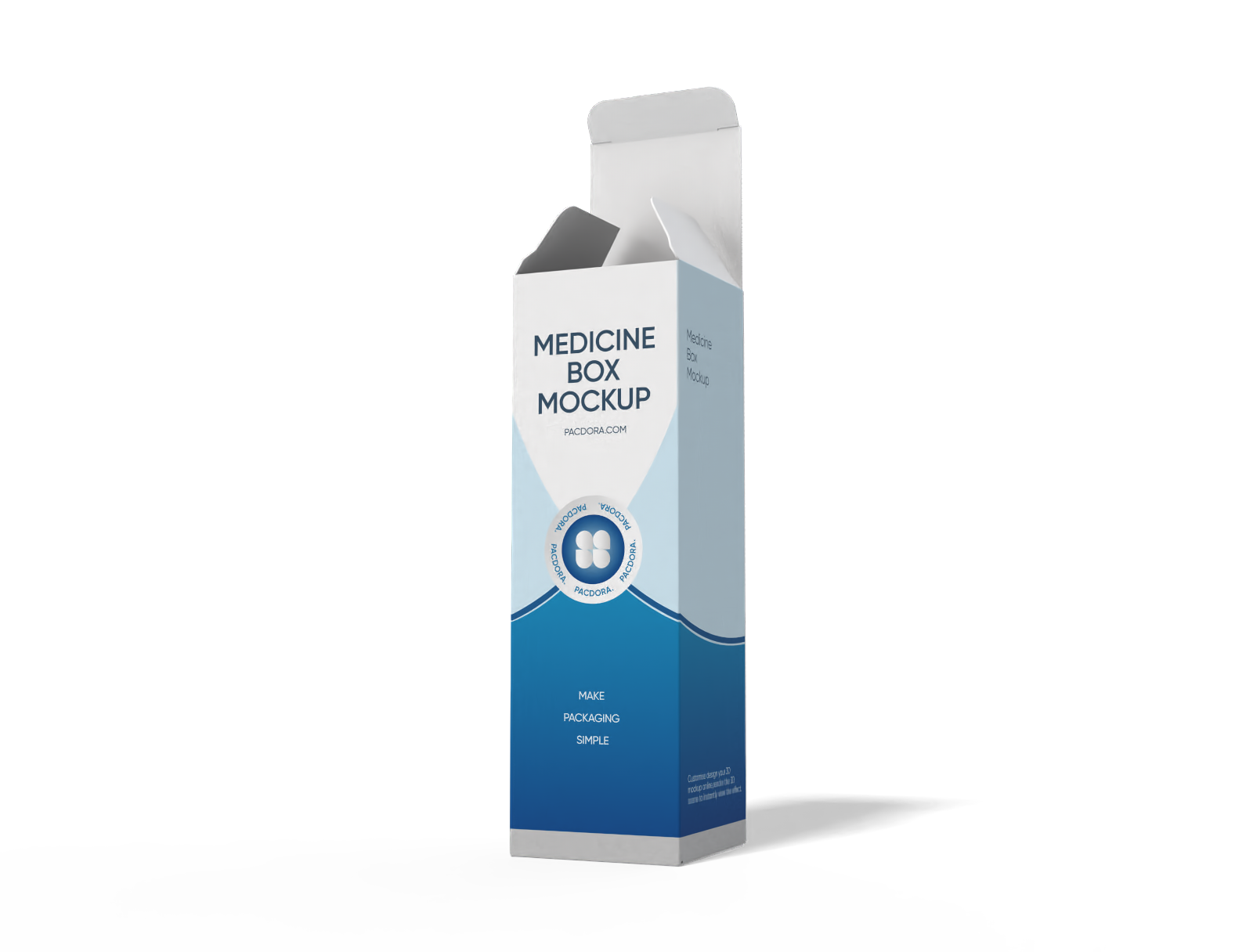
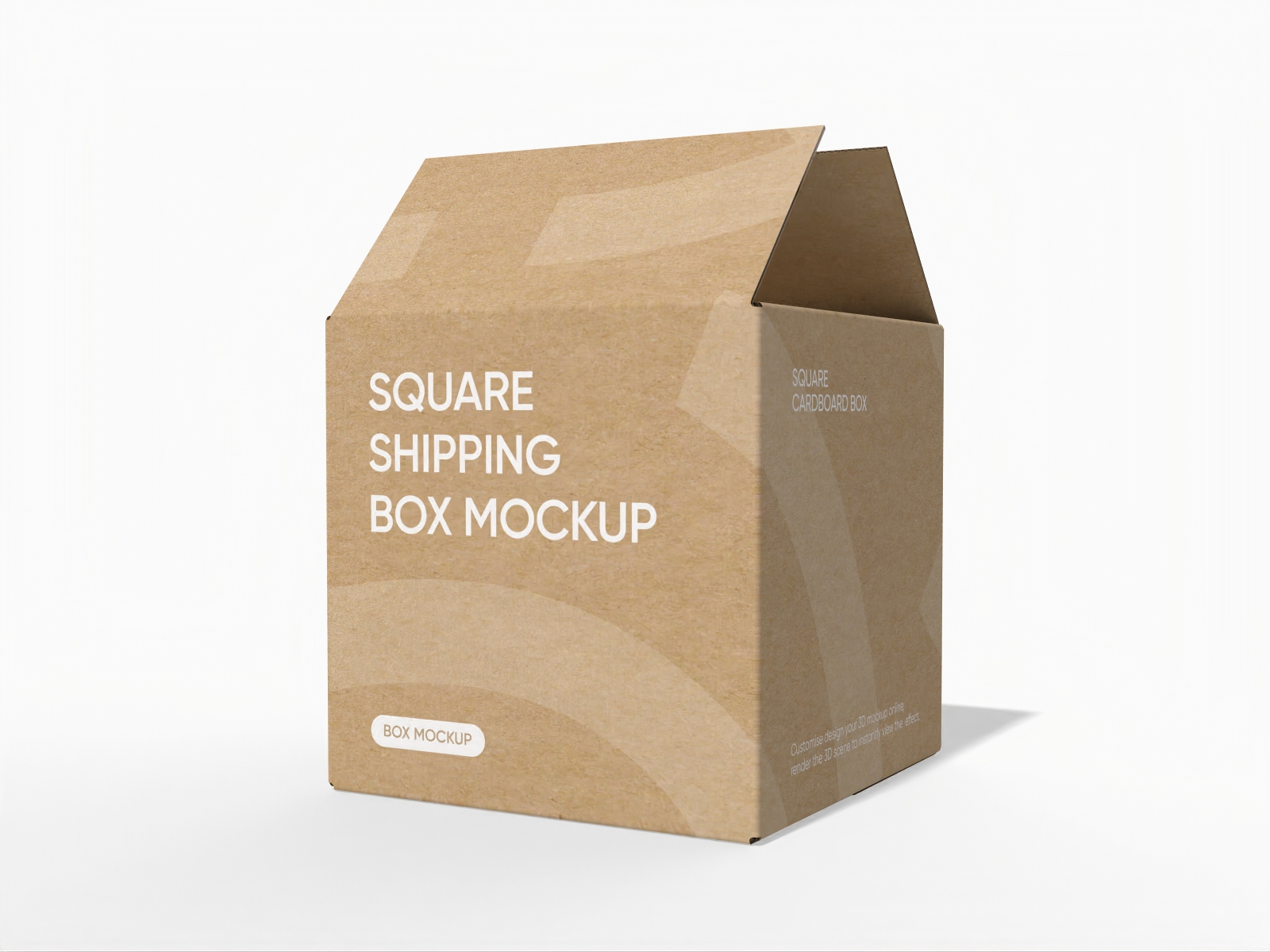
Pacdora's online box mockup generator offers a rich variety of 3D box styles to match every product type, brand, and industry.
We've got retail boxes, mailer boxes, gift boxes, shipping cartons, and more — all crafted to look realistic and polished. Browse the full library and find the style that makes your product shine.
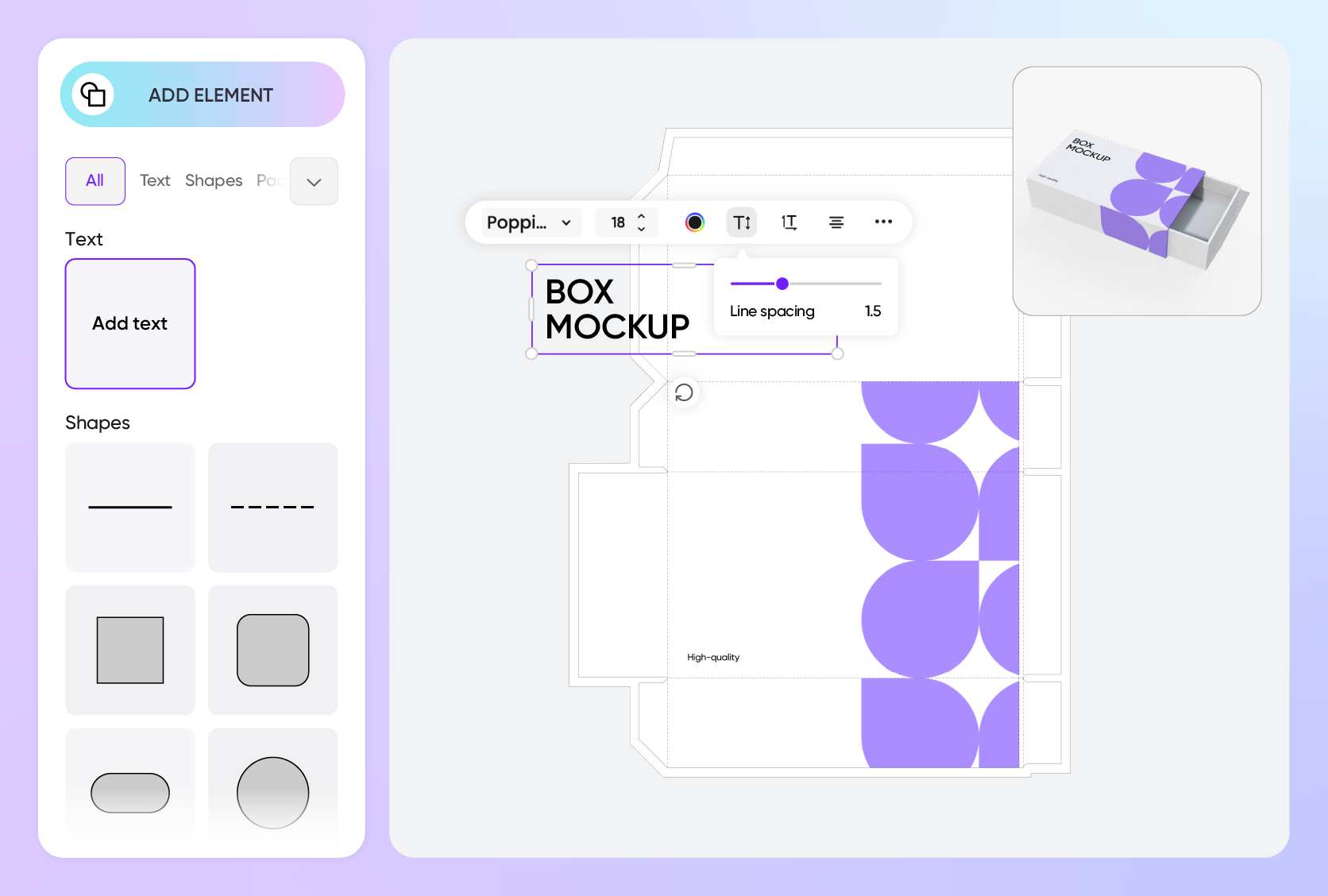
Upload your own artwork & branding easily
Pacdora's online box mockup generator lets you upload any image file and place it directly onto your chosen style — no design software needed.
Startups can quickly test packaging ideas by uploading a fresh logo before committing to print. Established brands can swap artwork across multiple box styles within minutes. Try our generator now!
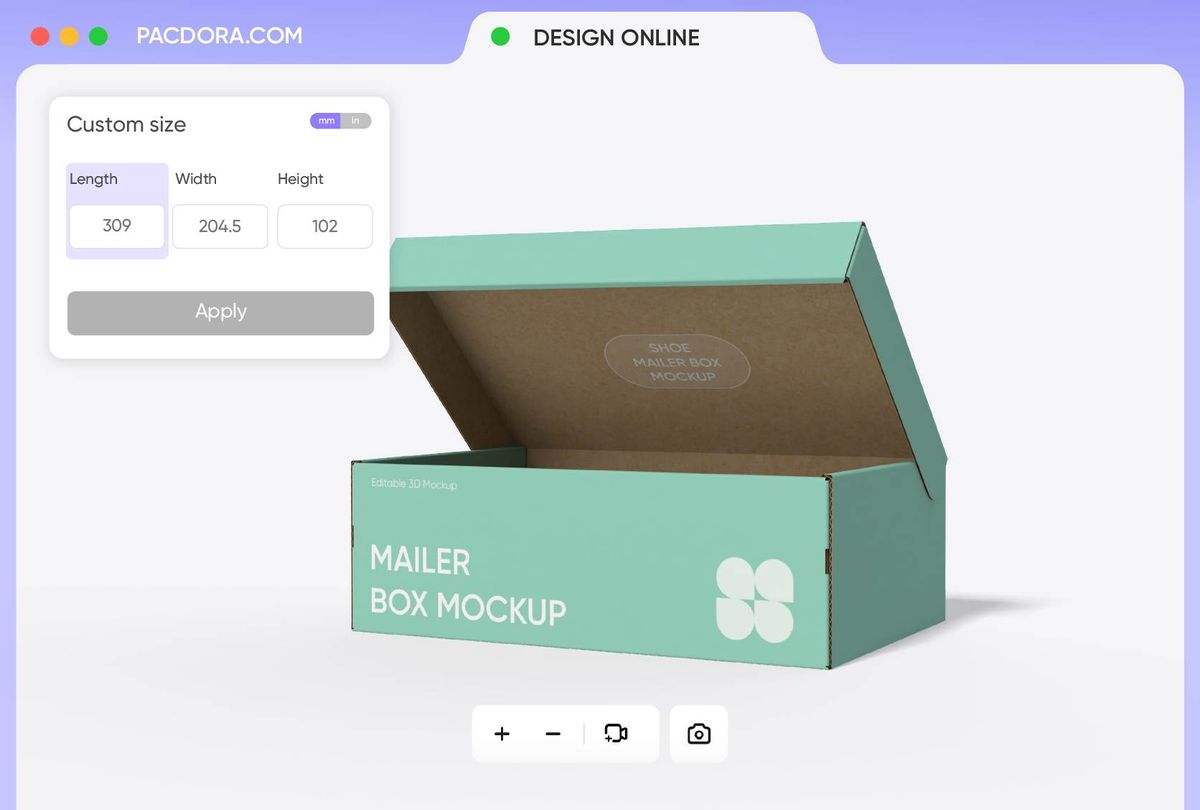
Adjust your box mockup to the perfect size
Pacdora’s online box mockup generator lets you freely adjust the dimensions of your box to match your needs.
Small, medium, or large boxes all create different impressions — a small cosmetic box (6 × 4 × 2 inches) feels delicate, a medium retail box (10 × 8 × 3 inches) looks substantial, and a larger shipping box (14 × 10 × 4 inches) feels sturdy.
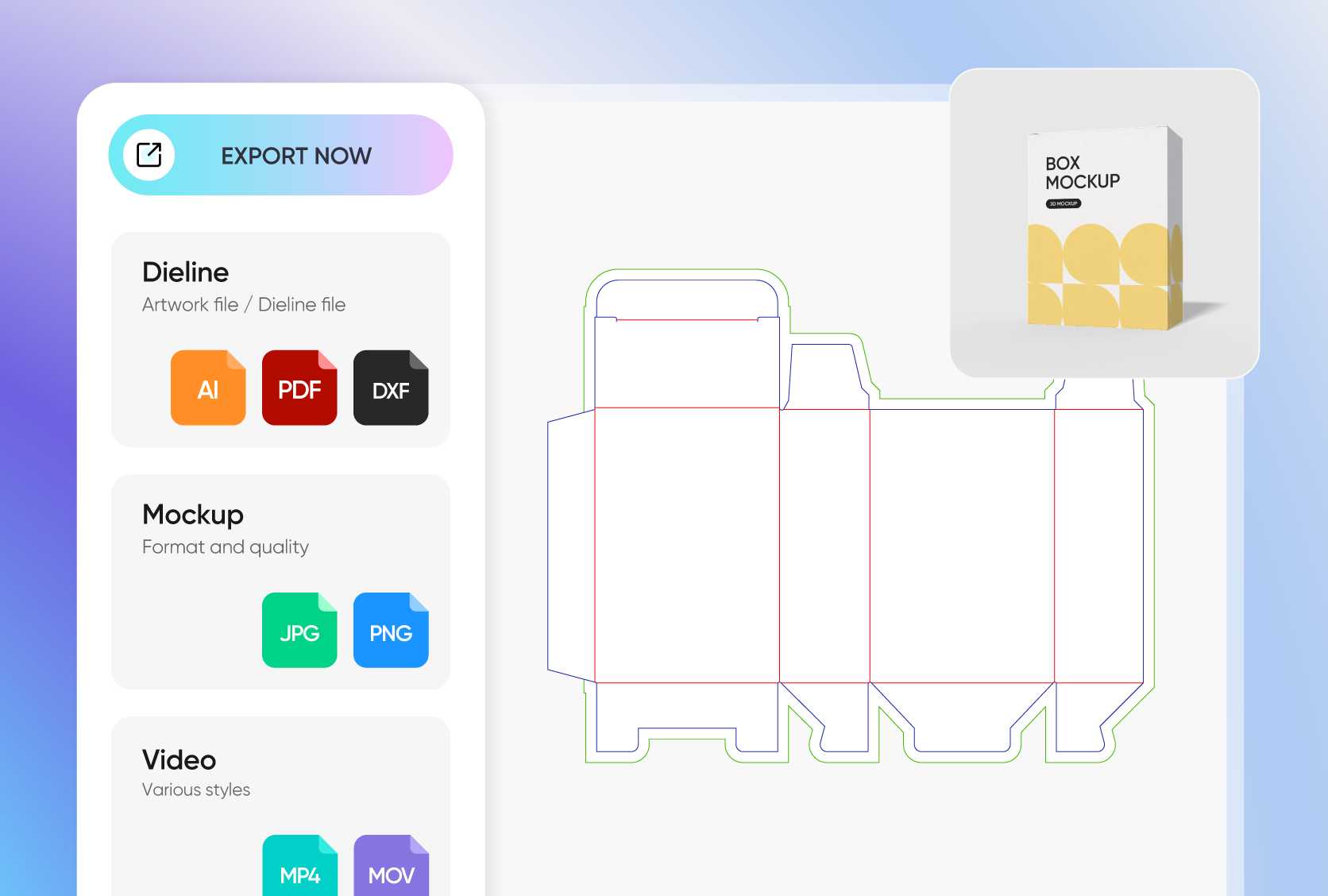
Export your box mockup in multiple formats
Once your design is ready, you can start by downloading printable dieline files, ready for production without extra conversion.
Pacdora also lets you export your mockup as high-resolution PNGs for transparent backgrounds, or MP4 videos to showcase your box in motion. Additionally, you can share a live link with clients or collaborators for quick feedback.
Dozens of box mockup styles to explore
Pacdora's online box mockup generator offers a rich variety of 3D box styles to match every product type, brand, and industry.
We've got retail boxes, mailer boxes, gift boxes, shipping cartons, and more — all crafted to look realistic and polished. Browse the full library and find the style that makes your product shine.
Upload your own artwork & branding easily
Pacdora's online box mockup generator lets you upload any image file and place it directly onto your chosen style — no design software needed.
Startups can quickly test packaging ideas by uploading a fresh logo before committing to print. Established brands can swap artwork across multiple box styles within minutes. Try our generator now!
Adjust your box mockup to the perfect size
Pacdora’s online box mockup generator lets you freely adjust the dimensions of your box to match your needs.
Small, medium, or large boxes all create different impressions — a small cosmetic box (6 × 4 × 2 inches) feels delicate, a medium retail box (10 × 8 × 3 inches) looks substantial, and a larger shipping box (14 × 10 × 4 inches) feels sturdy.
Export your box mockup in multiple formats
Once your design is ready, you can start by downloading printable dieline files, ready for production without extra conversion.
Pacdora also lets you export your mockup as high-resolution PNGs for transparent backgrounds, or MP4 videos to showcase your box in motion. Additionally, you can share a live link with clients or collaborators for quick feedback.
Our customers love Pacdora’s mockup tools
Thousands before you have designed realistic mockups with Pacdora and loved it.

Great mock-ups and literally thousands of packaging designs to choose from. The 3d mock-up is so good, helps bring clarity to the client as well as the designers. Great product for packaging design professionals.


cosmiccorner
Move over, complicated design software! Pacdora is the superhero of packaging mockups. Creating 3D magic for my products is as easy as pie – no PhD in design required. It’s like the software looked at the clock and said, ‘Time to save users from design nightmares!’ It’s so user-friendly, even my coffee mug wants to try its hand at packaging design.
FAQ
Why should I use an online box mockup generator?
Using an online box mockup generator saves you both time and money. There’s no need to hire costly designers or master complex software — you can create professional-looking results on your own.
Simply pick a box style, upload your artwork, and customize the design to your liking. In just minutes, you can see your ideas come to life, experiment with different sizes, colors, or patterns, and preview how your packaging will look in real-world settings.
How to choose the right box mockup material?
Choosing the right material for your box mockup helps convey the feel and quality of your packaging. White cardboard gives a clean, modern look, ideal for retail or gift boxes. Kraft paper adds a warm, natural feel, perfect for eco-friendly or artisan brands. For heavier or larger products, corrugated cardboard provides strength and structure.
Do I need to install software to use Pacdora's online box mockup generator?
Not at all. Pacdora's online box mockup generator runs entirely in your browser — no downloads, no installs, no plugins required.
Unlike a traditional software box mockup generator free download that comes with a steep setup process, Pacdora works on any device with an internet connection. Just open the site, pick your box style, and start designing right away. It's that straightforward.
How to choose the right box mockup?
Choosing the right box mockup depends on your product type, branding, and presentation needs. Consider the box shape and size that best fits your product — for example, a small cosmetic box, a medium retail box, or a large shipping box.
Think about the materials and textures you want to showcase, as well as the viewing angle and background that will highlight your design.
Can I use Pacdora's online box mockup generator for free?
Yes! Pacdora's online box mockup generator offers free features that let you design box mockups at no cost. If you want access to exclusive mockup styles, check the pricing page for full details.
Explore more mockup tools
Discover more about Pacdora


