

AI box packaging design
Describe your product, box style, and brand direction — Pacdora drafts box packaging artwork on a printable structure you can preview.
Trusted by leading companies


Box packaging design that starts on the structure, not beside it
A box is not a flat poster. Every panel, flap, fold line, glue area, and opening direction changes how the artwork reads once the dieline turns into a real package.
With Pacdora, you can generate box packaging design on structural templates, preview it in 3D, and export artwork for print review before you send anything to a printer.
Why choose Pacdora AI for your box packaging?
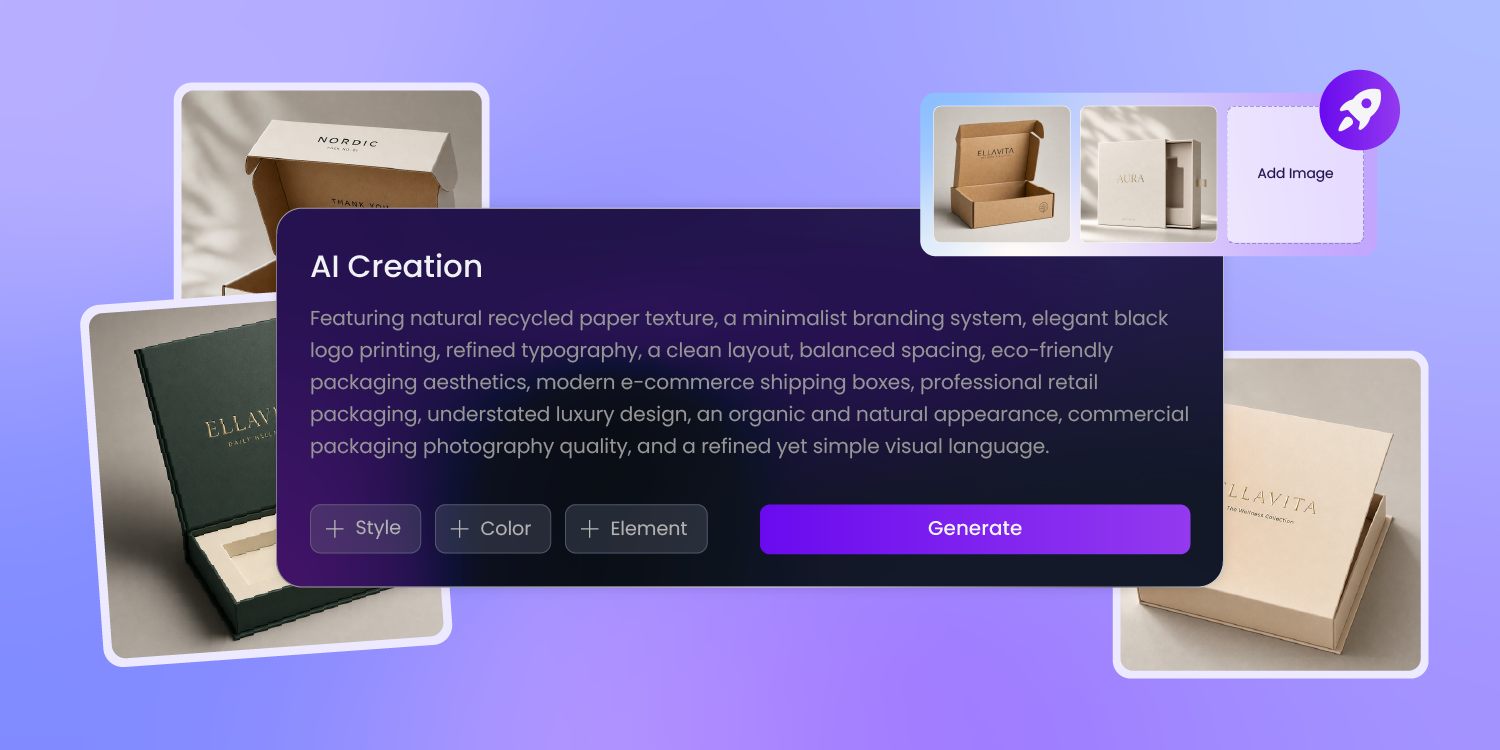
Your first direction should already know the box type
An empty dieline gives you panels, not a design direction.
Tell us the product, box style, audience, and brand mood, and we build first-round artwork around the hierarchy a mailer box, folding carton, or retail product box actually needs.
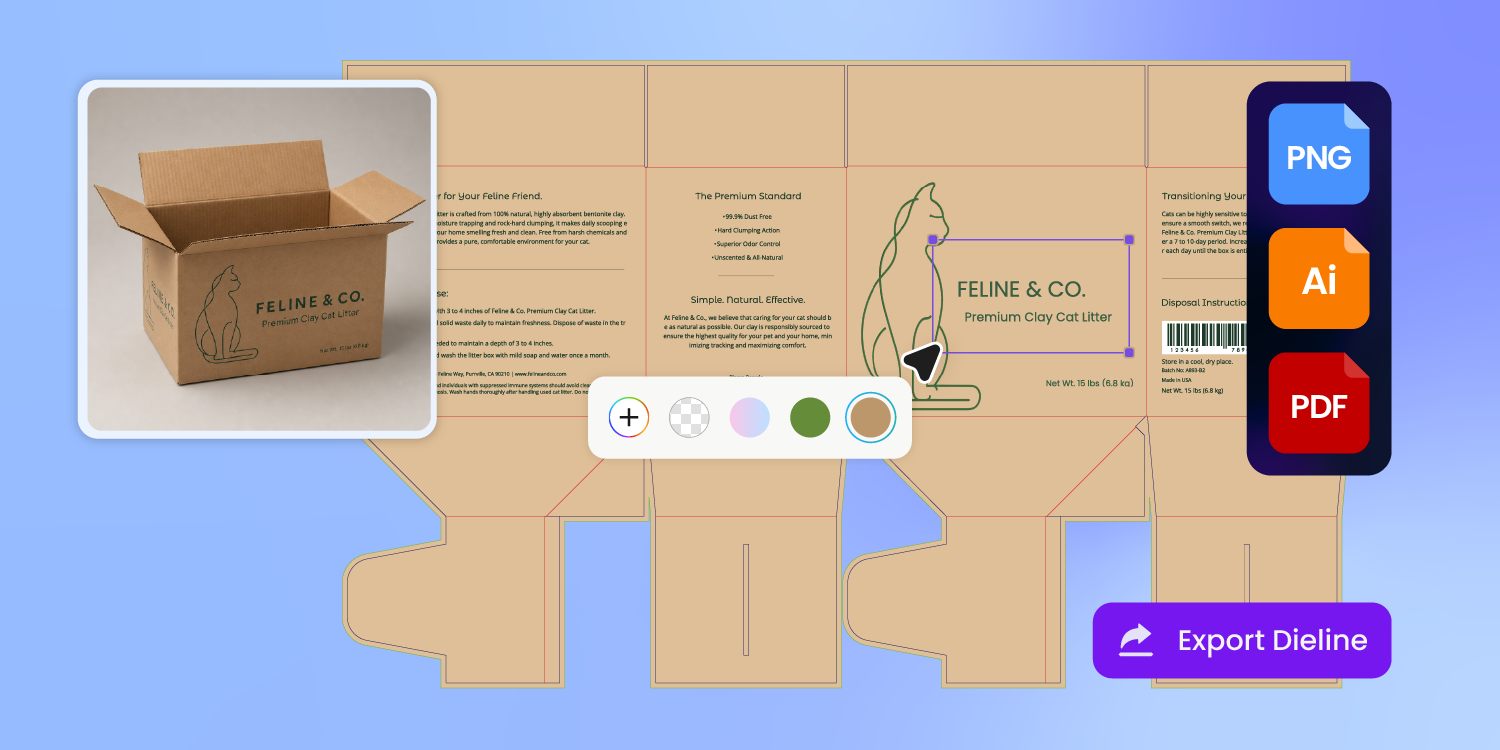
A fold line is not decoration
Logos, headlines, and color blocks all behave differently when they cross a fold, flap, or side panel.
Pacdora fits the artwork to the structure first, so every face of the box has a job before printer review.
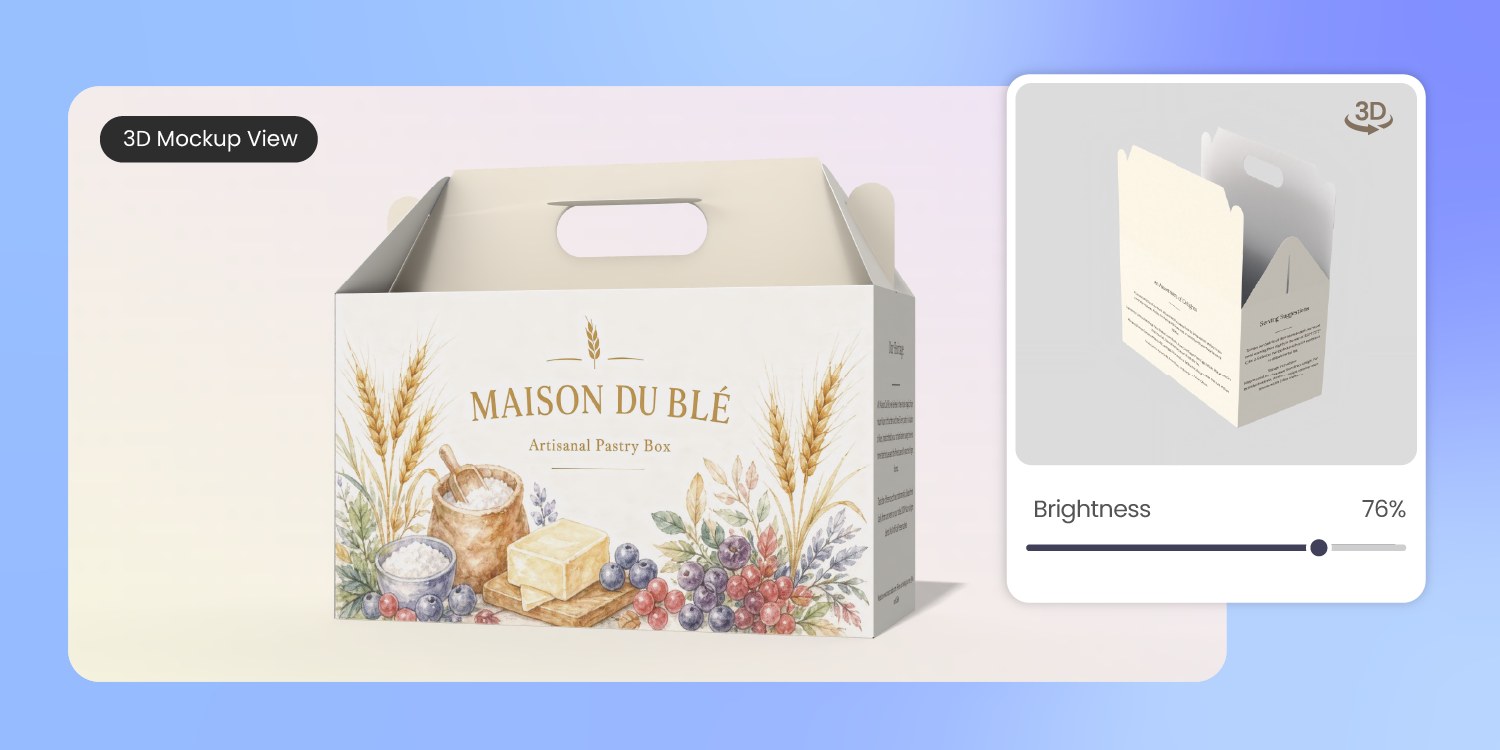
Flat dielines hide mistakes until the box stands up
The first proof should not be your first 3D check.
Our preview folds the box design on screen, making front-panel impact, side-panel continuity, opening direction, and shelf presence easier to judge before the physical sample.
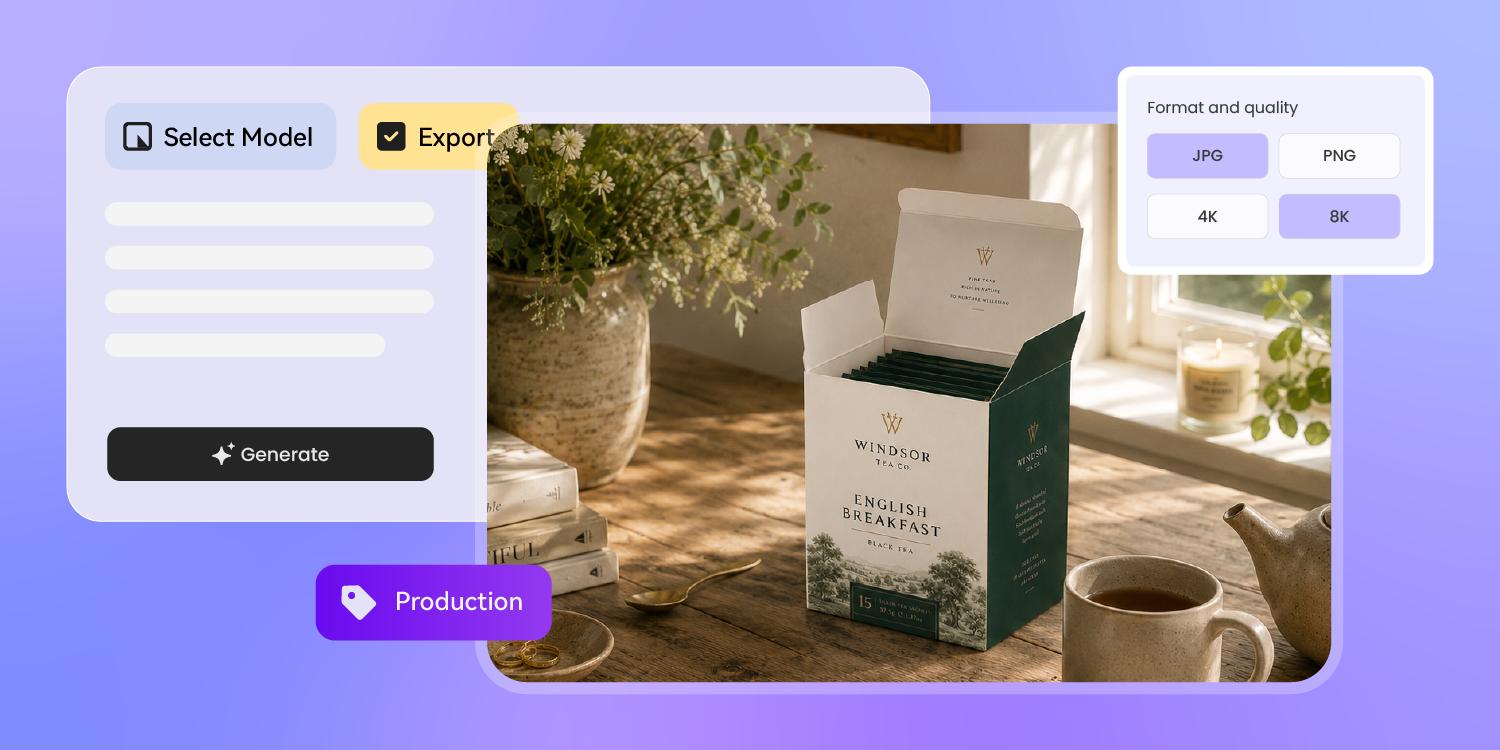
One approved box design should travel beyond print review
The same box artwork usually has to serve the printer, the ecommerce page, and the buyer deck.
We help export it for print review, then carry the design into 3D mockups, product images, and launch visuals.
How to design box packaging with AI?
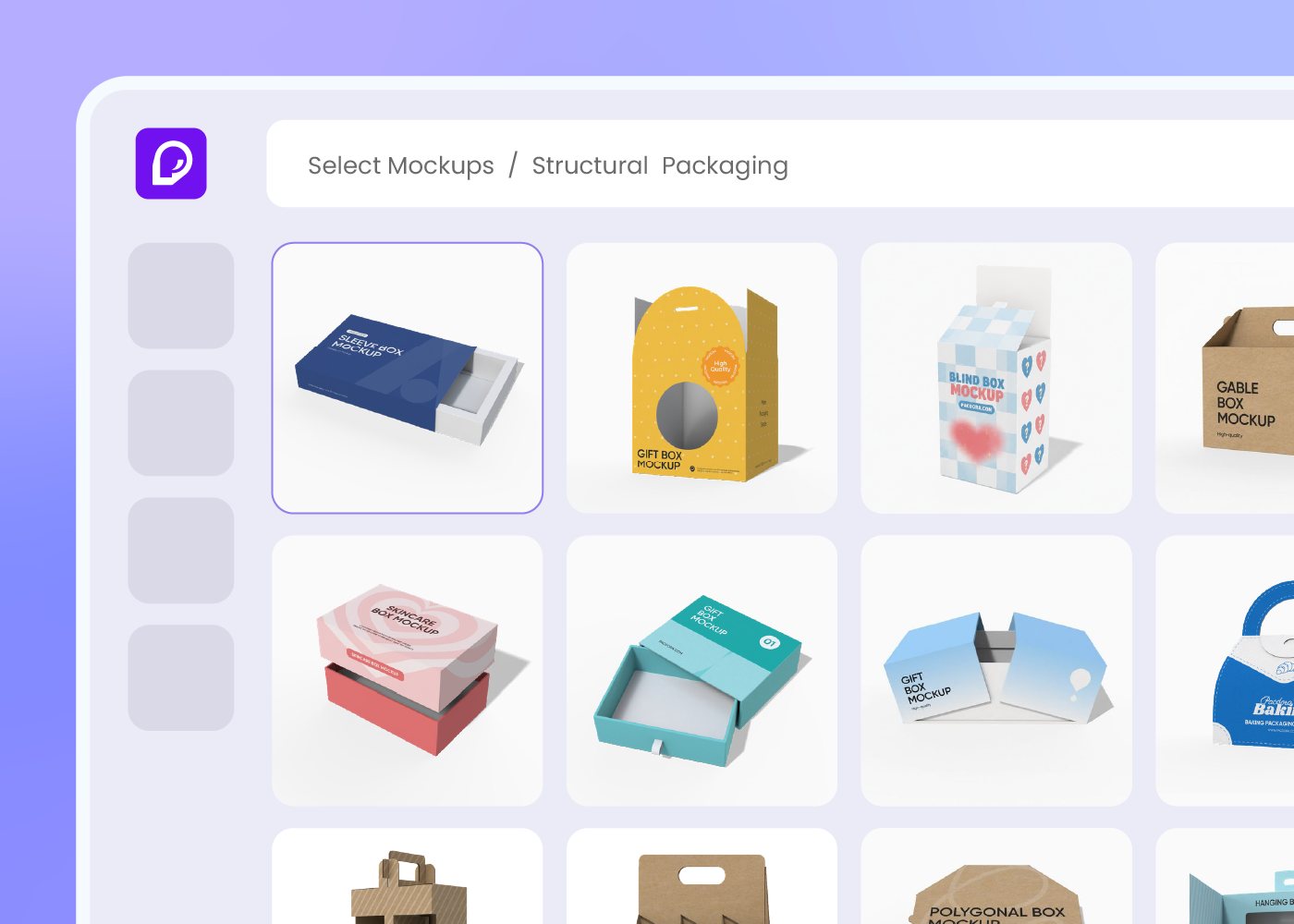
Step 1: Choose your box type
Pick a mailer box, folding carton, product box, tray, sleeve, or shipping box structure. Pacdora loads the matching box template.
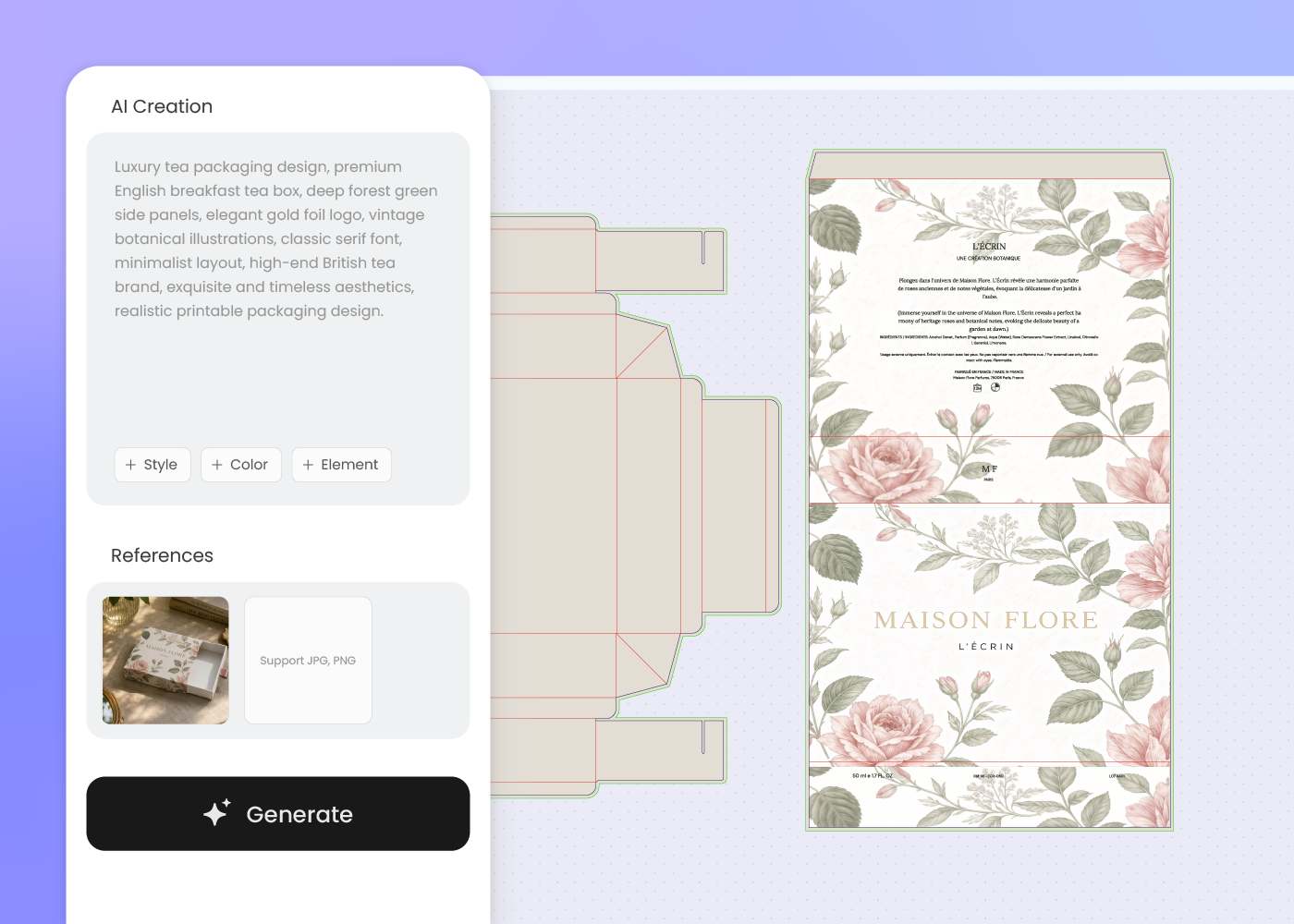
Step 2: Enter your design brief
Describe your product, audience, brand mood, box copy, and visual direction. Add a reference image if you want to follow an existing style.
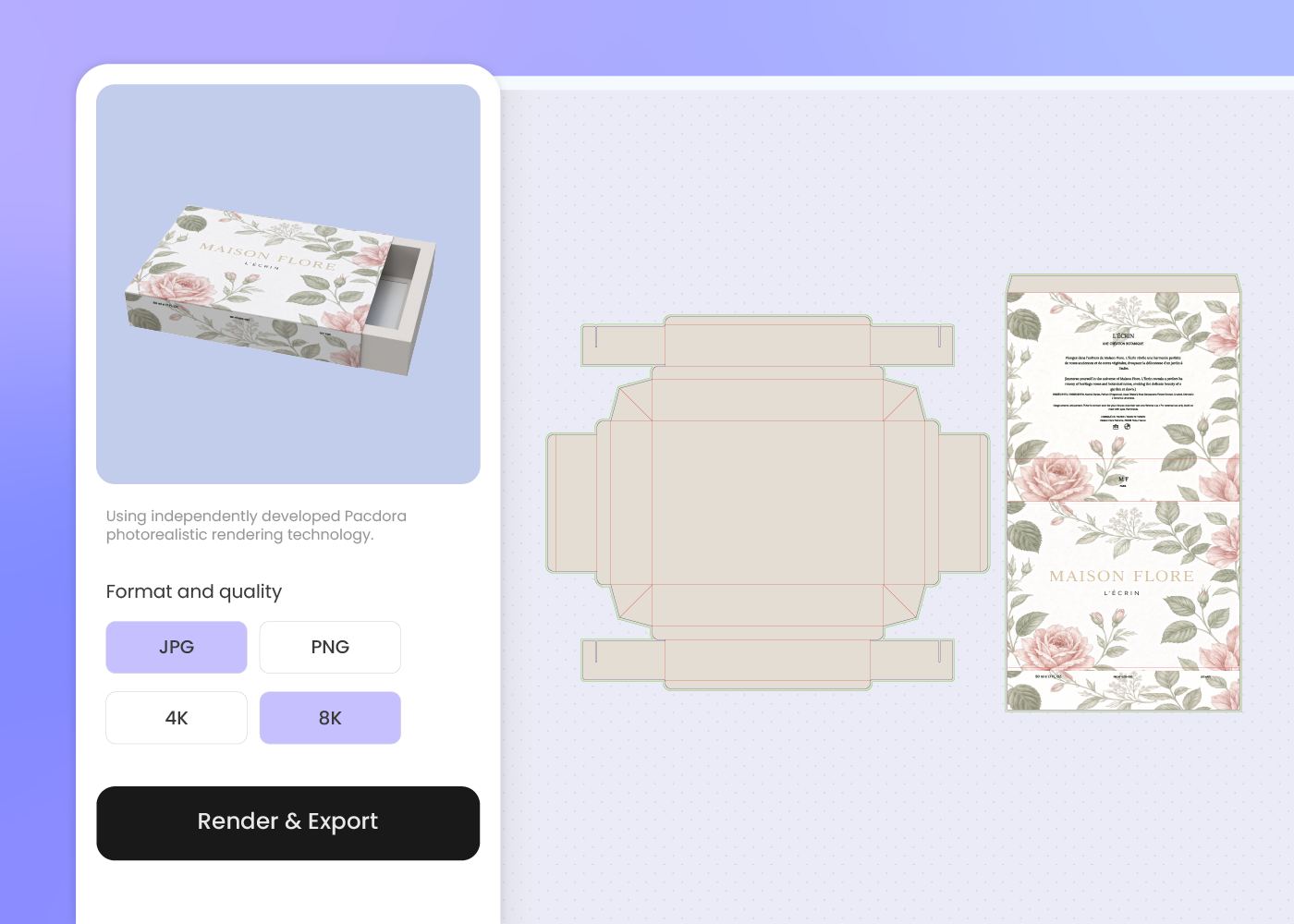
Step 3: Generate and export
Generate box packaging directions, refine the best one, then export artwork and 3D visuals for printer review, ecommerce, or internal approval.
Step 1: Choose your box type
Pick a mailer box, folding carton, product box, tray, sleeve, or shipping box structure. Pacdora loads the matching box template.
Step 2: Enter your design brief
Describe your product, audience, brand mood, box copy, and visual direction. Add a reference image if you want to follow an existing style.
Step 3: Generate and export
Generate box packaging directions, refine the best one, then export artwork and 3D visuals for printer review, ecommerce, or internal approval.
FAQ
Frequently asked questions
What types of boxes can I design with Pacdora?
Pacdora supports common structural box formats such as mailer boxes, folding cartons, product boxes, tray boxes, sleeve boxes, and shipping boxes. Choose the closest structure first, then refine the design so the panels, folds, and opening direction match your product.
Does Pacdora create a box dieline?
Pacdora works with box structures and dieline-based artwork so you can design on the package instead of a flat canvas. Your printer or manufacturer should still confirm final dimensions, paper stock, bleed, fold tolerances, and production requirements before mass printing.
Can I use a reference image for my box packaging design?
Yes. Upload a reference image or describe the design direction you want — clean retail, premium gift box, playful DTC mailer, or simple shipping carton. Pacdora uses that direction to generate a new box design rather than copying the reference exactly.
Can I preview the box before printing?
Yes. Pacdora creates 3D previews from the box design, so you can review front-panel hierarchy, side-panel continuity, opening direction, and product presentation before you order a proof or send the file to a printer.
How much does AI box packaging design cost?
You can start designing for free. Credits are consumed based on how many designs you generate and download. Check your account balance before generating, or upgrade for more credits anytime. For full details on subscription plans and credit packages, see our Pricing Page.
Can I use the box packaging design commercially?
Yes. As long as you comply with our Terms of Service, AI-generated box packaging can be used commercially for ecommerce listings, retail pitch decks, product launches, and production discussions with your printer or manufacturer.
Explore more free tools
Discover more about Pacdora
4M+
designers trust Pacdora
Box packaging, perfected by AI.
