

Black box mockup

Drop in your design image, adjust the layout and other details, then download your black box mockup as HD images for free.
Black box mockup
Drop in your design image, adjust the layout and other details, then download your black box mockup as HD images for free.
Trusted by leading companies


Design realistic black box mockups fast and easy with Pacdora!
Here at Pacdora, we offer the best free, ready-to-use black box mockups in a variety of styles, including tuck-end mailer boxes, magnetic closure, luxury gift boxes, and plenty more. And the best part? You can easily customize all the mockups with your brand logo and images, and adjust the sizes and other elements. But that’s not all, you can easily change any box you like to black color and preview in realistic 3D. Download printable dieline files or HD visuals based on your project needs. Bring your design to life today!


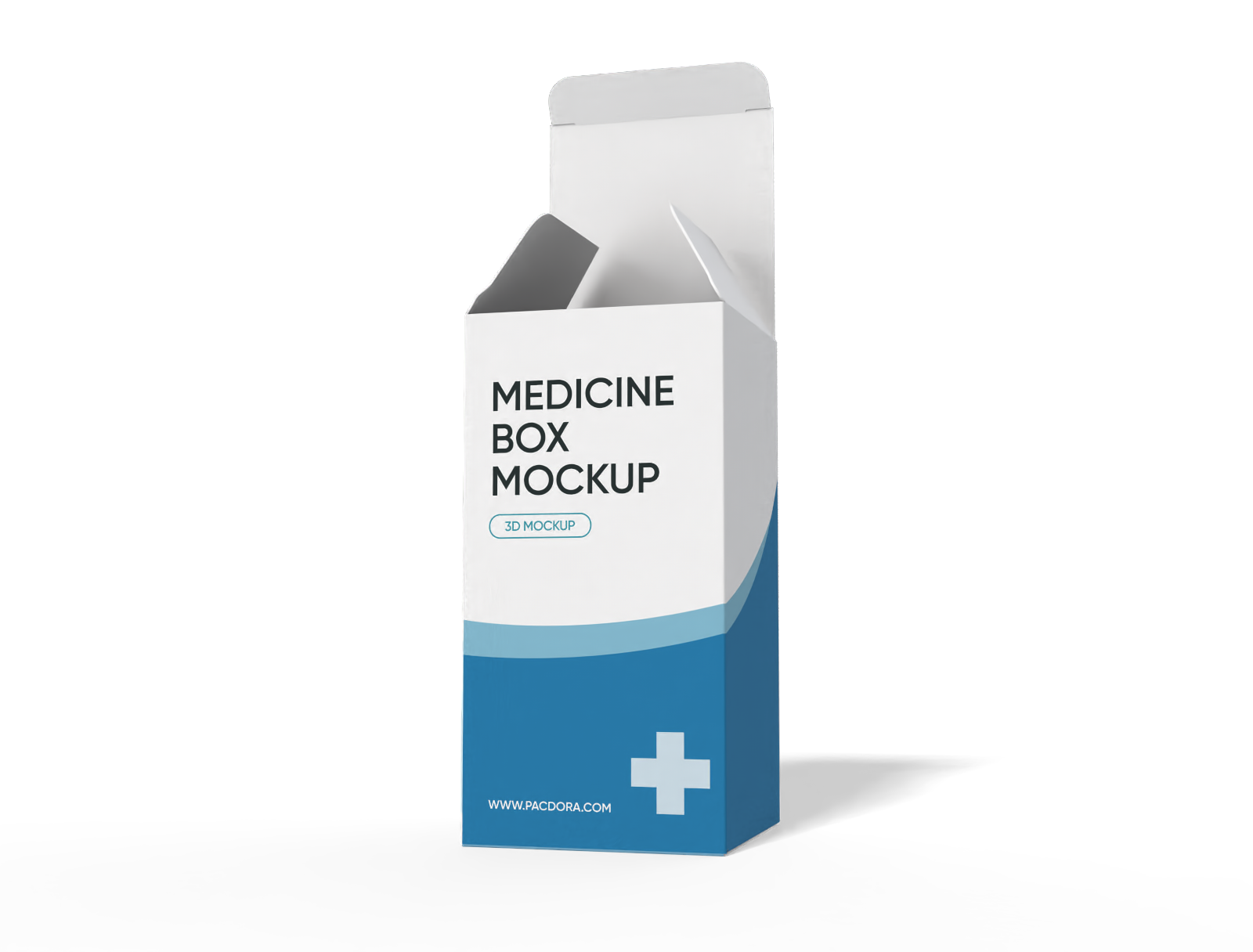
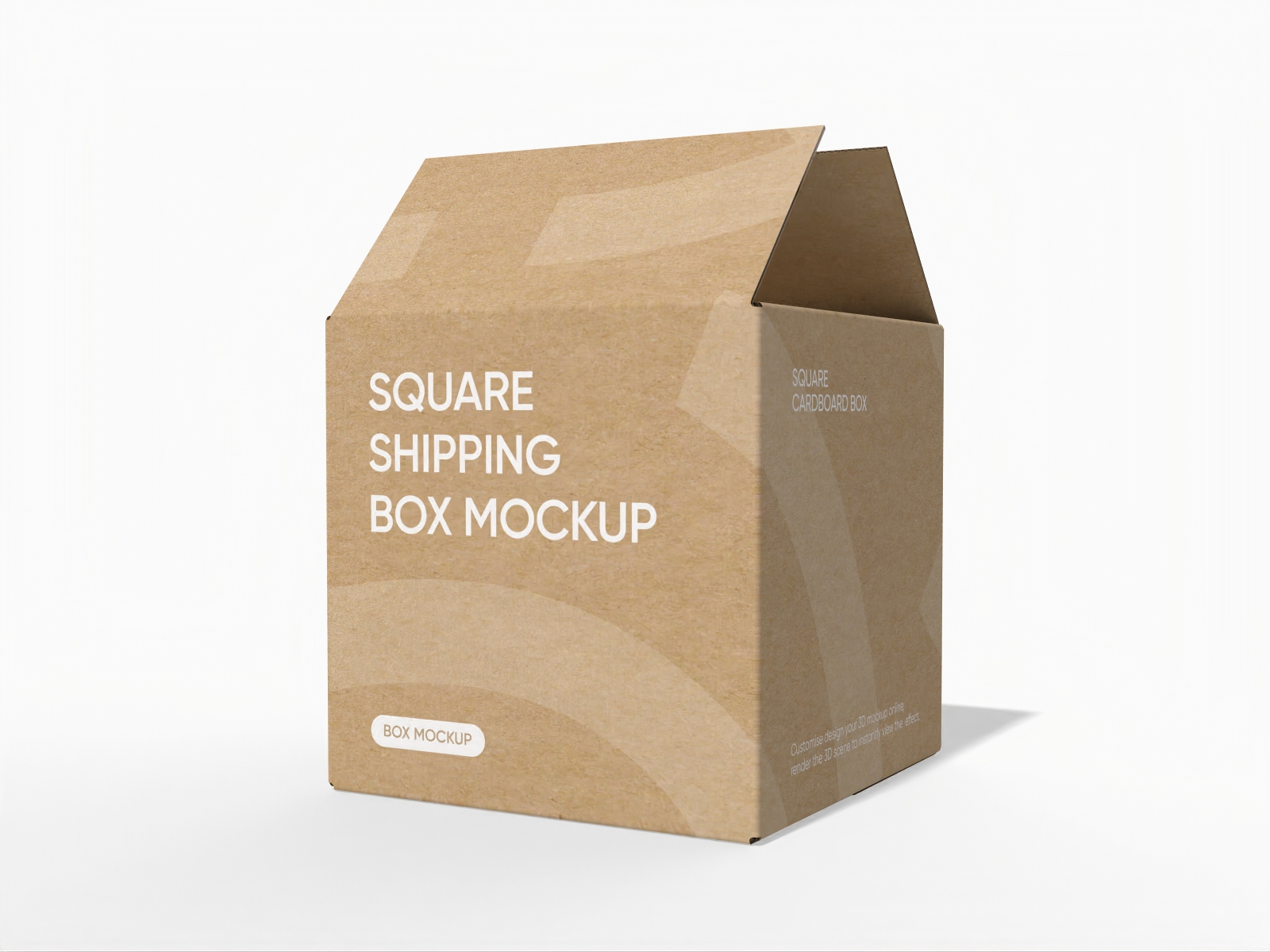

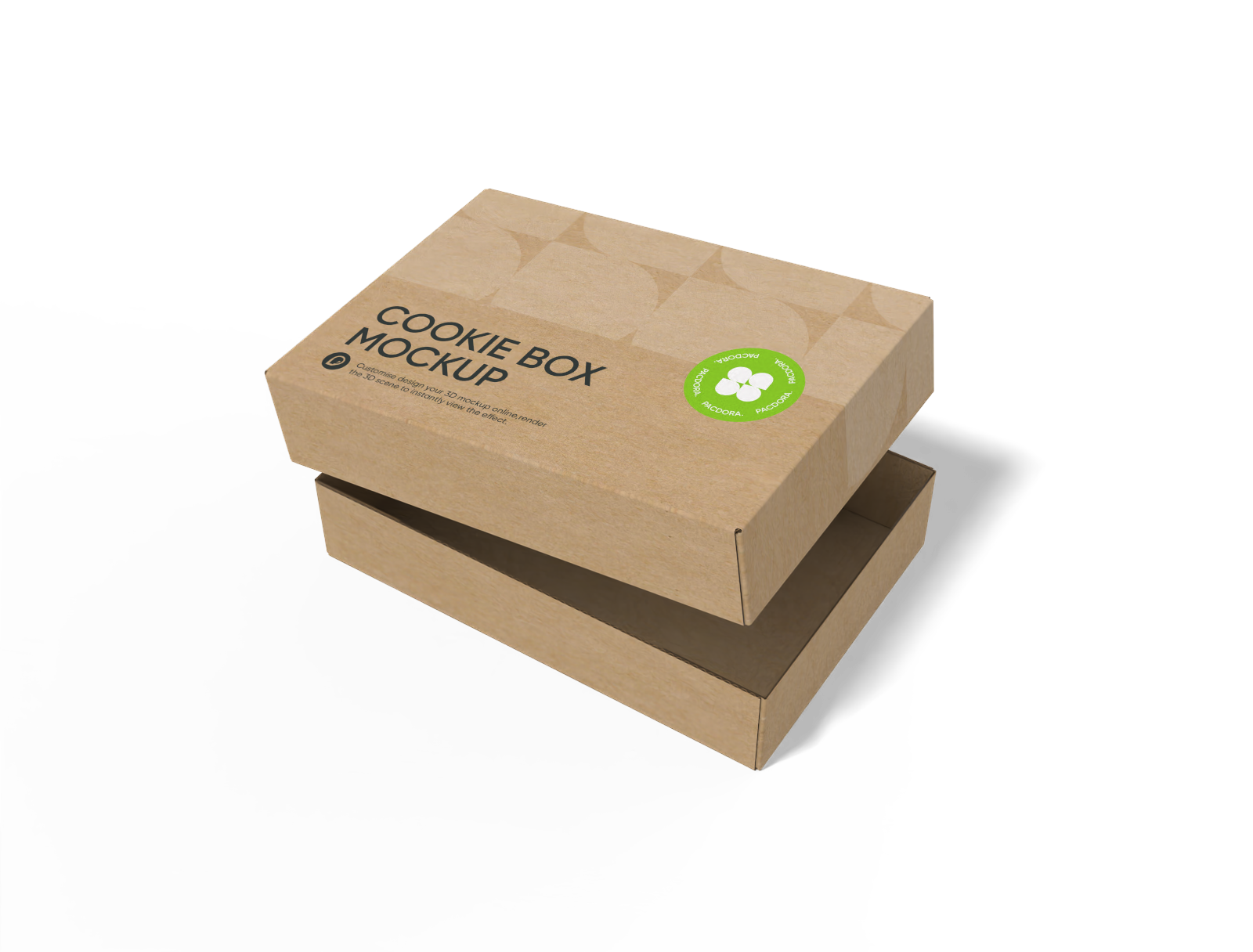
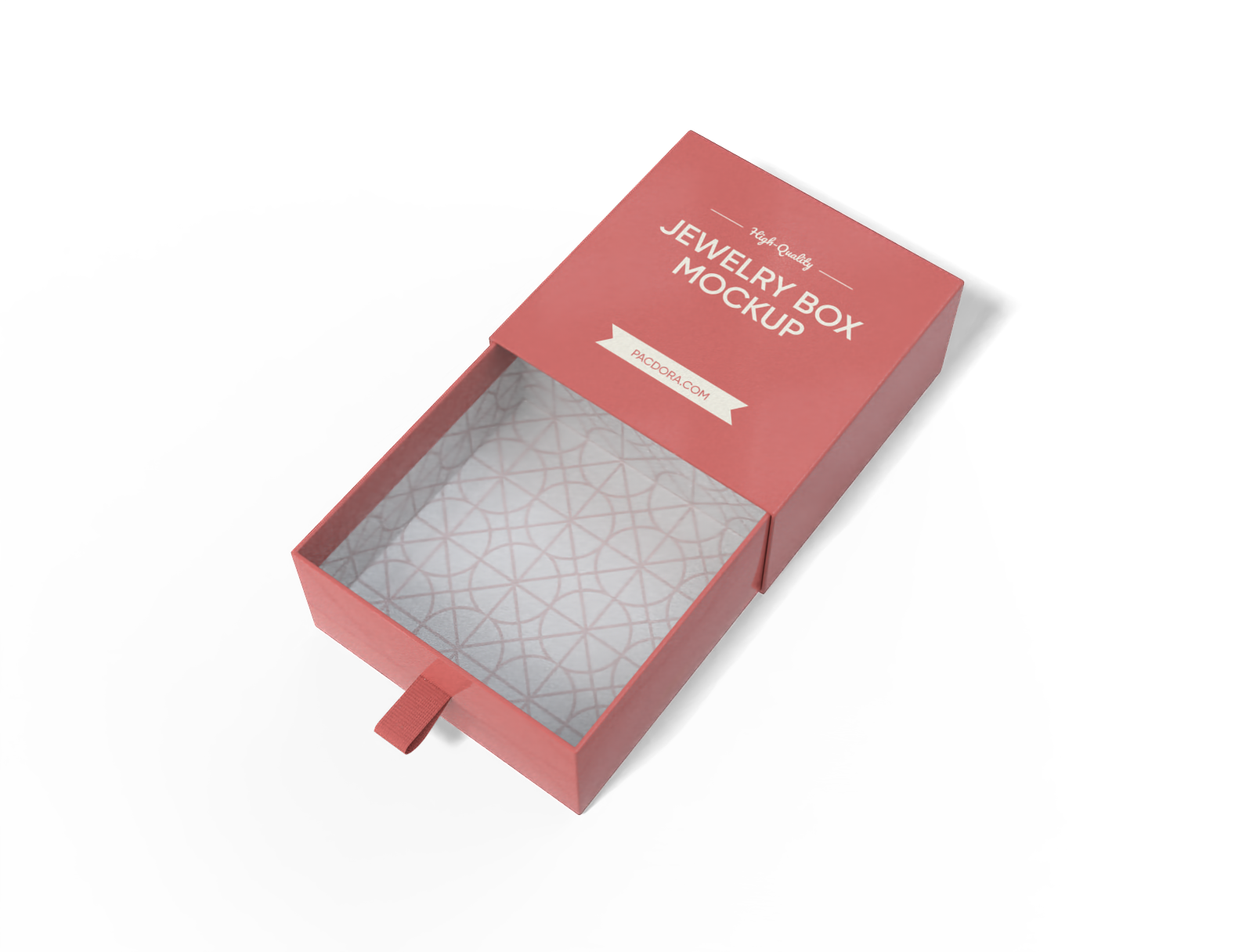

How to create a black box mockup online?

Step 1: Choose a box mockup
Choose the box style you like from our mockup collection. Browse by category or just search to find your ideal match.

Step 2: Upload design and customize
Upload your logo or artwork and customize with ease, adjust the size, add your fun patterns, messaging, or any custom elements you want.

Step 3: Download your black box design
Download printable files for production, or MP4 videos and HD PNG/JPGs to display your premium black box design online in stunning detail.
Step 1: Choose a box mockup
Choose the box style you like from our mockup collection. Browse by category or just search to find your ideal match.
Step 2: Upload design and customize
Upload your logo or artwork and customize with ease, adjust the size, add your fun patterns, messaging, or any custom elements you want.
Step 3: Download your black box design
Download printable files for production, or MP4 videos and HD PNG/JPGs to display your premium black box design online in stunning detail.


Key features of a premium black box design

Luxury box styles for maximum product impact
The type of black box makes all the difference in how customers perceive your product. A black magnetic box, for instance, adds a touch of luxury and sophistication.
If you want to highlight elegance and prestige, a compact black jewelry gift box makes your product feel extra special. Explore our box mockup library to find out more styles!

Custom style that elevates your box look
Black is the color of elegance, and pairing it with a simple, minimalistic logo makes your box design feel chic and luxurious.
Use contrasting colors for typography, like white or metallics, along with script fonts, to make your text pop. Add subtle patterns or graphics for a little extra flair while keeping your design classy.

Box size that’s tailored to your product
The size of your black box mockup matters, it should match the real product. You can opt for a 4.7 × 2.4 × 6.3-inch mailer box for small accessories, or a larger box for bulkier items.
For snug fit packaging, Pacdora lets you work with the exact dimensions, length, width, and height, so your product looks more presentable.

HD visuals that flawlessly present your design
With Pacdora, you can download industry-standard printable dieline files to turn your amazing mockup into a professional black box. Try our printing service now.
If you need something for client pitches or online promotion, export high-res PNG/JPG images or dynamic MP4 videos to give your audience a lifelike preview of what your box will look like.

Luxury box styles for maximum product impact
The type of black box makes all the difference in how customers perceive your product. A black magnetic box, for instance, adds a touch of luxury and sophistication.
If you want to highlight elegance and prestige, a compact black jewelry gift box makes your product feel extra special. Explore our box mockup library to find out more styles!
Custom style that elevates your box look
Black is the color of elegance, and pairing it with a simple, minimalistic logo makes your box design feel chic and luxurious.
Use contrasting colors for typography, like white or metallics, along with script fonts, to make your text pop. Add subtle patterns or graphics for a little extra flair while keeping your design classy.


Box size that’s tailored to your product
The size of your black box mockup matters, it should match the real product. You can opt for a 4.7 × 2.4 × 6.3-inch mailer box for small accessories, or a larger box for bulkier items.
For snug fit packaging, Pacdora lets you work with the exact dimensions, length, width, and height, so your product looks more presentable.
HD visuals that flawlessly present your design
With Pacdora, you can download industry-standard printable dieline files to turn your amazing mockup into a professional black box. Try our printing service now.
If you need something for client pitches or online promotion, export high-res PNG/JPG images or dynamic MP4 videos to give your audience a lifelike preview of what your box will look like.

Our customers love Pacdora’s mockup tools
Thousands before you have designed realistic mockups with Pacdora and loved it.

Great mock-ups and literally thousands of packaging designs to choose from. The 3d mock-up is so good, helps bring clarity to the client as well as the designers. Great product for packaging design professionals.


cosmiccorner
Move over, complicated design software! Pacdora is the superhero of packaging mockups. Creating 3D magic for my products is as easy as pie – no PhD in design required. It’s like the software looked at the clock and said, ‘Time to save users from design nightmares!’ It’s so user-friendly, even my coffee mug wants to try its hand at packaging design.
FAQ
What is a black box mockup?
A black box mockup is a digital preview of your box design that shows exactly how it will look in real life when produced. You can use the mockup to create a design that vividly displays your brand logo, messaging, images, graphics, and other elements. It’s important to choose a black box mockup that perfectly aligns with your product and brand’s style so your overall design comes out clean and clear.
How can I customize a black box mockup on Pacdora?
Simply pick your box style from our huge library of mockups. We’ve got lots of options to explore. Use our online editor to add your branding details or graphics and images on the front or side panels, however you like. Preview your black box design in 3D and make any changes, and when you’re satisfied, download and share it as an HD PNG/JPG image, video, or printable file. It’s that simple and quick!
Do I need design skills to use a black box mockup?
Not at all! You can create elegant-looking black box mockups on Pacdora even if you're just a beginner in the design industry. All our black box mockups are ready-made, and the platform is super intuitive with all the features you need to create your design online. There is no complicated software or Photoshop to learn, everything is straightforward so you can have your box ready for printing in just a few minutes.
Can I use black box mockups to showcase my products online?
Definitely! A well-designed black box mockup can be used to professionally display products on websites, e-commerce sites, social media platforms, and more. Just ensure your box design features key branding details like your logo, message, and tagline, so that your online audience can clearly see and connect with your brand’s unique style and personality.
Can I create a black box mockup for free using Pacdora?
Absolutely! You can create an amazing black box mockup using our basic features. We also have premium options. Check out our pricing to see all the extra features you can enjoy.
Explore more mockup tools
Discover more about Pacdora


