

Canva box mockup

Add your artwork, logo, or text to each panel, make custom adjustments in real time, and download your Canva box design as HD PNGs for free.
Canva box mockup
Add your artwork, logo, or text to each panel, make custom adjustments in real time, and download your Canva box design as HD PNGs for free.
Trusted by leading companies


Showcase your Canva box design in stunning realism, ready in minutes with Pacdora!
Whether you have minimal knowledge about packaging design or skills, Pacdora makes it super easy and satisfying to create a professional box design for your company. Simply add your logo or graphic to any of our 3D Canva box mockups, mailers, gables, shipping boxes, and more. Play around with the colors, adjust the size, and other elements, then download print-ready files or HD images, as needed. Ready to get started? Make your dream box today!


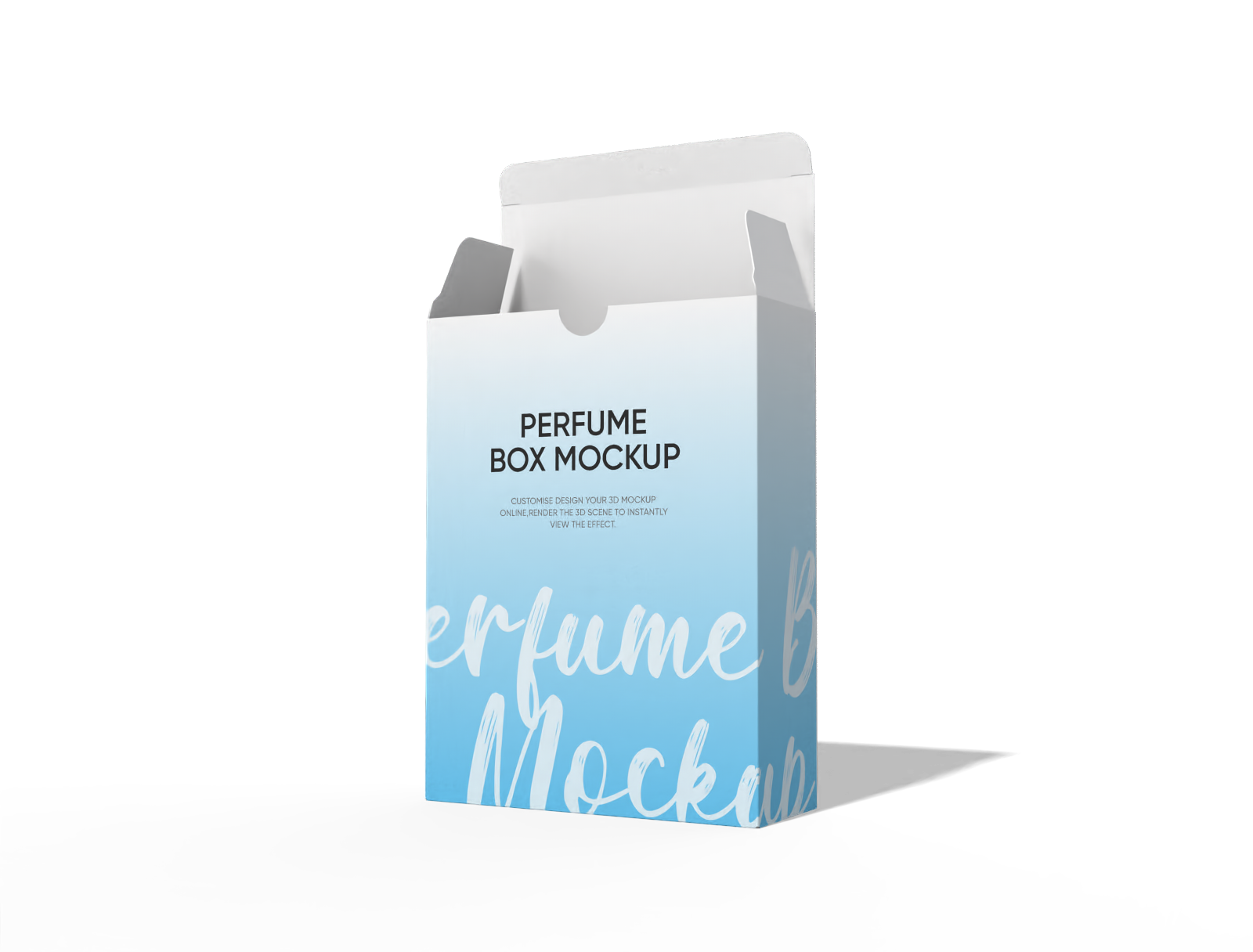
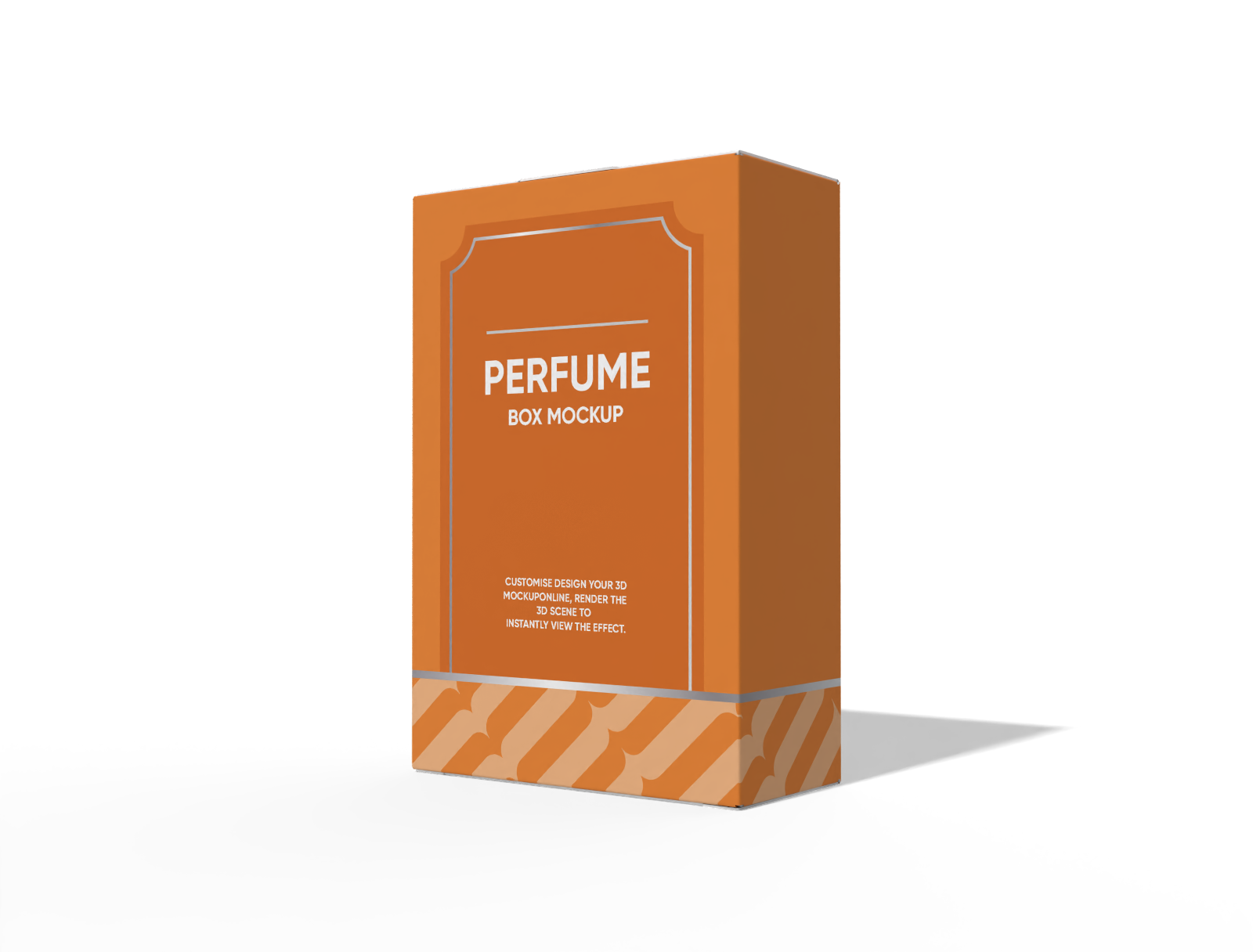
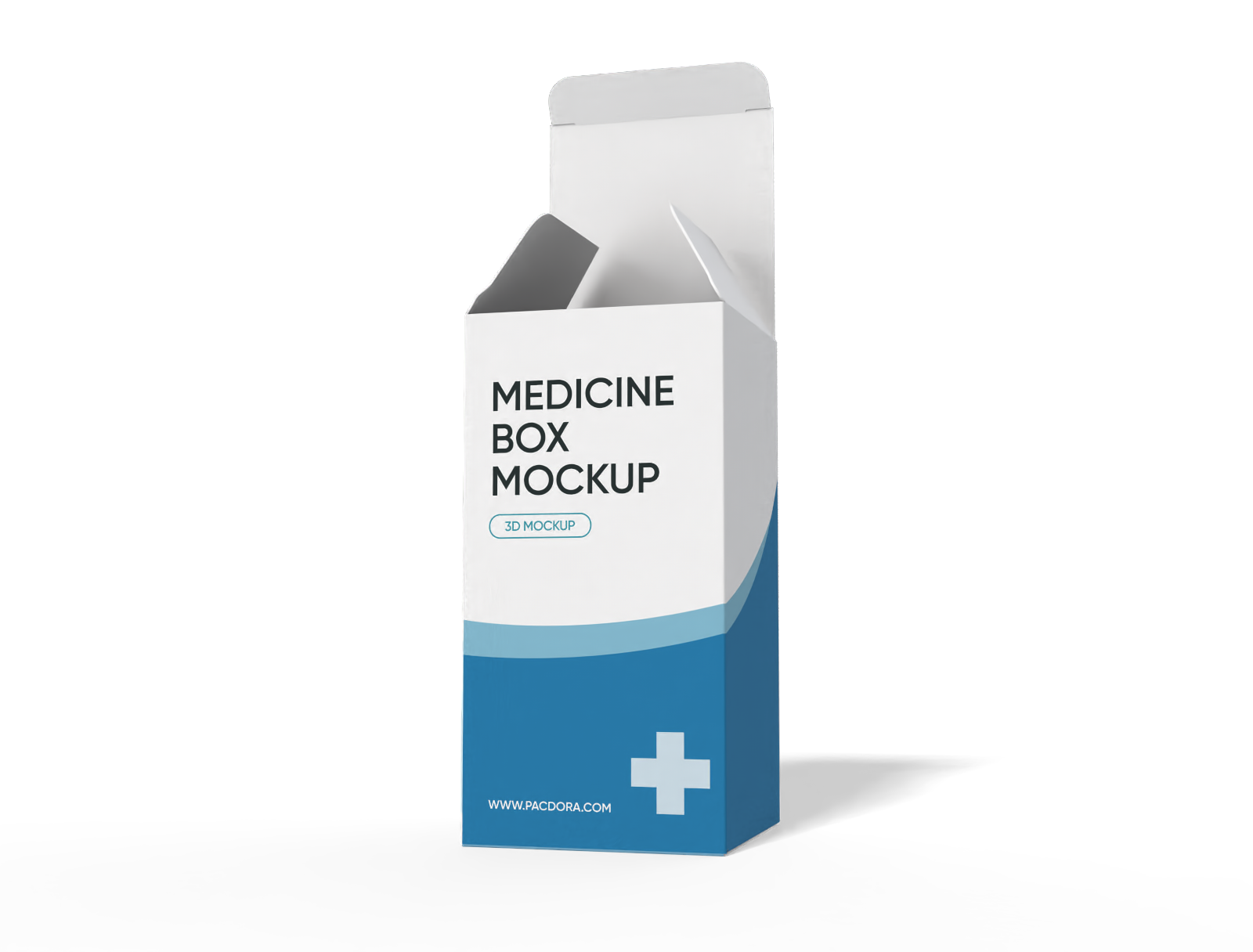
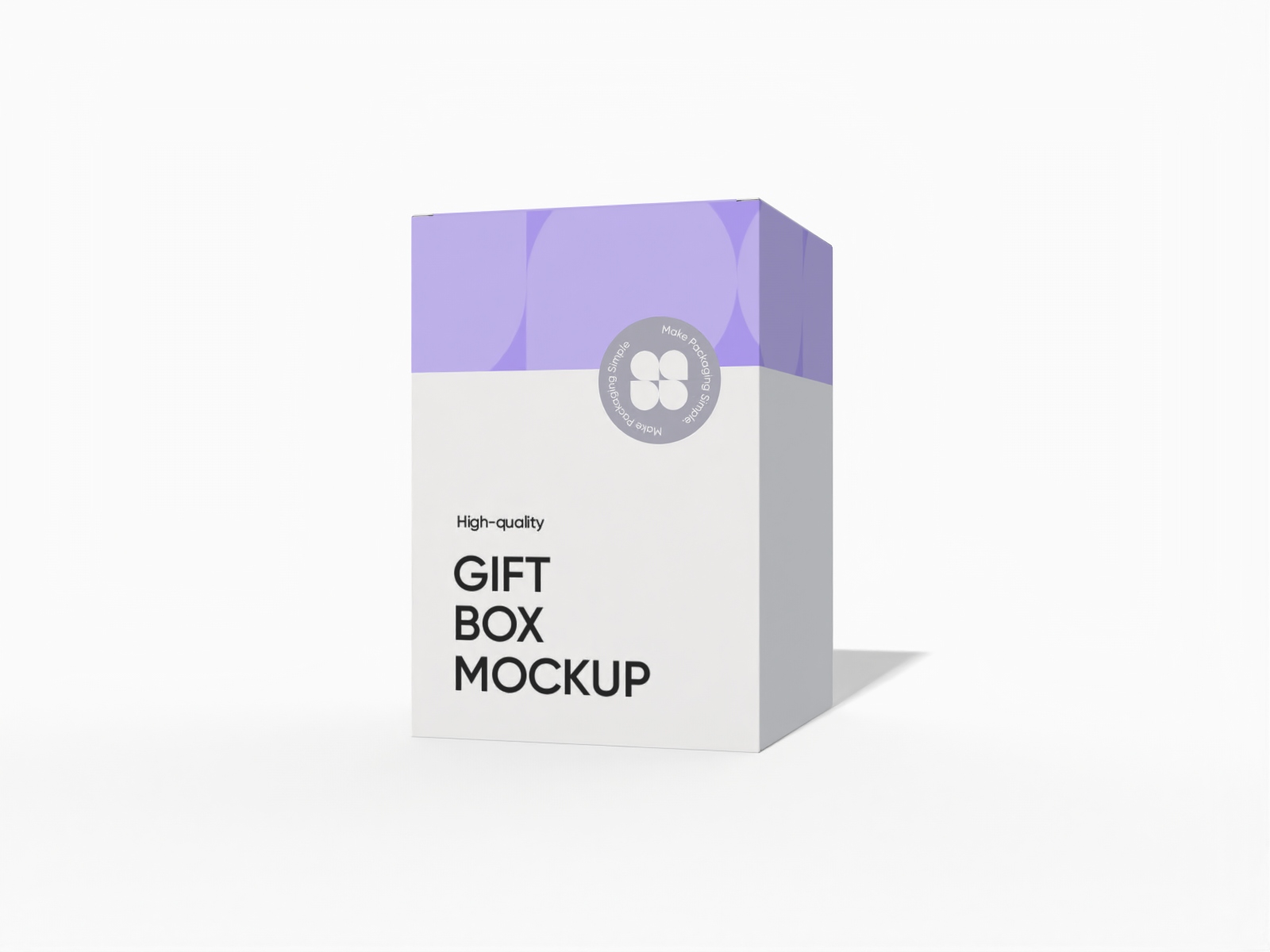
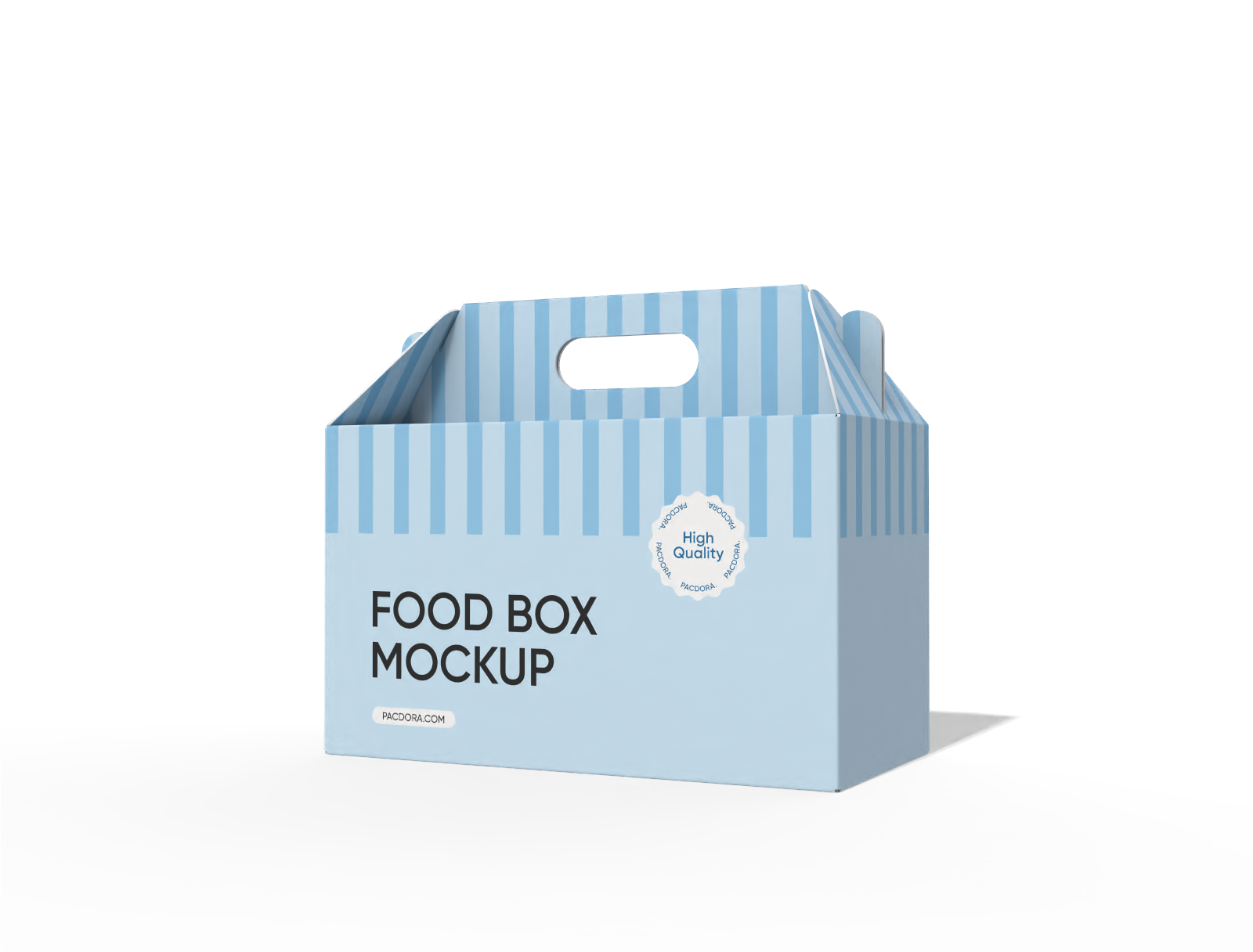
How to design a Canva box mockup online?
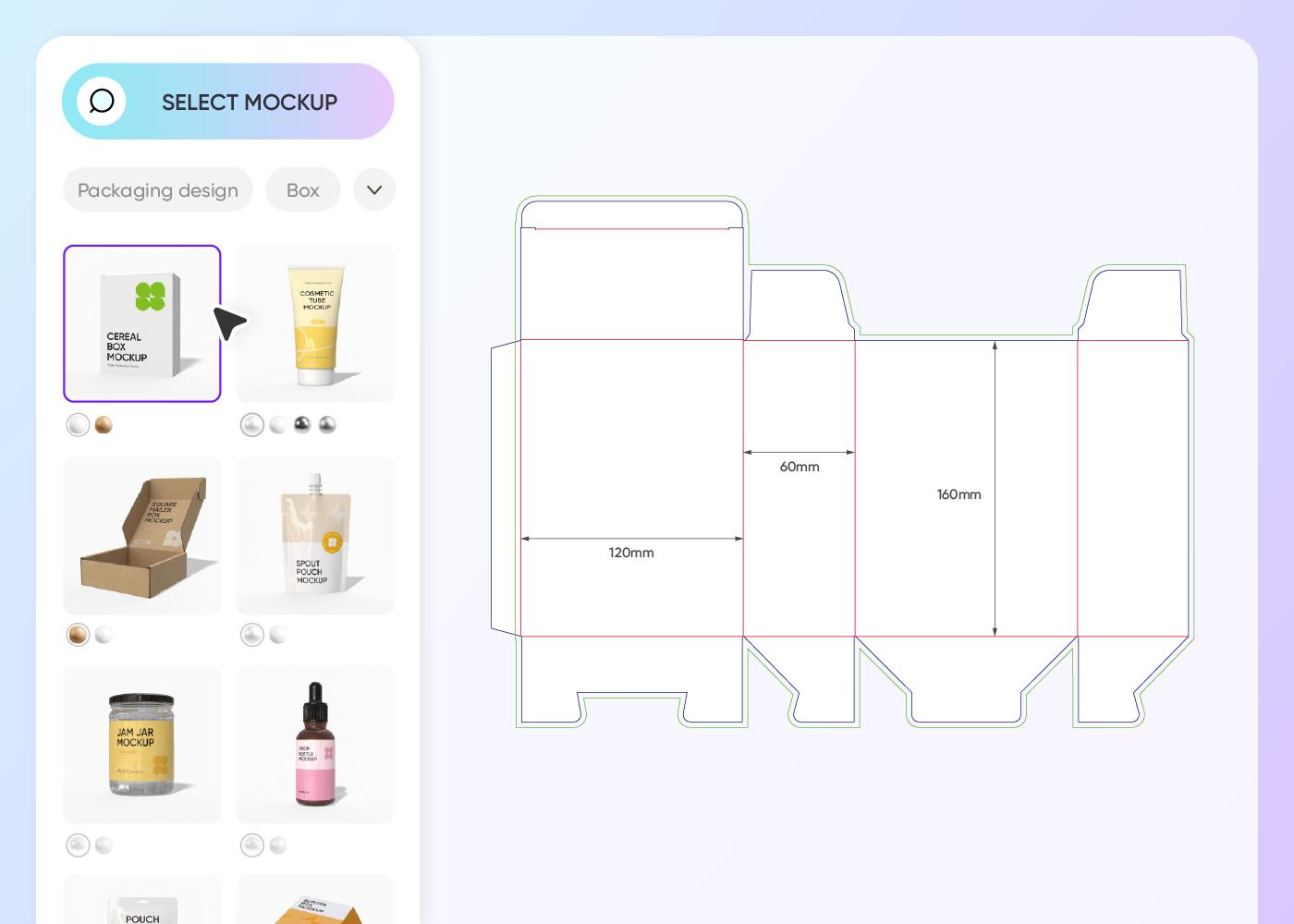
Step 1: Choose a box mockup
Click on the box category in the left-hand side menu to choose your favorite box mockup from our extensive library.
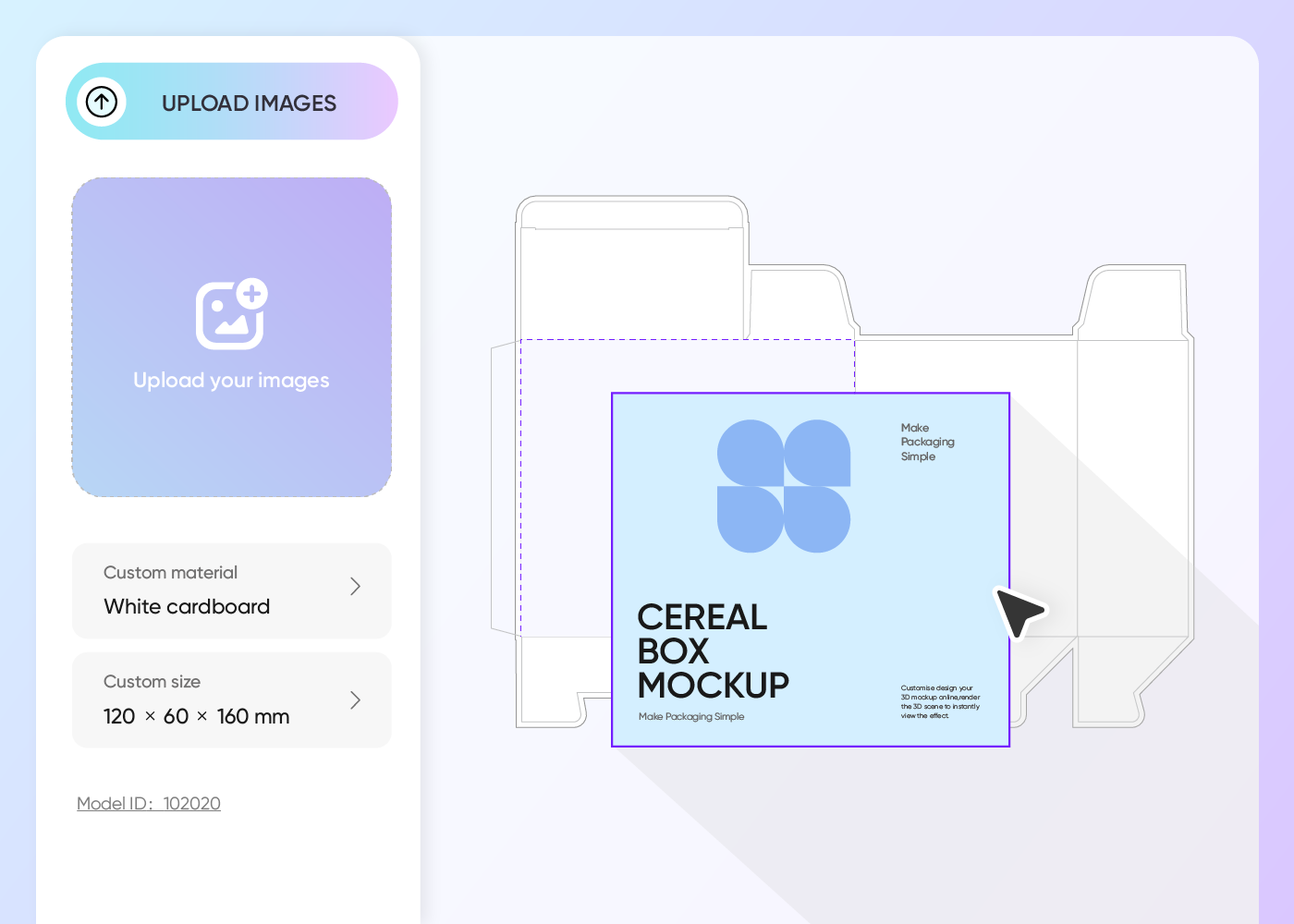
Step 2: Upload images and customize
Upload your artwork, customize the box size, color, and material, and add your text by choosing your preferred font.
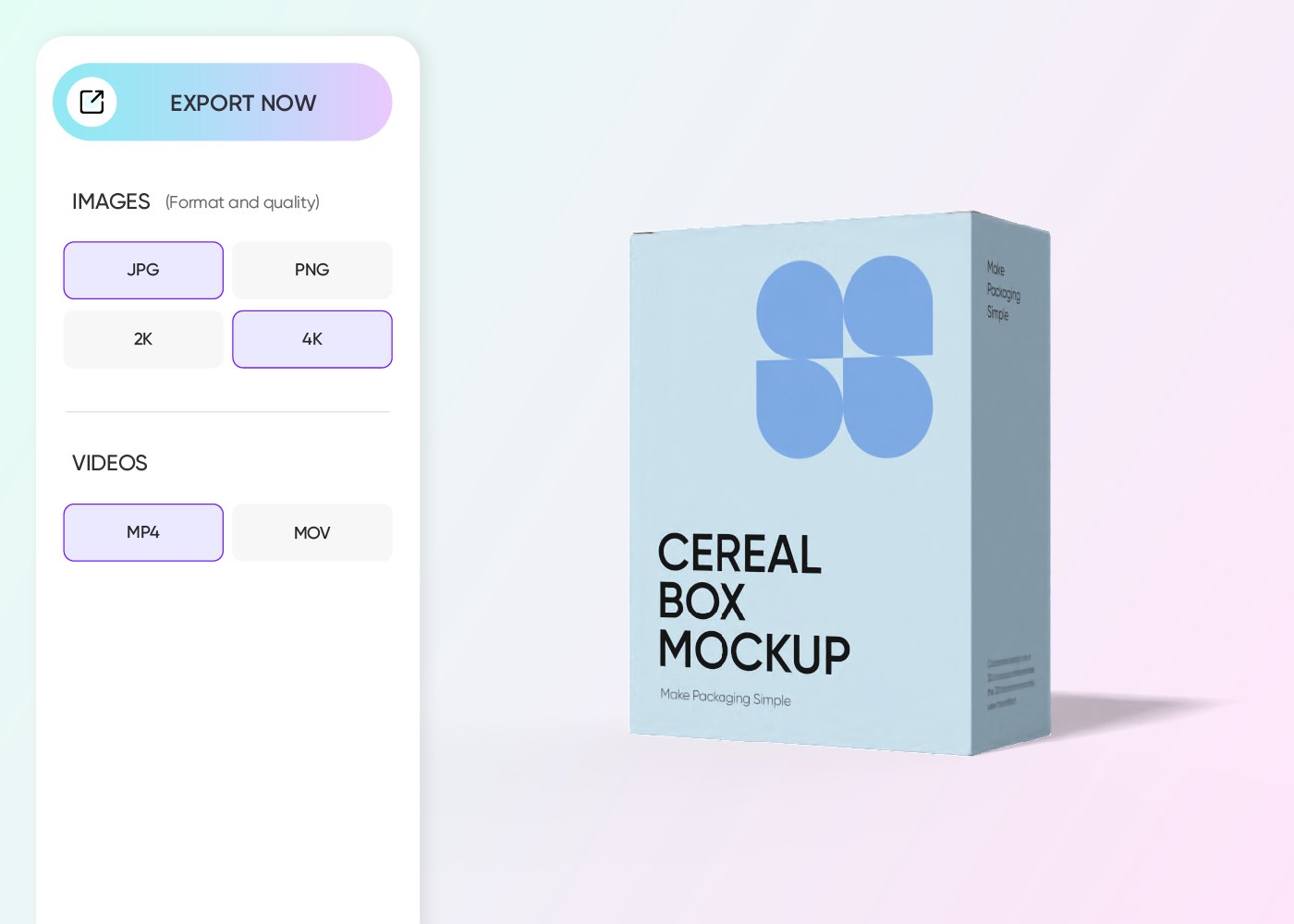
Step 3: Export your box design
Click download to get printable dielines for box production, high-res 4K/8K PNG/JPGs for online use, or MP4 videos for an interactive client preview.
Step 1: Choose a box mockup
Click on the box category in the left-hand side menu to choose your favorite box mockup from our extensive library.
Step 2: Upload images and customize
Upload your artwork, customize the box size, color, and material, and add your text by choosing your preferred font.
Step 3: Export your box design
Click download to get printable dielines for box production, high-res 4K/8K PNG/JPGs for online use, or MP4 videos for an interactive client preview.
How to easily create a Canva box mockup
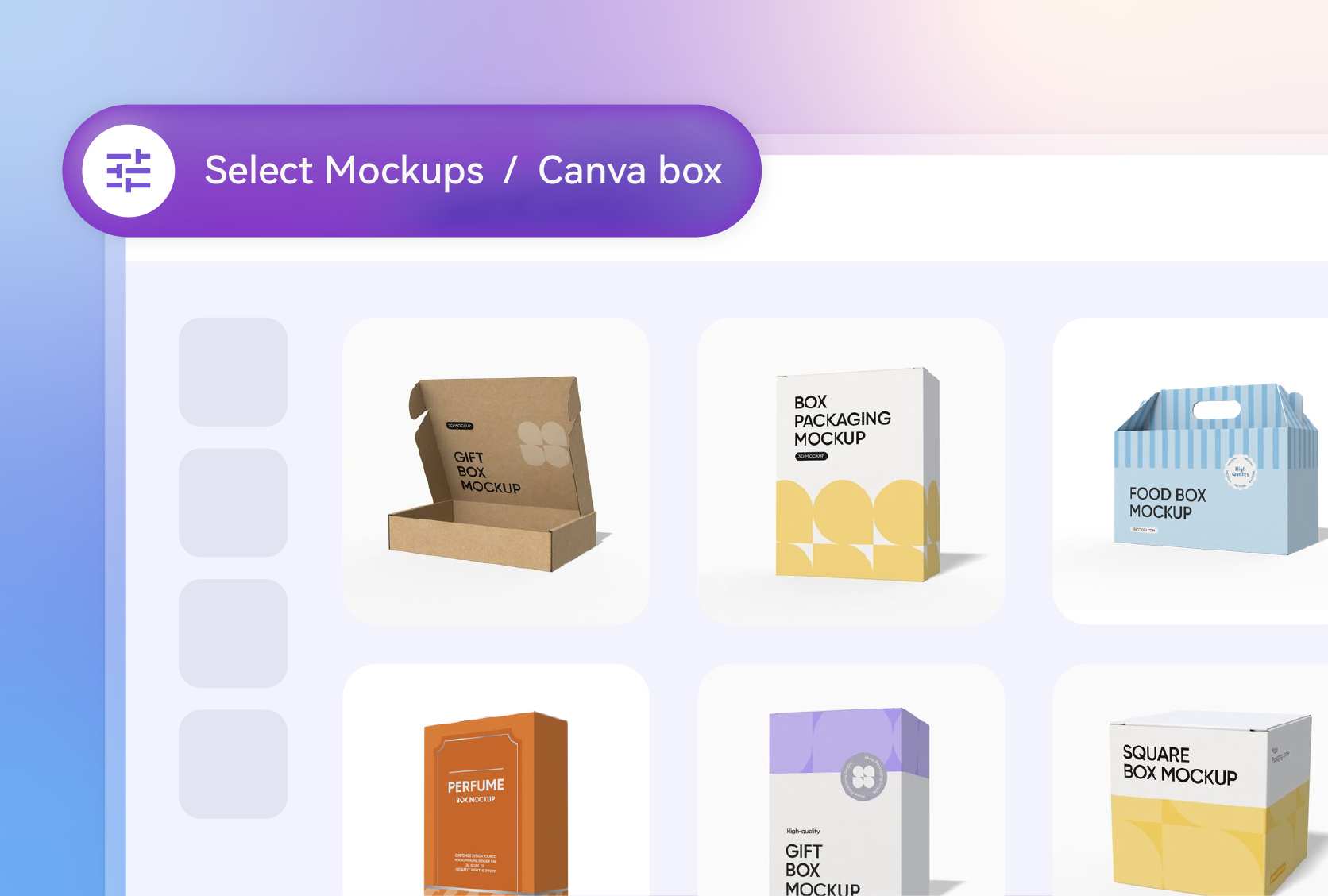
Choose from endless customizable box mockups
Pacdora is a packaging-focused 3D design studio, so here, you’ll find a wide variety of unique box styles, like mailers, luxury rigid, sliding gift boxes, and more, to match your brand’s look and feel.
Canva box mockups, on the other hand, are perfect if you just want a clean, simple rectangular or cube box to showcase your design stylishly.
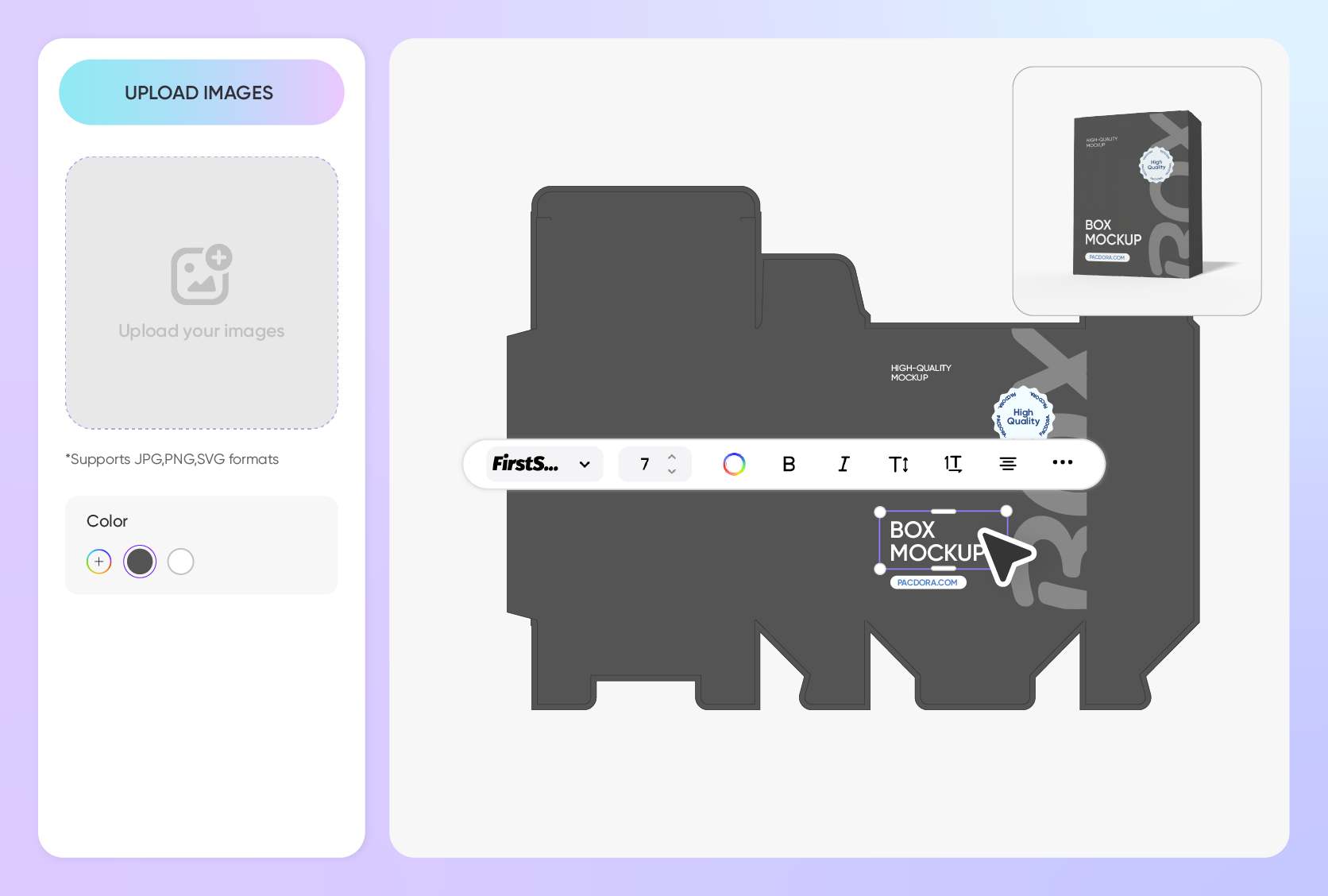
Customize to match your brand’s style
Think about everything you need to make your packaging box look attractive, from the colors to your logo and icons, and apply them prominently to each panel.
Choose a legible, distinctive font to convey your message and product details to customers, and use graphic elements, images, or patterns for added visual appeal.
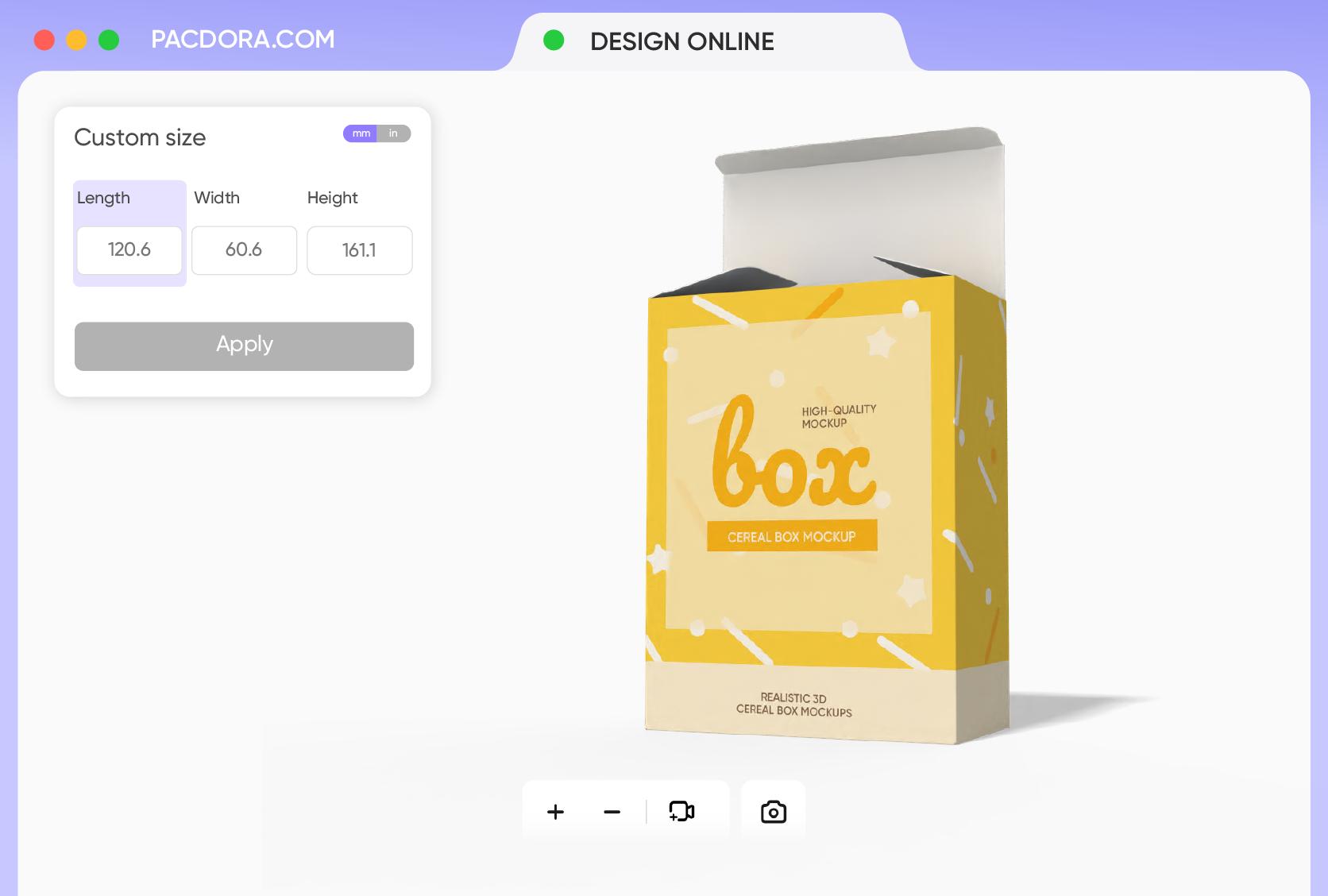
Tailor box size to your unique product
Size is one of the vital components for creating a perfect box design. Our box mockups come in decent sizes, but you can easily adjust the dimensions to fit your design.
Simply click on the “customize size” on the editor to change the length, height, and width, like 1.96 × 1.96 × 2.75 inches, so it fits your specific product.
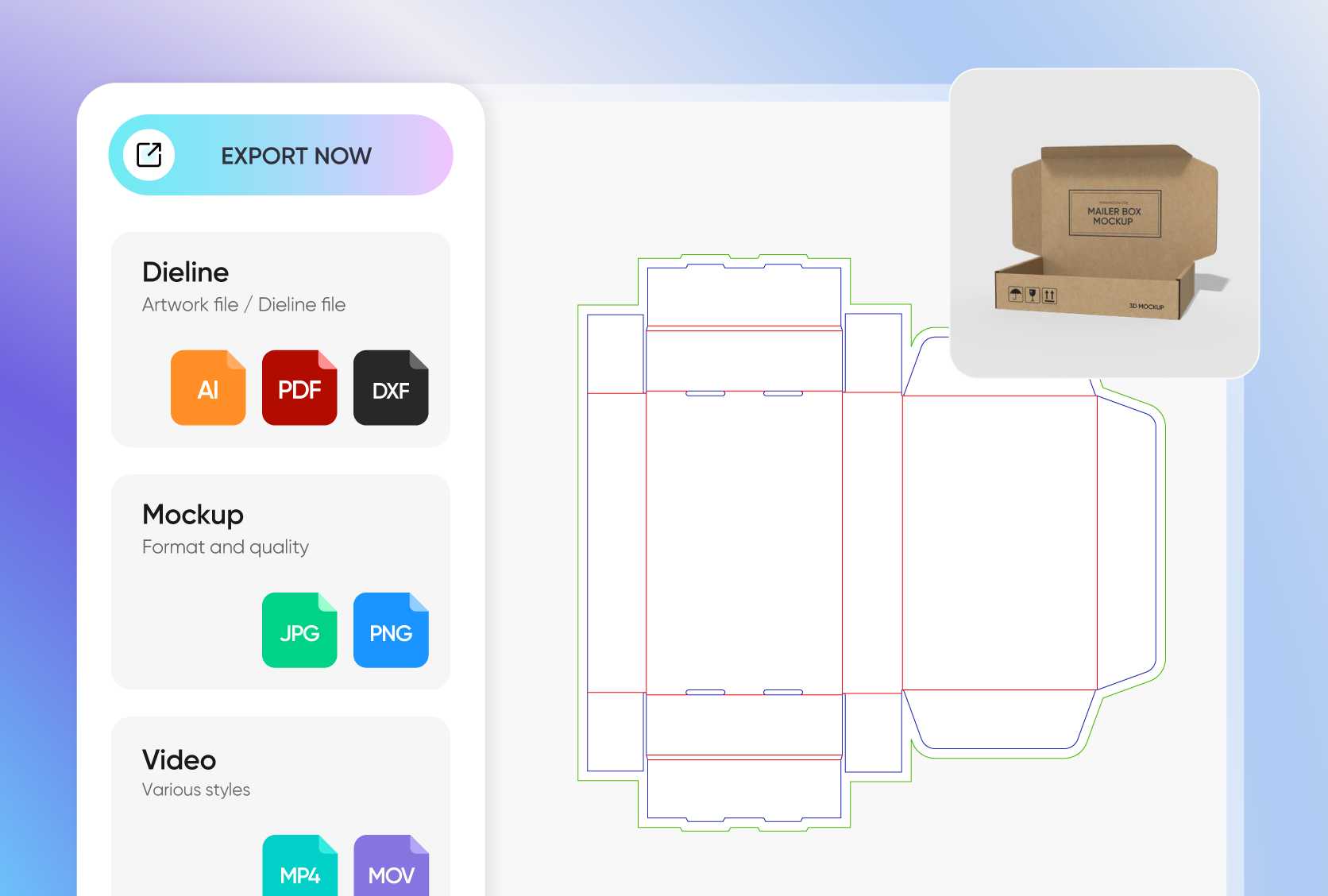
Share your creative design in HD files
Once you have added your design, get an instant printable dieline PDF to see your box’s structure and ensure everything fits perfectly before sending it off to your manufacturer.
You can also download 4K or 8K PNG/JPG images for your website or promotional materials, or an MP4 video so your clients can explore your box in full detail.
Choose from endless customizable box mockups
Pacdora is a packaging-focused 3D design studio, so here, you’ll find a wide variety of unique box styles, like mailers, luxury rigid, sliding gift boxes, and more, to match your brand’s look and feel.
Canva box mockups, on the other hand, are perfect if you just want a clean, simple rectangular or cube box to showcase your design stylishly.
Customize to match your brand’s style
Think about everything you need to make your packaging box look attractive, from the colors to your logo and icons, and apply them prominently to each panel.
Choose a legible, distinctive font to convey your message and product details to customers, and use graphic elements, images, or patterns for added visual appeal.
Tailor box size to your unique product
Size is one of the vital components for creating a perfect box design. Our box mockups come in decent sizes, but you can easily adjust the dimensions to fit your design.
Simply click on the “customize size” on the editor to change the length, height, and width, like 1.96 × 1.96 × 2.75 inches, so it fits your specific product.
Share your creative design in HD files
Once you have added your design, get an instant printable dieline PDF to see your box’s structure and ensure everything fits perfectly before sending it off to your manufacturer.
You can also download 4K or 8K PNG/JPG images for your website or promotional materials, or an MP4 video so your clients can explore your box in full detail.
Our customers love Pacdora’s mockup tools
Thousands before you have designed realistic mockups with Pacdora and loved it.

Great mock-ups and literally thousands of packaging designs to choose from. The 3d mock-up is so good, helps bring clarity to the client as well as the designers. Great product for packaging design professionals.


cosmiccorner
Move over, complicated design software! Pacdora is the superhero of packaging mockups. Creating 3D magic for my products is as easy as pie – no PhD in design required. It’s like the software looked at the clock and said, ‘Time to save users from design nightmares!’ It’s so user-friendly, even my coffee mug wants to try its hand at packaging design.
FAQ
Why are Canva box mockups so important?
Canva box mockups play a critical role in ensuring that your final packaging box design is as impressive as the product inside. Think of it as a real-life visual of your product imagery you can upload to your website, share on social media platforms, and even sell on online marketplaces. They save time and money as you can text with different sizes, styles, and layouts to achieve a professional-looking design.
How quickly can I design a Canva box mockup on Pacdora?
Designing a packaging box takes just minutes on Pacdora. Here, you work on high-quality 3D-rendered box mockups that you can easily customize to match your project vision. Just pick your ideal box size or styles, and upload your artwork to the front or sides. Make the necessary changes in real time, preview, and when everything looks great, click download to export printable dielines or HD PNG/JPGs for your personal use.
Do I need a fancy design skill to create a Canva box mockup?
Not at all! Even if you’re new to packaging design, you can easily create amazing box mockups using Pacdora. We’ve made the process seamless with an intuitive interface and easy-to-navigate features. Plus, all our mockups are premade and offer great customization options to help you create photorealistic box designs.
What material can I choose for my Canva box design?
There are a variety of materials you can choose from, including paperboard, corrugated cardboard, and kraft paper. If you need your box to be strong and durable, fluted or corrugated cardboard is ideal, especially for fragile items or bulk packaging. Paperboard is perfect for boxes designed for retail packaging because of its smooth surface and quality print, while kraft paper gives you a natural look that suits food or artisanal products.
Does Pacdora allow free box mockup design?
Yes! Pacdora’s 3D box mockups are available for free and come with basic features to help you create your design. You can also upgrade to premium services, depending on your project needs. Check out our pricing page for more information.
Explore more mockup tools
Discover more about Pacdora


