

Digital product box mockup

Upload your artwork and more creative touches, then instantly download your digital product box mockup as an HD PNG for free.
Digital product box mockup
Upload your artwork and more creative touches, then instantly download your digital product box mockup as an HD PNG for free.
Trusted by leading companies


Showcase any design with Pacdora’s digital product box mockup, quick and easy!
Need a quick and easy way to create a design for your digital product? Pacdora’s 3D design studio is just meant for you! Here, you can create a digital product box mockup for any product, from software to eBooks, with our editable tuck end boxes, folding boxes, book sleeve, drawer style, windowed boxes, and more. Plus, you can adjust the box size, change the color, and even add your own graphics and images. Once your design looks perfect, download HD PNG/JPG images, videos, and printable dieline files for your project. Designing with Pacdora is simple and fun!
Browse more digital product box mockups now

Tuck end mailer box packaging mockup
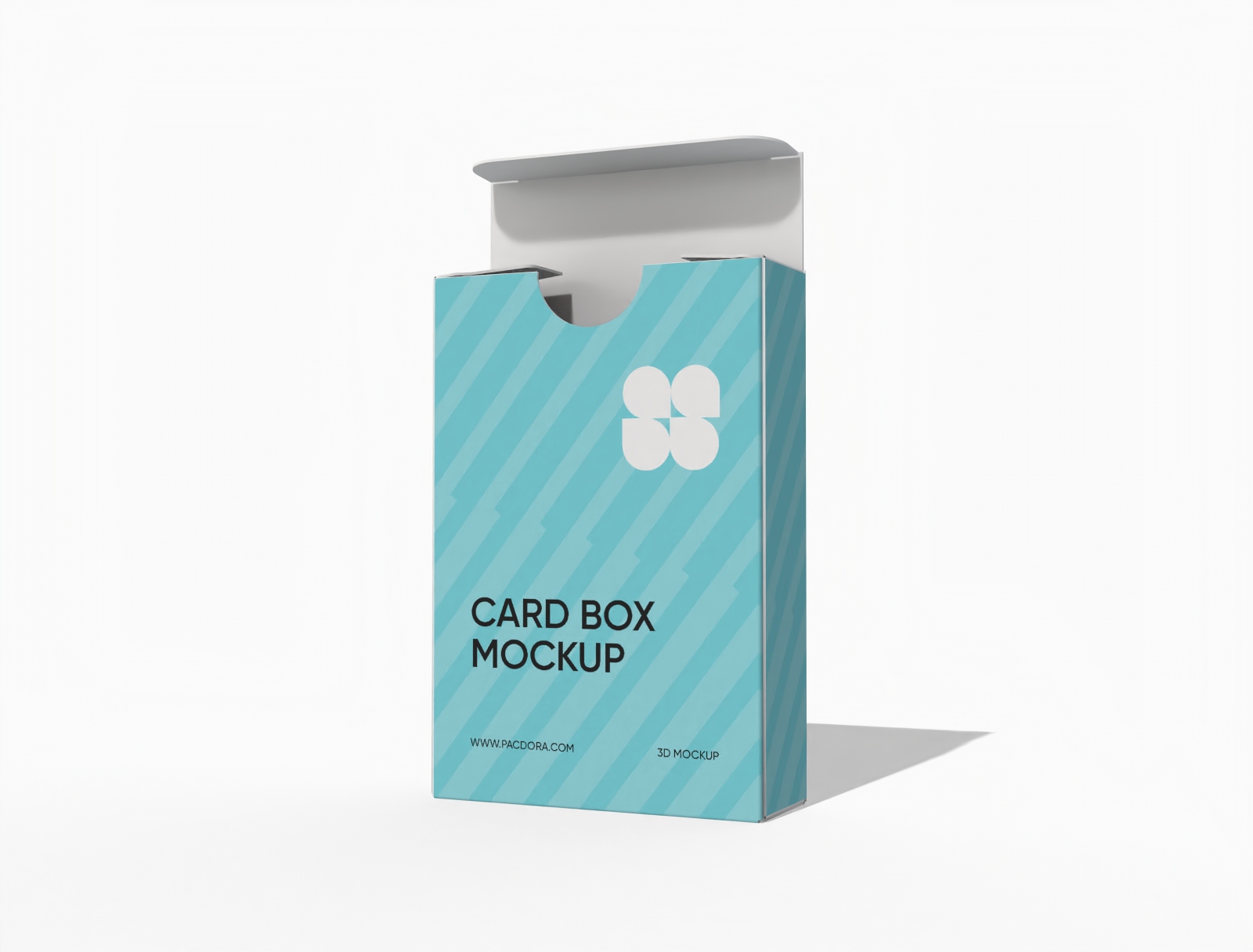
Tuck end box variations paper tuck end boxes mockup

Tuck end box mockup
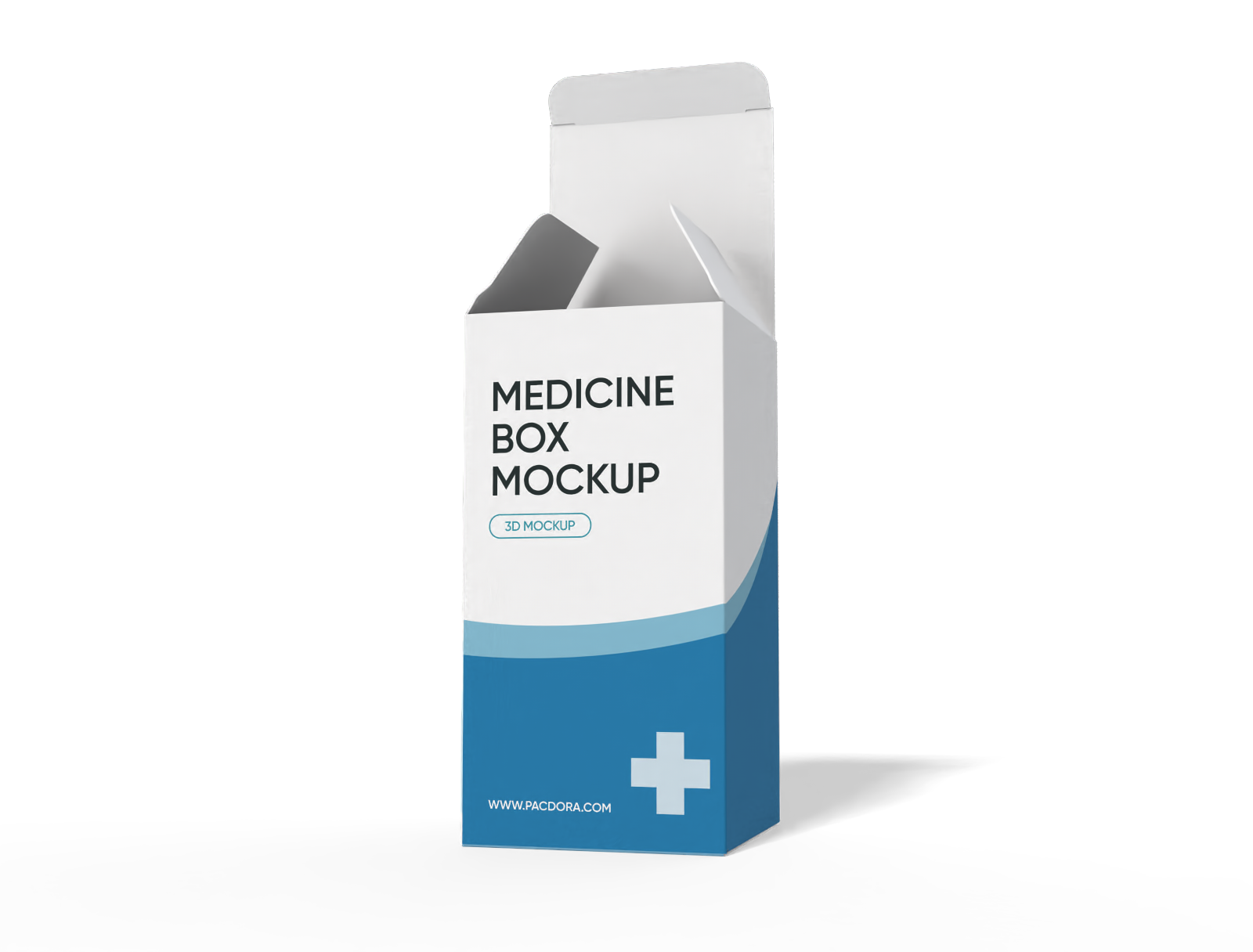
Medicine box mockup
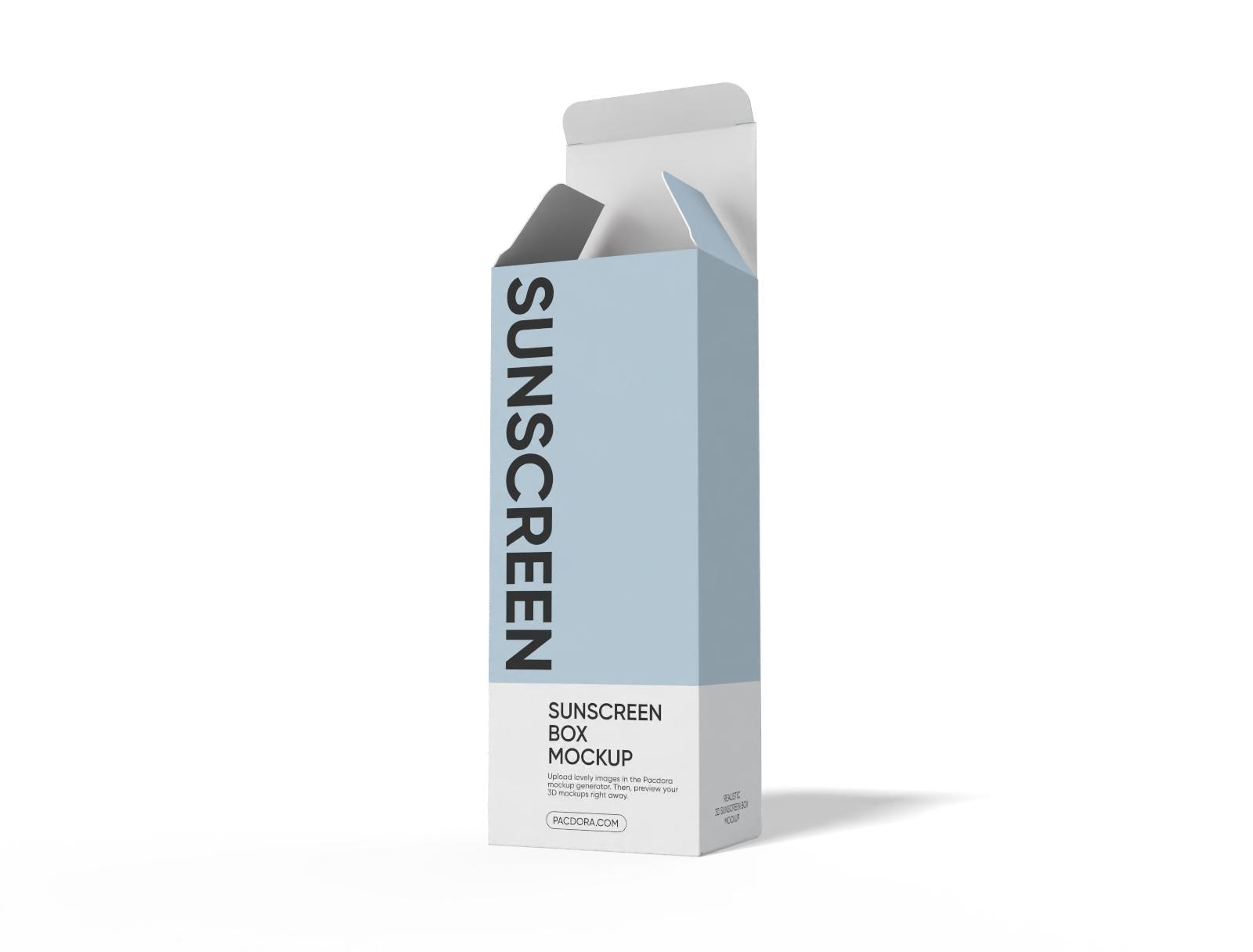
Sunscreen tuck end box mockup

Flip top gift box mockup
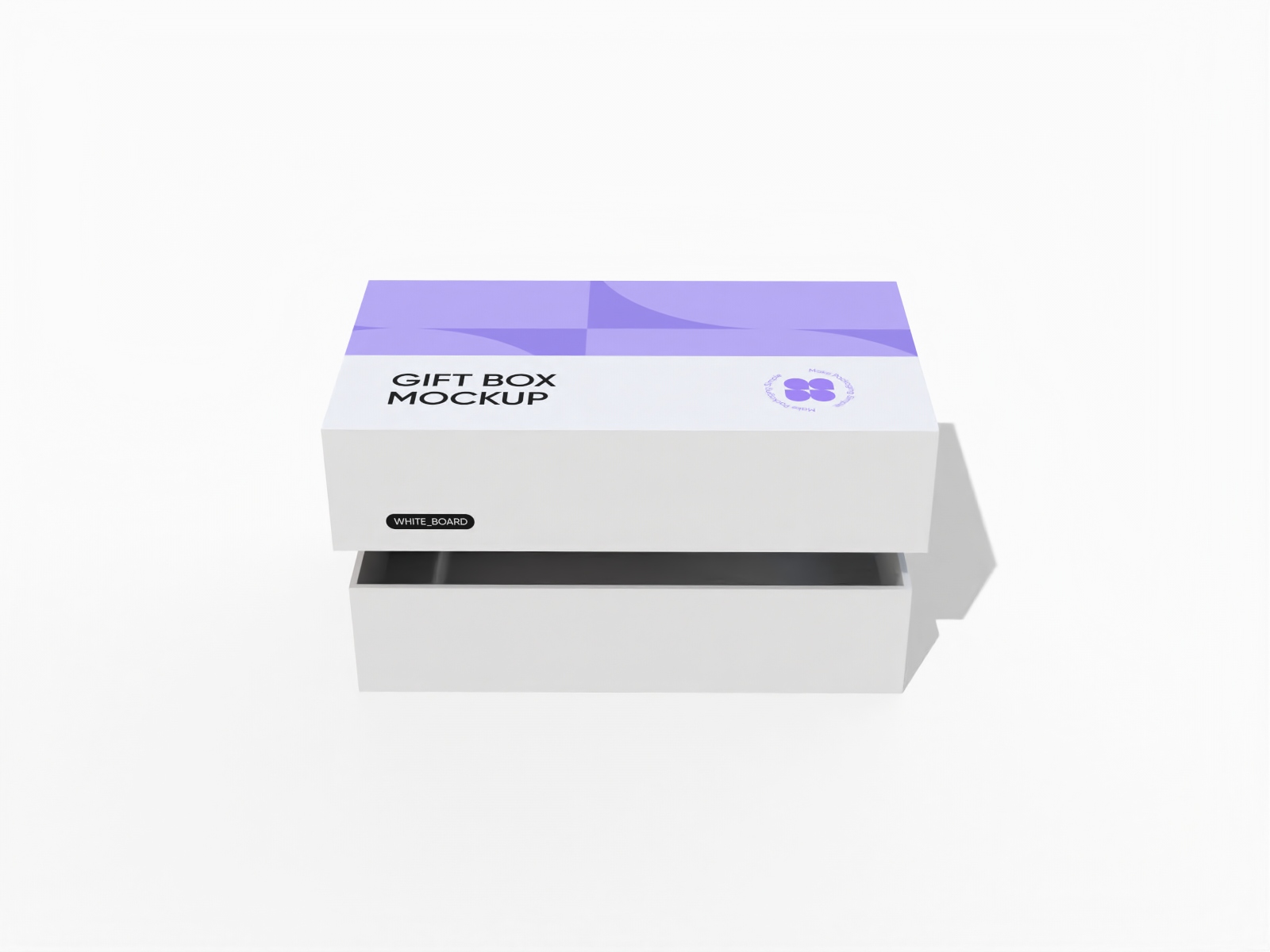
Gift box with lid mockup
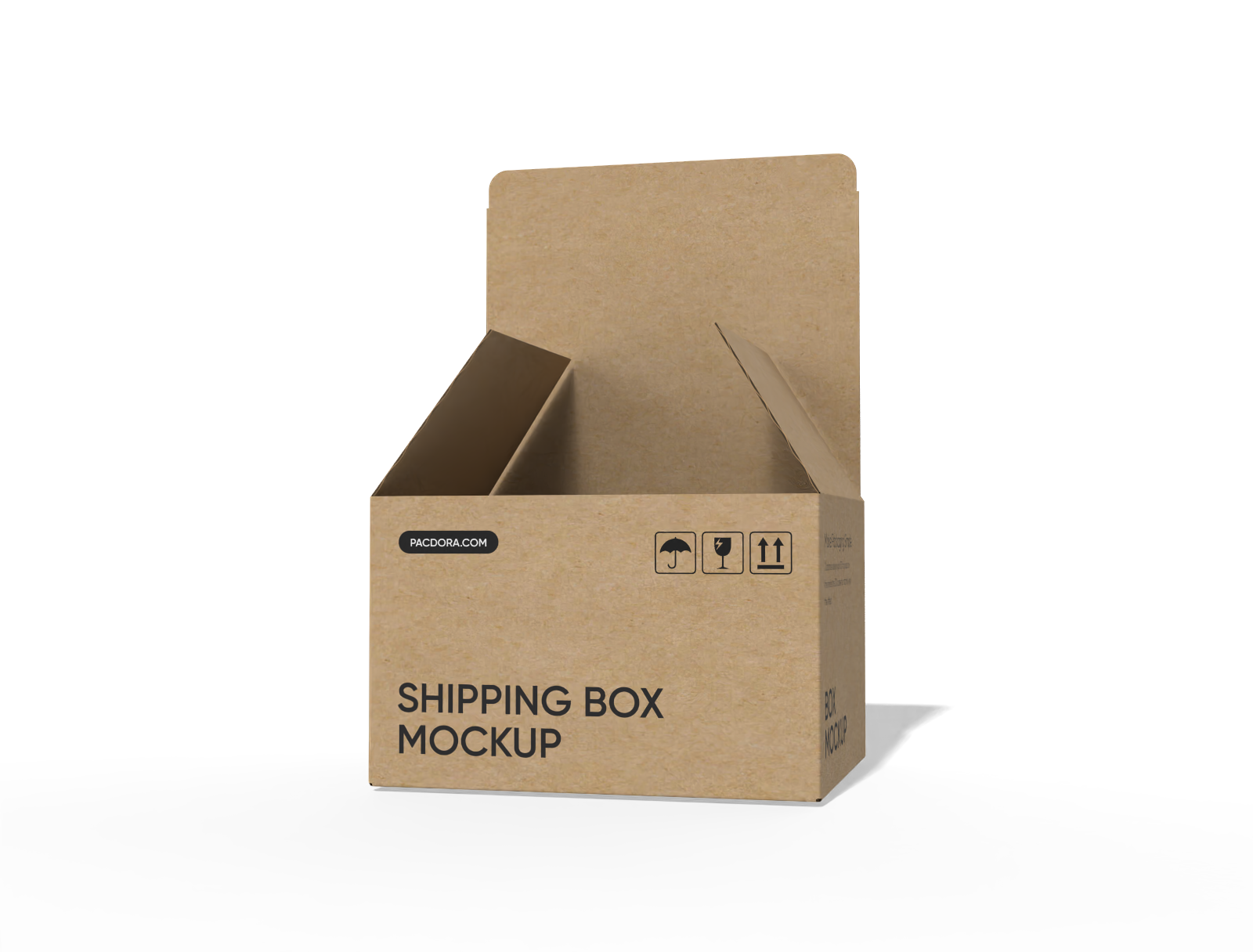
FEFCO 0713 tuck end auto lock bottom box mockup
How to create a digital product box mockup online?
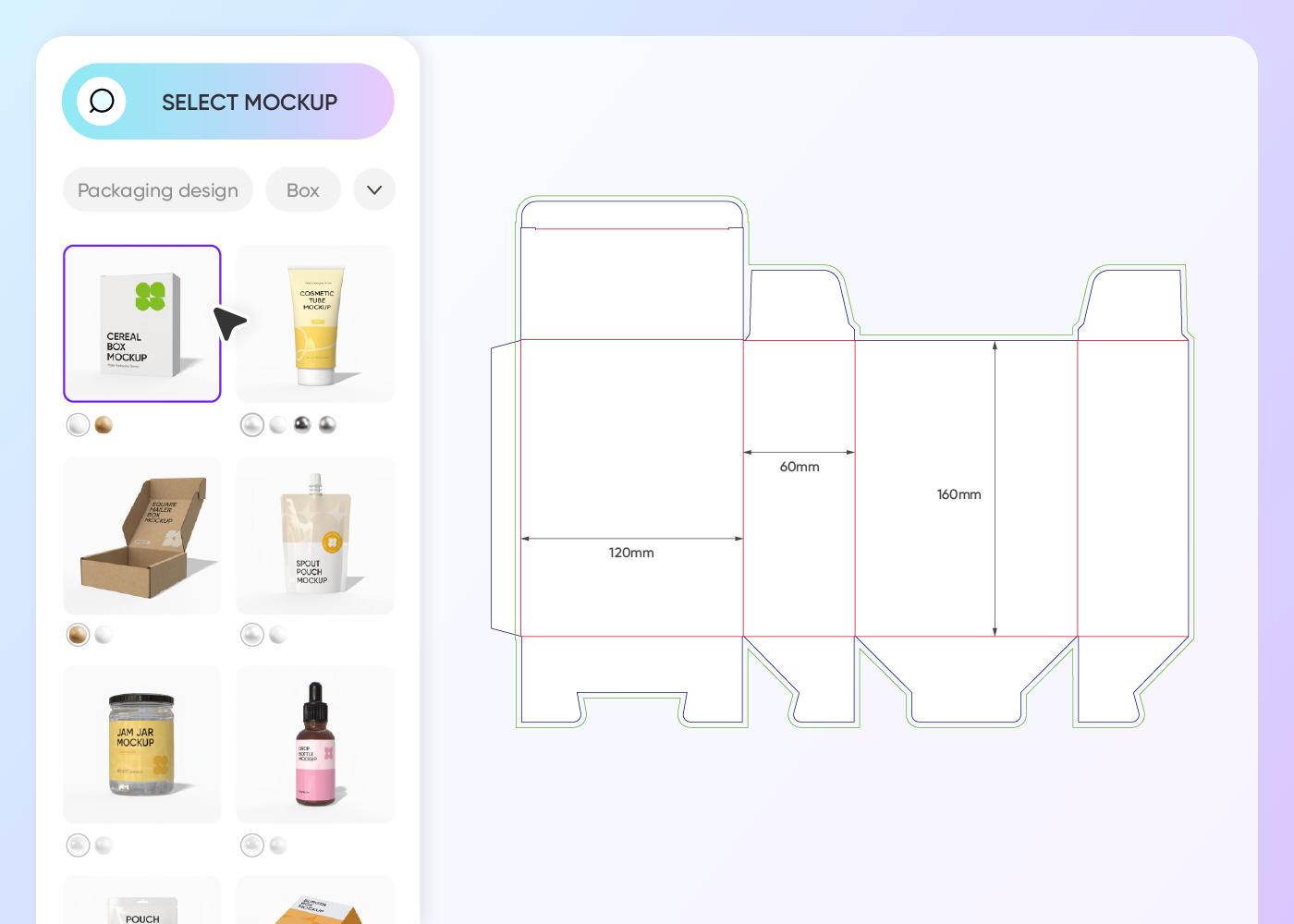
Step 1: Choose a suitable mockup
Choose a suitable style from our 3D digital product box mockups. Browse the box categories in the left-hand menu to find the perfect fit.
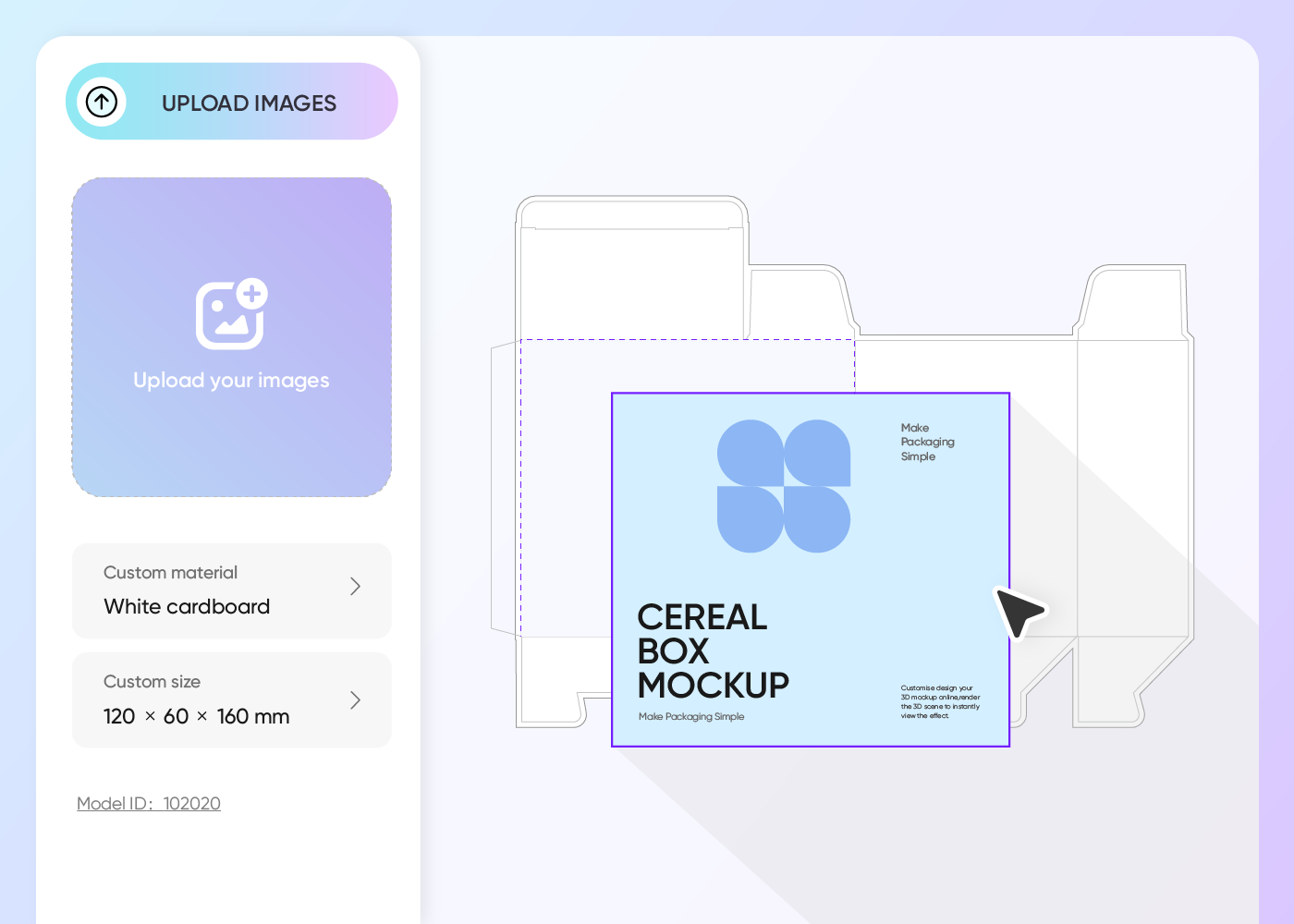
Step 2: Upload design and customize
Upload your logo or graphic and adjust the size, color, material, background, and other elements to give it a polished look.
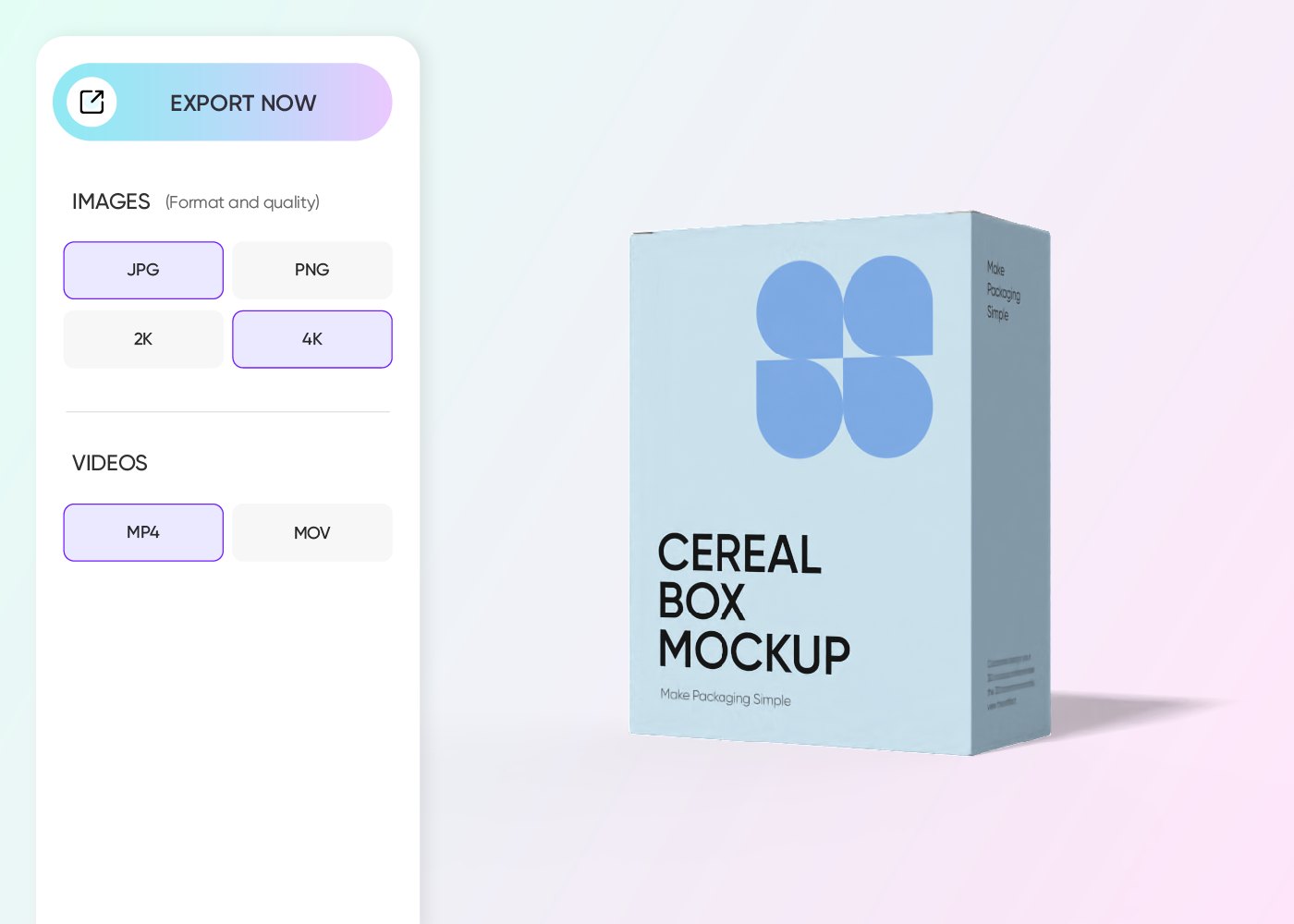
Step 3: Download your digital product box
Download printable dieline files to bring your digital product box design to life or high-res images to share with your client or team.
Step 1: Choose a suitable mockup
Choose a suitable style from our 3D digital product box mockups. Browse the box categories in the left-hand menu to find the perfect fit.
Step 2: Upload design and customize
Upload your logo or graphic and adjust the size, color, material, background, and other elements to give it a polished look.
Step 3: Download your digital product box
Download printable dieline files to bring your digital product box design to life or high-res images to share with your client or team.
Features to look for in a digital product box mockup

Box styles that instantly elevate your brand
The right box style makes your product instantly appealing wherever it’s displayed. A tuck end box, with its clean edges, gives your product a professional feel.
A windowed product box draws attention to the product inside, perfect for visually striking items. Meanwhile, a book sleeve box, with its sleek, elongated shape, makes your product look more presentable.
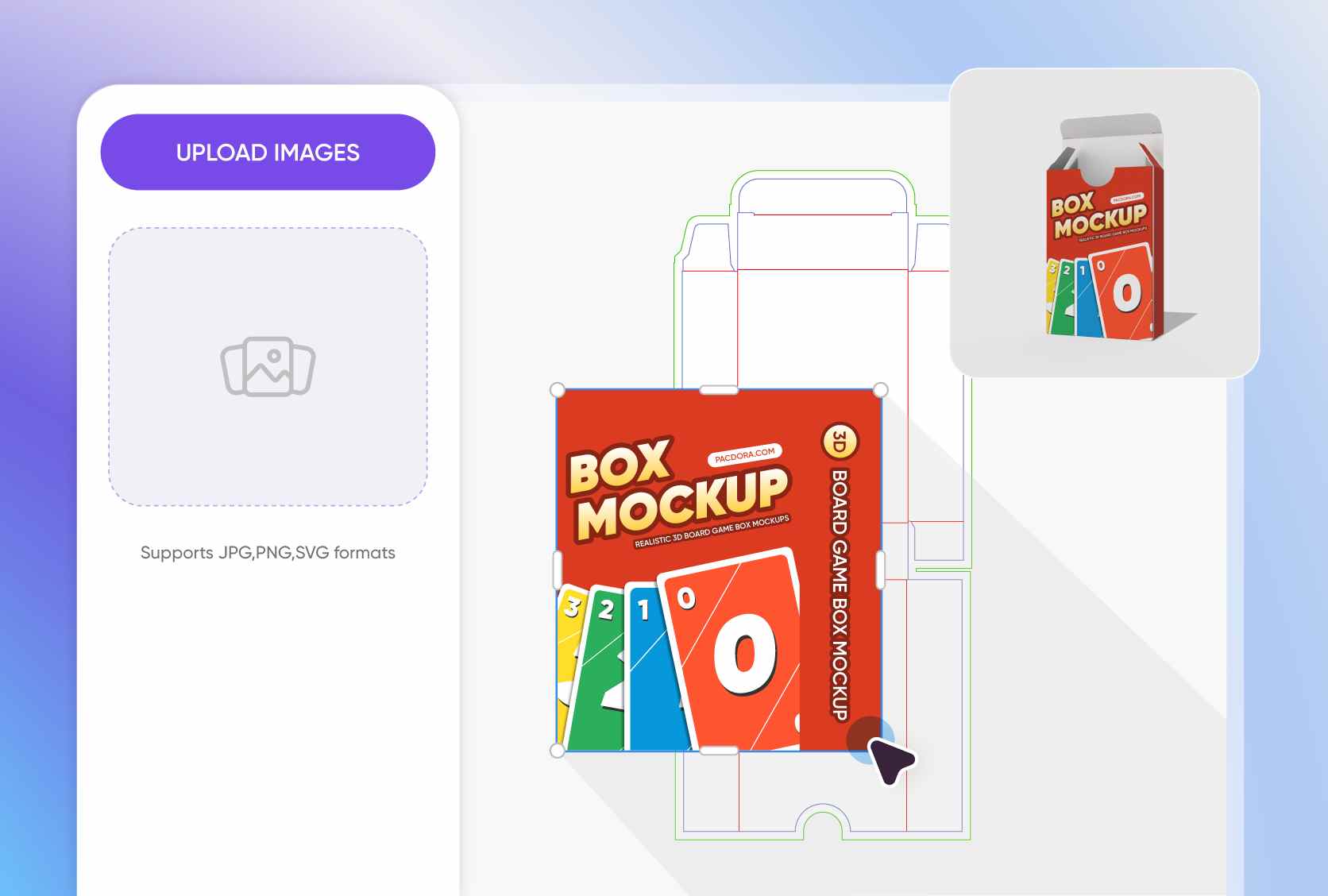
Personalized accents for a memorable, striking look
On Pacdora, you have full freedom to customize 3D digital product box mockups however you want. You can use your color accents, add your logo and tagline to the front and side panels.
If you want to include photos, graphics, or patterns, you can do so with just a few simple clicks and even choose fonts that match your brand’s style.
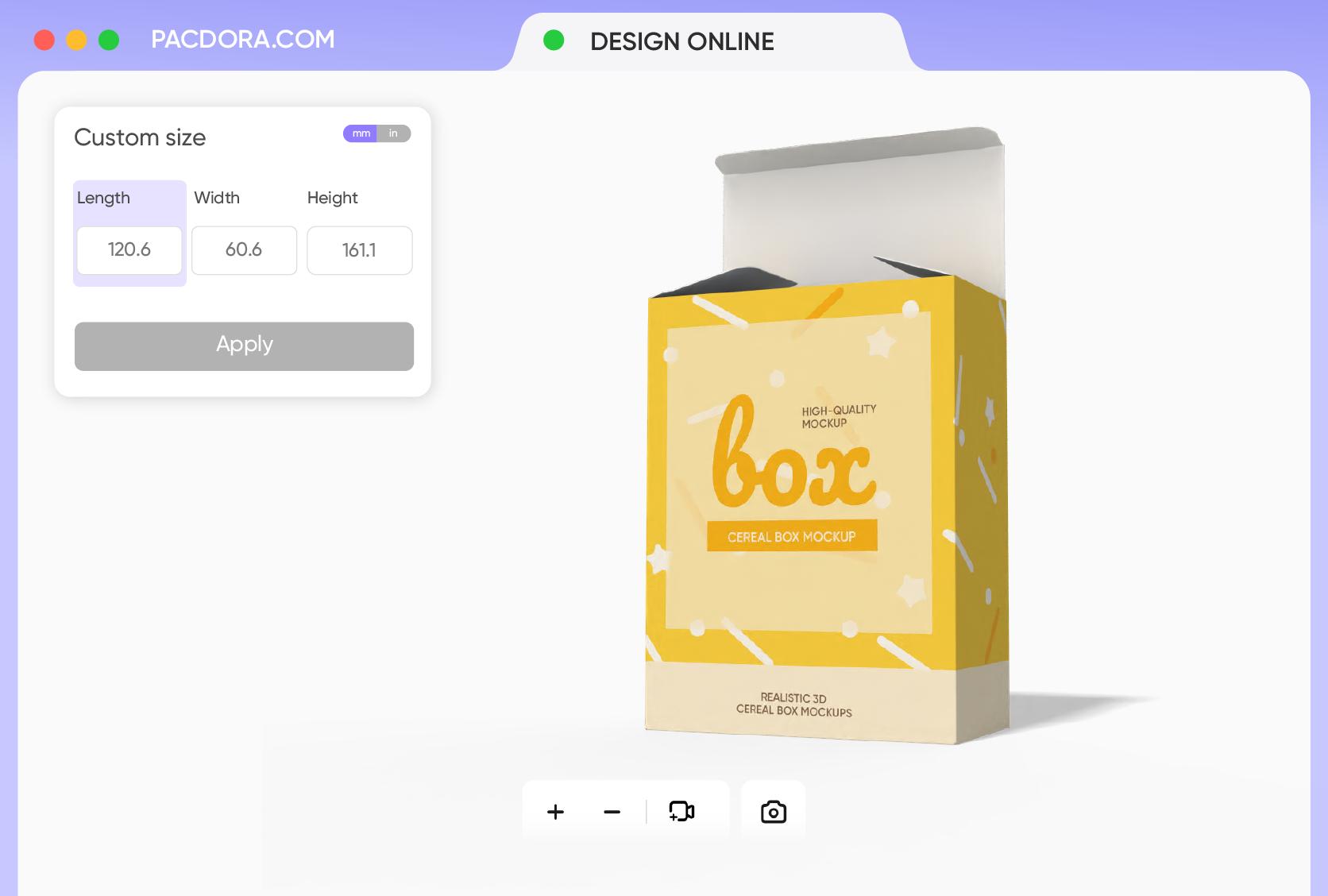
Custom size that showcases your product beautifully
Want your digital product box mockup to look natural and believable to your audience? Make sure to size it correctly to match your product and your design vision.
On Pacdora, you can adjust the box dimensions to fit your item perfectly, for instance, 5.9 × 4.0 × 4.0 inches, which is great for digital courses, software, or small gadgets packages.
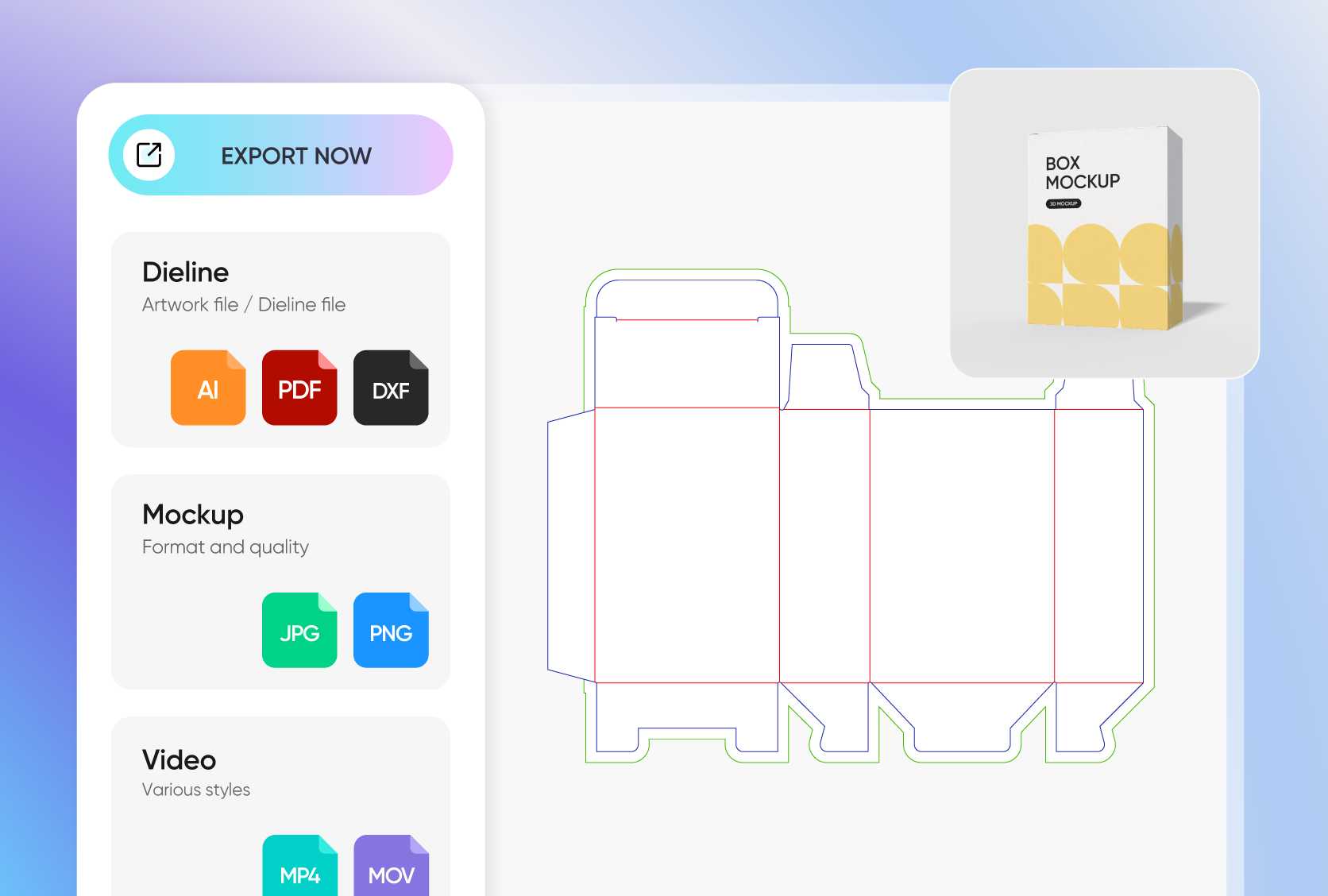
Export files that capture every little detail
Presenting your designs is way easier when you have the right format. At Pacdora, you have all the options, from printable dieline files for accurate production to HD PNG/JPG images for your digital showcases.
You can also download MP4 videos to showcase your design from every angle, or share collaboration links to work smoothly with your team or clients.

Box styles that instantly elevate your brand
The right box style makes your product instantly appealing wherever it’s displayed. A tuck end box, with its clean edges, gives your product a professional feel.
A windowed product box draws attention to the product inside, perfect for visually striking items. Meanwhile, a book sleeve box, with its sleek, elongated shape, makes your product look more presentable.
Personalized accents for a memorable, striking look
On Pacdora, you have full freedom to customize 3D digital product box mockups however you want. You can use your color accents, add your logo and tagline to the front and side panels.
If you want to include photos, graphics, or patterns, you can do so with just a few simple clicks and even choose fonts that match your brand’s style.
Custom size that showcases your product beautifully
Want your digital product box mockup to look natural and believable to your audience? Make sure to size it correctly to match your product and your design vision.
On Pacdora, you can adjust the box dimensions to fit your item perfectly, for instance, 5.9 × 4.0 × 4.0 inches, which is great for digital courses, software, or small gadgets packages.
Export files that capture every little detail
Presenting your designs is way easier when you have the right format. At Pacdora, you have all the options, from printable dieline files for accurate production to HD PNG/JPG images for your digital showcases.
You can also download MP4 videos to showcase your design from every angle, or share collaboration links to work smoothly with your team or clients.
Our customers love Pacdora’s mockup tools
Thousands before you have designed realistic mockups with Pacdora and loved it.

Great mock-ups and literally thousands of packaging designs to choose from. The 3d mock-up is so good, helps bring clarity to the client as well as the designers. Great product for packaging design professionals.


cosmiccorner
Move over, complicated design software! Pacdora is the superhero of packaging mockups. Creating 3D magic for my products is as easy as pie – no PhD in design required. It’s like the software looked at the clock and said, ‘Time to save users from design nightmares!’ It’s so user-friendly, even my coffee mug wants to try its hand at packaging design.
FAQ
What is the purpose of a digital product mockup?
The primary purpose of a digital product mockup is to provide a realistic preview of your product packaging. Beyond that, it can help improve decision-making in projects and manage client expectations more effectively. A digital product mockup offers an interactive and engaging way to present your design ideas and even promote your business to a wider audience. Additionally, they can be used to gather feedback and secure client approval.
Can a digital product box mockup be used for branding?
Absolutely! You can reinforce your brand image by ensuring design elements like color, typography, logo, and patterns showcase your unique style. You can use it for social media posts, ads, and website pages to make your product more appealing and leave a lasting impression. Plus, it’s perfect for highlighting what makes your business unique compared to the competition.
What makes a good digital product box mockup?
A perfectly designed digital product box mockup should look like a real product or be close to it. This means that realistic effects like shadow, lighting, and background should all blend seamlessly to add more depth and realism and make your design feel inviting. It should make your product look great on websites or e-commerce stores, while also catching the eye and boosting your brand.
Why choose Pacdora for a digital product box mockup?
Pacdora is an all-in-one platform that gives you instant printable dieline files, customizable 3D digital product box mockups, and high-quality renders. Basically, you’ve got everything you need to create professional-looking mockups online, no extra software required. It’s super easy to use, and all the features are simple to navigate. It takes just minutes to get your design ready on Pacdora!
Can I create a digital product box mockup for free on Pacdora?
Yes! Pacdora is free to use, but you can also upgrade for access to more advanced features, depending on your project or design needs. Visit our pricing page to learn more.
Explore more mockup tools
Discover more about Pacdora

Kickstart your exciting journey of designing digital product box mockups online

