

Custom presentation boxes

Drop in your design image, fully customize for elegance and branding, preview in 3D, and download your custom presentation boxes as HD PNGs for free.
Custom presentation boxes
Drop in your design image, fully customize for elegance and branding, preview in 3D, and download your custom presentation boxes as HD PNGs for free.
Trusted by leading companies


Create beautiful custom presentation boxes for your clients with Pacdora!
Looking to create custom presentation boxes that make your product adorable? Don’t look further, head to Pacdora and easily design presentation boxes that promote your luxury product and impress buyers. Choose from our selection of slide-out boxes, magnetic closure boxes, two-piece boxes, flip-top boxes, and many more. Then, tailor it your way; you can adjust the size, material, and even add your logo and other creative touches. Once everything looks good, download HD PNG/JPG images or printable files, whatever you need. Get started today!

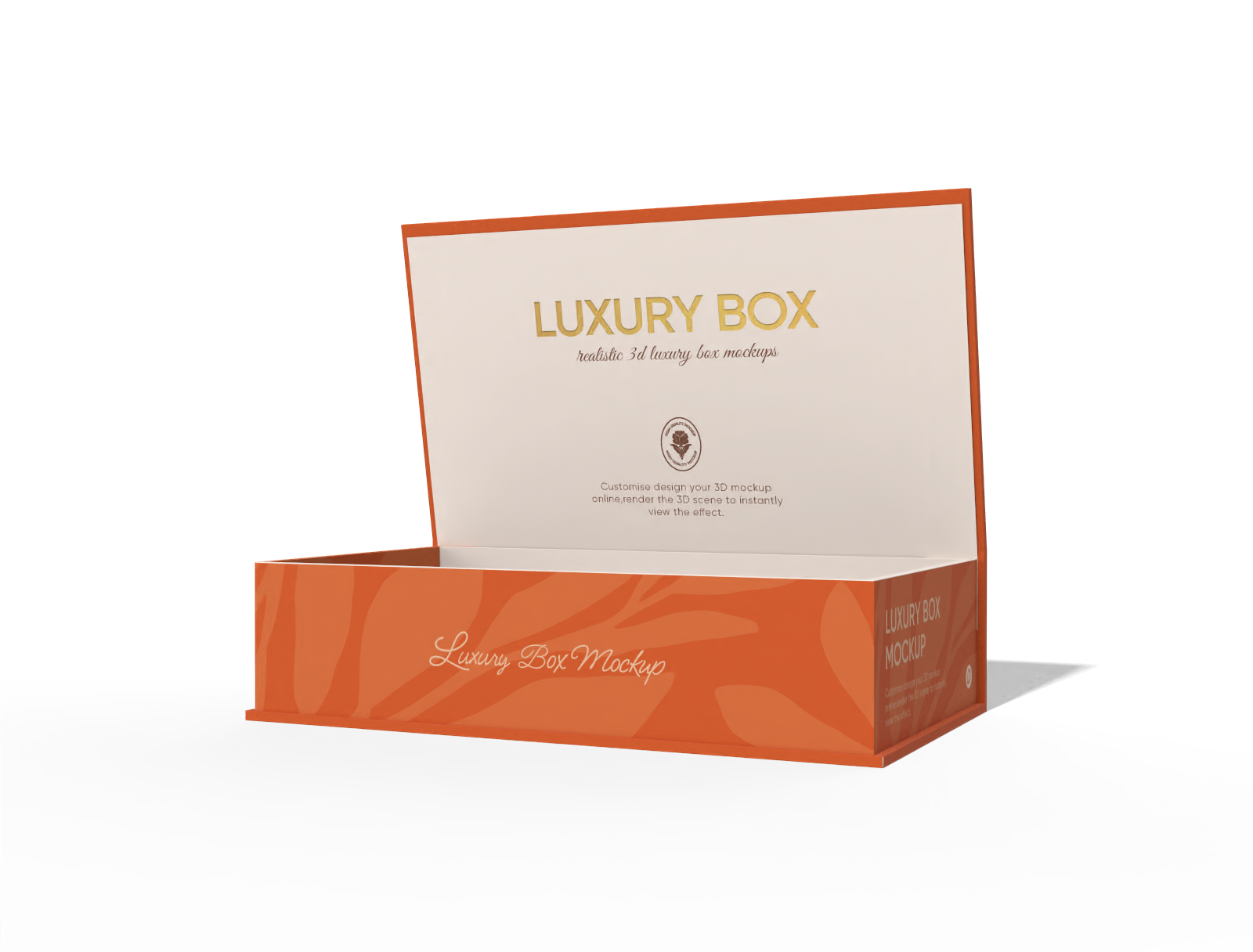

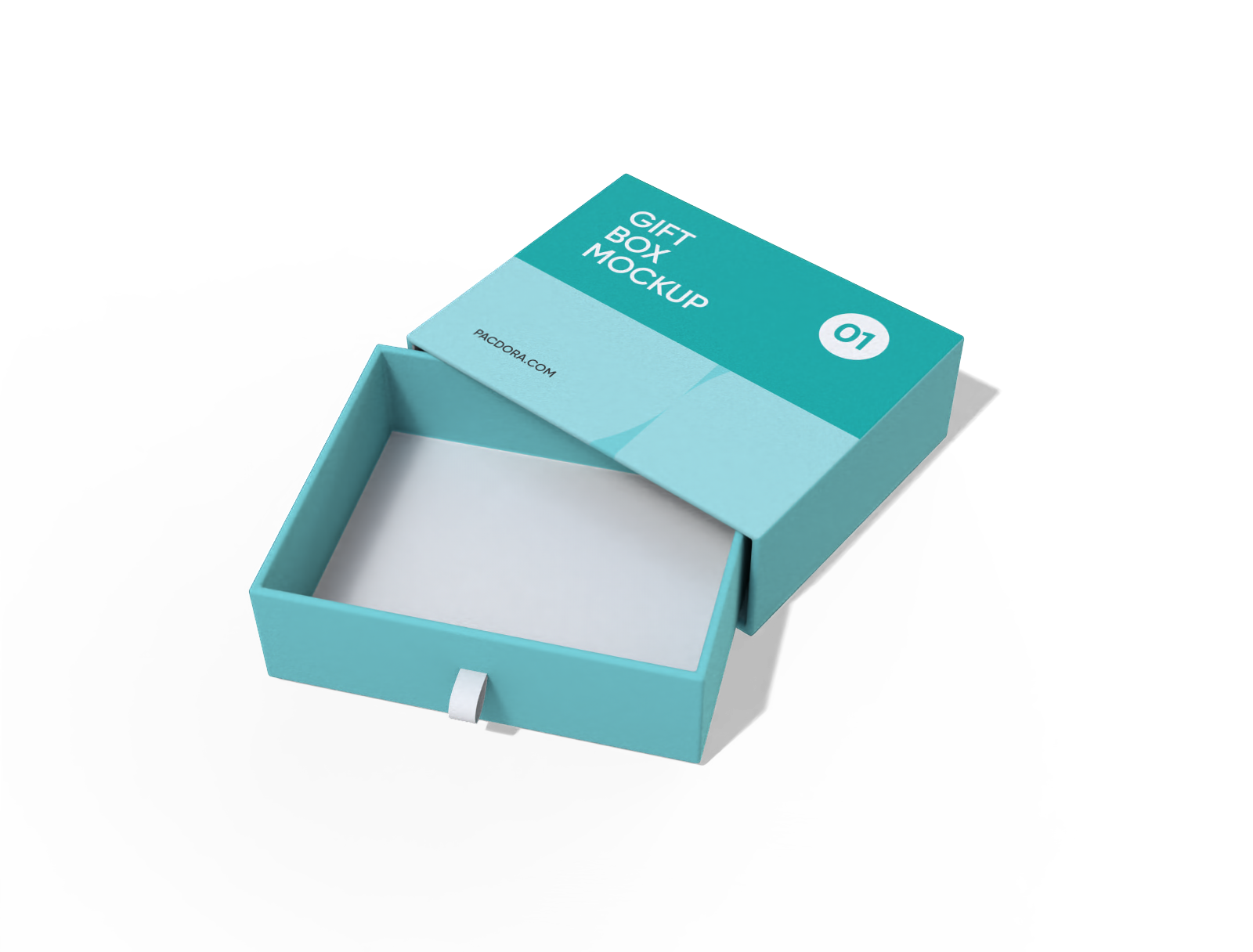


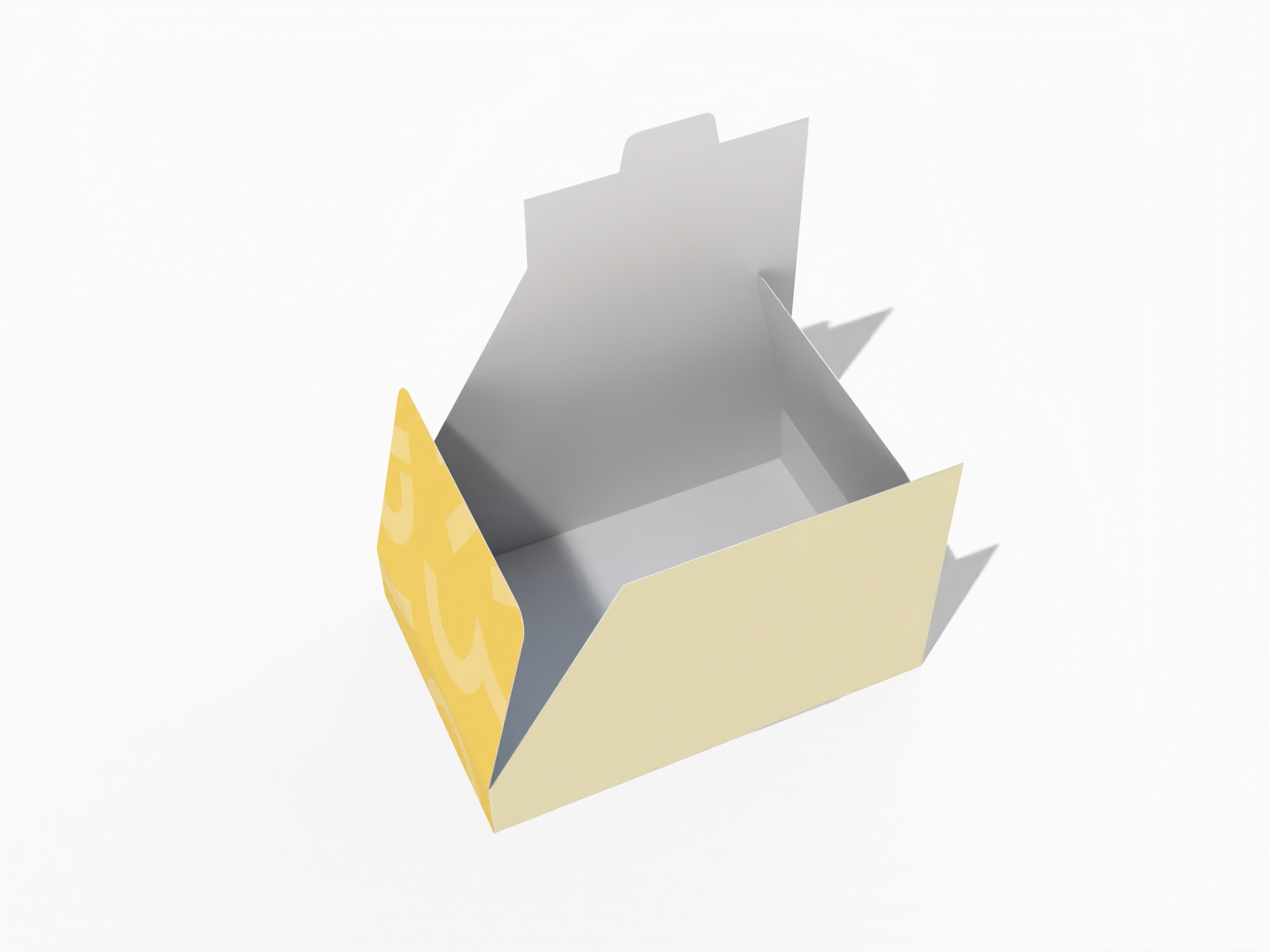
How to design custom presentation boxes online?
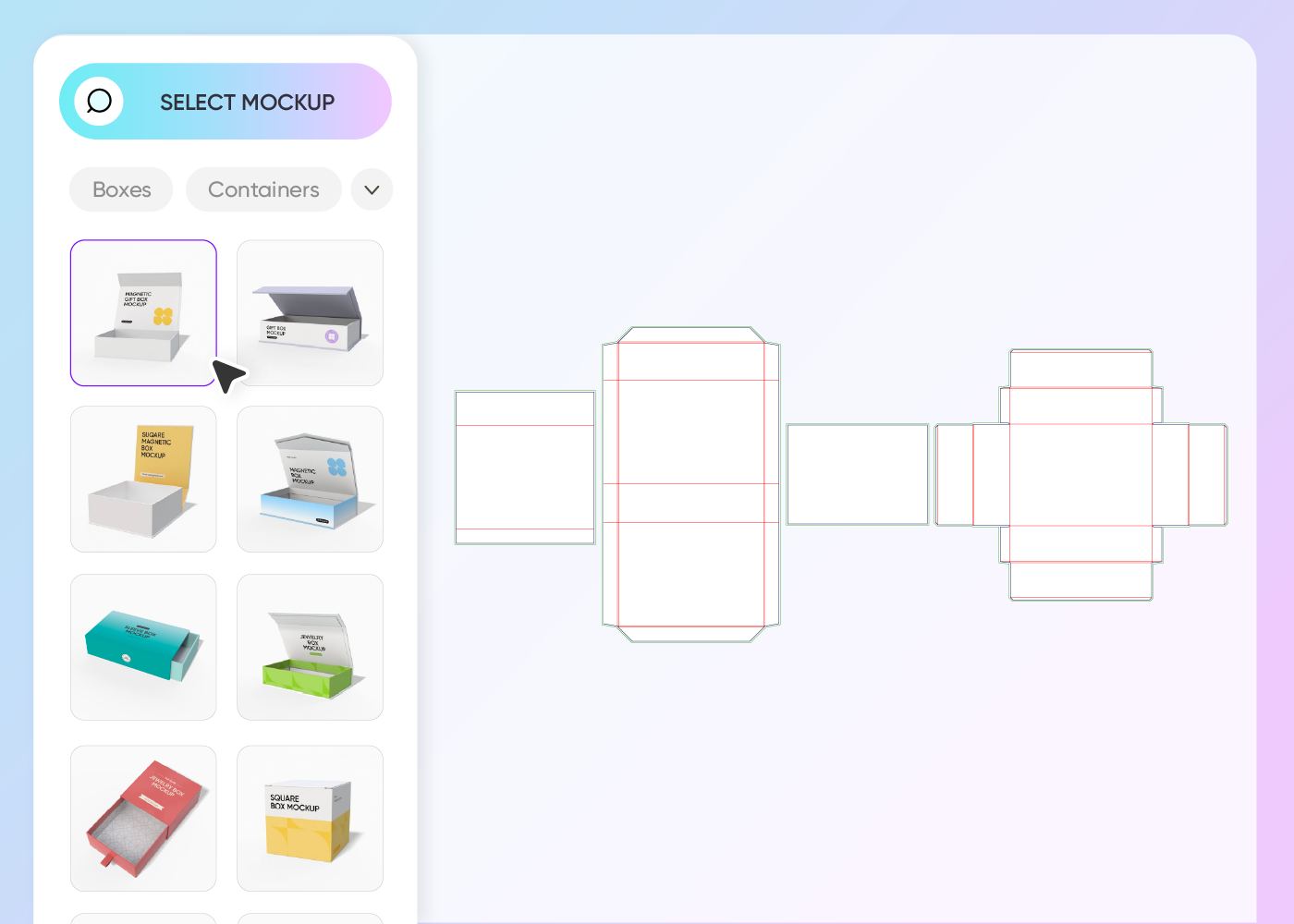
Step 1: Choose your presentation box style
Choose from our wide range of ready-to-use presentation box styles. Use the search bar to quickly find your exact match.
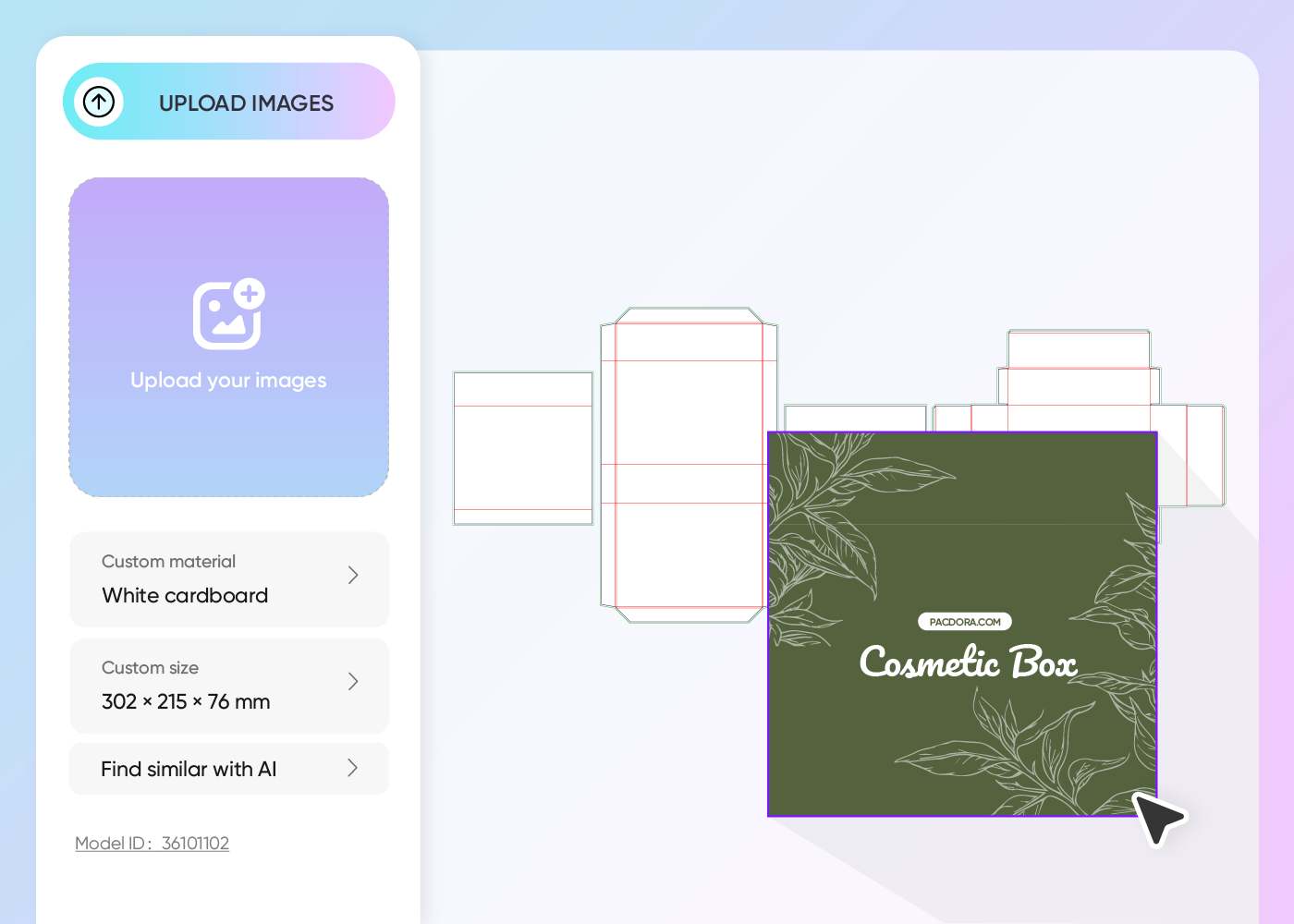
Step 2: Upload design and customize
Upload your logo, artwork, or image, color it your way, adjust the box dimensions, material, background, and other key elements.
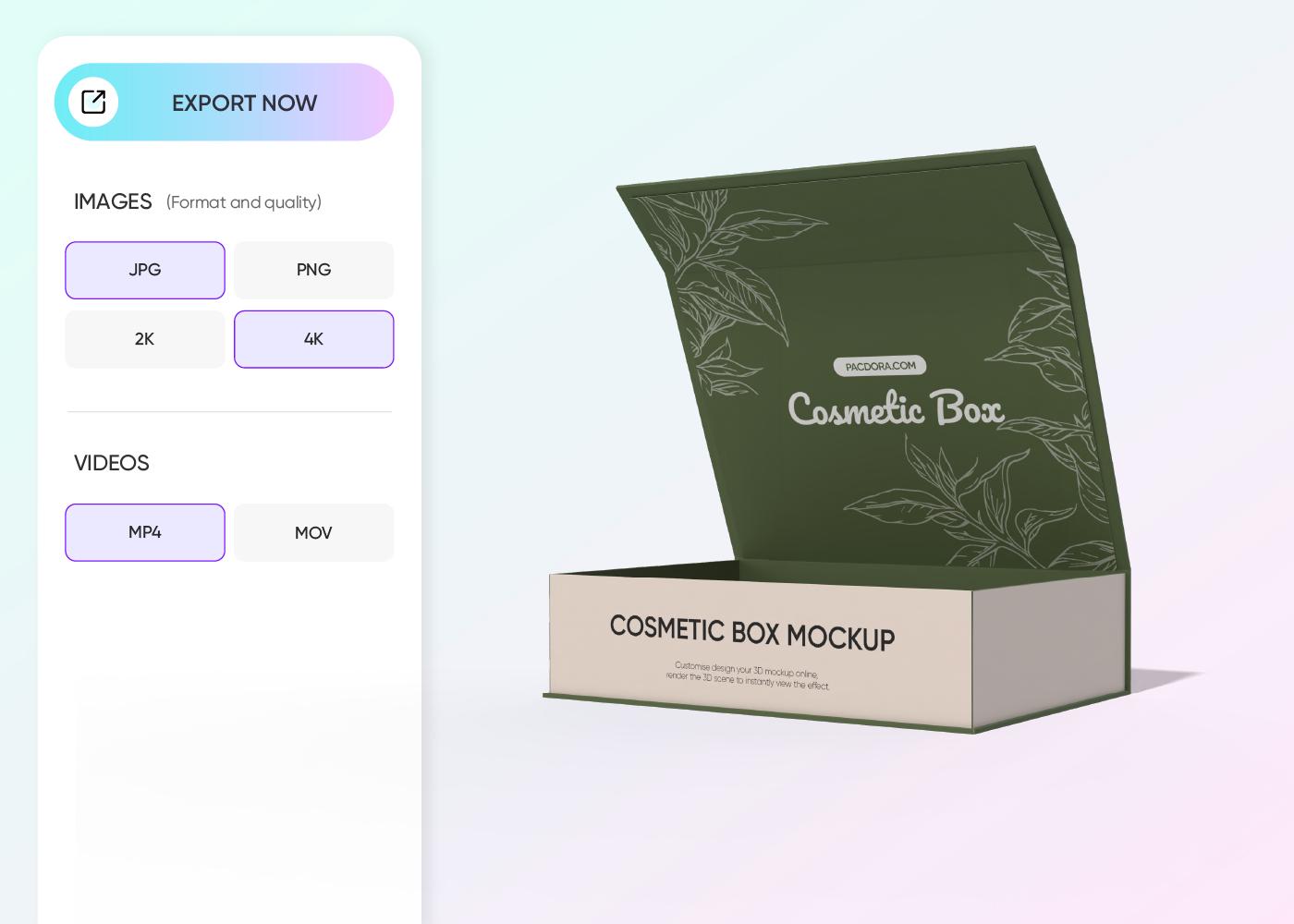
Step 3: Download your presentation box design
Download dieline files to print your box or HD PNG/JPG images and videos to post your design on social media platforms or online stores.
Step 1: Choose your presentation box style
Choose from our wide range of ready-to-use presentation box styles. Use the search bar to quickly find your exact match.
Step 2: Upload design and customize
Upload your logo, artwork, or image, color it your way, adjust the box dimensions, material, background, and other key elements.
Step 3: Download your presentation box design
Download dieline files to print your box or HD PNG/JPG images and videos to post your design on social media platforms or online stores.
Key specialized features of custom presentation boxes
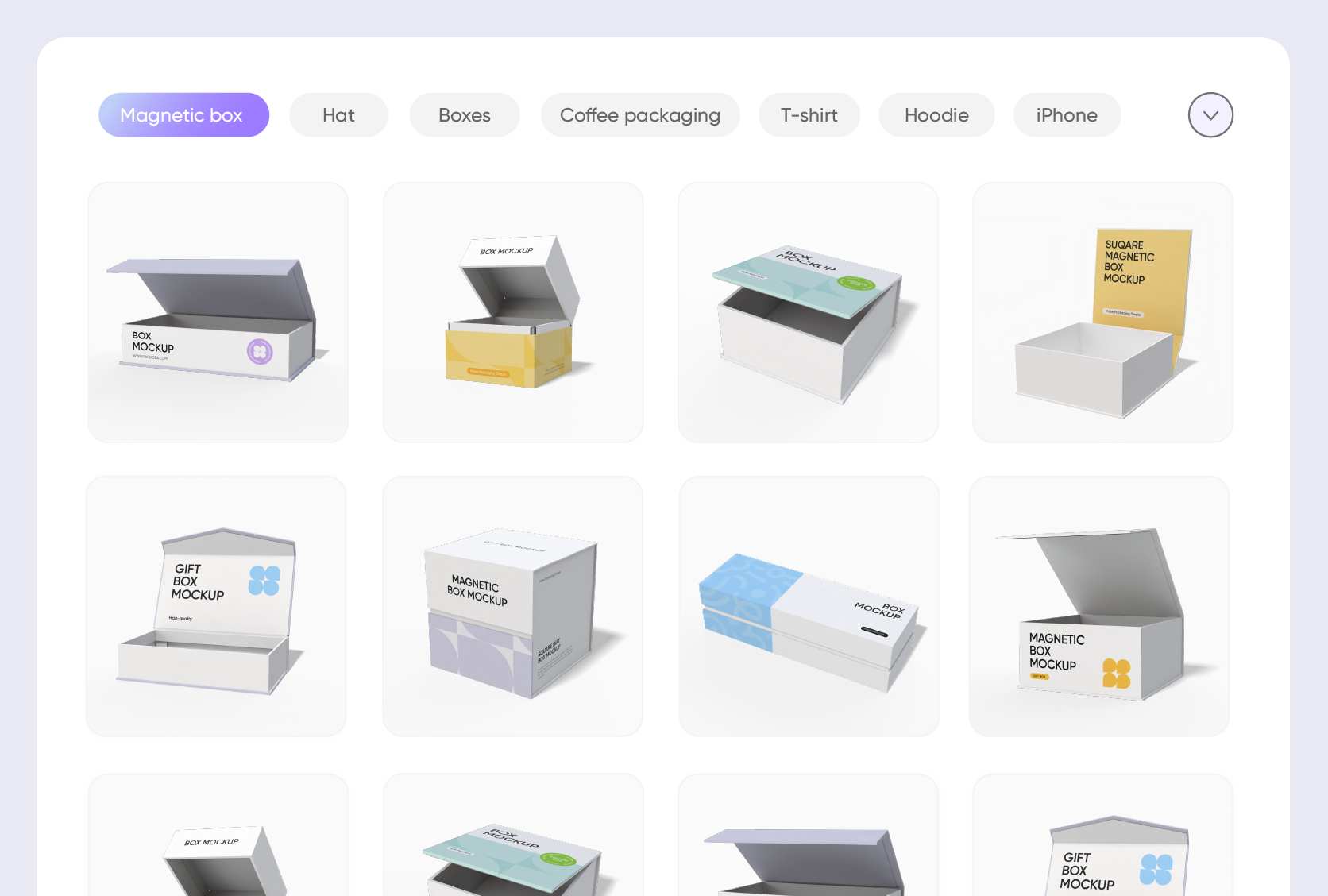
Stylish boxes that align with your brand
Our presentation boxes come in a range of styles, so you can easily find one that captivates your customers and resonates with your brand’s aesthetic.
You can opt for a magnetic closure box for a luxury, premium feel, a drawer-style for a modern, interactive experience, or a two-piece box for that timeless, elegant vibe.
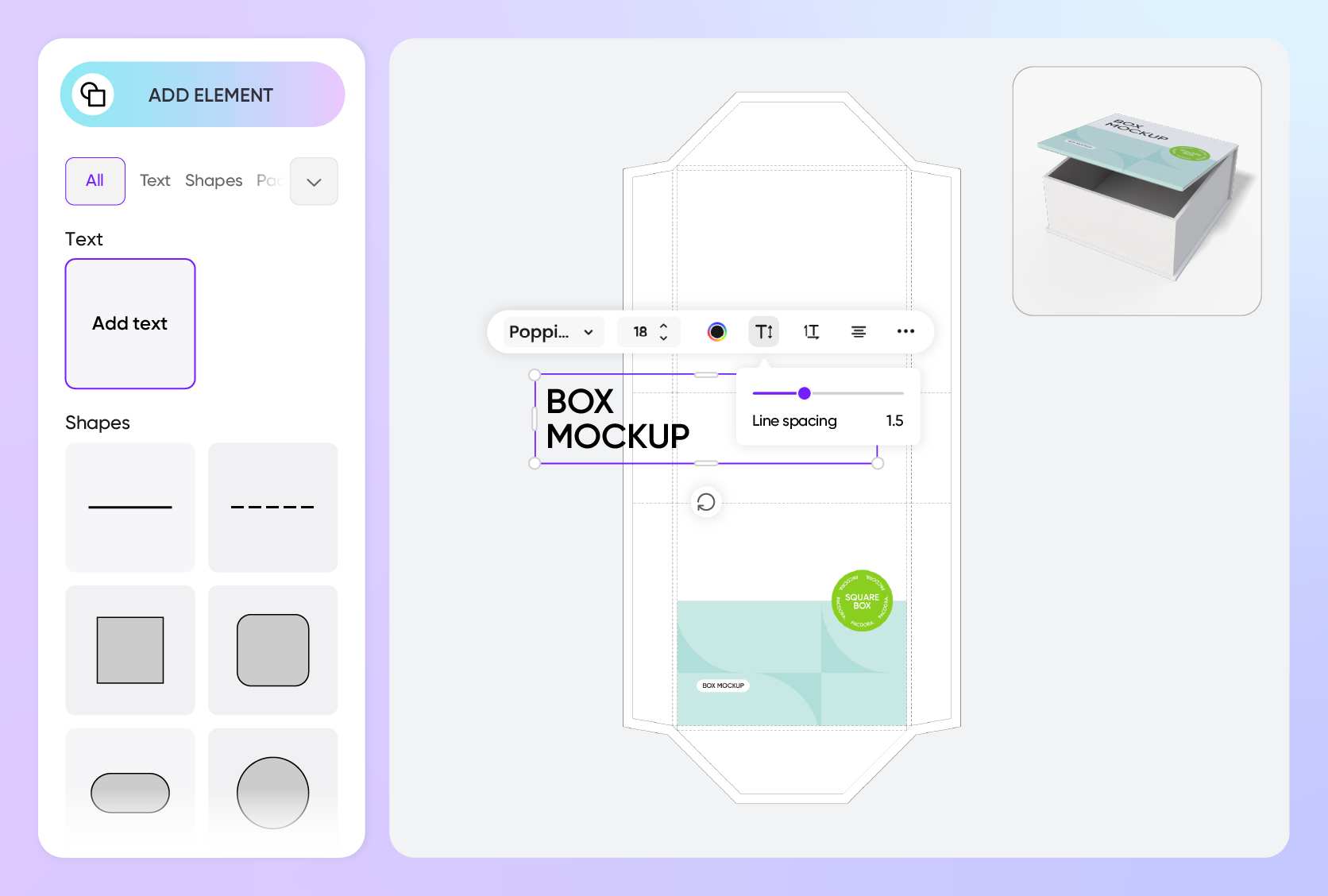
Custom designs that customers instantly fall for
Customization really matters when it comes to presentation packaging. You can go minimalist with just a simple text and logo or make a bold statement with bright colors and intricate patterns.
Geometric designs, images, and floral motifs are also popular and help enhance visual appeal. You should aim at creating a design that your buyers will fall in love with.
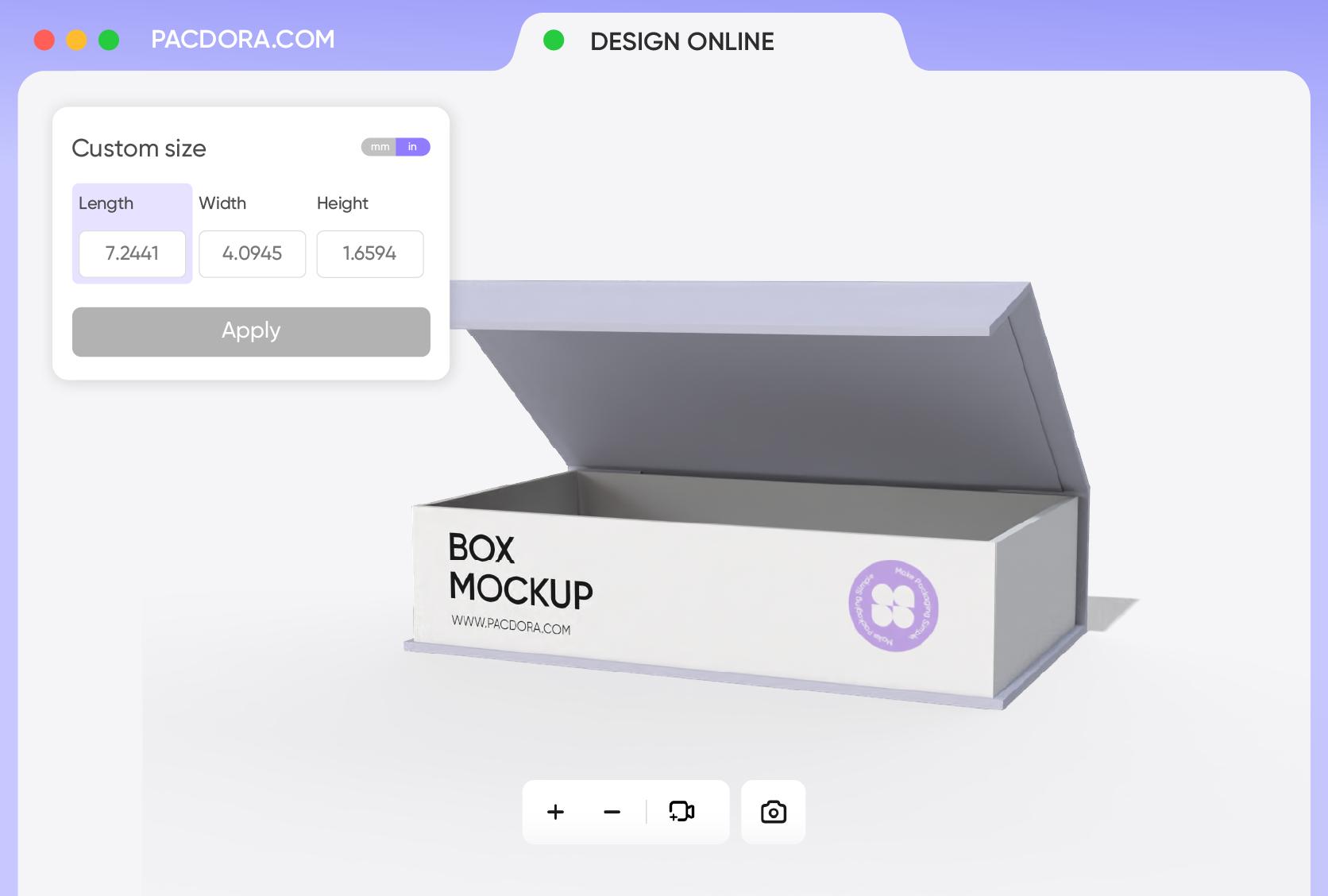
Custom size that holds your product snugly
A small 9.6 × 6.3 × 1.6-inch box gives a luxe unboxing feel and is great for luxury accessories, while a 16 × 9.5 × 4.25-inch box fits large products nicely.
Just choose a presentation box that fits your product perfectly, or easily customize the dimensions to ensure it snugly and securely holds your item.

Sharp visuals that show every feature clearly
You can download 8K PNG/JPG images or videos to use in digital ads, e-commerce sites, Facebook, Instagram, and other platforms.
If you need physical production-ready files, Pacdora lets you download printable dielines with exact cut lines, folds, bleed areas, and dimensions, ensuring accurate printing and hassle-free manufacturing.
Stylish boxes that align with your brand
Our presentation boxes come in a range of styles, so you can easily find one that captivates your customers and resonates with your brand’s aesthetic.
You can opt for a magnetic closure box for a luxury, premium feel, a drawer-style for a modern, interactive experience, or a two-piece box for that timeless, elegant vibe.
Custom designs that customers instantly fall for
Customization really matters when it comes to presentation packaging. You can go minimalist with just a simple text and logo or make a bold statement with bright colors and intricate patterns.
Geometric designs, images, and floral motifs are also popular and help enhance visual appeal. You should aim at creating a design that your buyers will fall in love with.
Custom size that holds your product snugly
A small 9.6 × 6.3 × 1.6-inch box gives a luxe unboxing feel and is great for luxury accessories, while a 16 × 9.5 × 4.25-inch box fits large products nicely.
Just choose a presentation box that fits your product perfectly, or easily customize the dimensions to ensure it snugly and securely holds your item.
Sharp visuals that show every feature clearly
You can download 8K PNG/JPG images or videos to use in digital ads, e-commerce sites, Facebook, Instagram, and other platforms.
If you need physical production-ready files, Pacdora lets you download printable dielines with exact cut lines, folds, bleed areas, and dimensions, ensuring accurate printing and hassle-free manufacturing.
Our customers love Pacdora’s mockup tools
Thousands before you have designed realistic mockups with Pacdora and loved it.

Great mock-ups and literally thousands of packaging designs to choose from. The 3d mock-up is so good, helps bring clarity to the client as well as the designers. Great product for packaging design professionals.


cosmiccorner
Move over, complicated design software! Pacdora is the superhero of packaging mockups. Creating 3D magic for my products is as easy as pie – no PhD in design required. It’s like the software looked at the clock and said, ‘Time to save users from design nightmares!’ It’s so user-friendly, even my coffee mug wants to try its hand at packaging design.
FAQ
Are custom presentation boxes suitable for different occasions?
Yes, you can customize presentation boxes to perfectly fit any occasion, from corporate events to weddings and other special events. Just make sure you get the theme, message, and the overall design right for that specific occasion.
Weddings, for instance, call for elegant designs featuring soft colors and luxe materials. For a corporate occasion, you can fully brand the box with your logo, name, and tagline to make it look more professional.
Does material choice influence the look of custom presentation boxes?
Absolutely! Material choice affects how your custom presentation box looks and feels. Take cardboard, for instance; it gives a clean, modern vibe that works perfectly for luxury designs. Kraft paper feels more natural and eco-friendly, which is awesome for sustainable brands. So yeah, the material definitely matters; it can make your box stand out or just look like any other box.
Can custom presentation boxes be eco-friendly?
Yes, in fact, Pacdora gives full control over the material for your custom presentation box. All our materials are sustainable, so you can feel good about your choice. You can opt for recyclable white cardboard for a polished, eye-catching box design, biodegradable kraft paper for a rustic, natural feel, or corrugated cardboard for extra strength. You’ll definitely find the material that aligns with your eco-friendly goal.
Why choose Pacdora for custom presentation boxes?
Pacdora is designed for both experts and beginners. With a huge library of ready-made presentation boxes, great customization options, and diverse export options, you’ve got everything you need to create custom presentation boxes that buyers will love. Plus, it takes just a few minutes to get your box design ready for printing or online use.
Can I design custom presentation boxes for free on Pacdora?
Of course, you can create custom presentation boxes using our free features. If your project or design needs advanced features, you can as well upgrade to premium services. For more details, check out our pricing page.
Explore more mockup tools
Discover more about Pacdora


