

Sleeve packagings
Pacdora offers editable 3D sleeve mockups, like snack, cosmetic, or gift sleeve packagings, personalize every detail, and download HD PNGs or dielines in seconds.

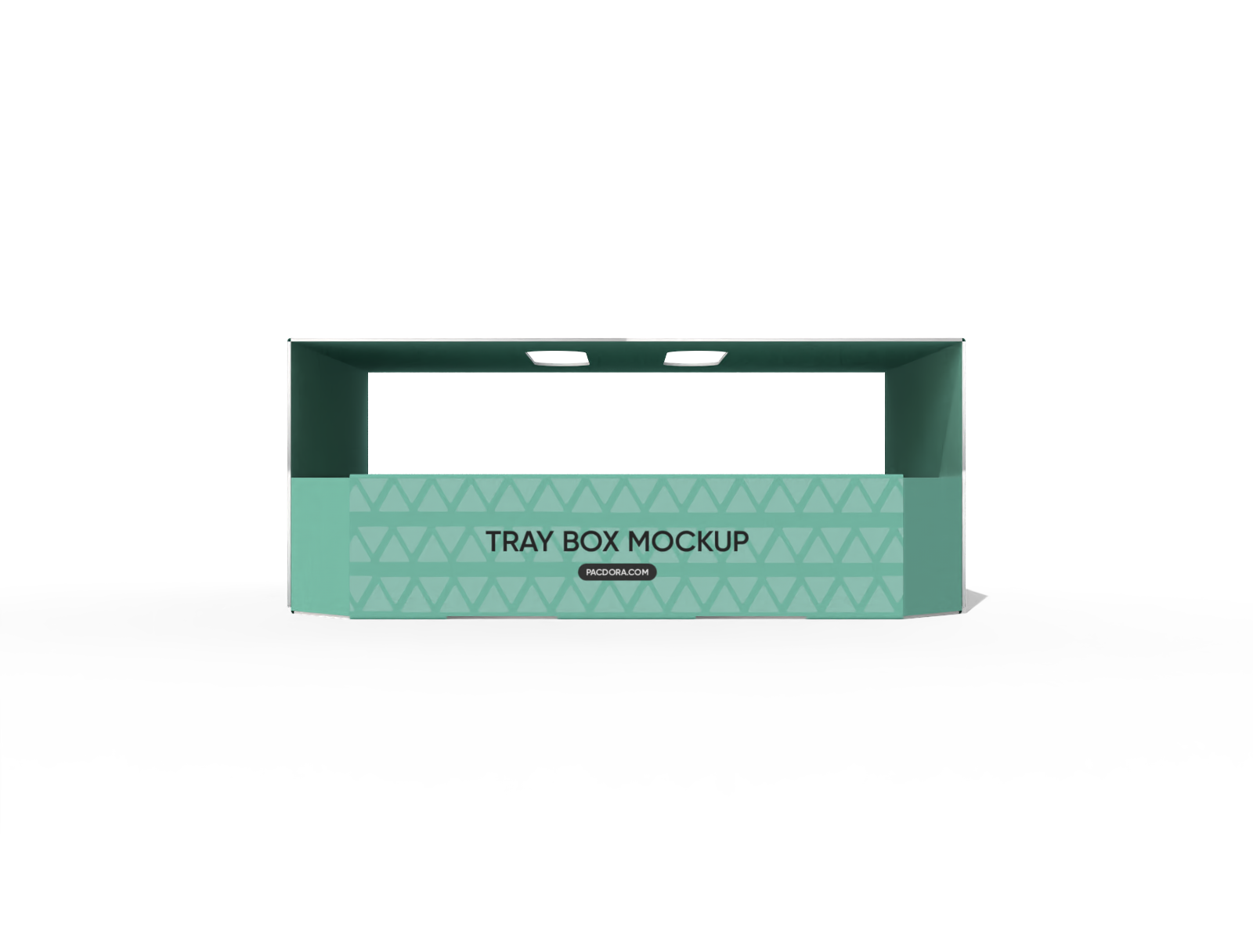
Tray boxes with handle mockup
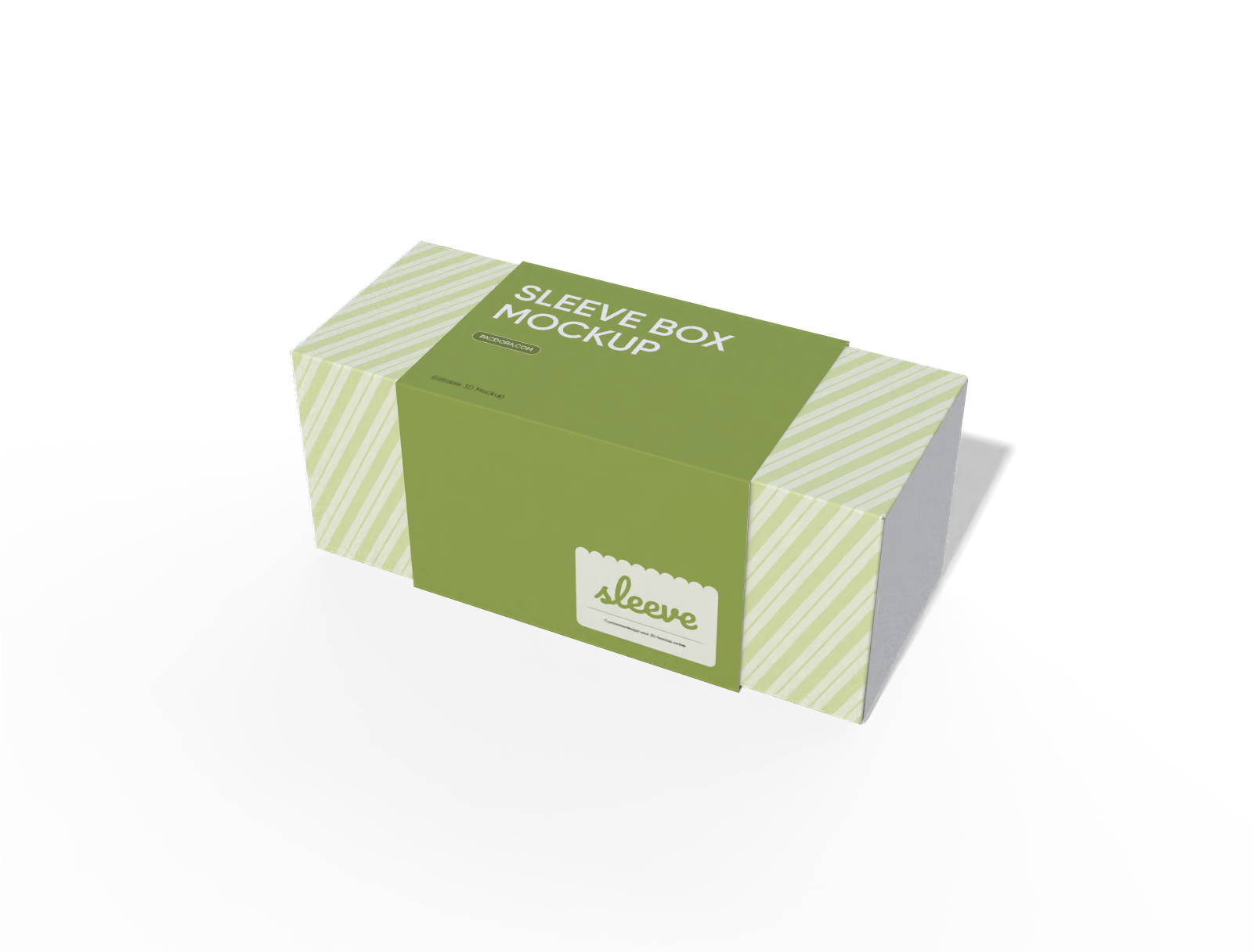
Gift flip lid box with sleeve mockup
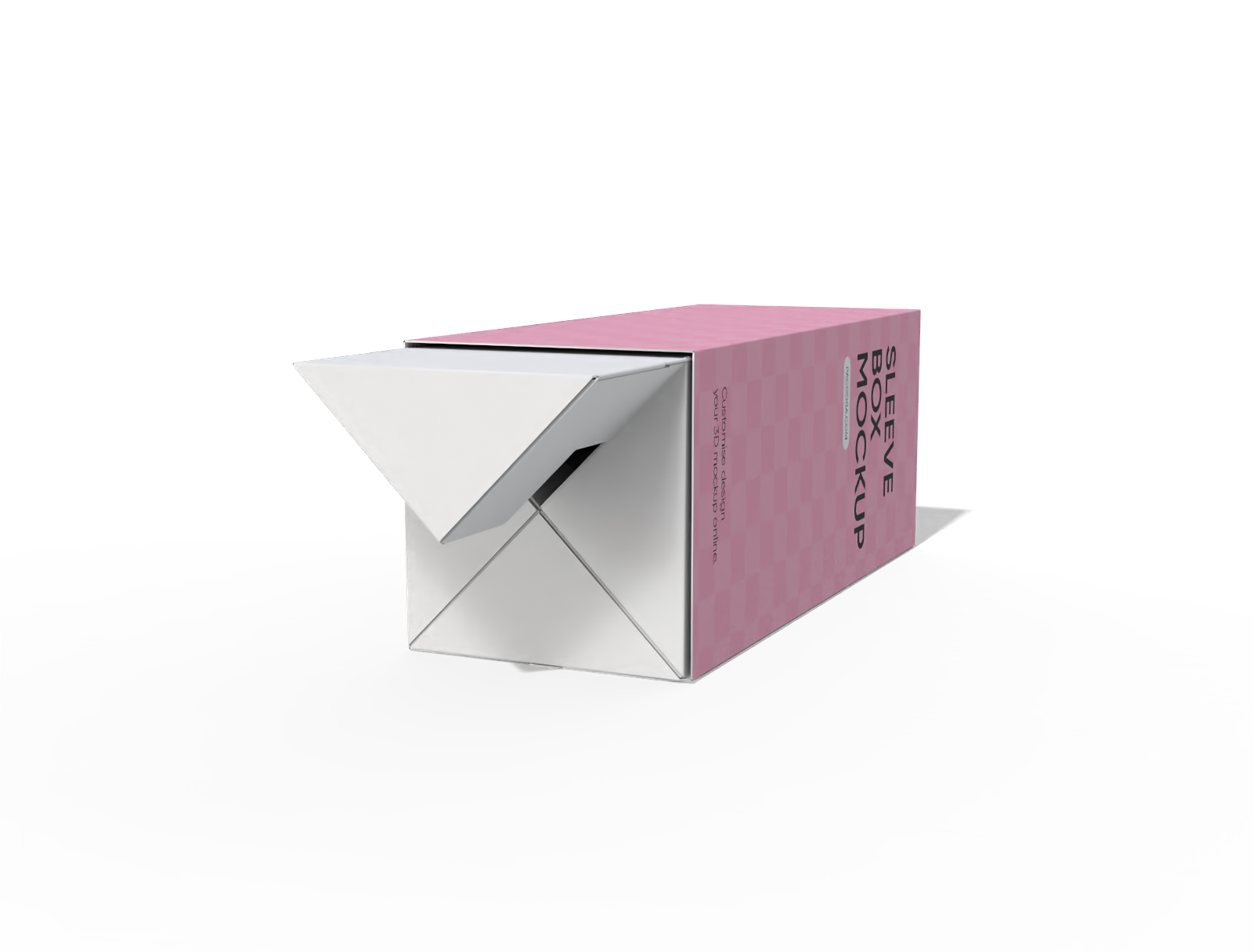
Gift sleeve box mockup
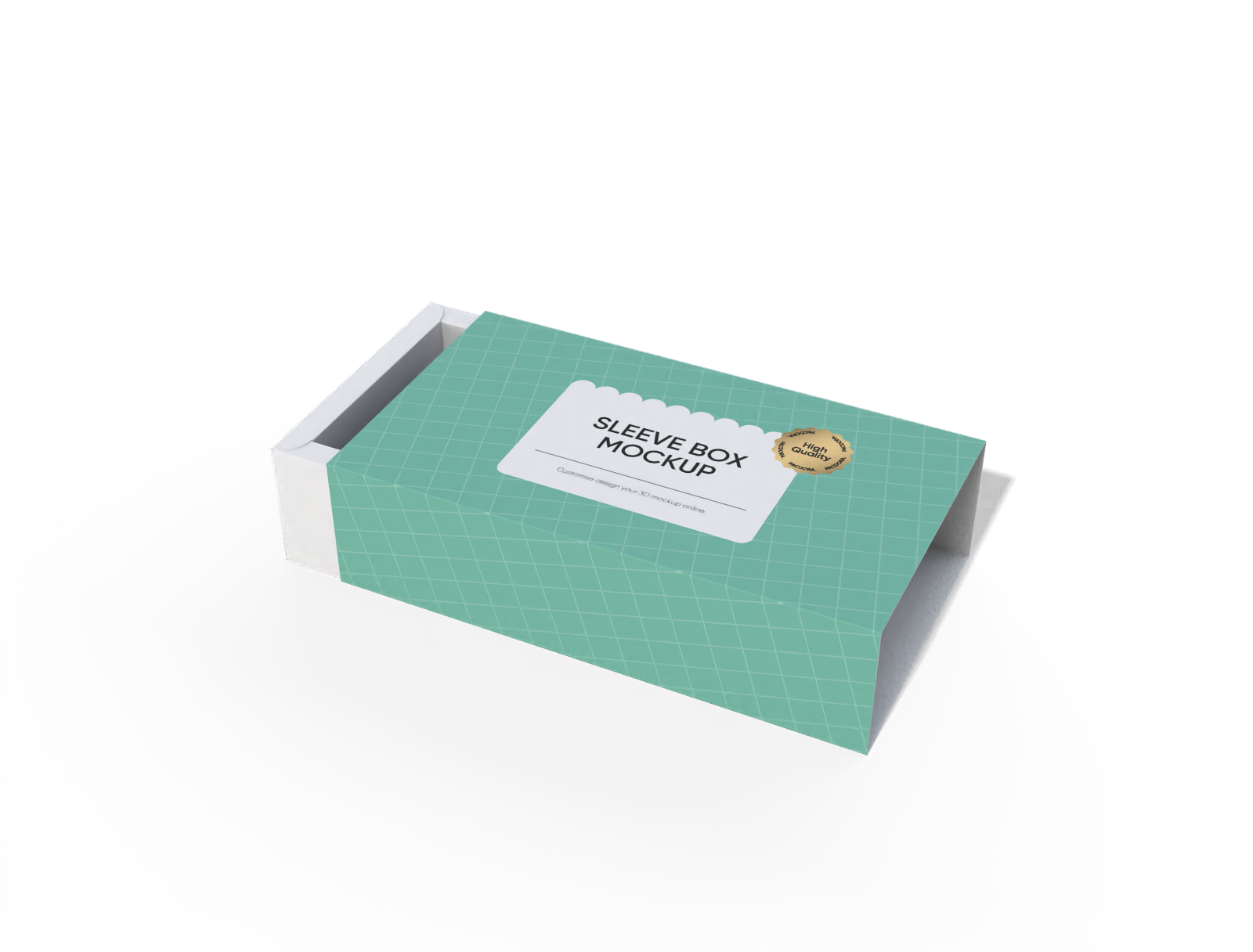
Gift sleeve box mockup
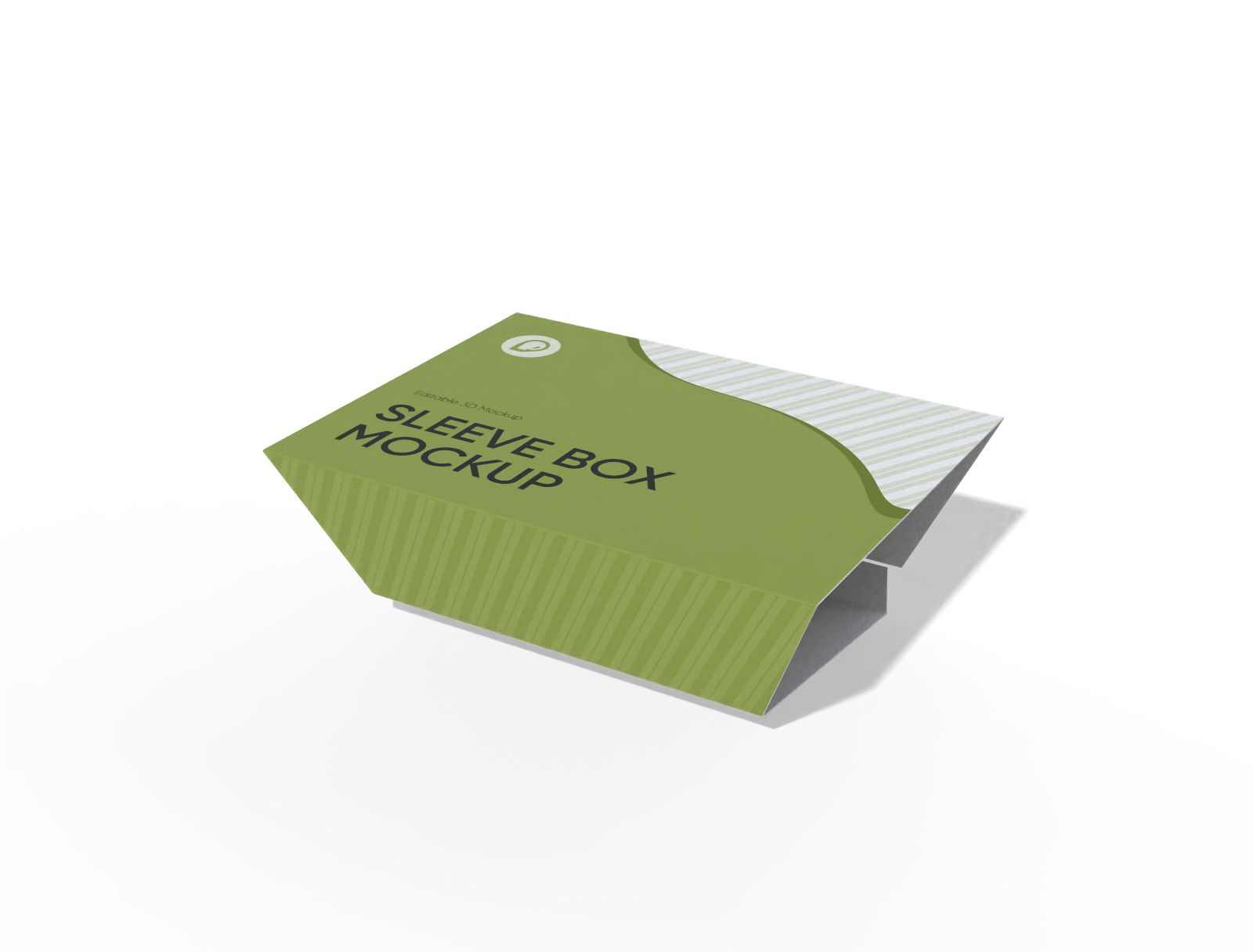
Trapezoidal sleeve box mockup
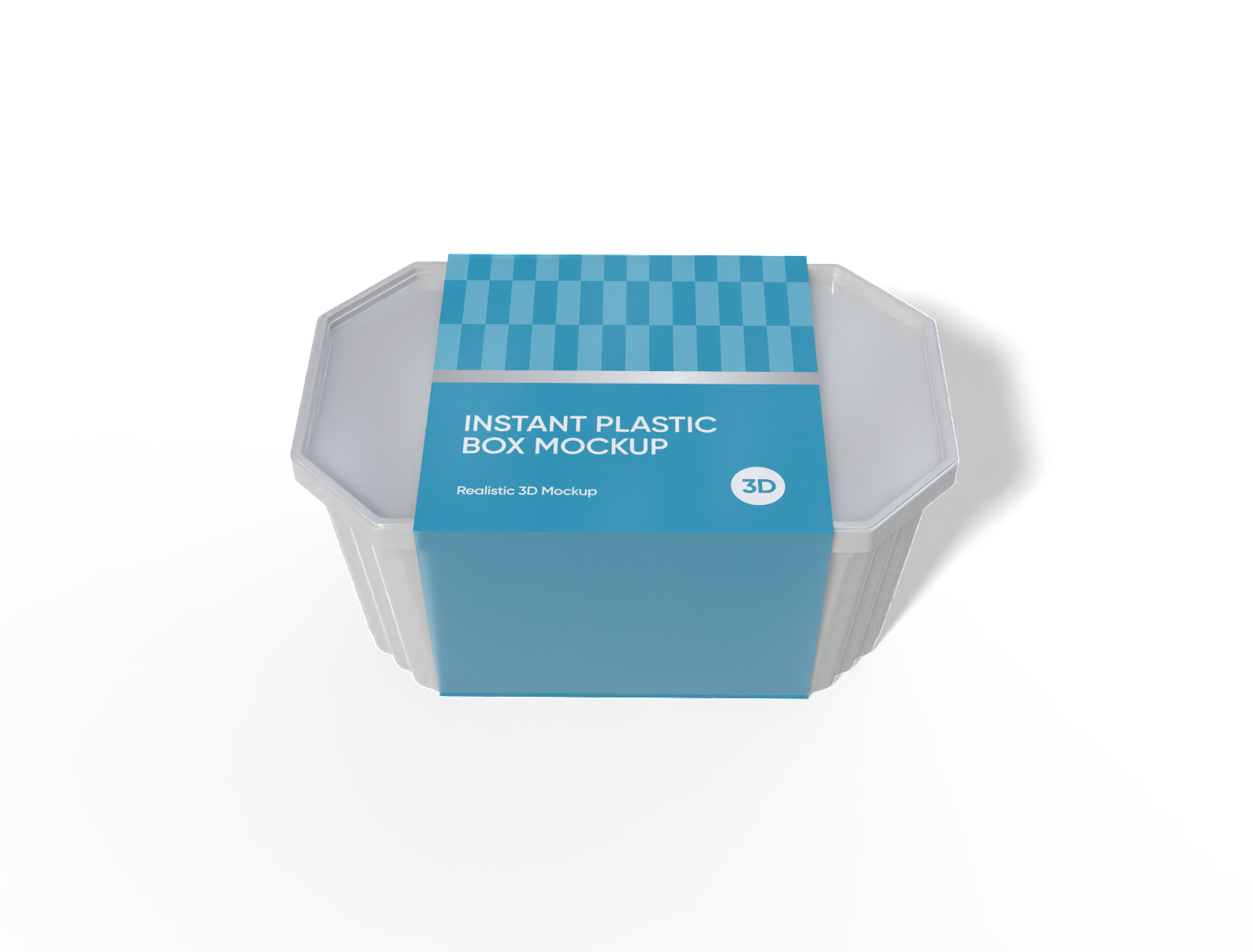
Plastic food sleeve box mockup
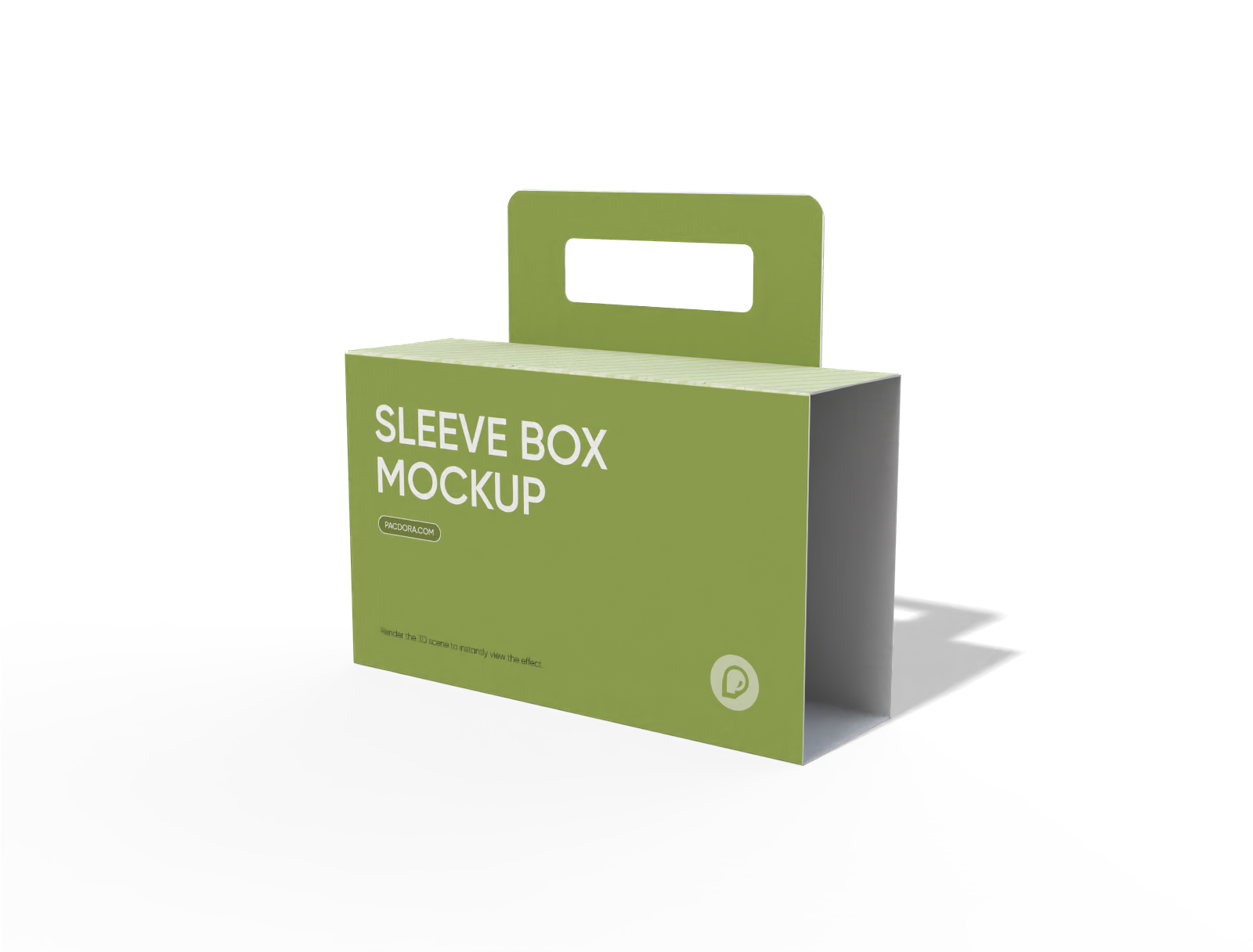
Handle sleeve box mockup
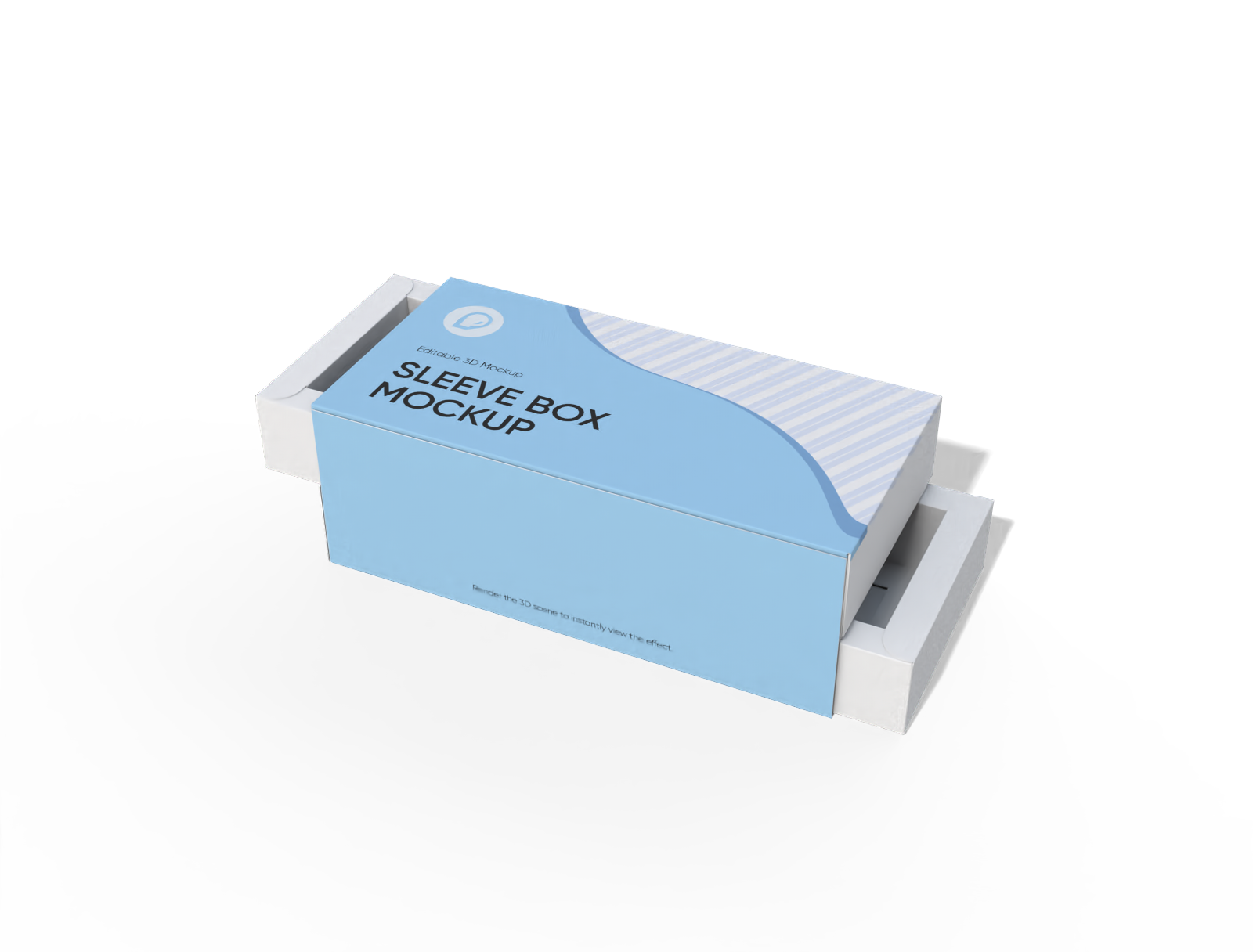
Double-layer gift sleeve box mockup
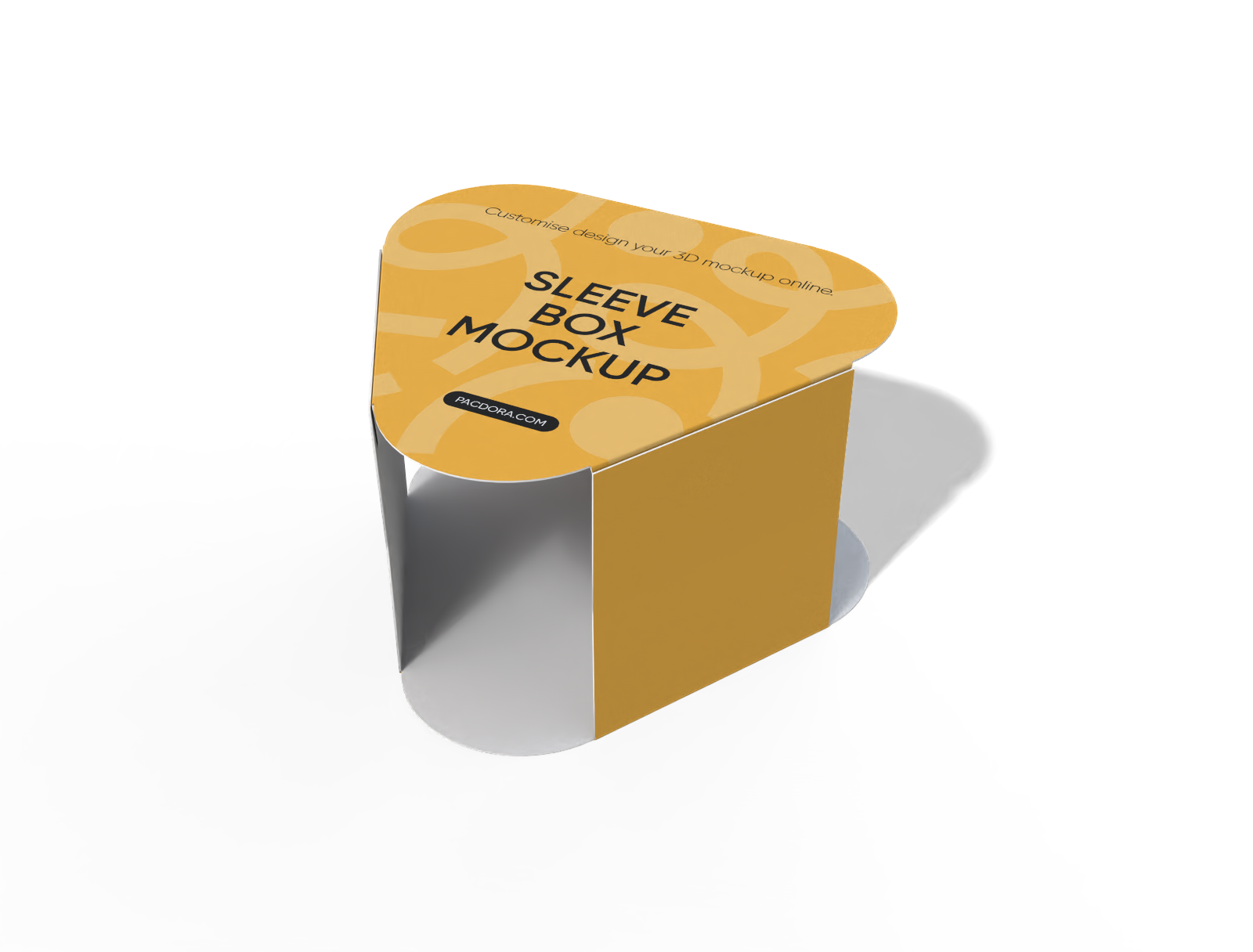
Triangle food sleeve mockup
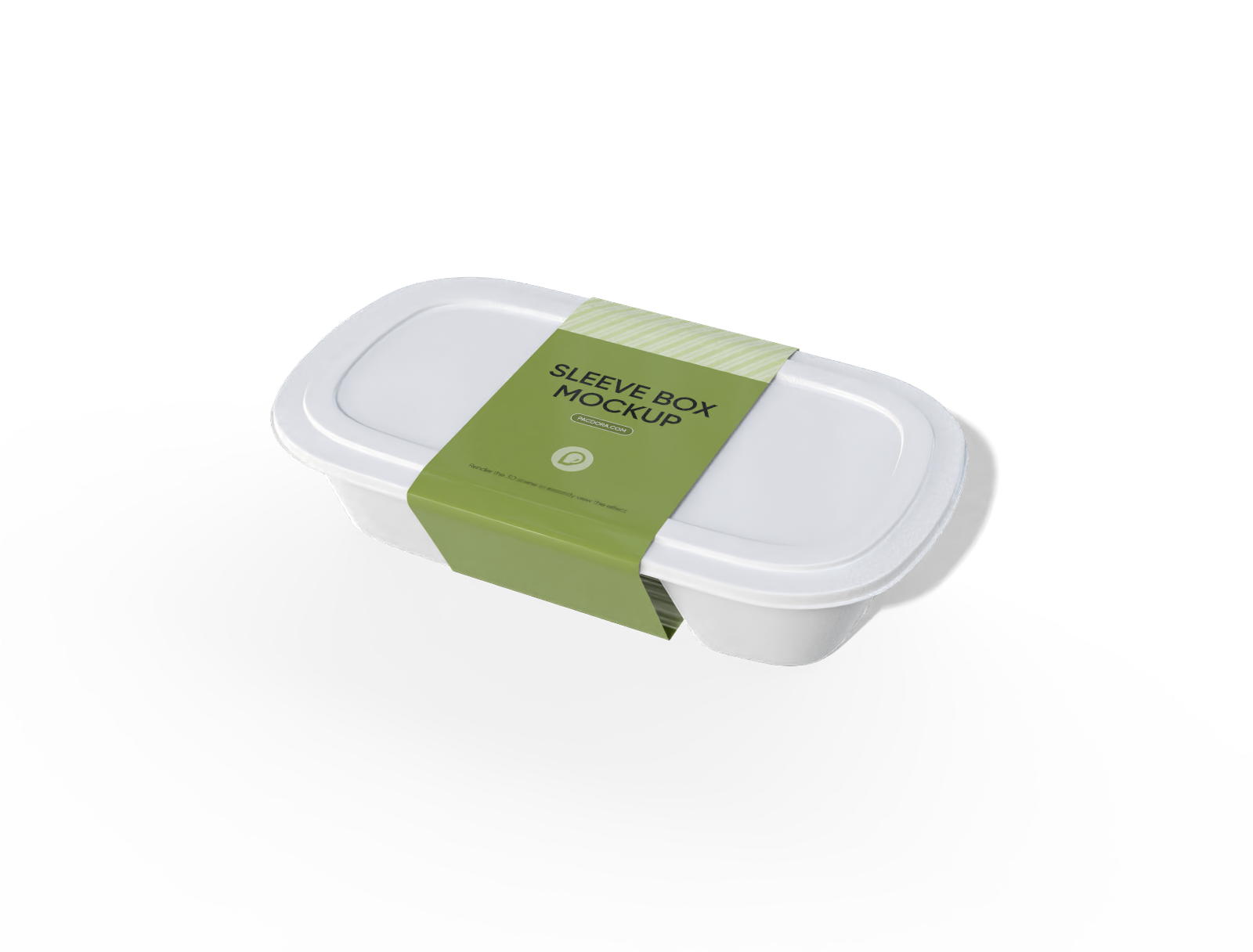
Plastic food sleeve box mockup
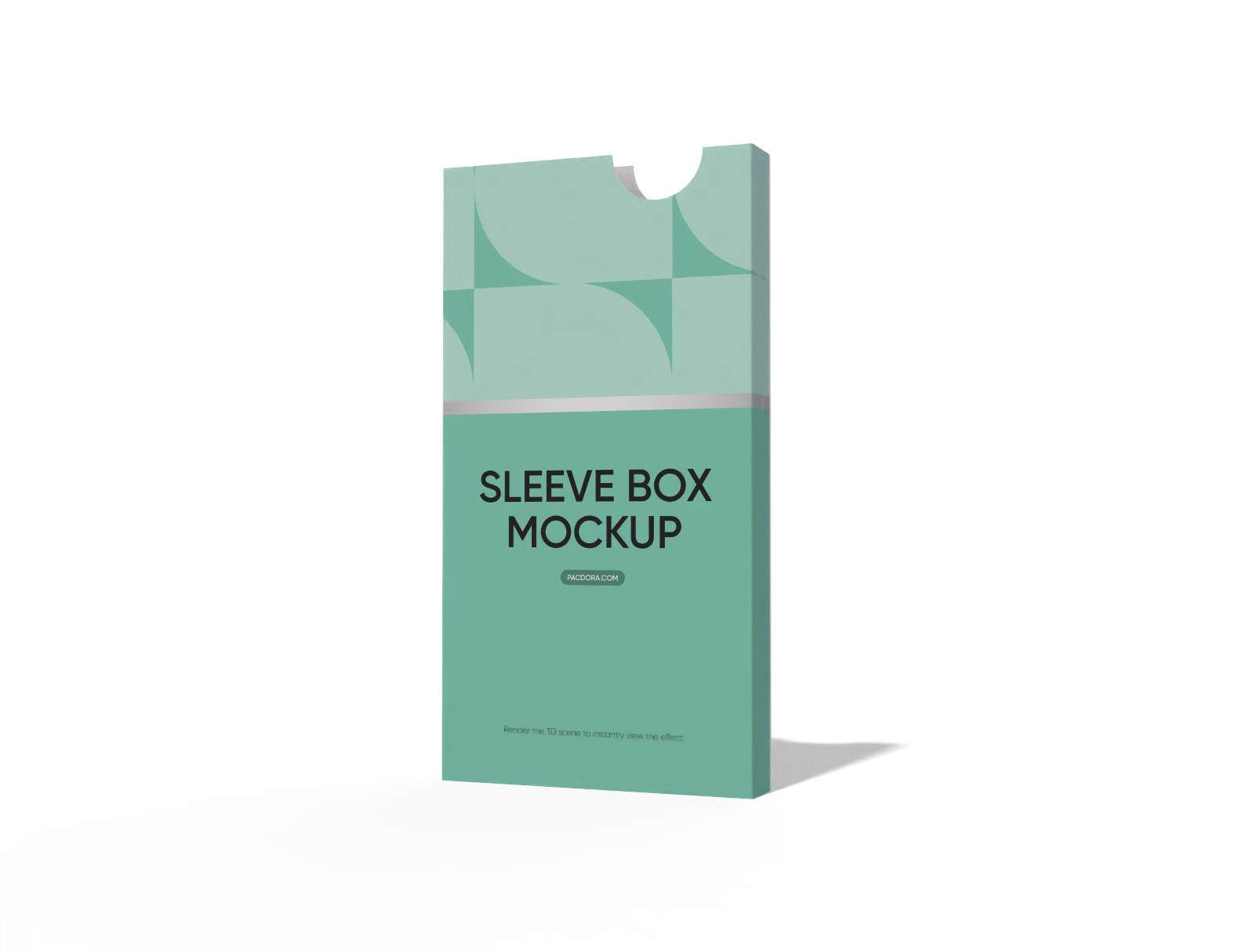
Paper sleeve box mockup
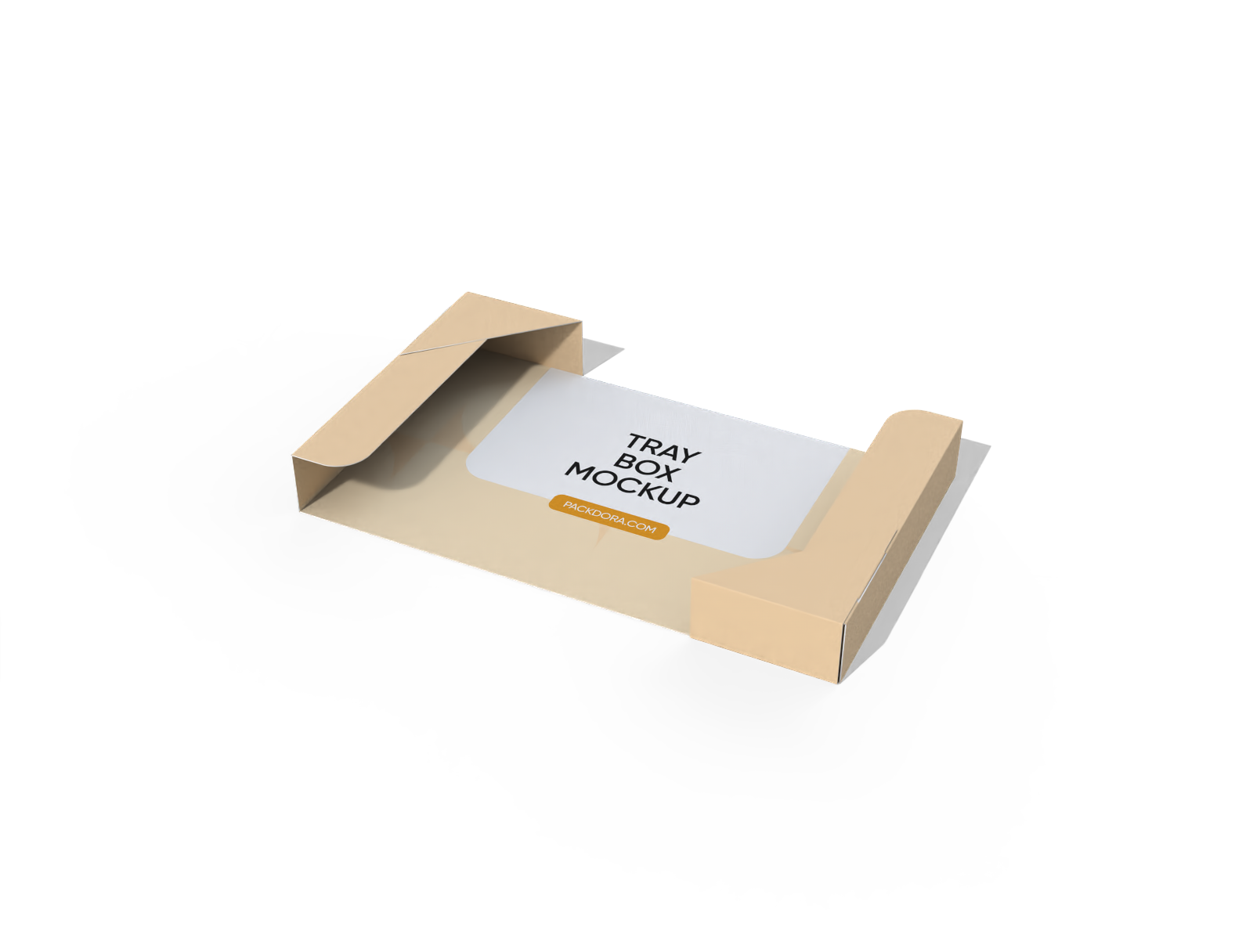
Sleeve tray box mockup
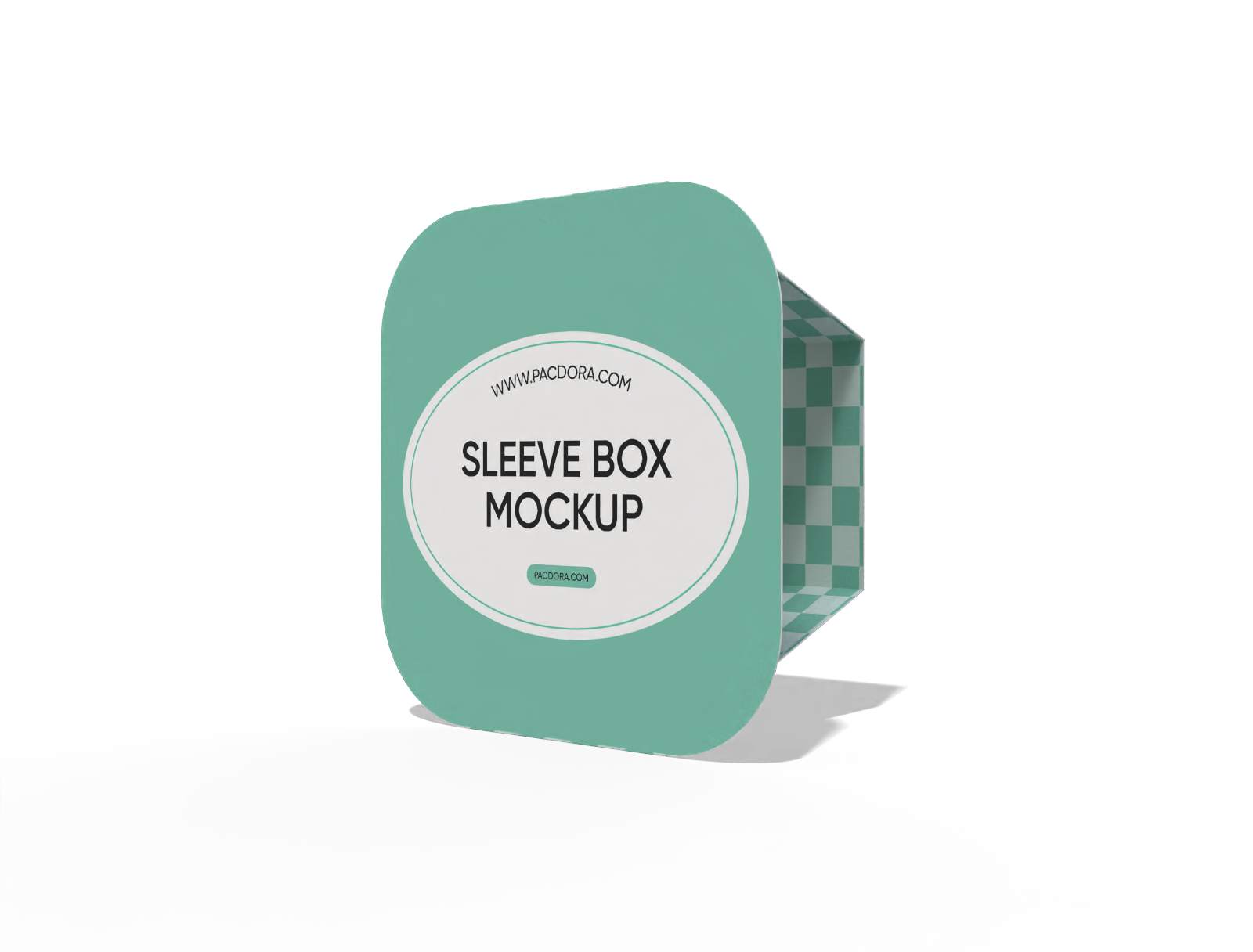
Food box sleeve mockup
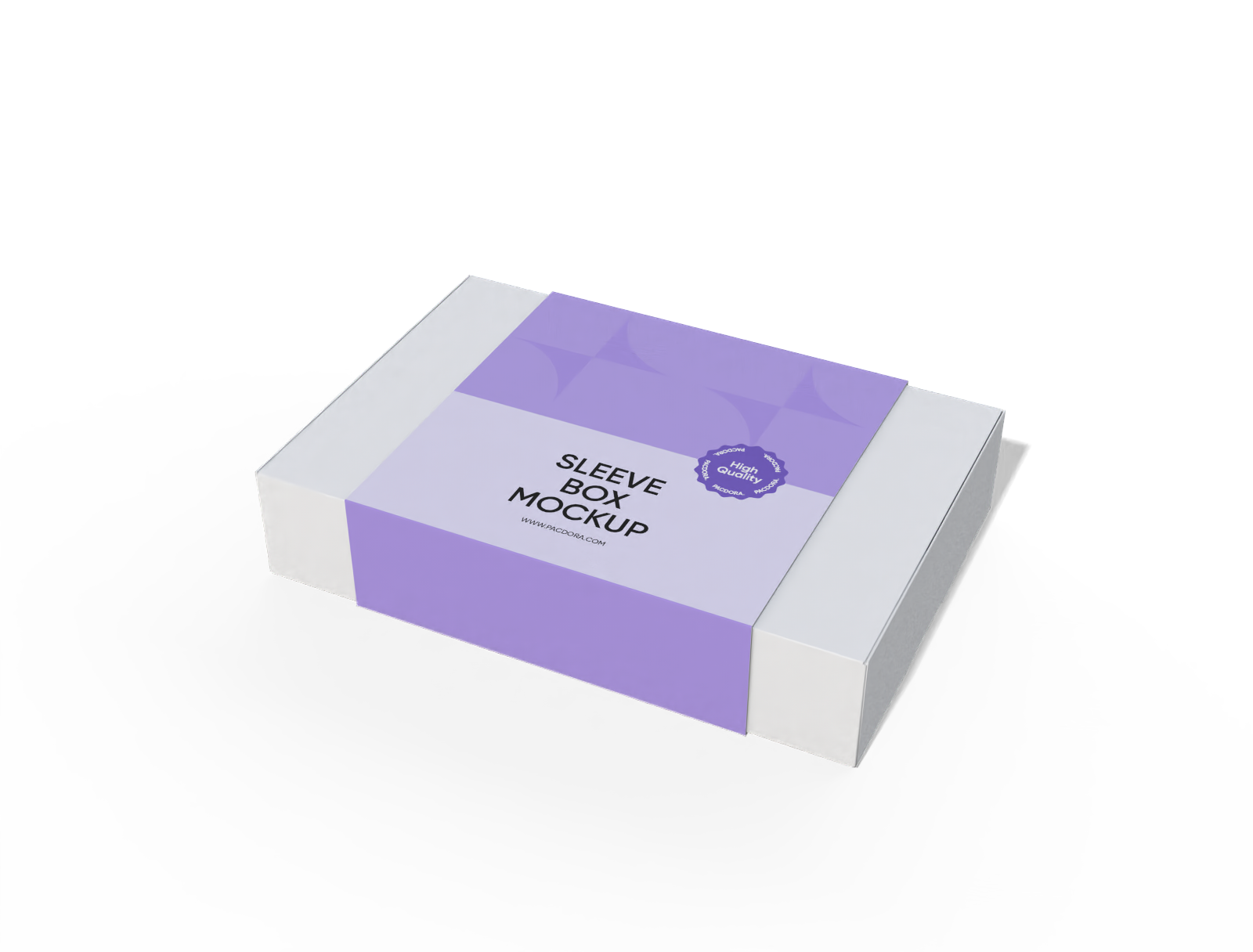
Gift mailer box with sleeve mockup
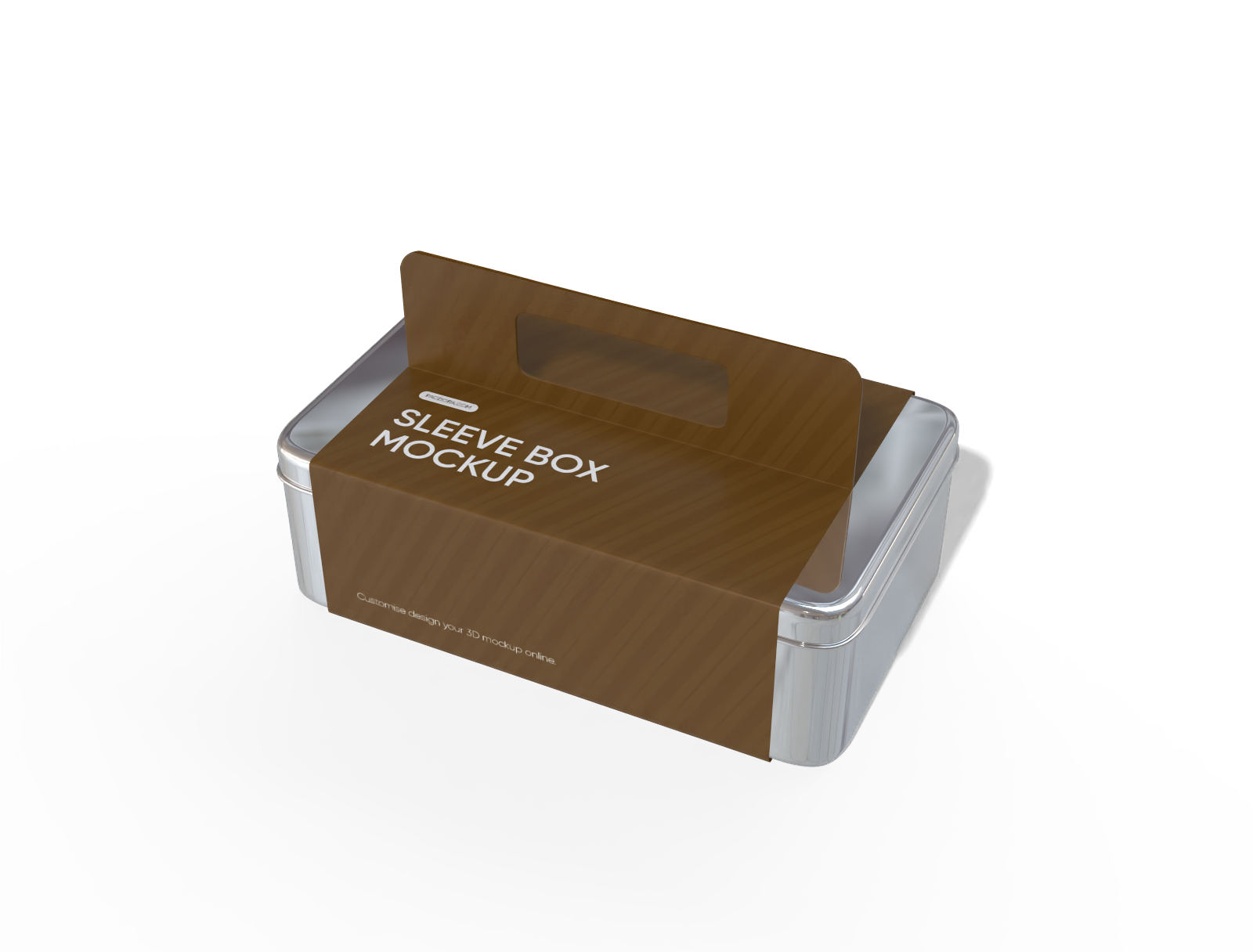
Aluminum cookie sleeve box with handle mockup
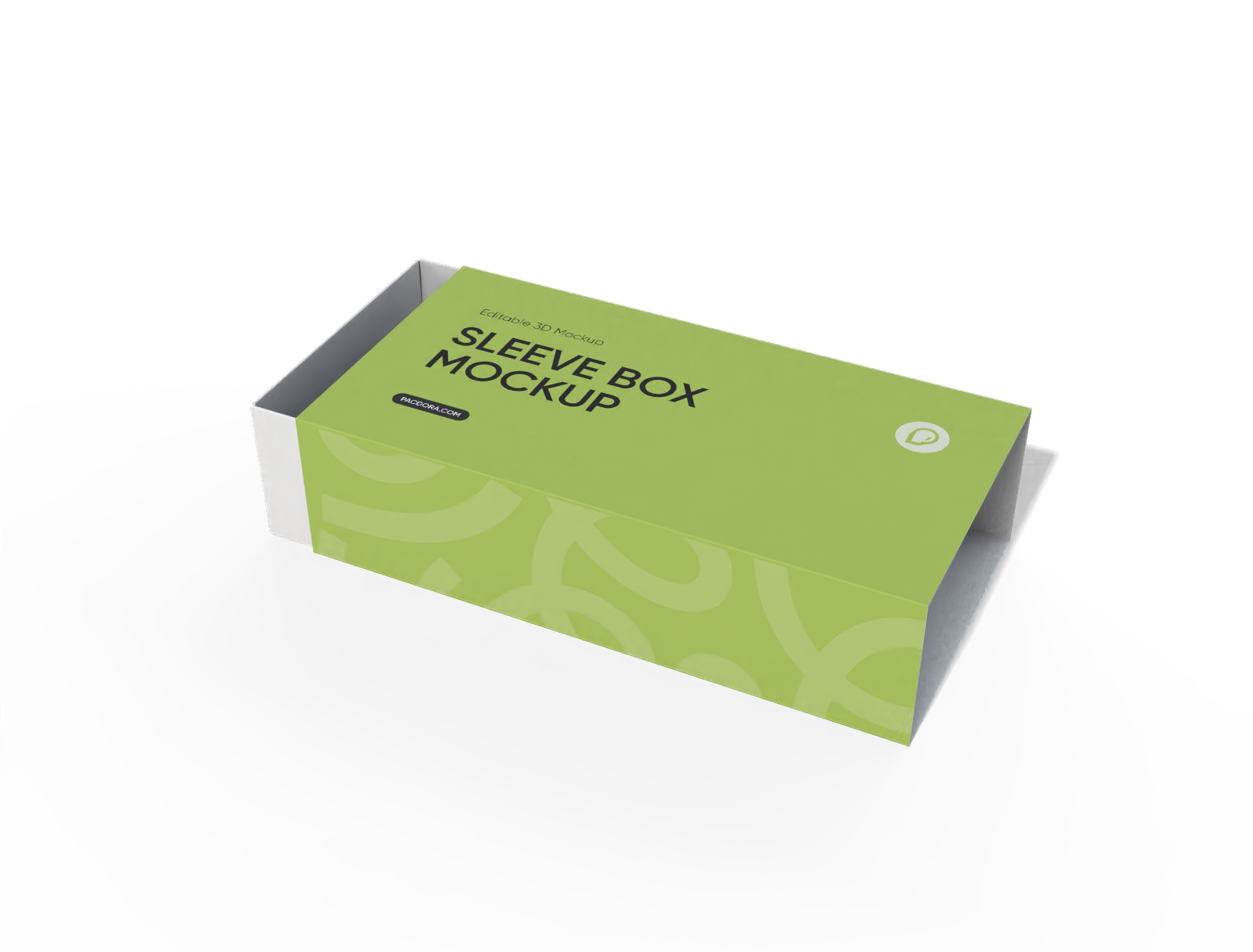
Food drawer box mockup
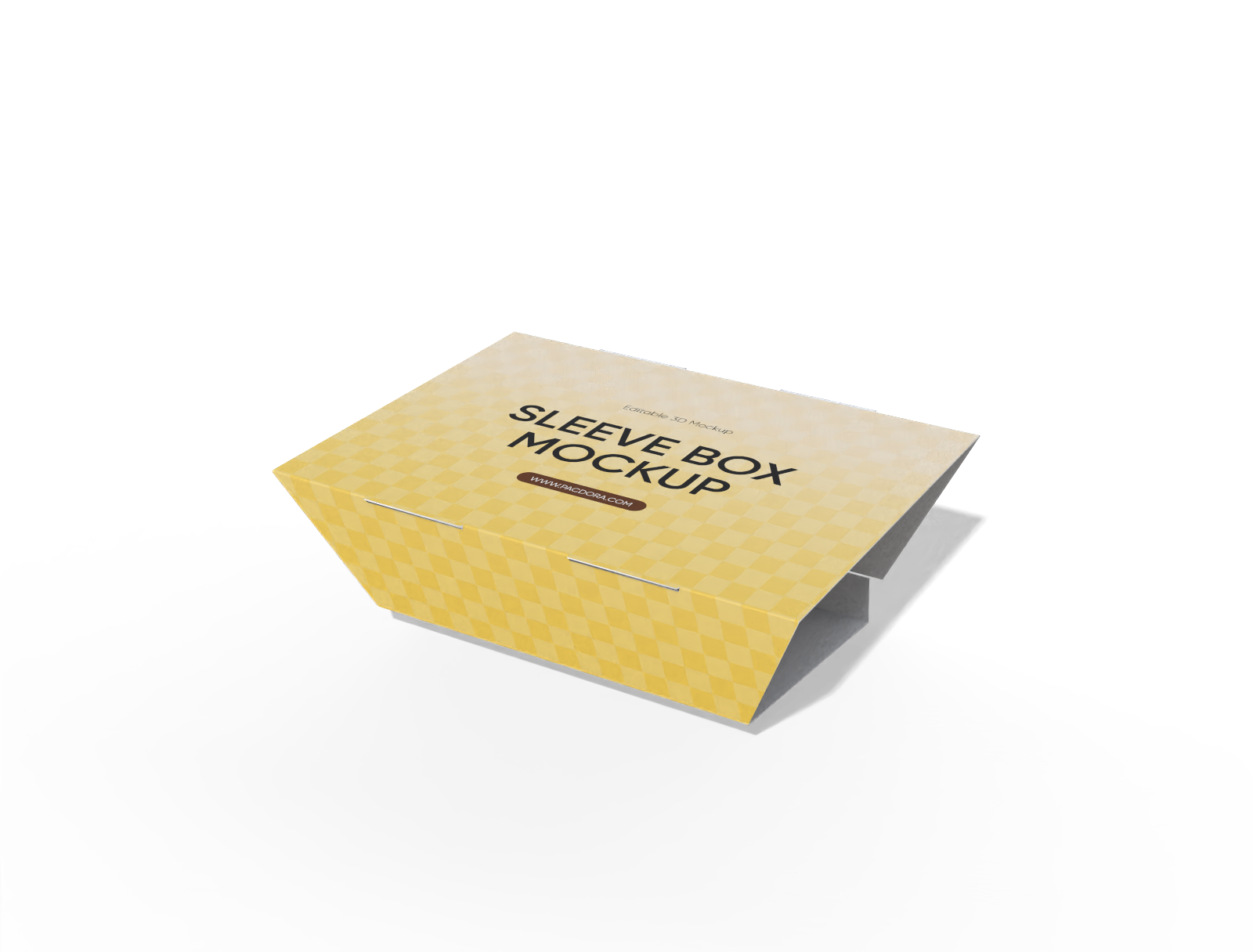
Trapezoidal sleeve box mockup
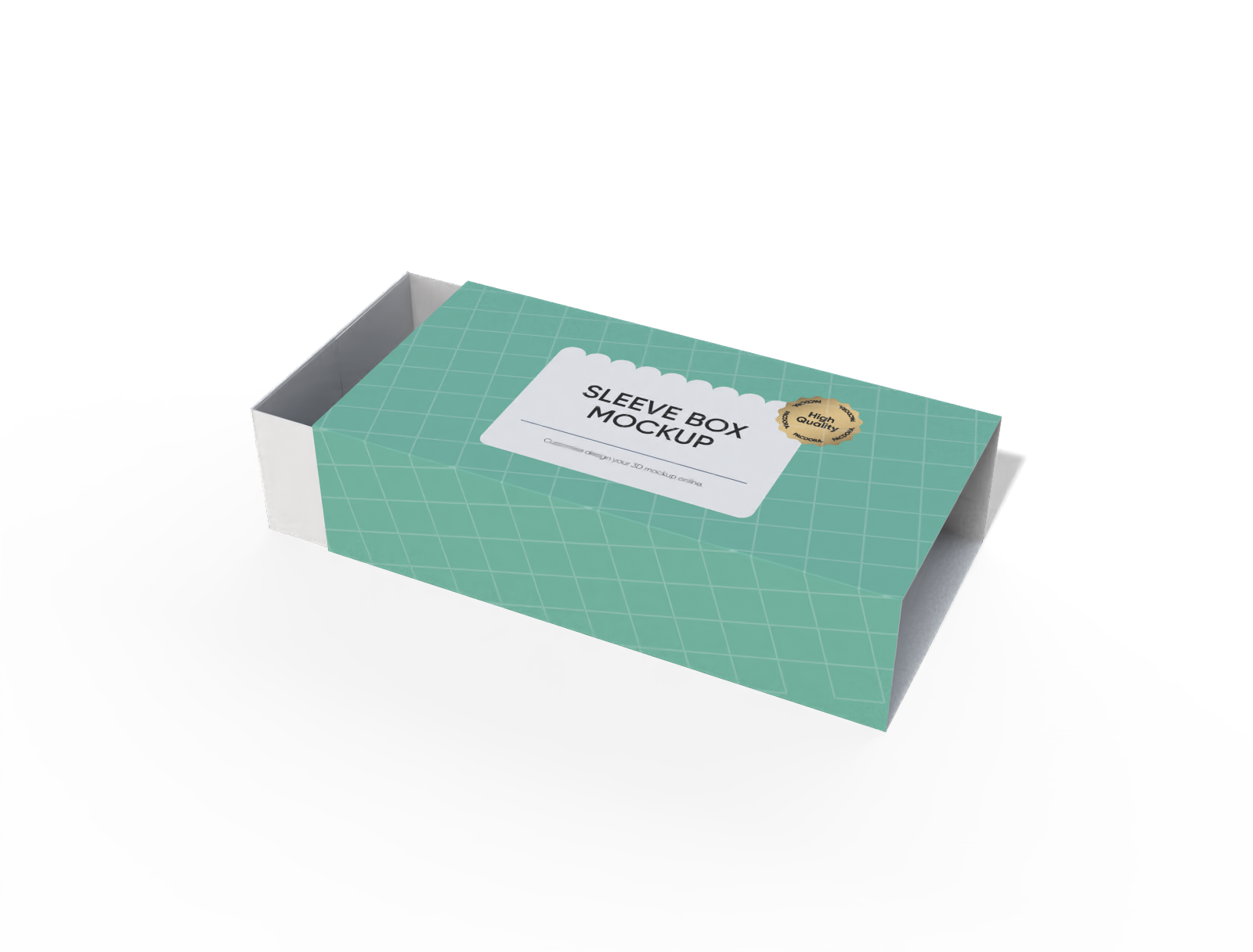
Sleeve food box mockup
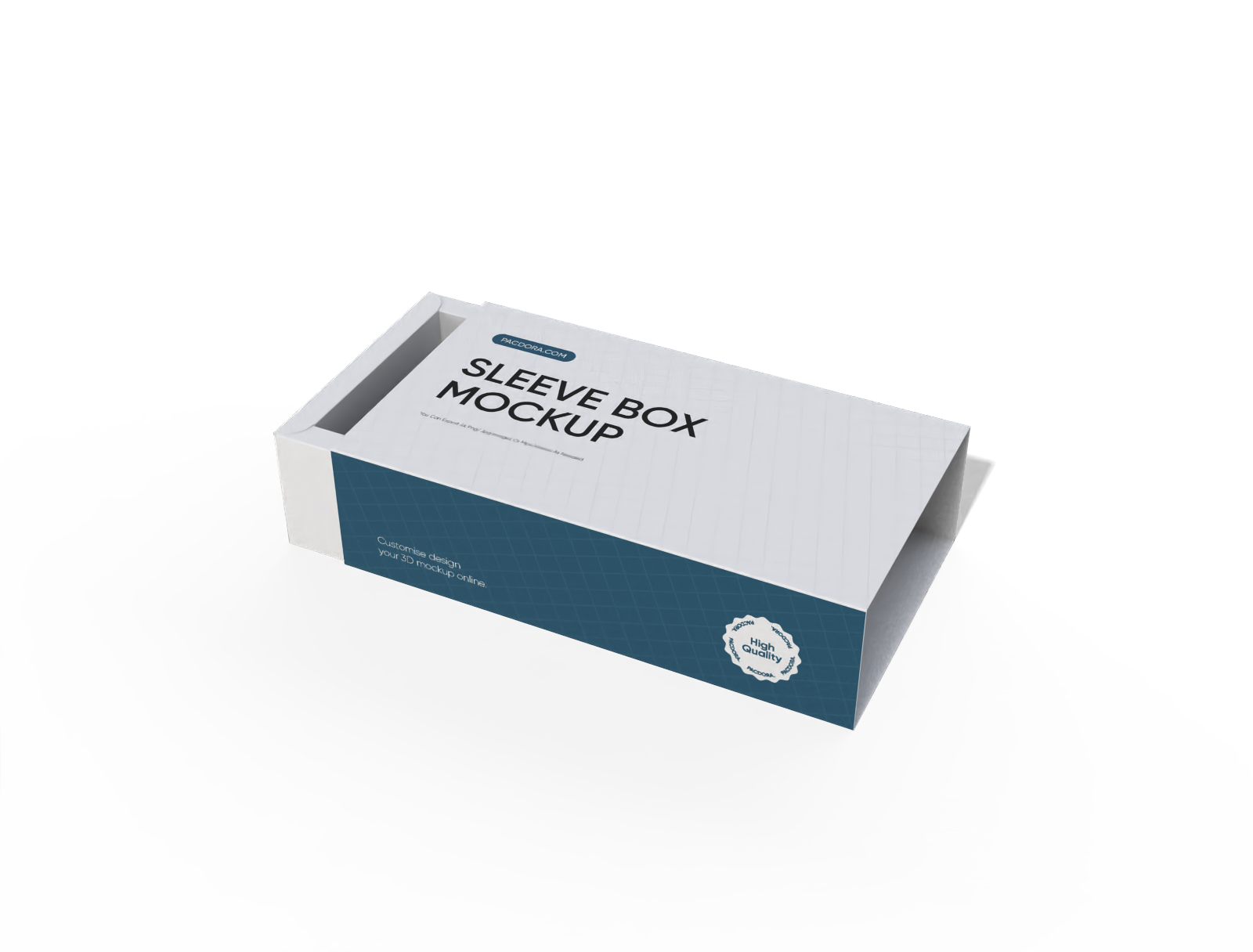
Gift sleeve box mockup
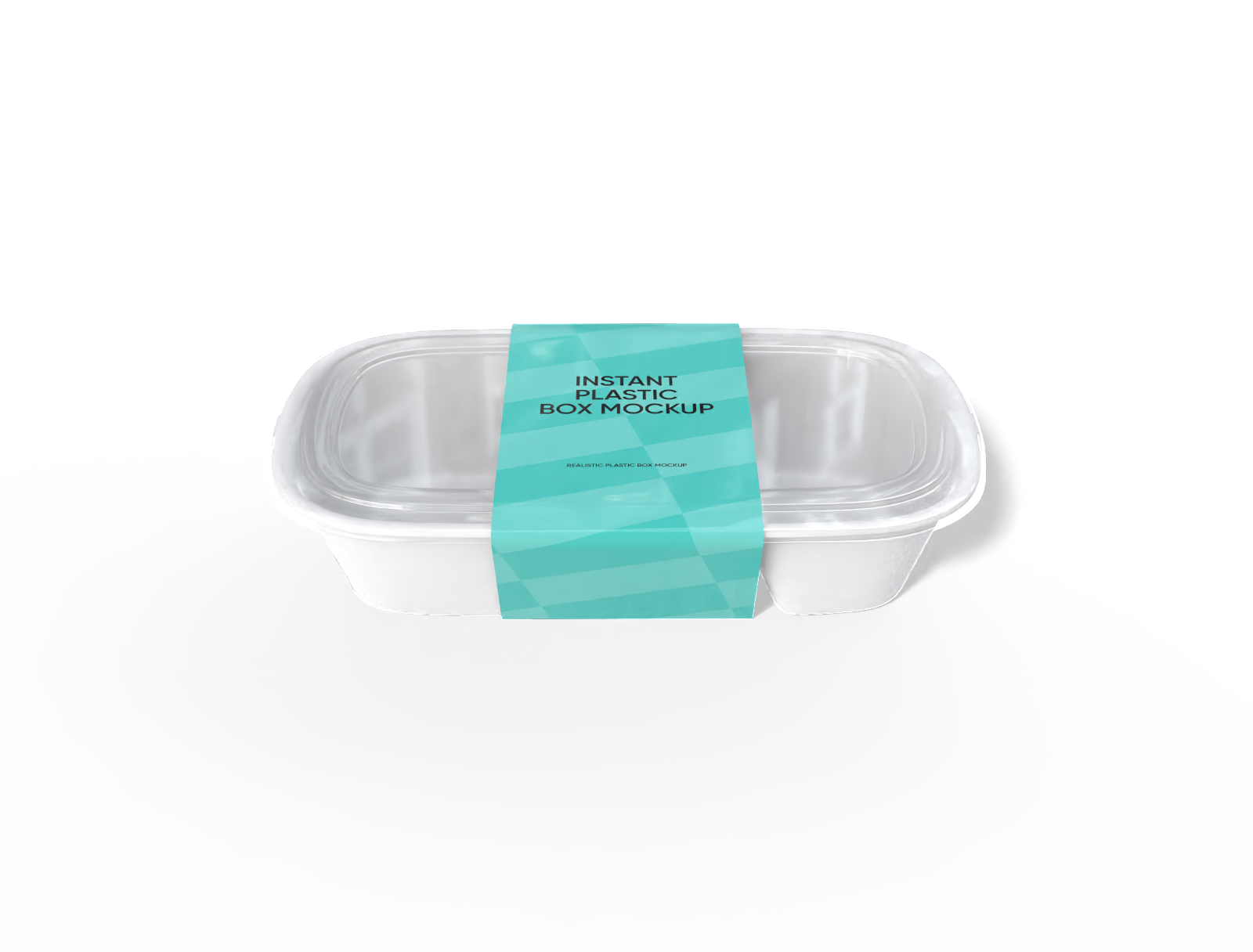
Plastic food container mockup
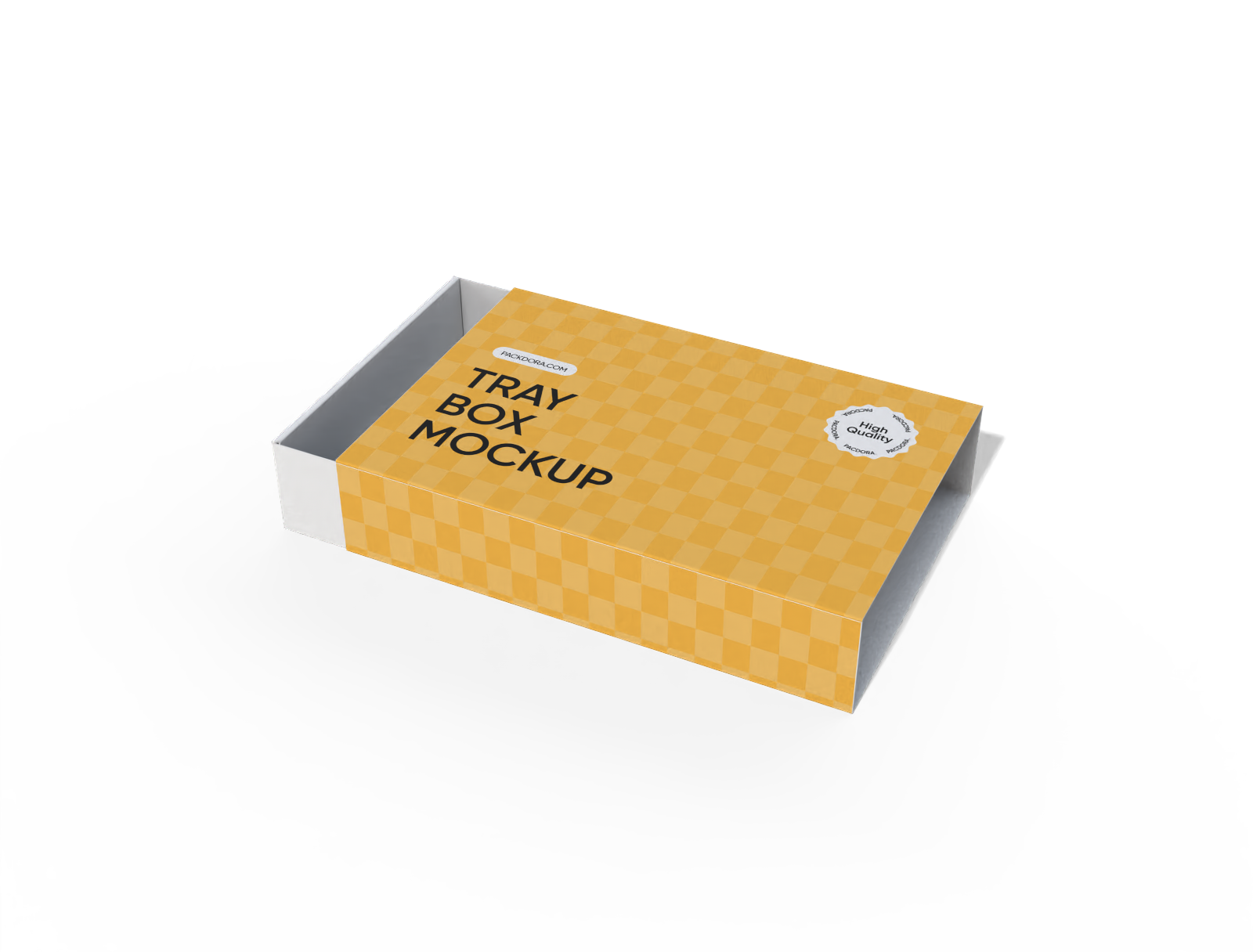
Cookie sleeve box mockup
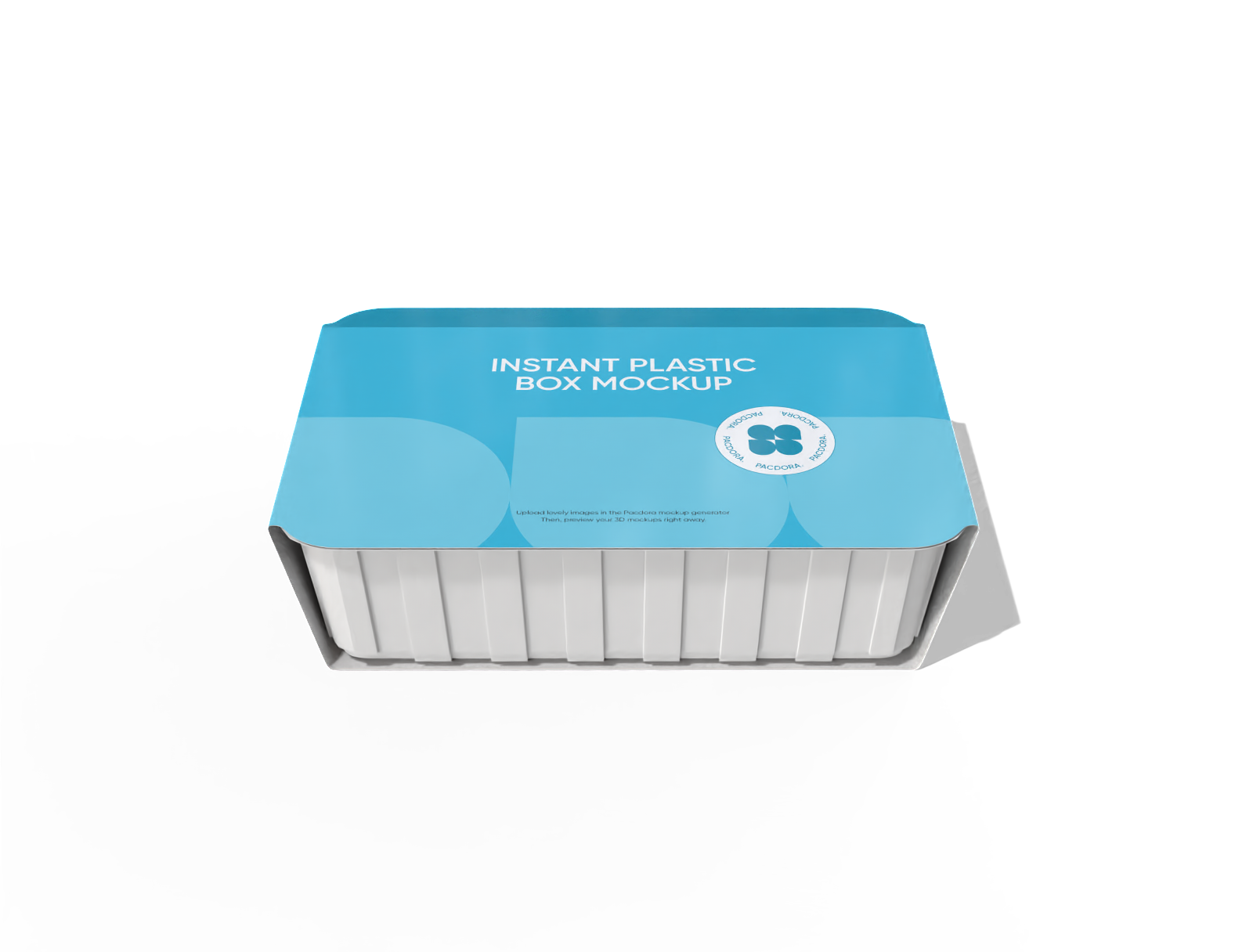
Food container with sleeve mockup
Gift mailer box with sleeve mockup
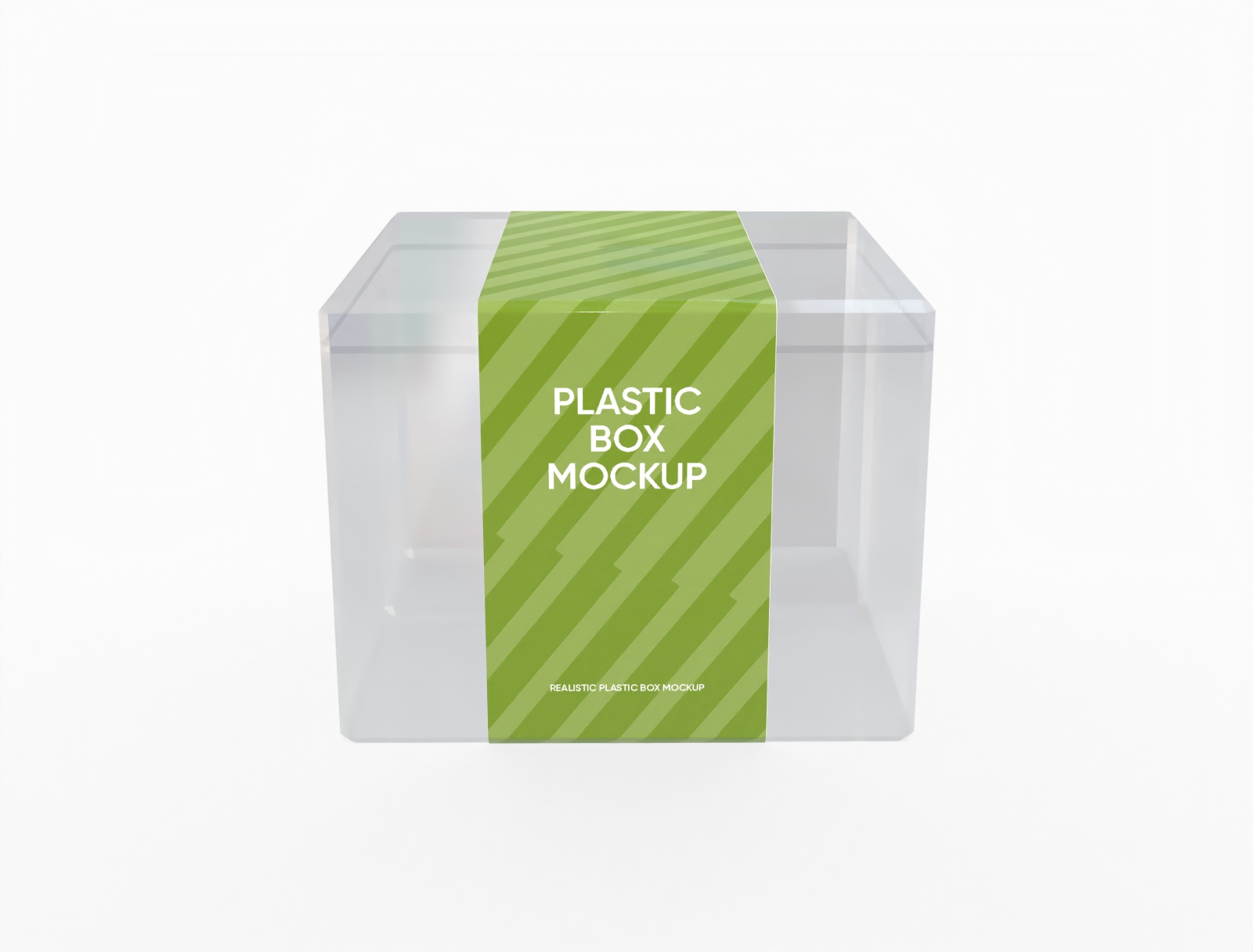
Clear plastic box mockup
Trusted by leading companies


Design your perfect sleeve packagings easily with Pacdora!
Make packaging stand out with versatile sleeve designs! Pacdora offers diverse styles like flat cardboard sleeves, snug cosmetic wraps, and food-friendly styles, all showcase your brand in style. Select your favorite sleeve mockup, apply your artwork, tweak material textures, and preview photorealistic 3D results. Export HD 8K images or videos to wow your audience. Start creating today!
Highlights of designing sleeve packagings online

Sleeve packagings for every product type
Discover a versatile collection of sleeve mockups, from classic cardboard wraps to sleek tech designs. Perfectly tailored options help your products stand out on shelves and online.
Showcase your items with slide-out boxes, snug fits, and personalized packaging that attracts your ideal audience effortlessly.

Customize sleeve mockups with your artwork
Enhance your brand identity by adding logos, patterns, and photos directly onto sleeve packaging mockups. From vibrant fruit designs to bold graphics, every element reflects your style.
Easily adjust scale, rotation, and placement to make your artwork crisp and professional, ensuring your packaging impresses customers instantly.

Sleeve packagings size for perfect fit
With Pacdora, you can create sleeve packaging in any size. Common choices include 7.1 × 1.8 × 11 inch for small snacks, 7.9 × 2.4 × 12.2 inch for juice or soda, and 9.4 × 2.8 × 13.4 inch for clothing sleeves.
Easily scale each dimension to fit your artwork, logos, and patterns perfectly, producing professional packaging that stands out on shelves and online.

Realistic materials for sleeve packagings
Different materials offer unique looks and feels. White cardboard provides a clean, modern appearance, while kraft paper gives a natural, eco-friendly impression.
Using these materials allows you to align packaging with brand identity. 3D previews help visualize textures, ensuring your products look professional and appealing before production.

Sleeve packagings for every product type
Discover a versatile collection of sleeve mockups, from classic cardboard wraps to sleek tech designs. Perfectly tailored options help your products stand out on shelves and online.
Showcase your items with slide-out boxes, snug fits, and personalized packaging that attracts your ideal audience effortlessly.
Customize sleeve mockups with your artwork
Enhance your brand identity by adding logos, patterns, and photos directly onto sleeve packaging mockups. From vibrant fruit designs to bold graphics, every element reflects your style.
Easily adjust scale, rotation, and placement to make your artwork crisp and professional, ensuring your packaging impresses customers instantly.


Sleeve packagings size for perfect fit
With Pacdora, you can create sleeve packaging in any size. Common choices include 7.1 × 1.8 × 11 inch for small snacks, 7.9 × 2.4 × 12.2 inch for juice or soda, and 9.4 × 2.8 × 13.4 inch for clothing sleeves.
Easily scale each dimension to fit your artwork, logos, and patterns perfectly, producing professional packaging that stands out on shelves and online.
Realistic materials for sleeve packagings
Different materials offer unique looks and feels. White cardboard provides a clean, modern appearance, while kraft paper gives a natural, eco-friendly impression.
Using these materials allows you to align packaging with brand identity. 3D previews help visualize textures, ensuring your products look professional and appealing before production.

How to design sleeve packagings online?

Step 1: Choose a sleeve style
Pick the perfect base for your project from our library. We have a wide variety of sleeve packaging to match your product.

Step 2: Add your custom design
Add your logo, text, and artwork directly, tailor your sleeve mockups by tweaking materials and colors until they perfectly represent your brand.

Step 3: Download your high-quality files
Export your final sleeve packaging design as a 8K PNG image for marketing. You can also download precise dielines to ensure your printed result is flawless.
Step 1: Choose a sleeve style
Pick the perfect base for your project from our library. We have a wide variety of sleeve packaging to match your product.
Step 2: Add your custom design
Add your logo, text, and artwork directly, tailor your sleeve mockups by tweaking materials and colors until they perfectly represent your brand.
Step 3: Download your high-quality files
Export your final sleeve packaging design as a 8K PNG image for marketing. You can also download precise dielines to ensure your printed result is flawless.


Our customers love Pacdora’s mockups
Thousands before you have designed realistic mockups with Pacdora and loved it.

Great mock-ups and literally thousands of packaging designs to choose from. The 3d mock-up is so good, helps bring clarity to the client as well as the designers. Great product for packaging design professionals.


cosmiccorner
Move over, complicated design software! Pacdora is the superhero of packaging mockups. Creating 3D magic for my products is as easy as pie – no PhD in design required. It’s like the software looked at the clock and said, ‘Time to save users from design nightmares!’ It’s so user-friendly, even my coffee mug wants to try its hand at packaging design.
FAQ
What are sleeve packagings used for?
Sleeve packaging is widely used for food, beverages, cosmetics, electronics, gifts, and more. It protects products from damage, enhances shelf appeal with branded designs, fits various sizes and shapes, simplifies storage and shipping, and provides a premium unboxing experience.
How can I make my sleeve packagings look realistic?
Make your sleeve packaging stand out with our intuitive 3D tools. Easily adjust lighting, shadows, and perspectives to see how your design interacts with real-world conditions. Choose from a variety of materials, including white cardboard and kraft paper, to match your product’s look and feel.
Preview every detail in realistic 3D before production, ensuring your packaging not only protects your product but also captures attention on shelves and delivers a premium unboxing experience.
In what formats can I download my sleeve packagings?
With Pacdora, you can download your sleeve packaging designs as high-resolution 8K PNG or JPG images for digital use, as HD videos for presentations or marketing, and even as printable dieline files ready for production. This ensures your designs are versatile — perfect for online showcasing, client presentations, or sending directly to manufacturers for printing.
Can I customize the background of my sleeve packagings?
Yes, with Pacdora’s AI background generator, you can fully customize your sleeve packaging backgrounds. Upload your own images or use AI-generated designs. This makes it easy to create sleeve packaging that perfectly reflects your brand style and stands out on shelves.
Can I design sleeve packagings for free using Pacdora?
Yes! Pacdora offers free features that let you design and preview your sleeve packagings at no cost. Check our pricing page for advanced export options.
Explore more mockups
Discover more about Pacdora

Kickstart your exciting journey of designing sleeve packagings online
Create sleeve packaging
