

Jewelry box mockup generator
Choose from our collection of magnetic-closure, drawer-style boxes, and more. Use our jewelry box mockup generator to add your own details, then download 8K PNGs for your online shop.


Trusted by leading companies


Effortlessly design elegant jewelry box mockups for your e-shop on Pacdora!
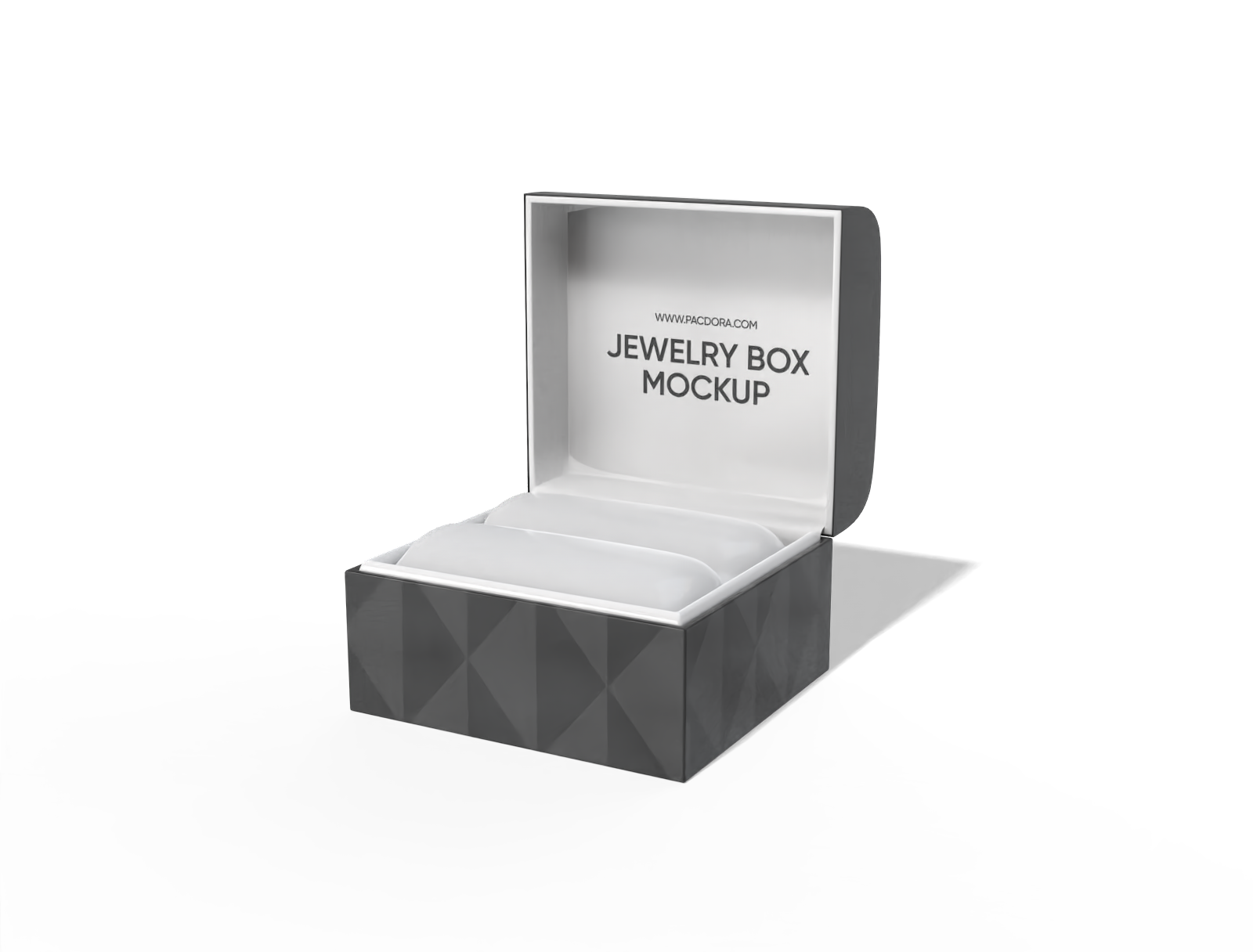
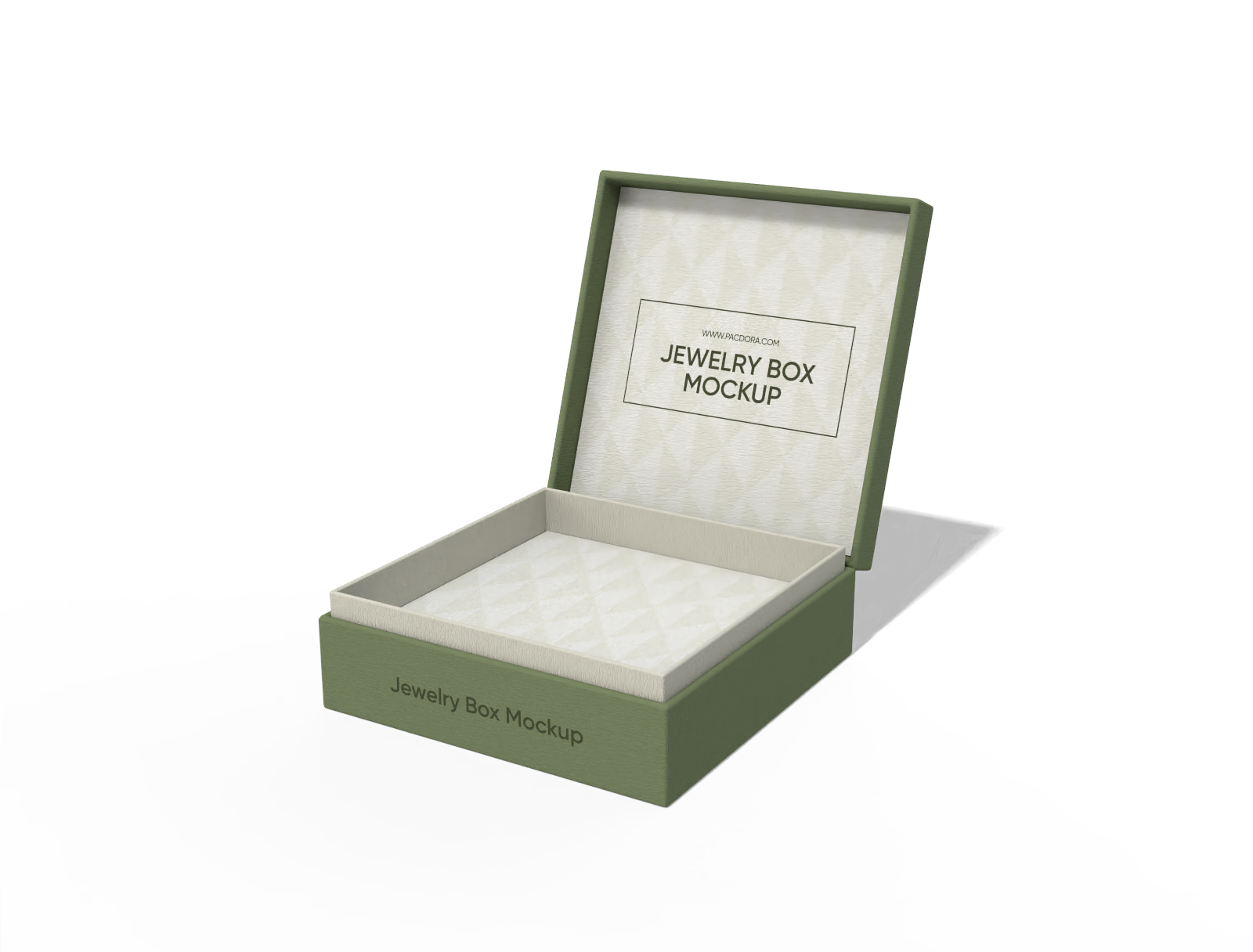
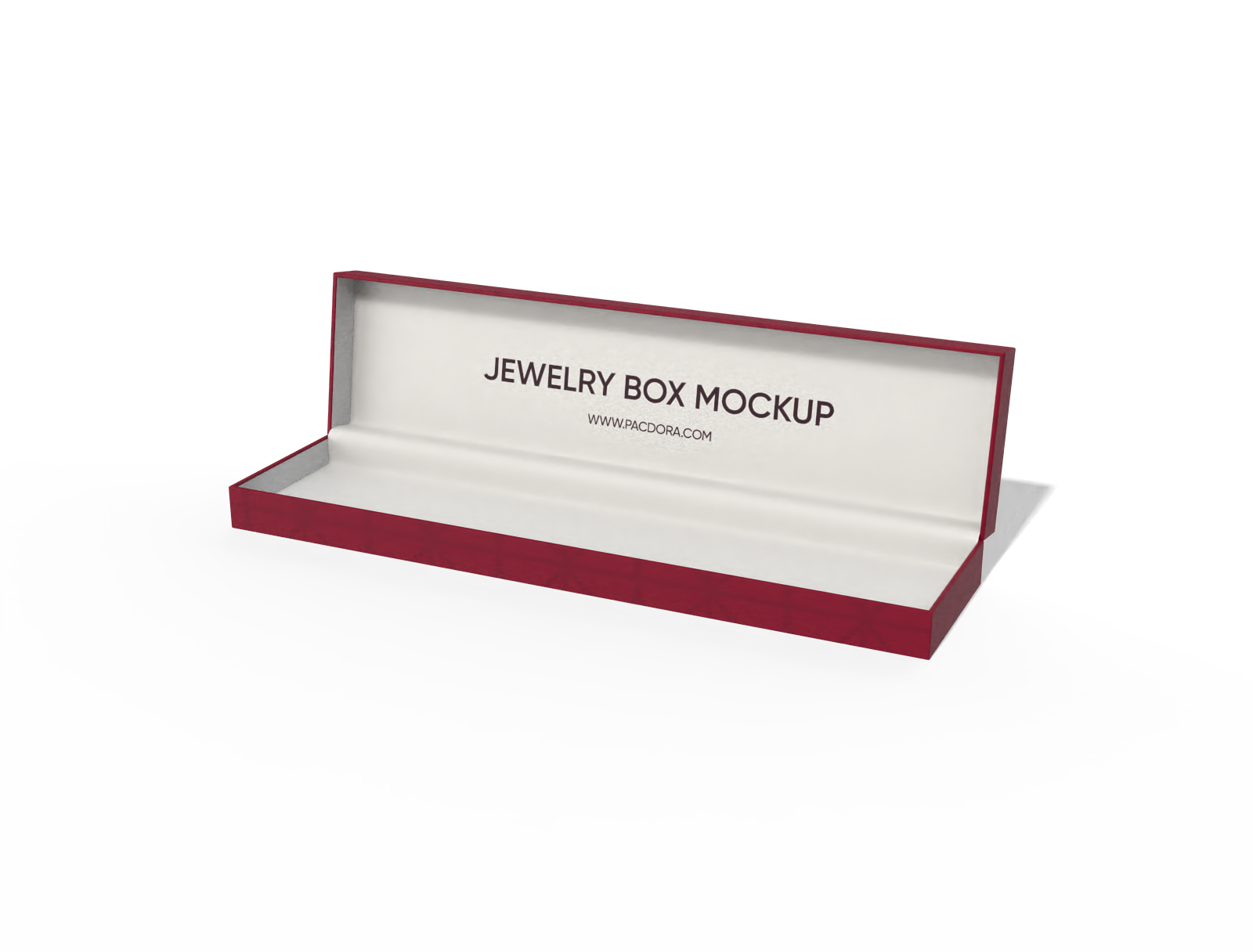
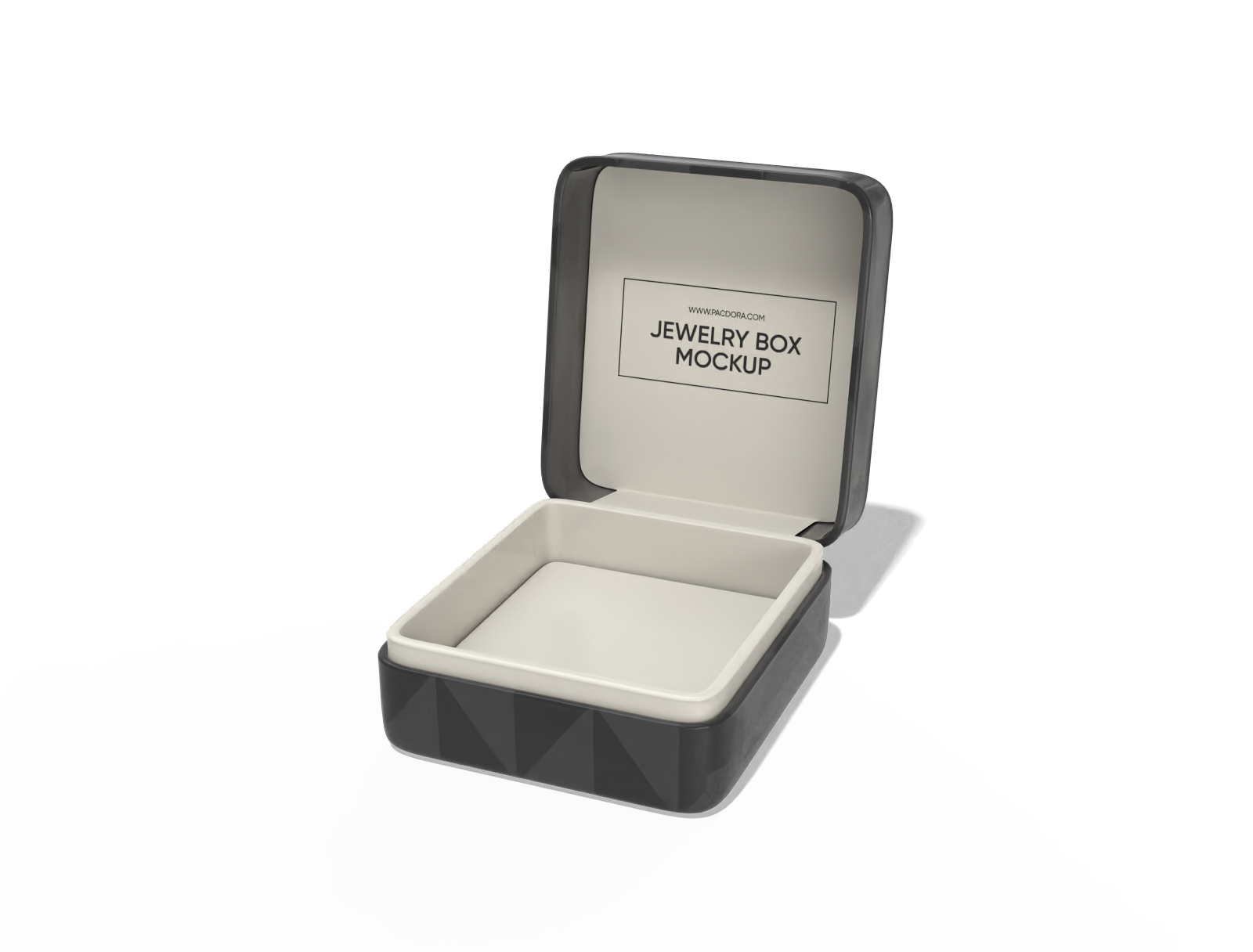
If what you’re looking for isn’t just simple packaging but a refined jewelry box tailored to your brand’s style, you’re in the right place! Pacdora’s easy-to-use jewelry box mockup generator lets you create jewelry box designs that exude luxury and elegance. From open or closed magnetic-closure boxes to sliding drawer boxes and more, we’ve got a variety or box types for your creative touch. Download 4K or 8K PNG/JPG images, or MP4 videos to take your presentation to new heights!
How to create a jewelry box mockup online?
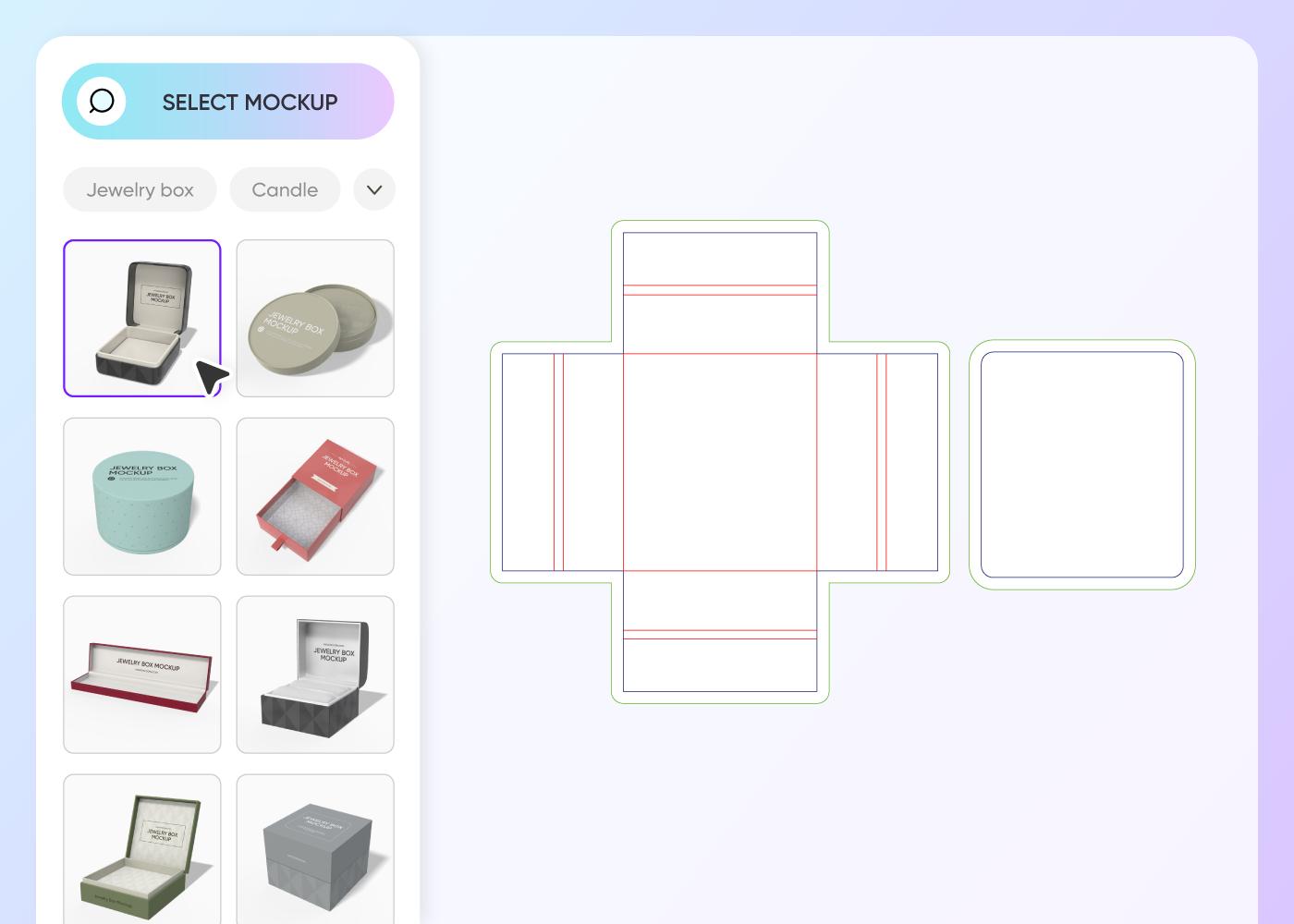

Step 1: Choose your jewelry box type
Browse the box section to choose your favorite box style for your ring, necklace, bracelet, or any other jewelry.
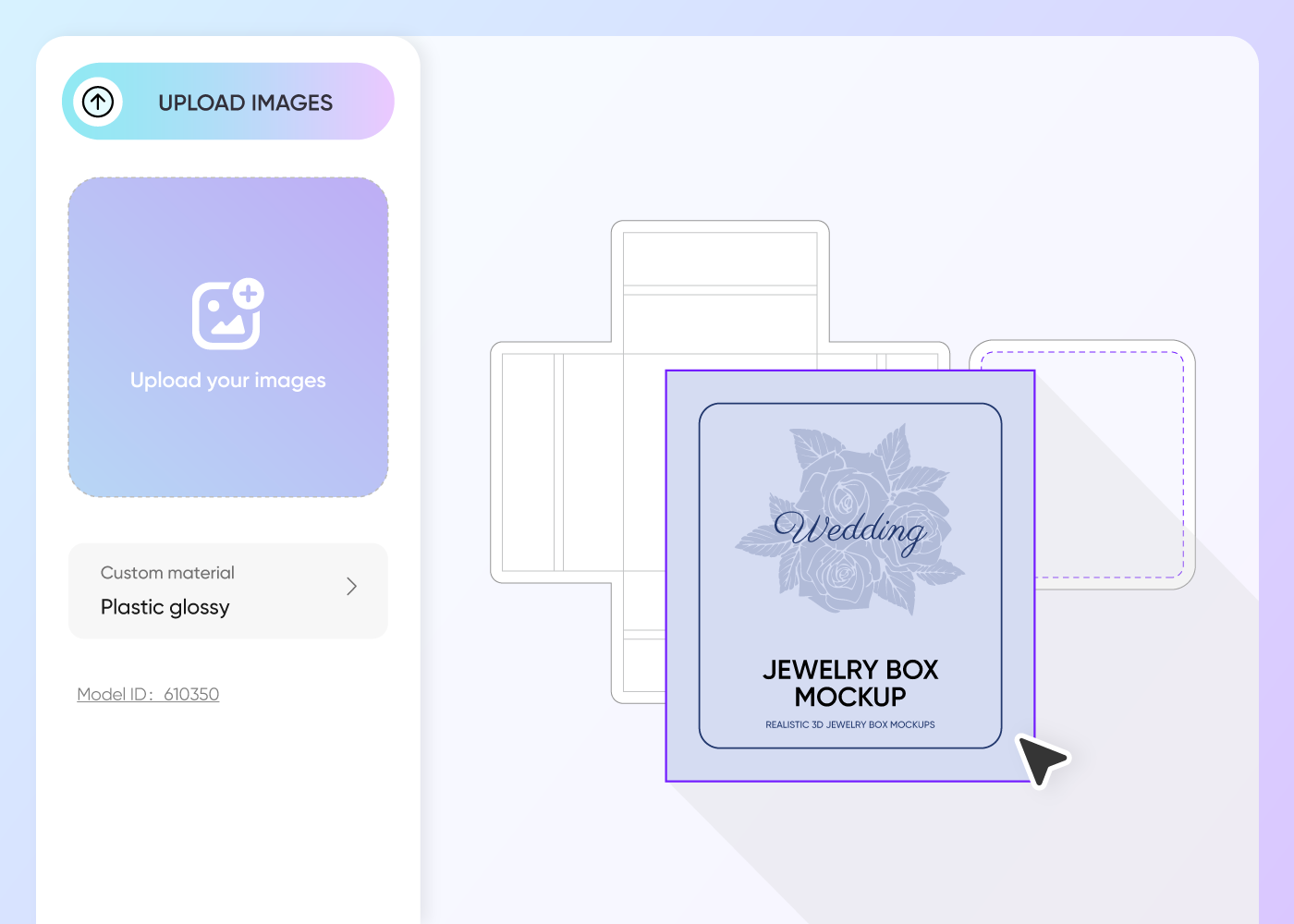

Step 2: Upload design and customize
Attach your existing design, customize the colors to match your brand, and add your logo, graphics, or other personalized touches for a tailored look.
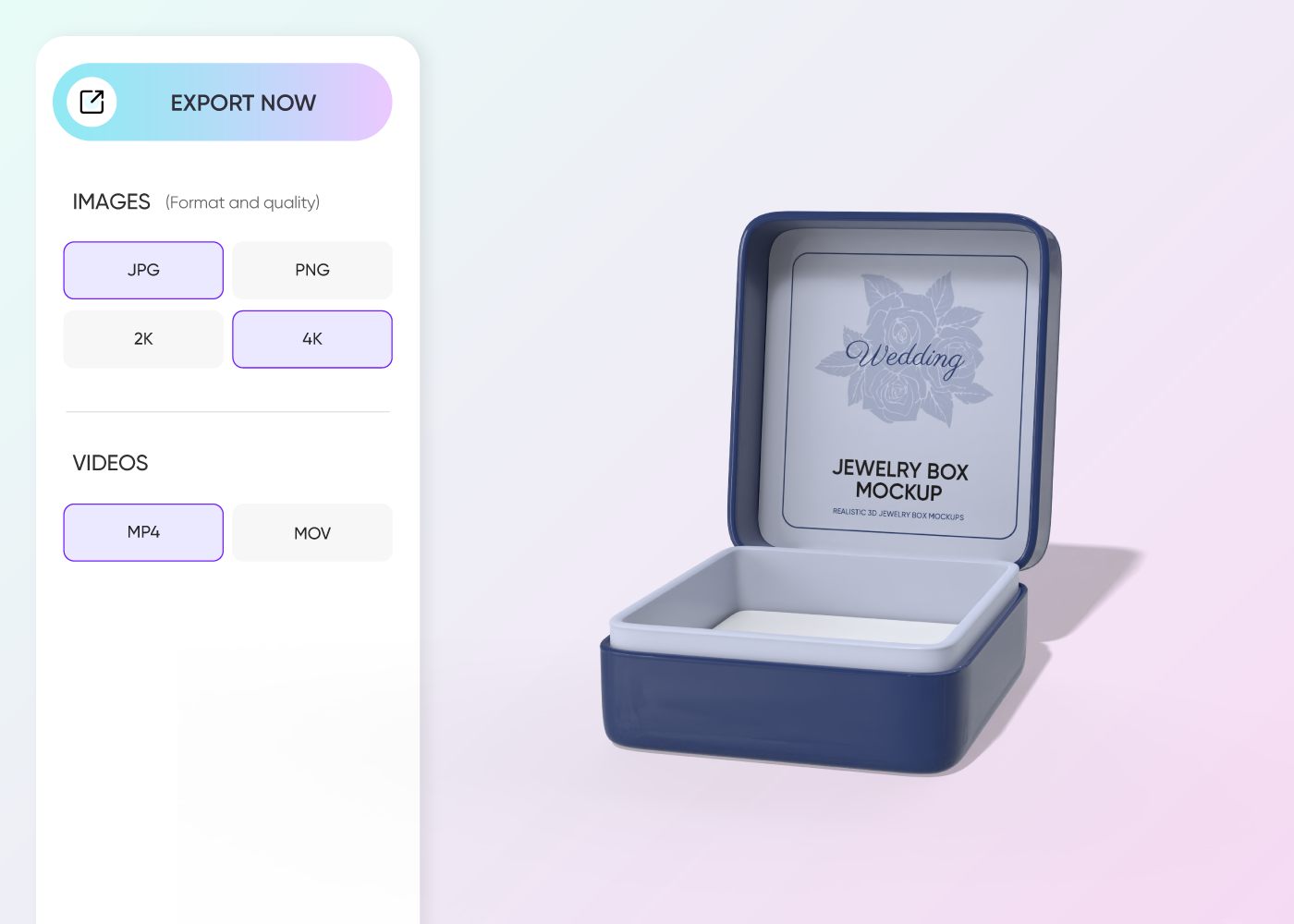

Step 3: Download your jewelry box design
Download your high-res 8K PNG/JPG jewelry box mockup to use in online listings. Our editor also supports videos and sharable links.
Things to consider in a jewelry box mockup generator
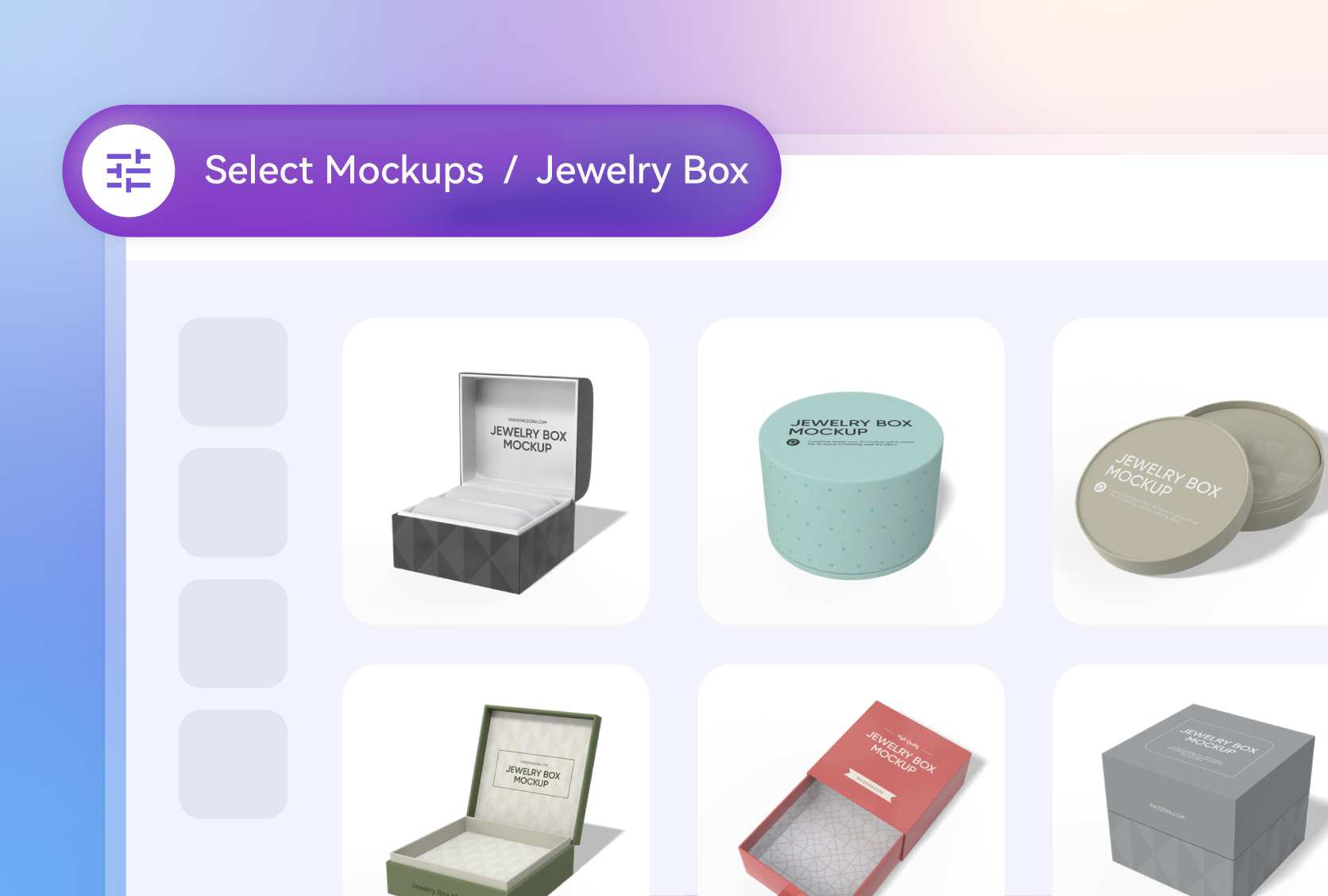
A wide range of high-quality, realistic mockups
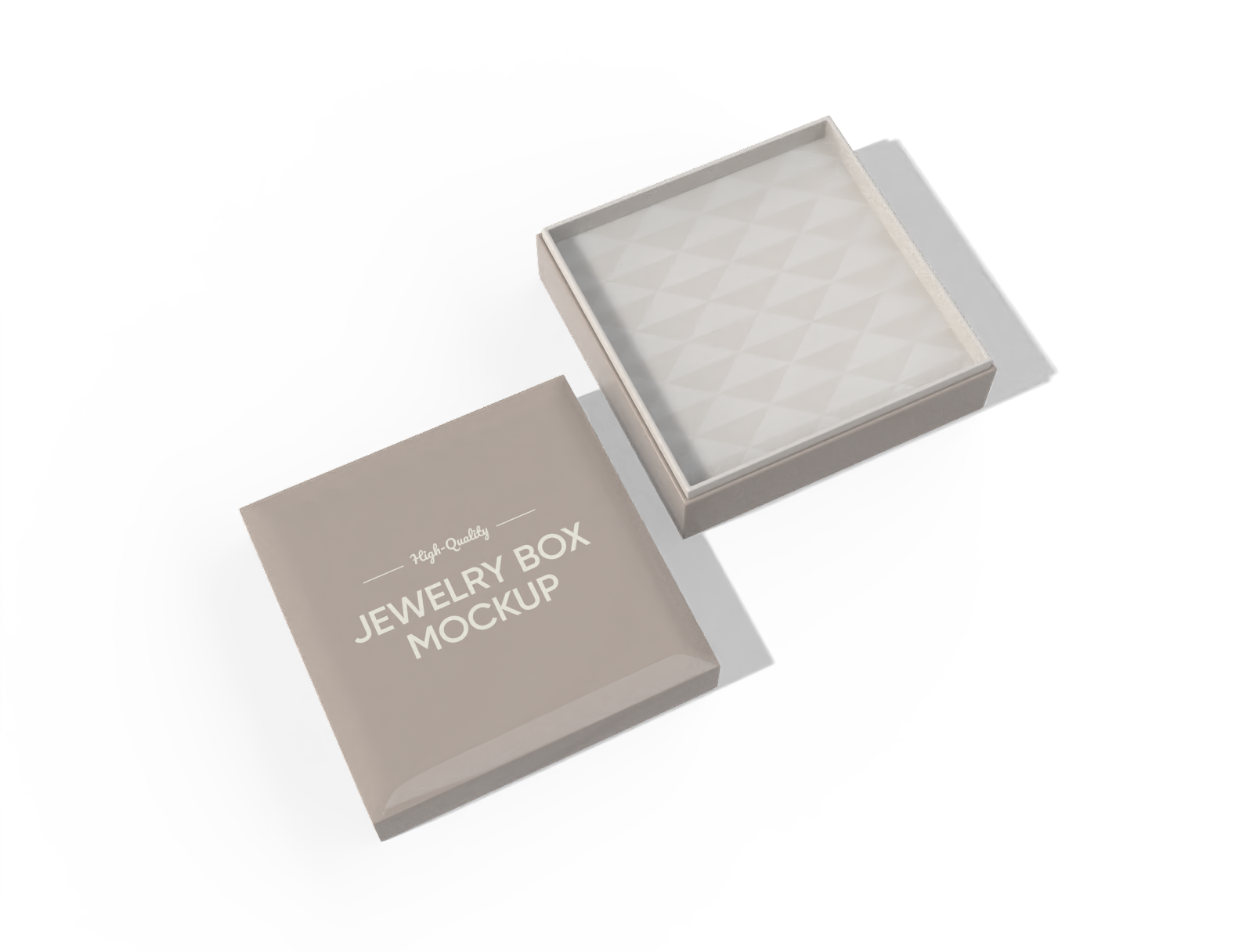
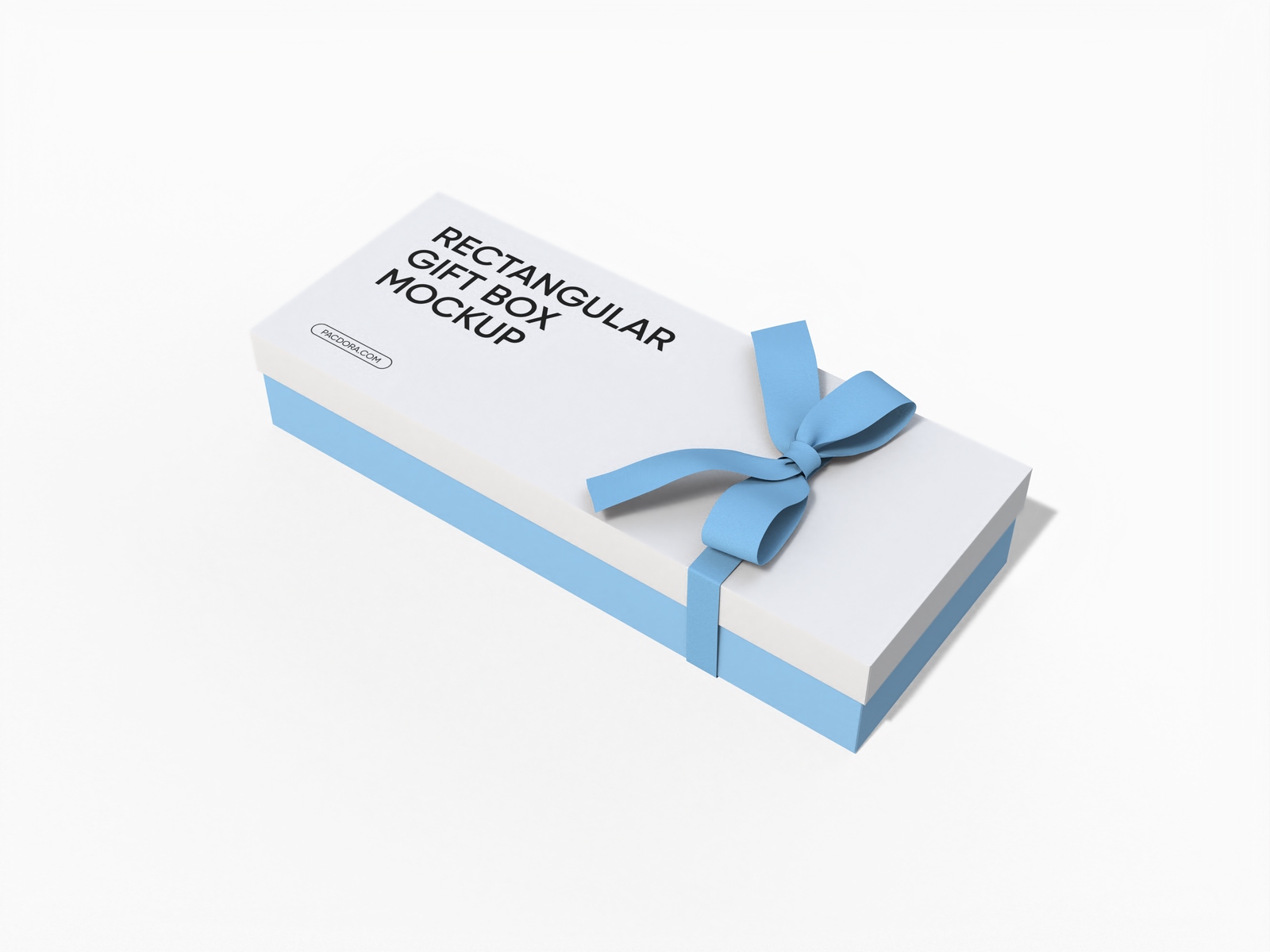
Our jewelry box mockup generator offers a variety of professional-looking canvases, so you can choose your favorite. Go for a lift-off lid jewelry box for a fun, satisfying reveal, great for gifts.
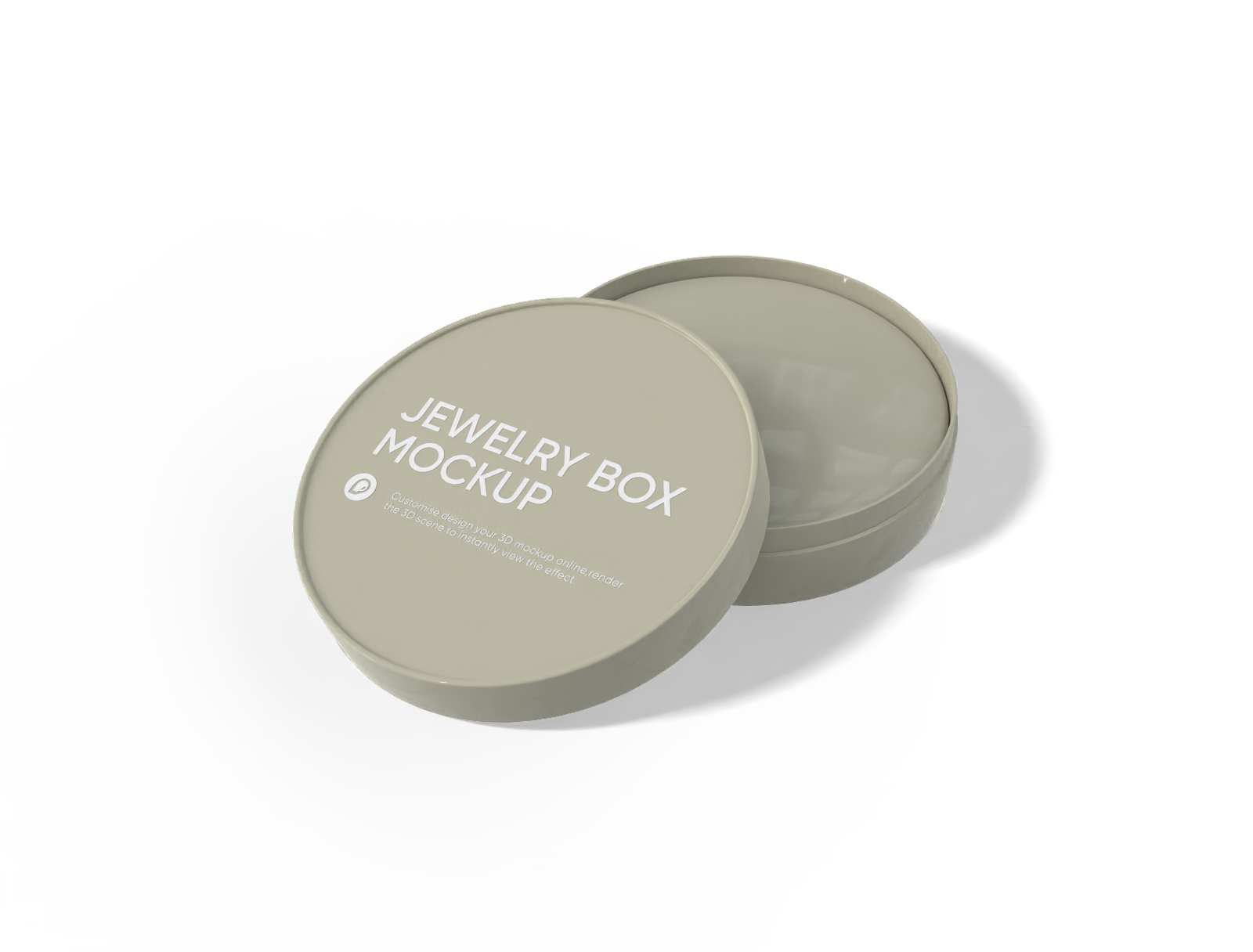
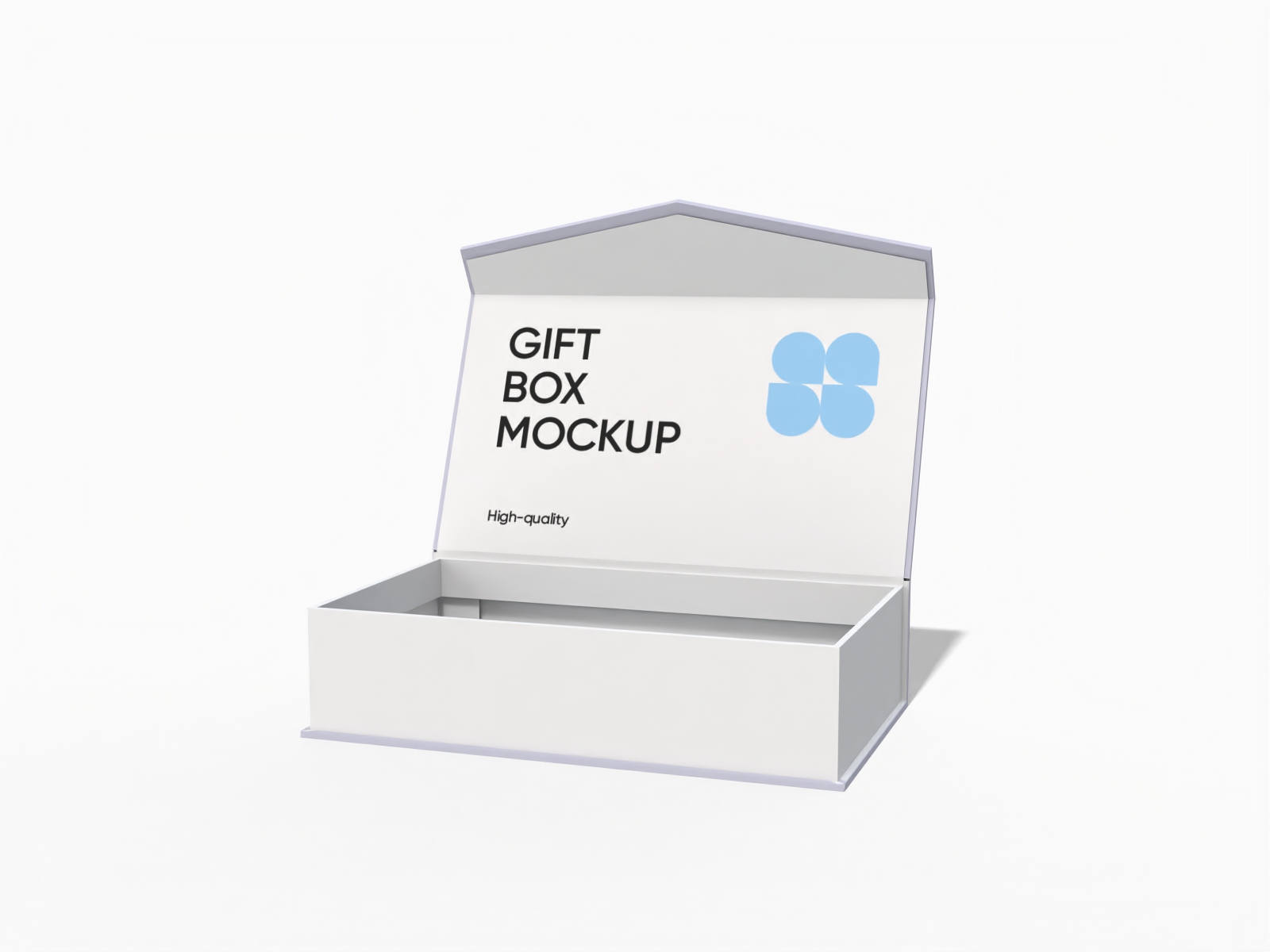
Or opt for a classic round-shaped box for a distinctive presentation, especially for custom-shaped jewelry. You’ll also find open and closed luxury magnetic rigid boxes.
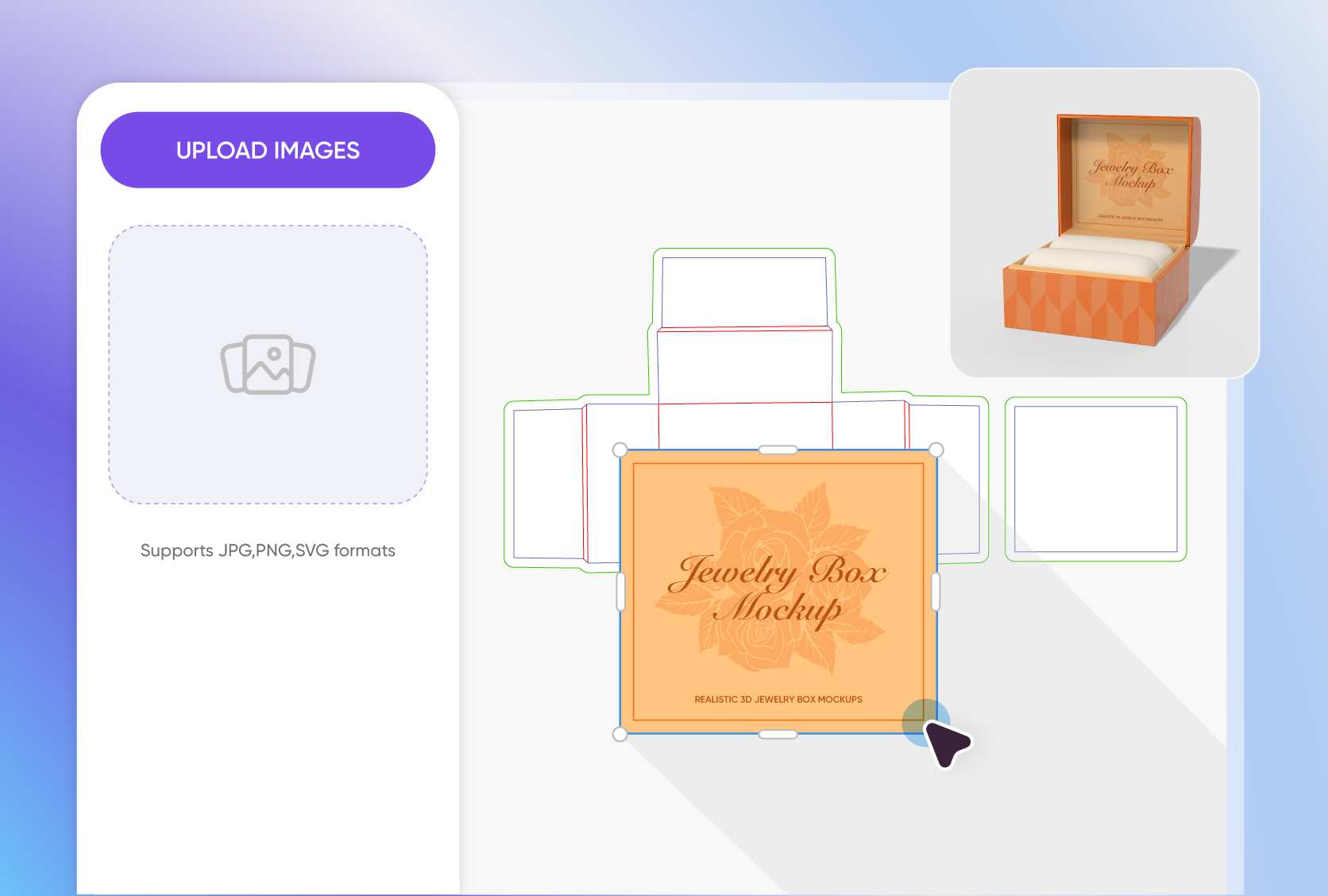
Full creative control over every design detail
At Pacdora, you have complete customization control over your jewelry box design. Change the colors, add patterns, or decorative elements to match your theme, whether your style is vintage or modern.
You can also add personalized photos, initials, or a special message in stylish fonts to make your jewelry box a lovely anniversary or holiday gift.
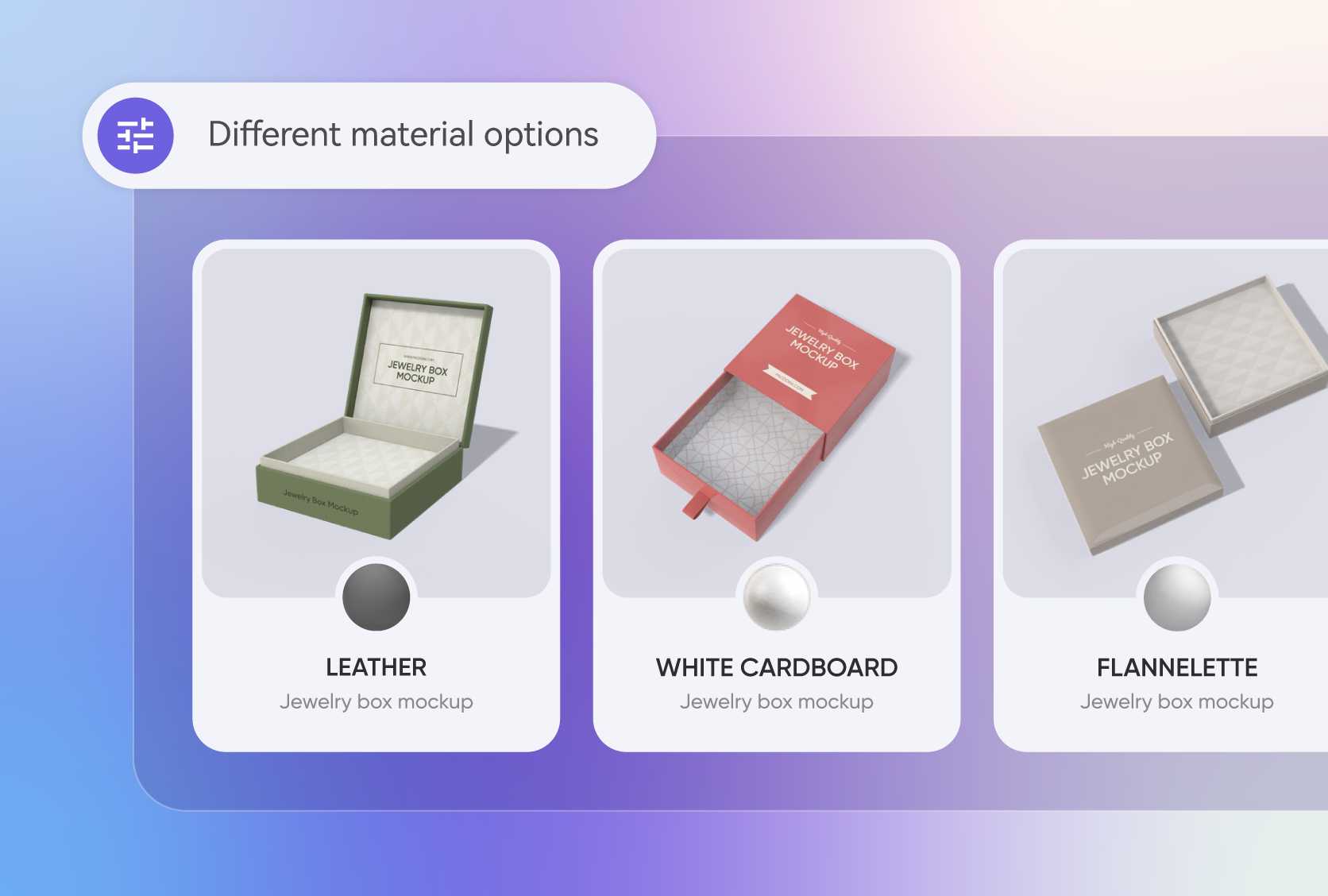
Diverse materials for endless packaging design possibilities
The material you choose has a big impact on the look and feel of your jewelry box. Leather adds a timeless, luxurious touch, perfect for high-end pieces, while plastic is great for casual use.
Paperboard is ideal for branded boxes, offering a polished, professional look, and kraft paper gives your packaging a natural, eco-friendly feel.

Captivating scenes that make your design pop
Using our jewelry box mockup generator, you can change the scene or background to make your packaging design feel lively, real, and full of personality.
There are plenty of AI-generated options to try, like a minimalist desk with pretty decor, close-ups of someone opening the box, and more, each one perfectly complementing your design.
A wide range of high-quality, realistic mockups
Our jewelry box mockup generator offers a variety of professional-looking canvases, so you can choose your favorite. Go for a lift-off lid jewelry box for a fun, satisfying reveal, great for gifts.
Or opt for a classic round-shaped box for a distinctive presentation, especially for custom-shaped jewelry. You’ll also find open and closed luxury magnetic rigid boxes.
Full creative control over every design detail
At Pacdora, you have complete customization control over your jewelry box design. Change the colors, add patterns, or decorative elements to match your theme, whether your style is vintage or modern.
You can also add personalized photos, initials, or a special message in stylish fonts to make your jewelry box a lovely anniversary or holiday gift.
Diverse materials for endless packaging design possibilities
The material you choose has a big impact on the look and feel of your jewelry box. Leather adds a timeless, luxurious touch, perfect for high-end pieces, while plastic is great for casual use.
Paperboard is ideal for branded boxes, offering a polished, professional look, and kraft paper gives your packaging a natural, eco-friendly feel.
Captivating scenes that make your design pop
Using our jewelry box mockup generator, you can change the scene or background to make your packaging design feel lively, real, and full of personality.
There are plenty of AI-generated options to try, like a minimalist desk with pretty decor, close-ups of someone opening the box, and more, each one perfectly complementing your design.

Our customers love Pacdora’s mockup tools
Thousands before you have designed realistic mockups with Pacdora and loved it.

Great mock-ups and literally thousands of packaging designs to choose from. The 3d mock-up is so good, helps bring clarity to the client as well as the designers. Great product for packaging design professionals.


cosmiccorner
Move over, complicated design software! Pacdora is the superhero of packaging mockups. Creating 3D magic for my products is as easy as pie – no PhD in design required. It’s like the software looked at the clock and said, ‘Time to save users from design nightmares!’ It’s so user-friendly, even my coffee mug wants to try its hand at packaging design.
FAQ
What is a jewelry box mockup generator?
A jewelry box mockup generator is a design tool that lets you create 3D previews of your jewelry packaging box online. It’s a built-in editor that lets you upload your existing design to make something that’s tailored to your specific product, whether it’s a necklace, bracelet, ring, or any piece, and even your store’s style. It’s actually quite easy to use compared to Photoshop.
Do I need design skills to create a jewelry box mockup?
Not at all! You can create exceptional jewelry box mockups using Pacdora’s jewelry box mockup generator, even if you're just starting out. Our 3D editor offers an extensive library packed with ready-to-use box mockups, an intuitive interface, and impressive customization options to help you design something realistic and uniquely yours. Simply paste your artwork, customize, and download in your preferred format.
Can I upload a photo to use in my jewelry box design?
Yes, you can upload your photo, logo, or any graphic. Just make sure to check the quality and format for an impressive result. High-quality PNG is best for logos, icons, and graphics. For photos and detailed, colorful images, you can opt for the JPG format. You can also change the background, lighting, and shadows to make your design look more realistic and detailed.
What file types should I expect for my finished design?
Once you have finished creating your jewelry box, expect to download high-resolution 4K/8K PNG/JPG images and MP4 videos. These files offer great visuals that you can share with your clients, post on your social media platform, and even use for product listing. You can also export printable dieline PDF files to produce your box or share collaborative links to get quick feedback on your design.
Is Pacdora’s jewelry box mockup generator free?
Yes, our jewelry box mockup generator offers top-tier free features to help you create amazing designs. You can also subscribe to our premium services to explore additional features. Find all the details on our pricing page.
Explore more mockup tools
Discover more about Pacdora


