

Lightbox mockup

Upload your logo, artwork, or text, customize it just how you like, and download your lightbox mockup as an HD PNG for free.
Lightbox mockup
Upload your logo, artwork, or text, customize it just how you like, and download your lightbox mockup as an HD PNG for free.
Trusted by leading companies


Creating a realistic lightbox mockup is made easy and quick with Pacdora!
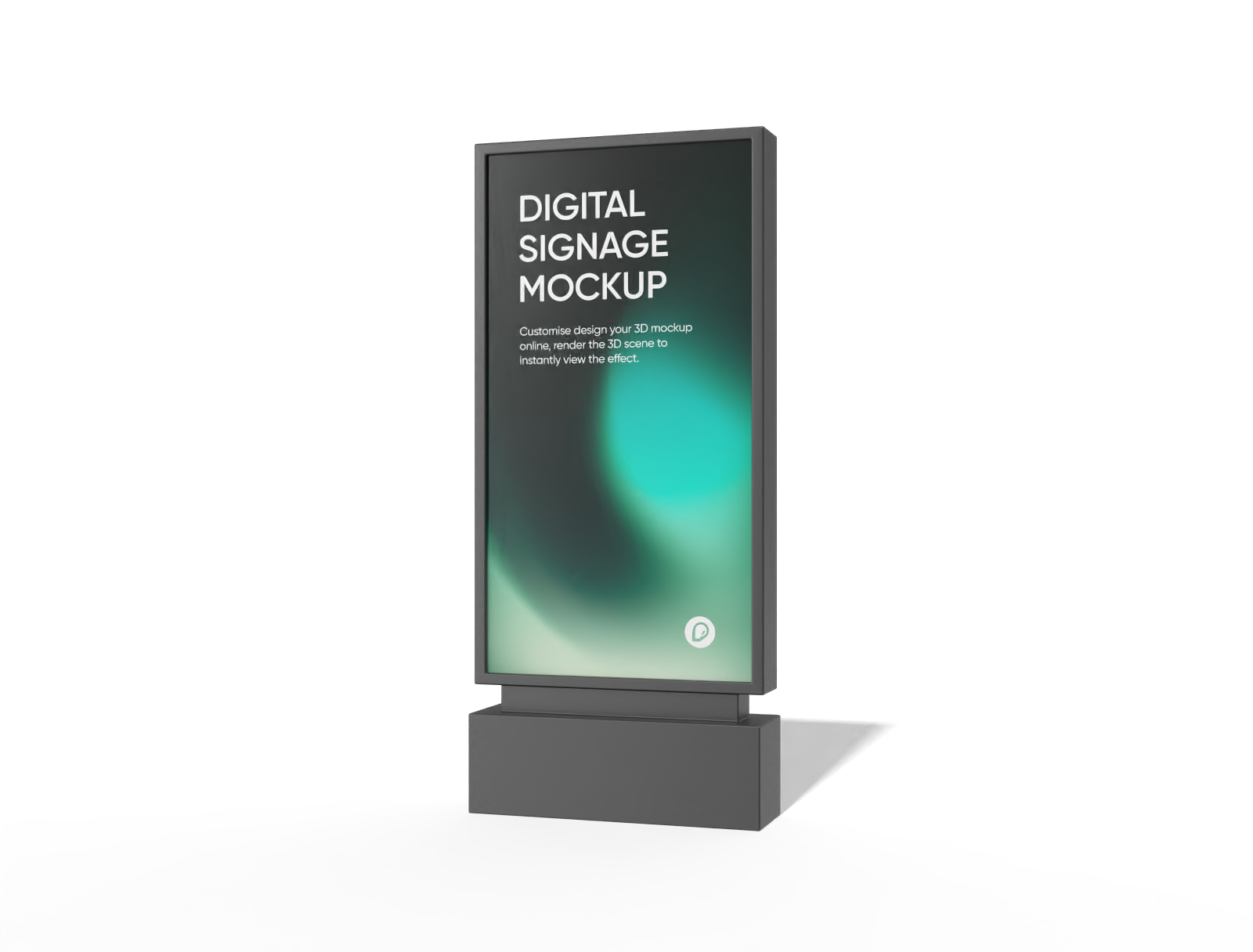
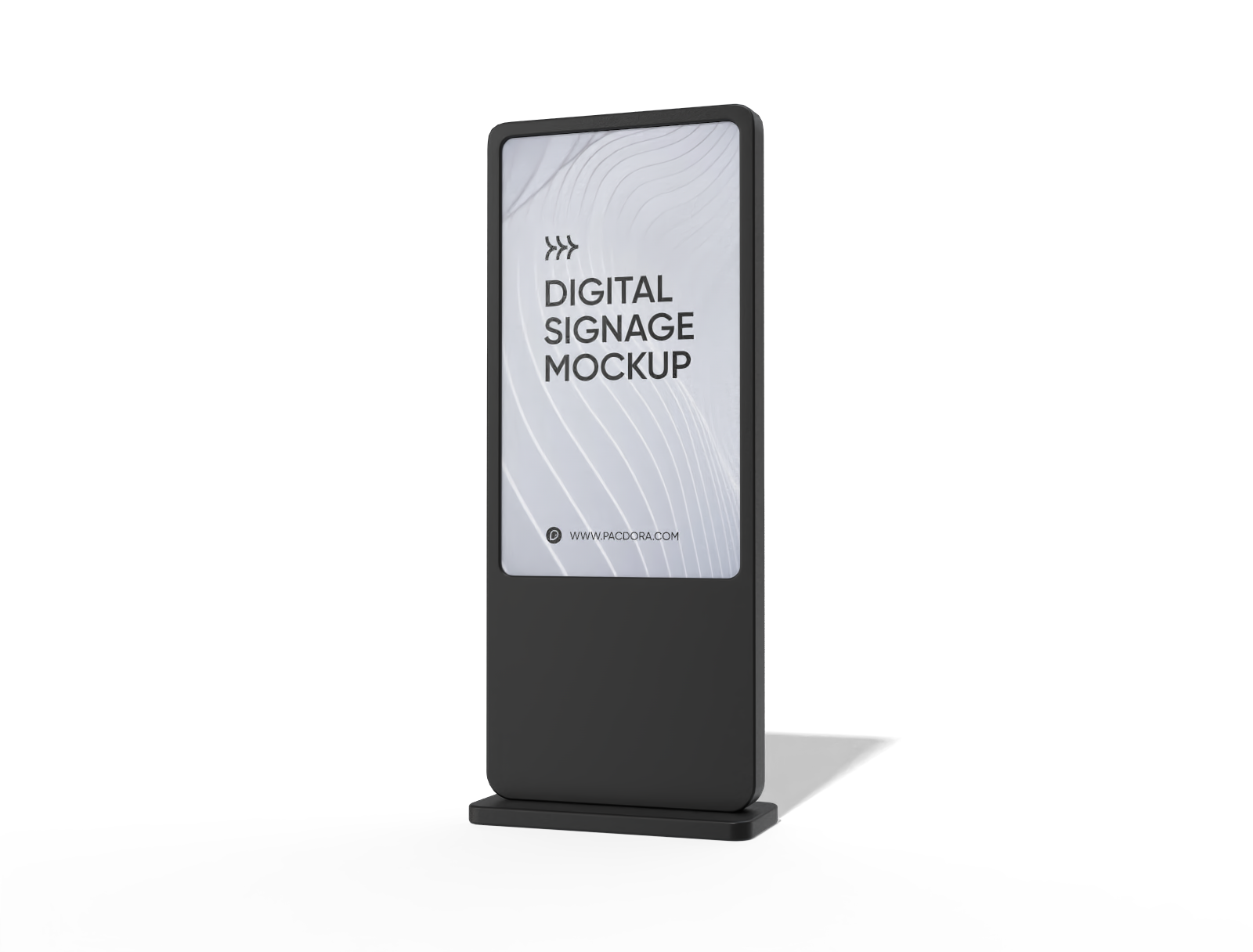
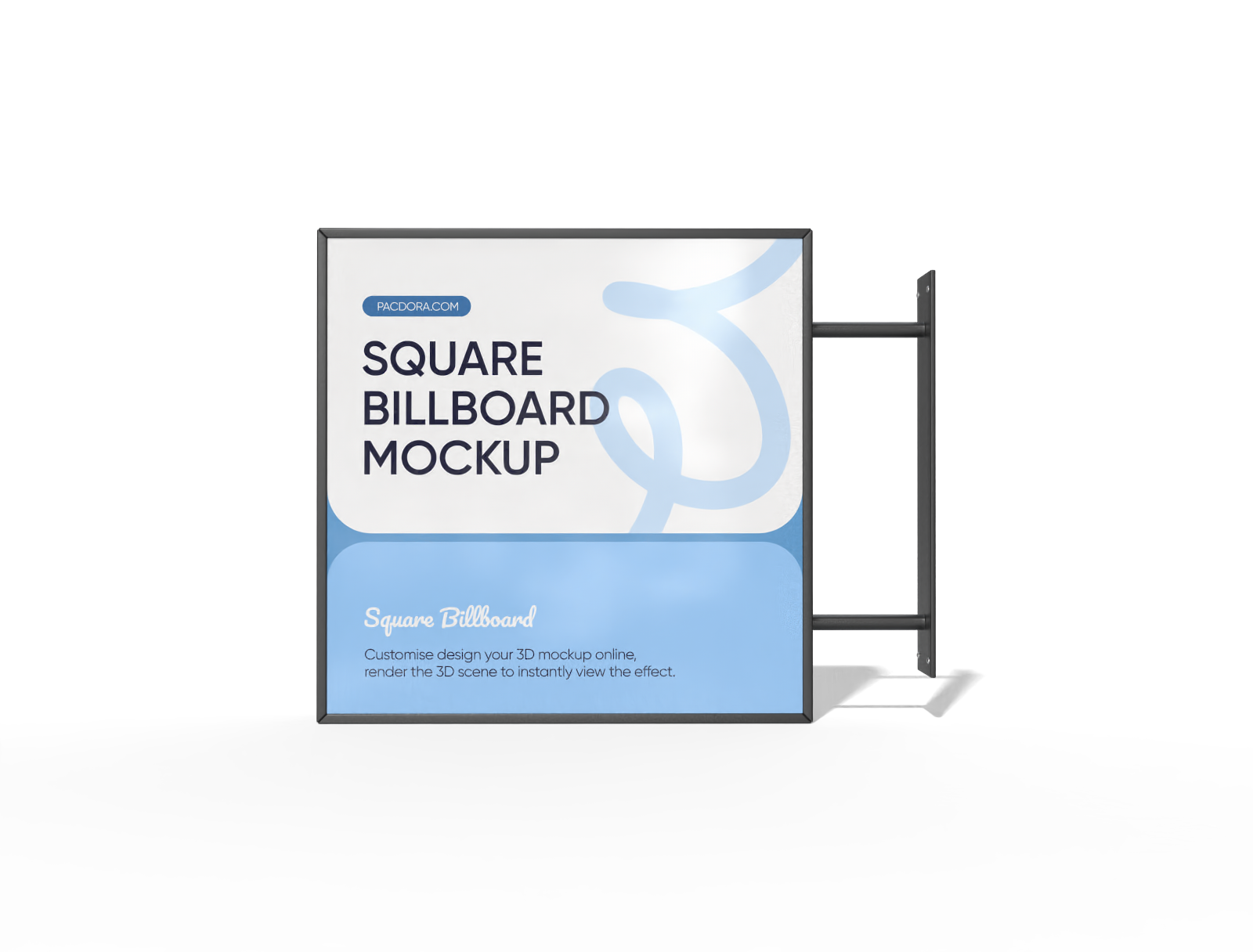
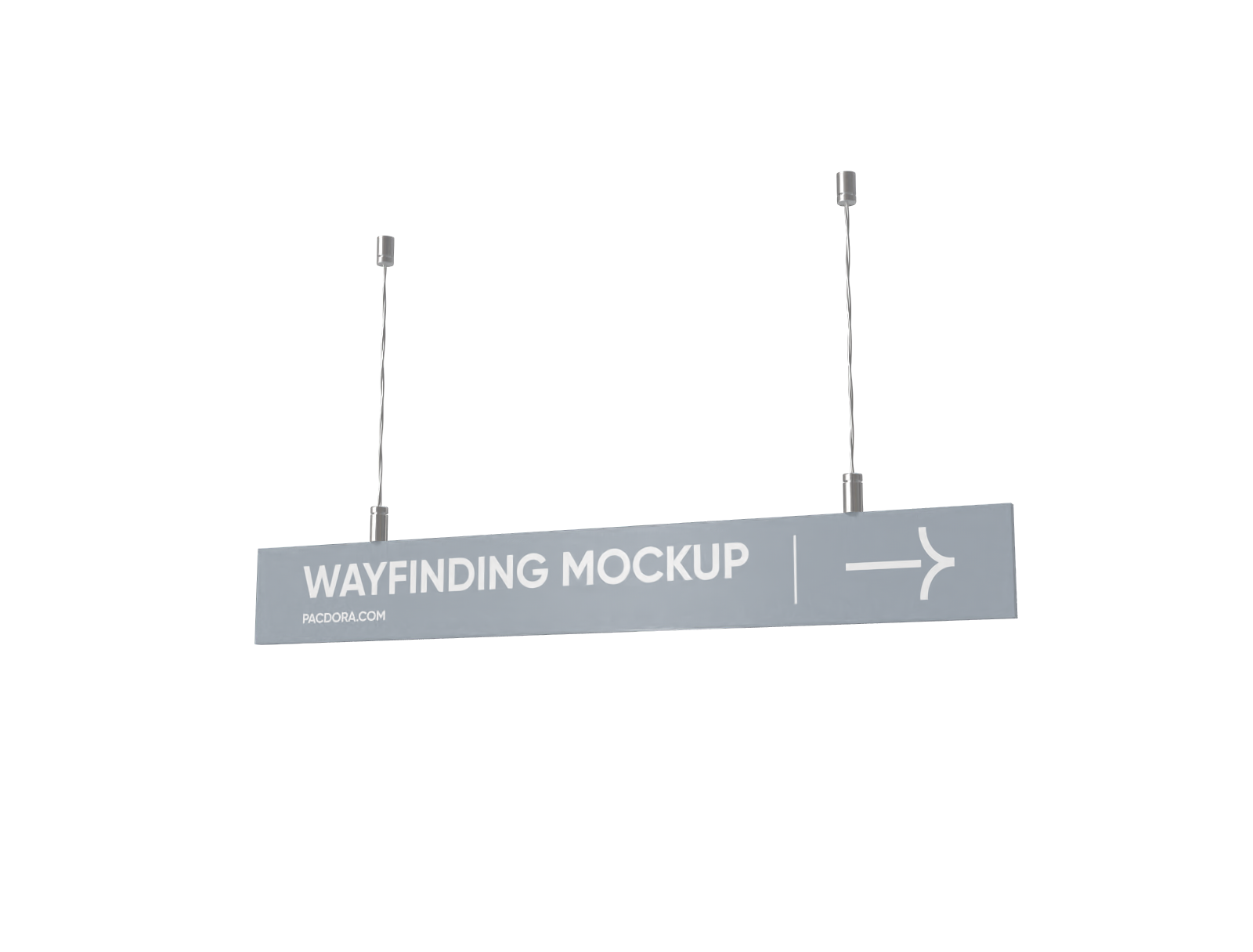
From barbershops and creative studios to boutiques and cafés, Pacdora’s 3D lightbox mockups can be used to create designs that bring your product or brand to life in any space. Simply choose from our square and rectangular shapes, slim, hanging, and more. Easily edit the text, color, and add your own elements to design the way you want. Preview your design in real time and instantly download HD PNG/JPG images and MP4 videos for your presentation needs. Create your design today for free!
How to create a lightbox mockup online?
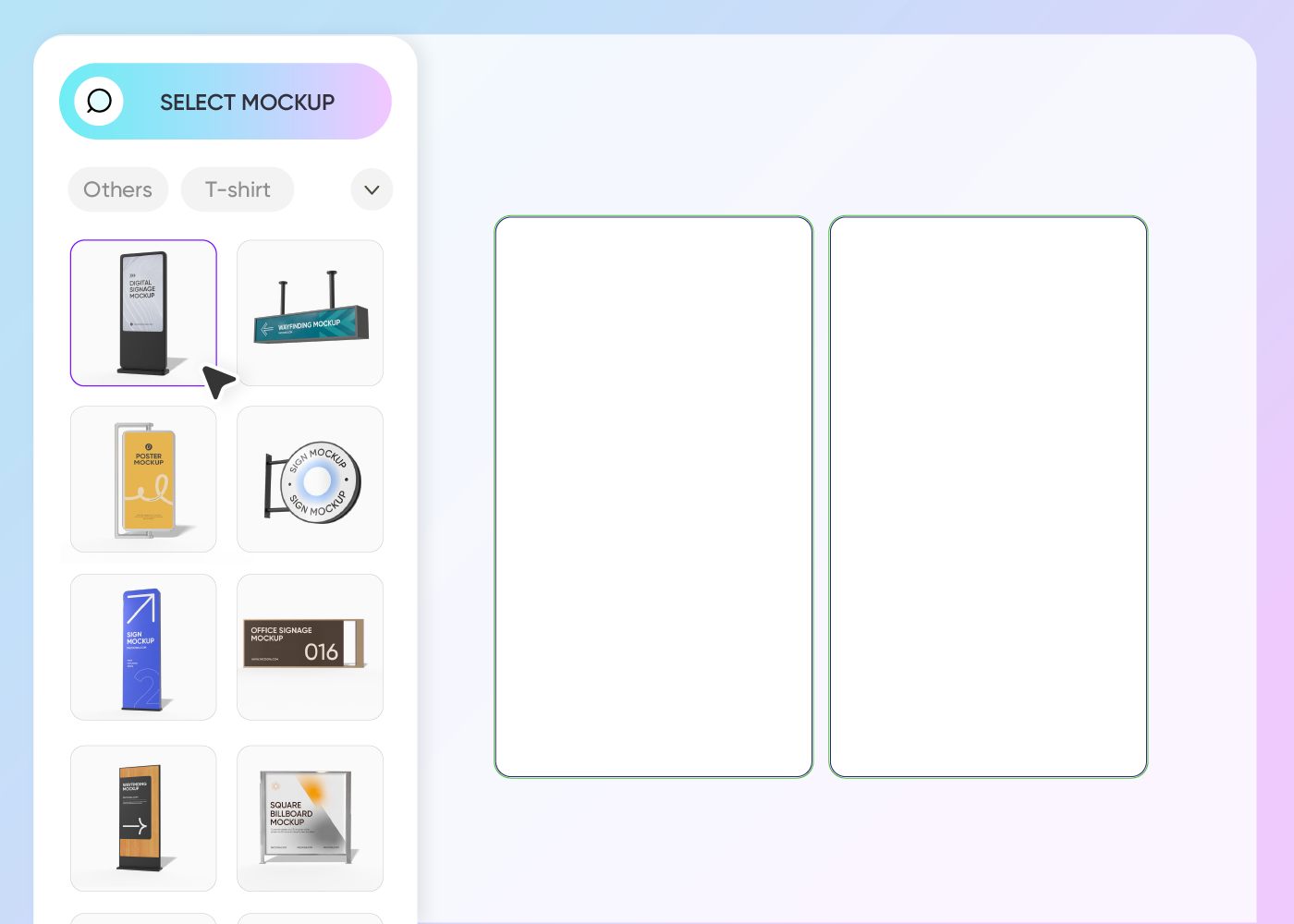
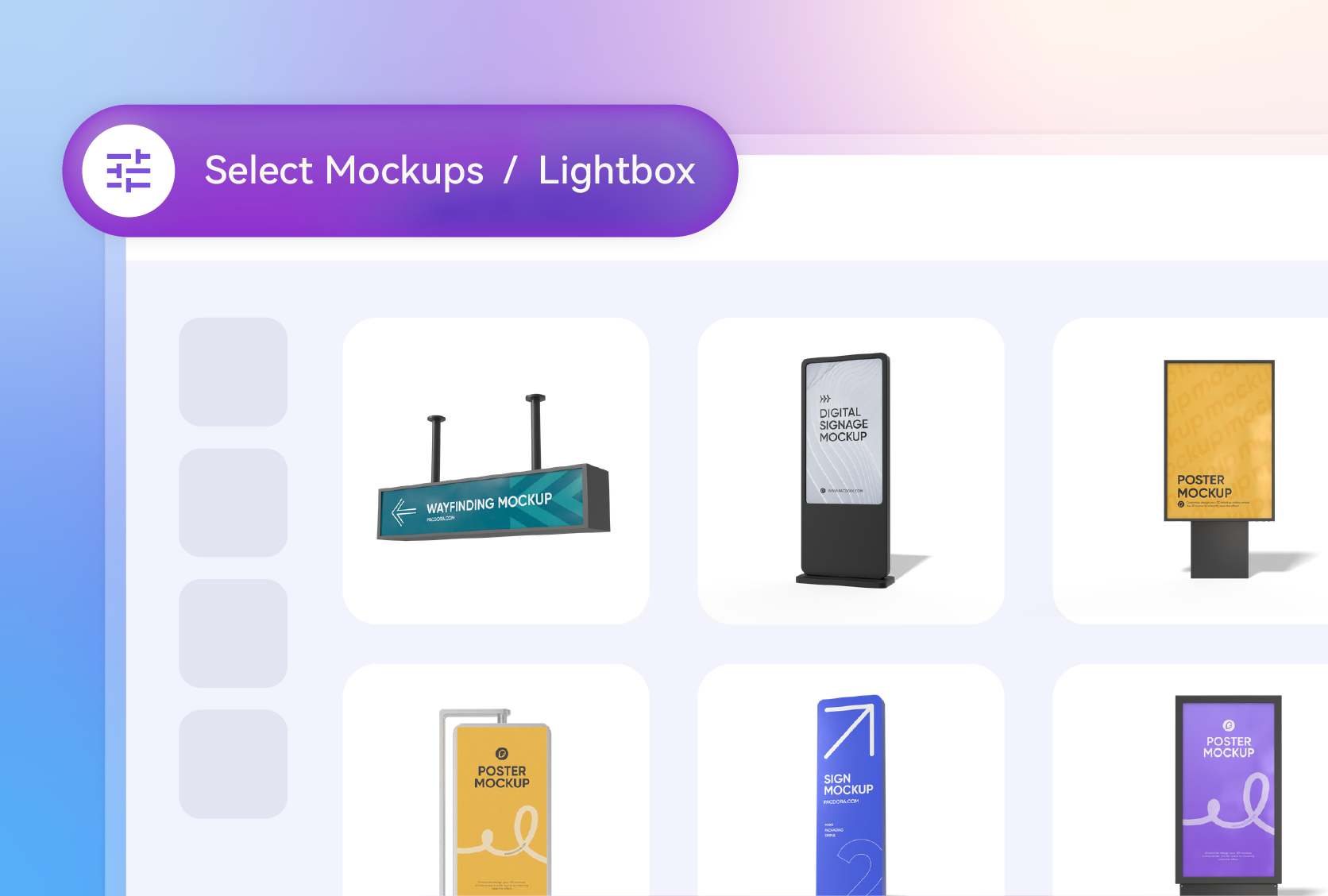
Step 1: Choose a lightbox style
Take a look at our entire mockup library and choose a lightbox style that suits your advertising project.
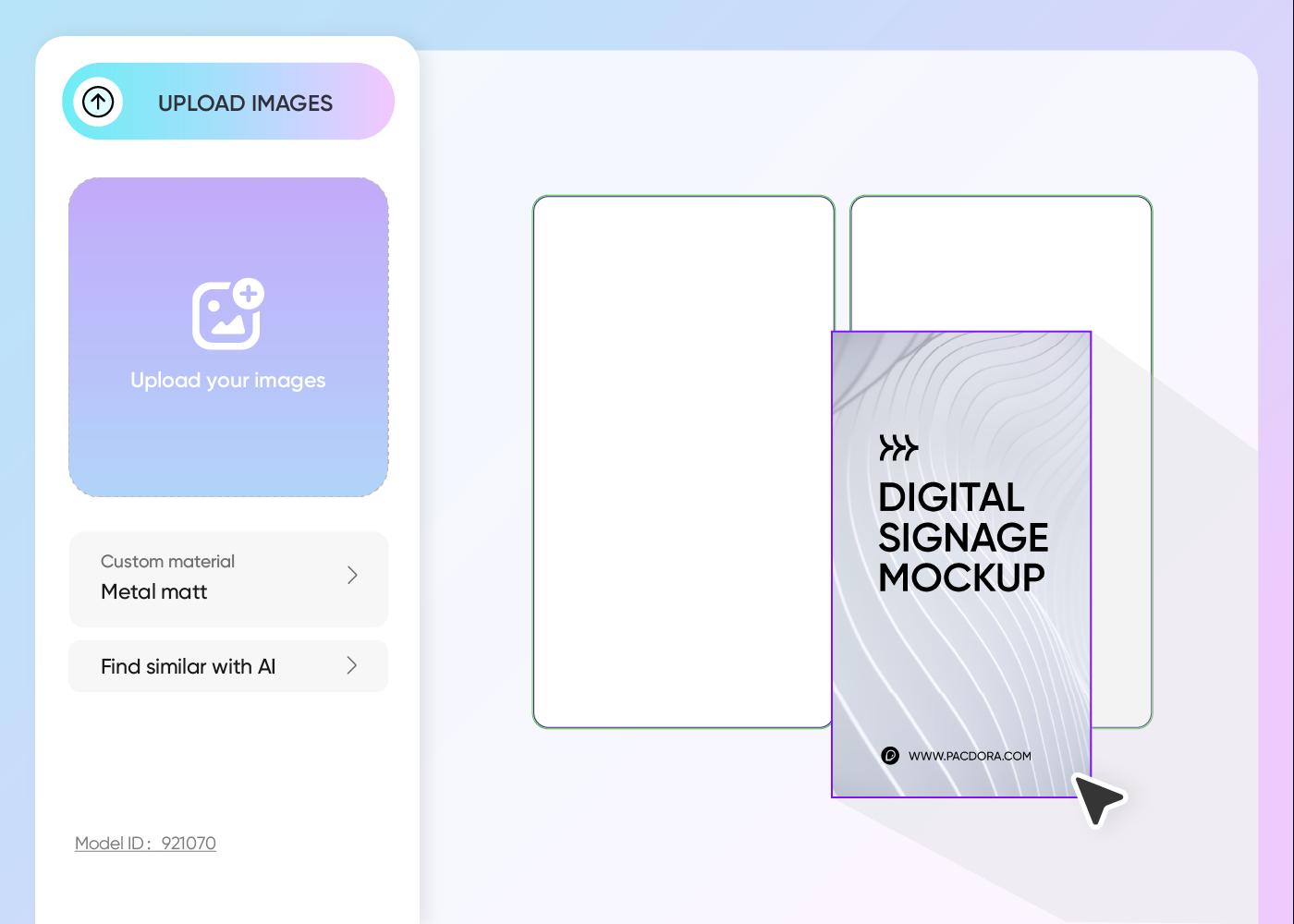
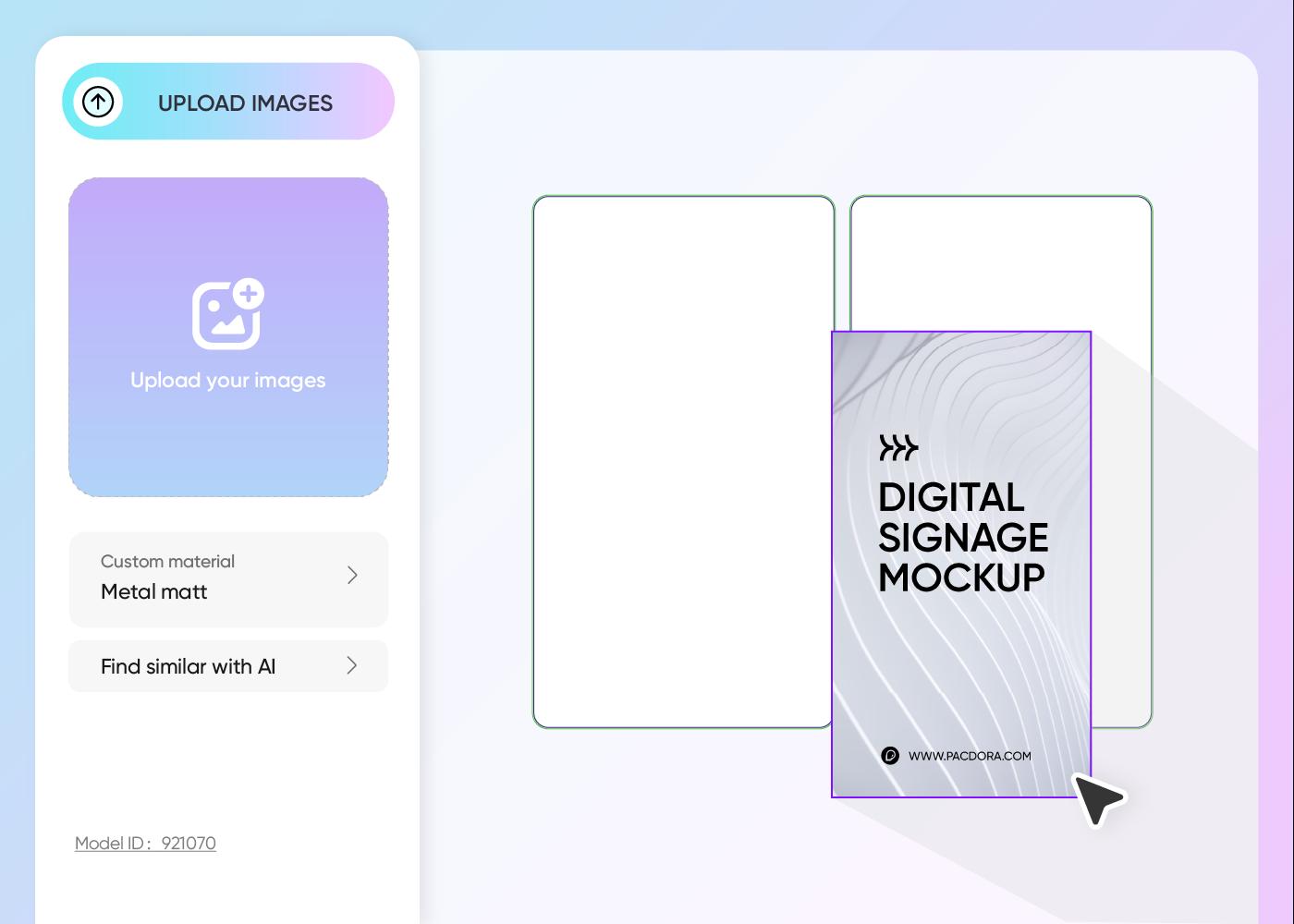
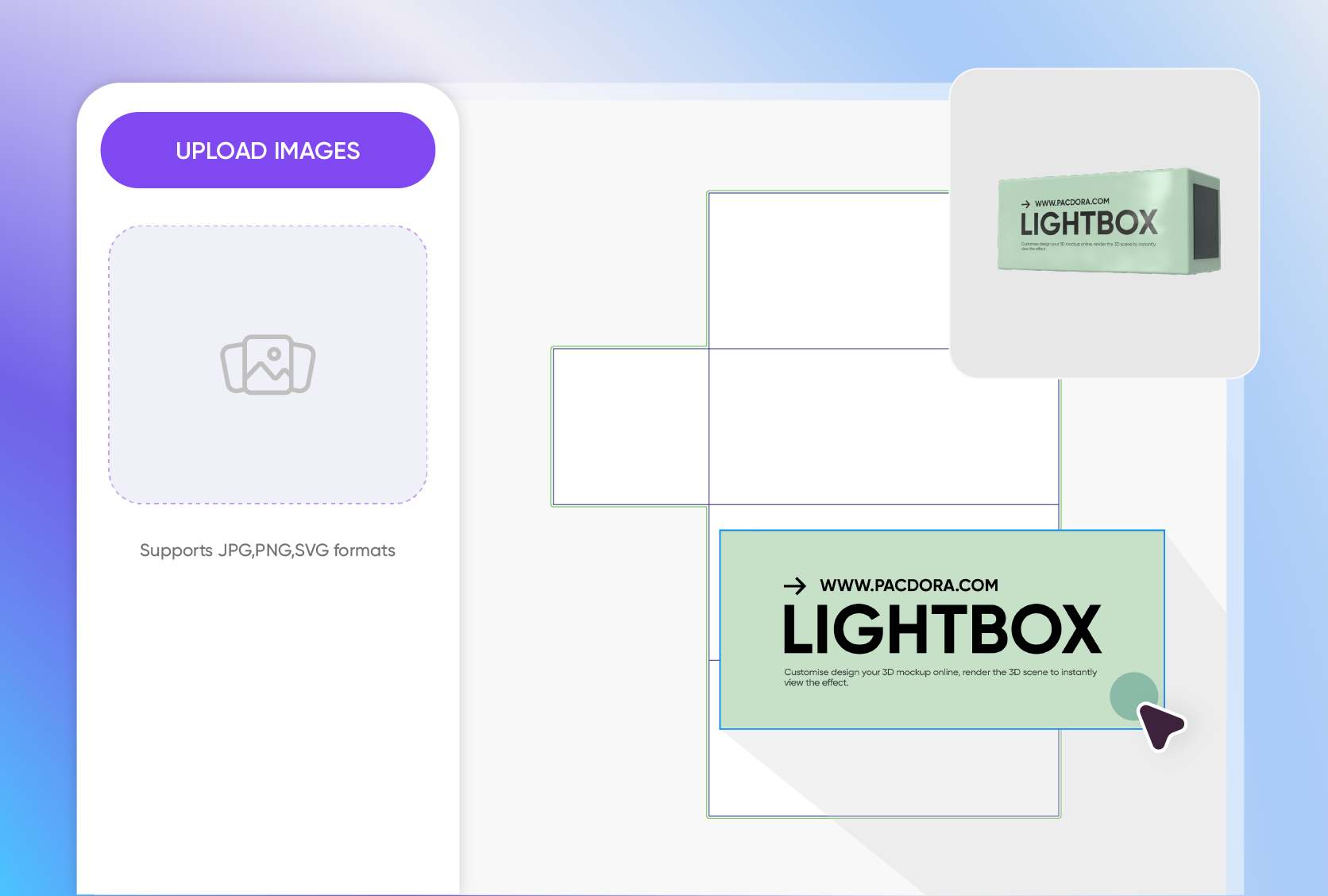
Step 2: Upload design and customize
Upload your high-quality image, align the colors to your brand, add your message, images, and graphics, and customize the background and other elements.
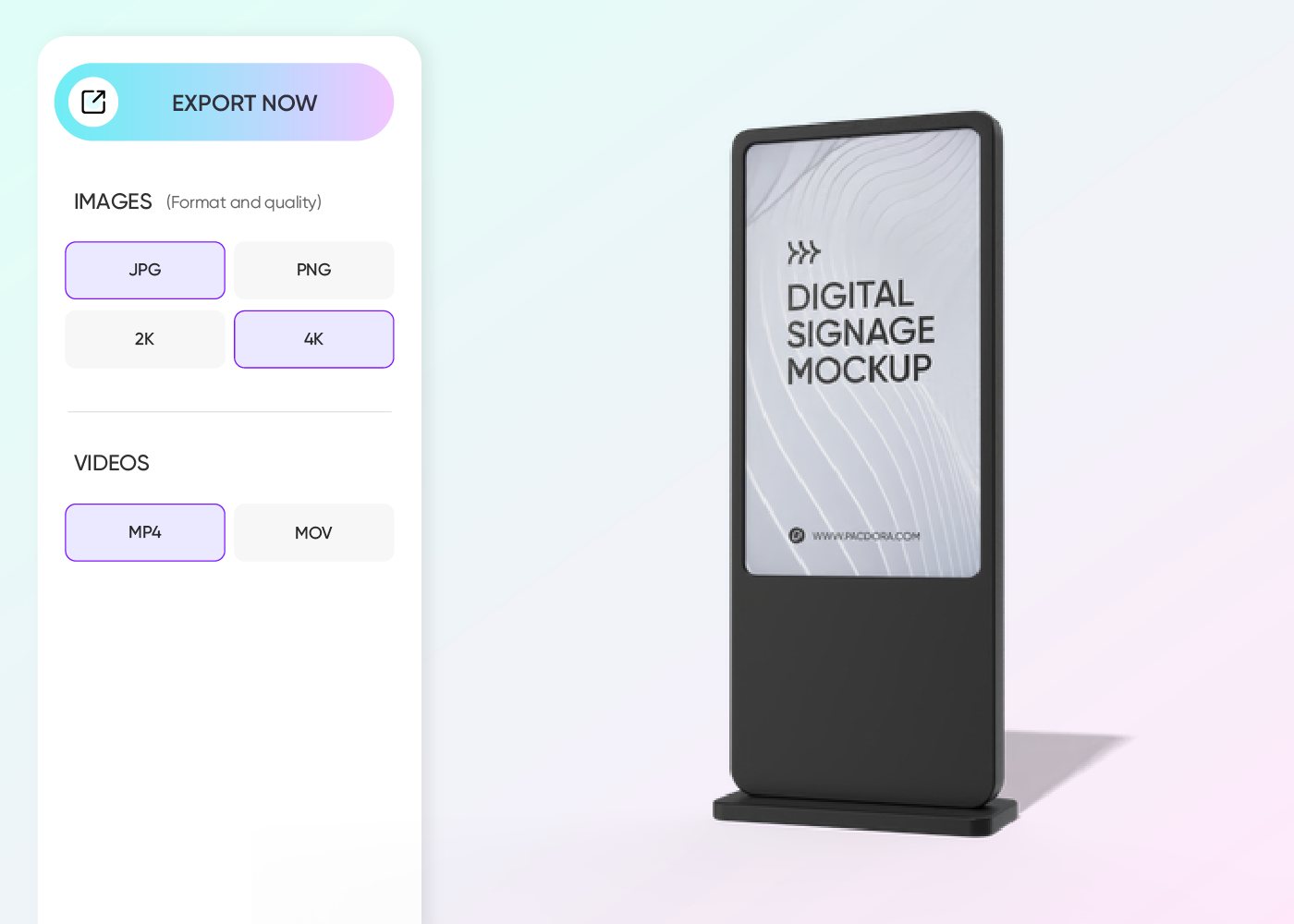
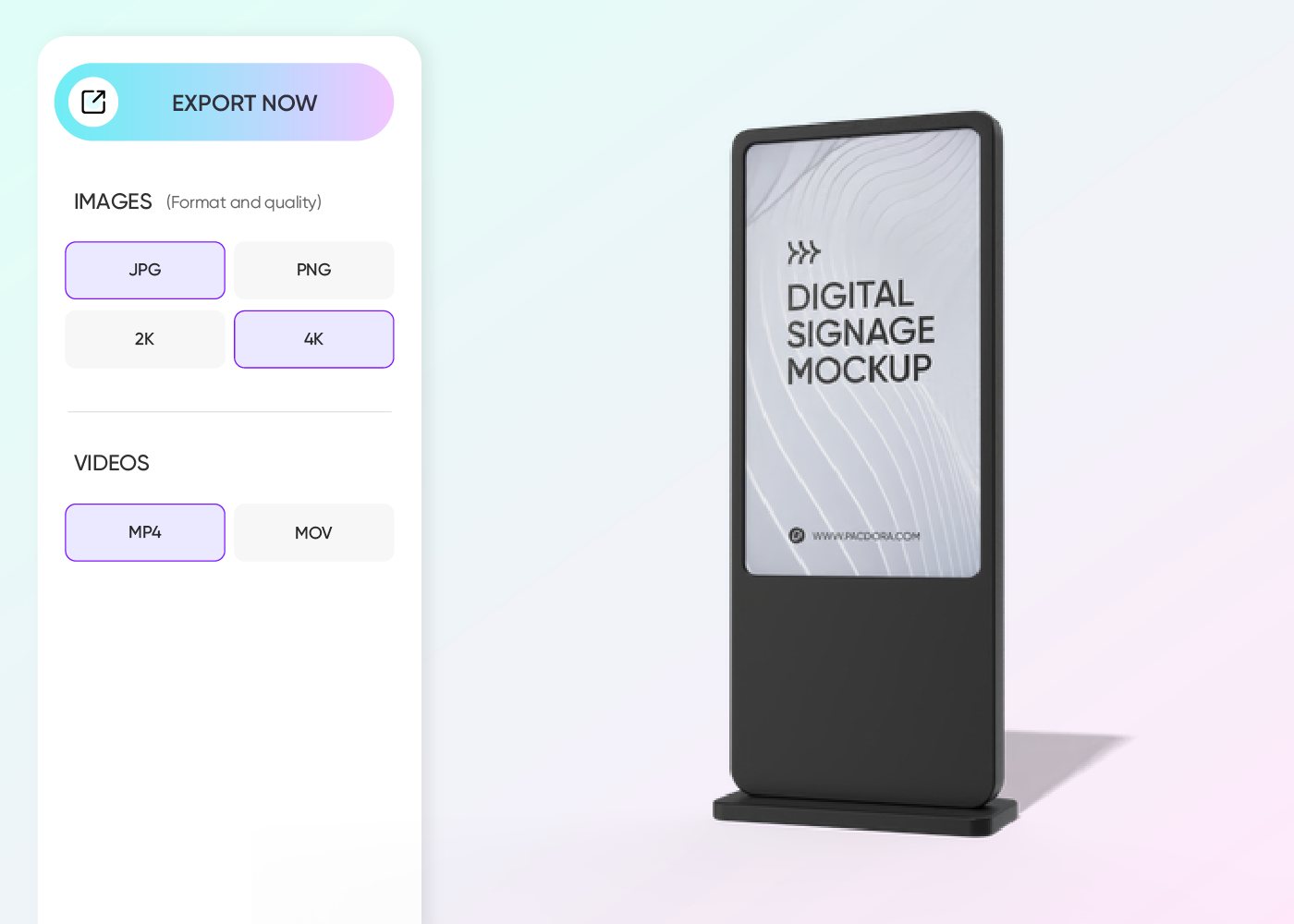
Step 3: Download your lightbox design
Download HD PNG/JPG images, or MP4 videos to show off your lightbox design online, or export a shareable link to easily collaborate with your team.
Step 1: Choose a lightbox style
Take a look at our entire mockup library and choose a lightbox style that suits your advertising project.
Step 2: Upload design and customize
Upload your high-quality image, align the colors to your brand, add your message, images, and graphics, and customize the background and other elements.
Step 3: Download your lightbox design
Download HD PNG/JPG images, or MP4 videos to show off your lightbox design online, or export a shareable link to easily collaborate with your team.
Expert tips for designing a lightbox mockup
Match the style to your brand’s aesthetic
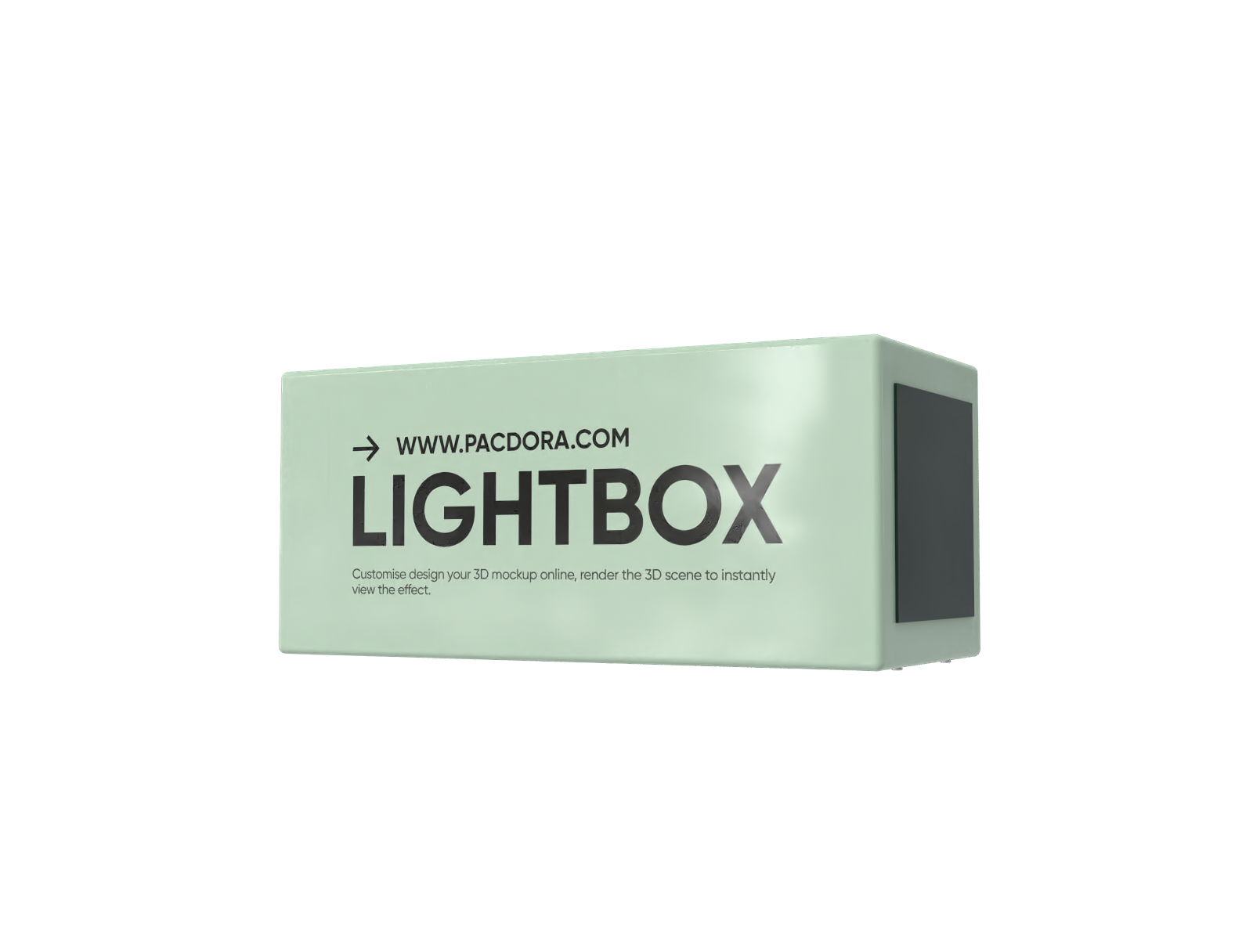
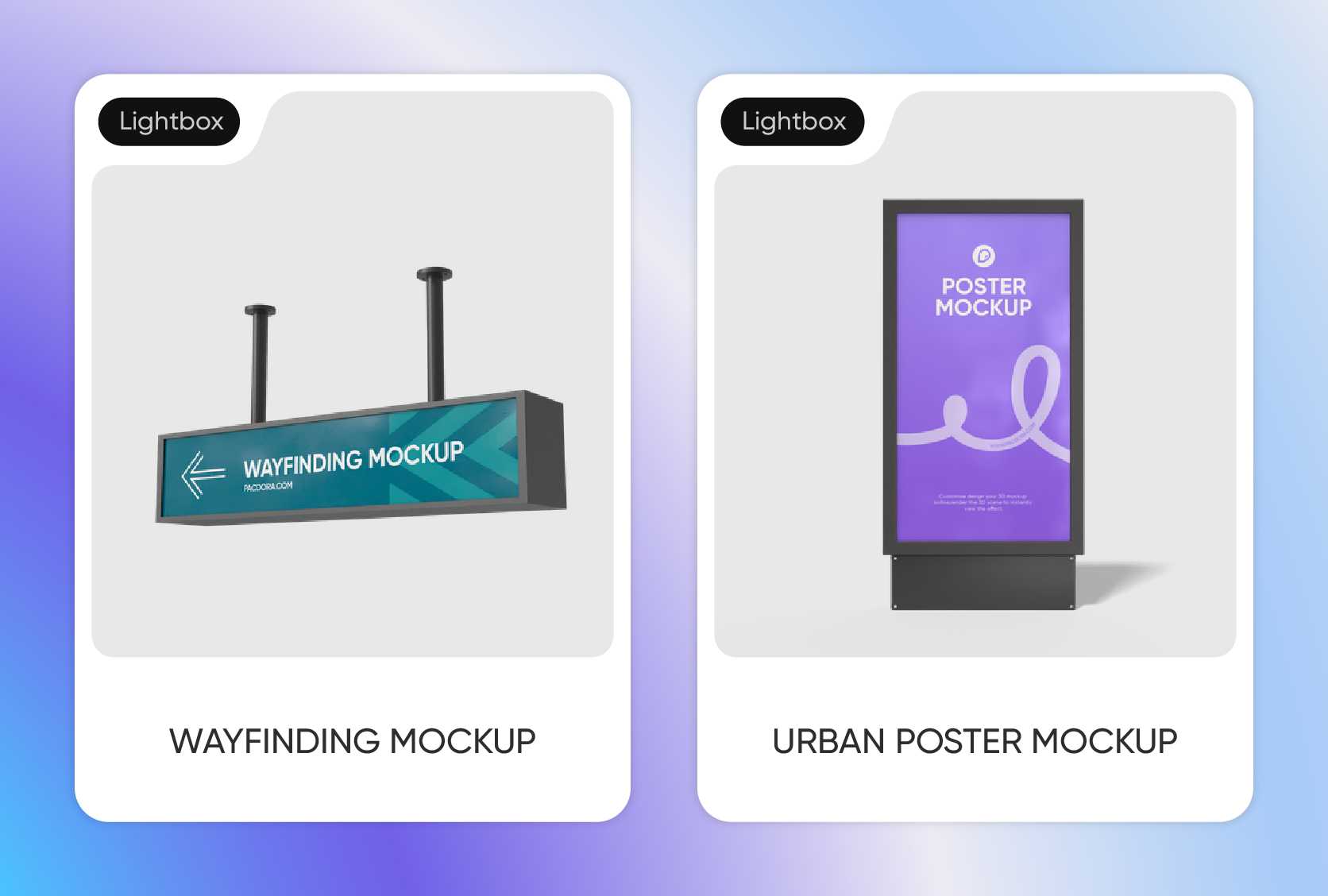
Lightbox comes in all sorts of shapes, like a classic square that’s perfect for clean, professional e-commerce shots and is a favorite for minimalist brands.
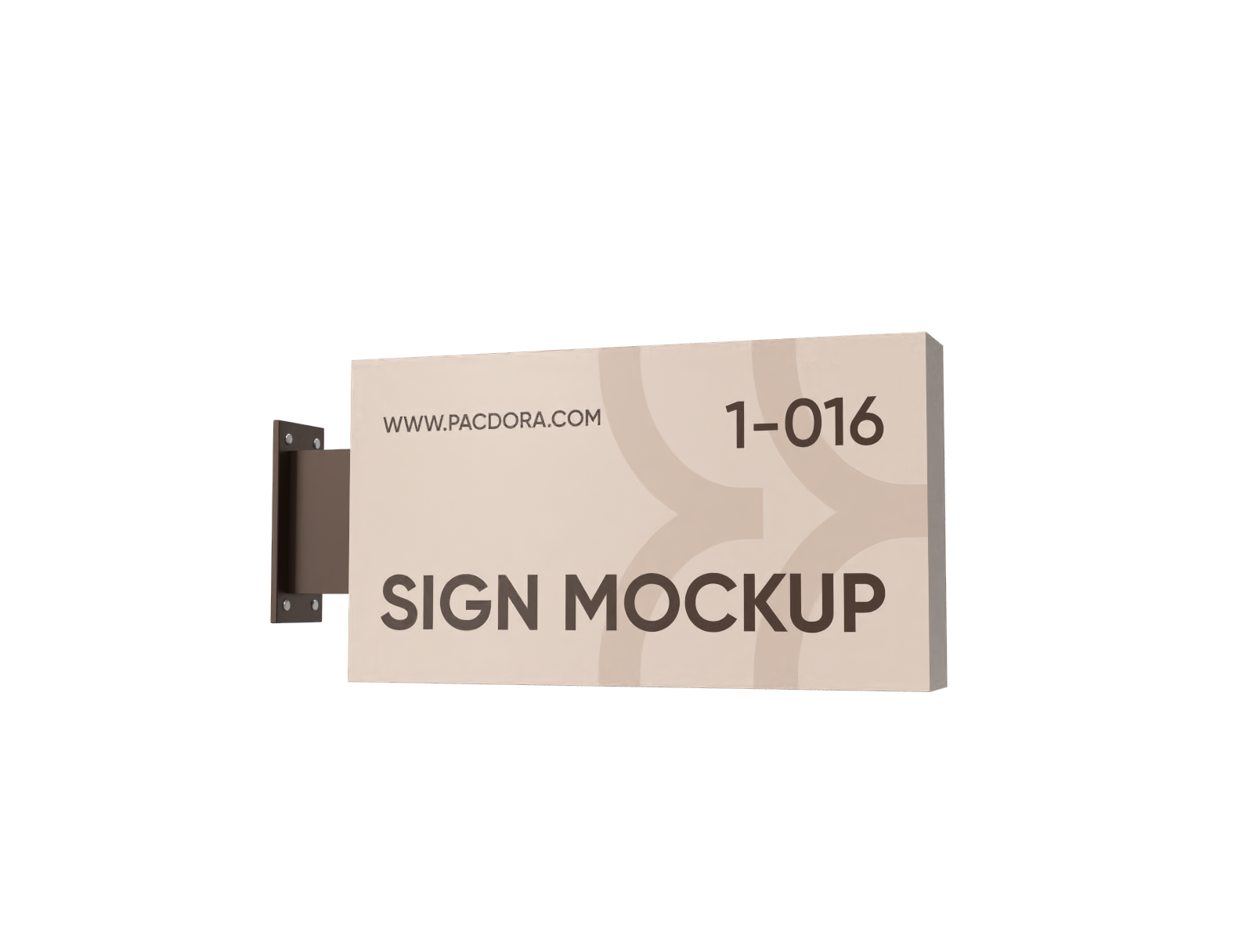
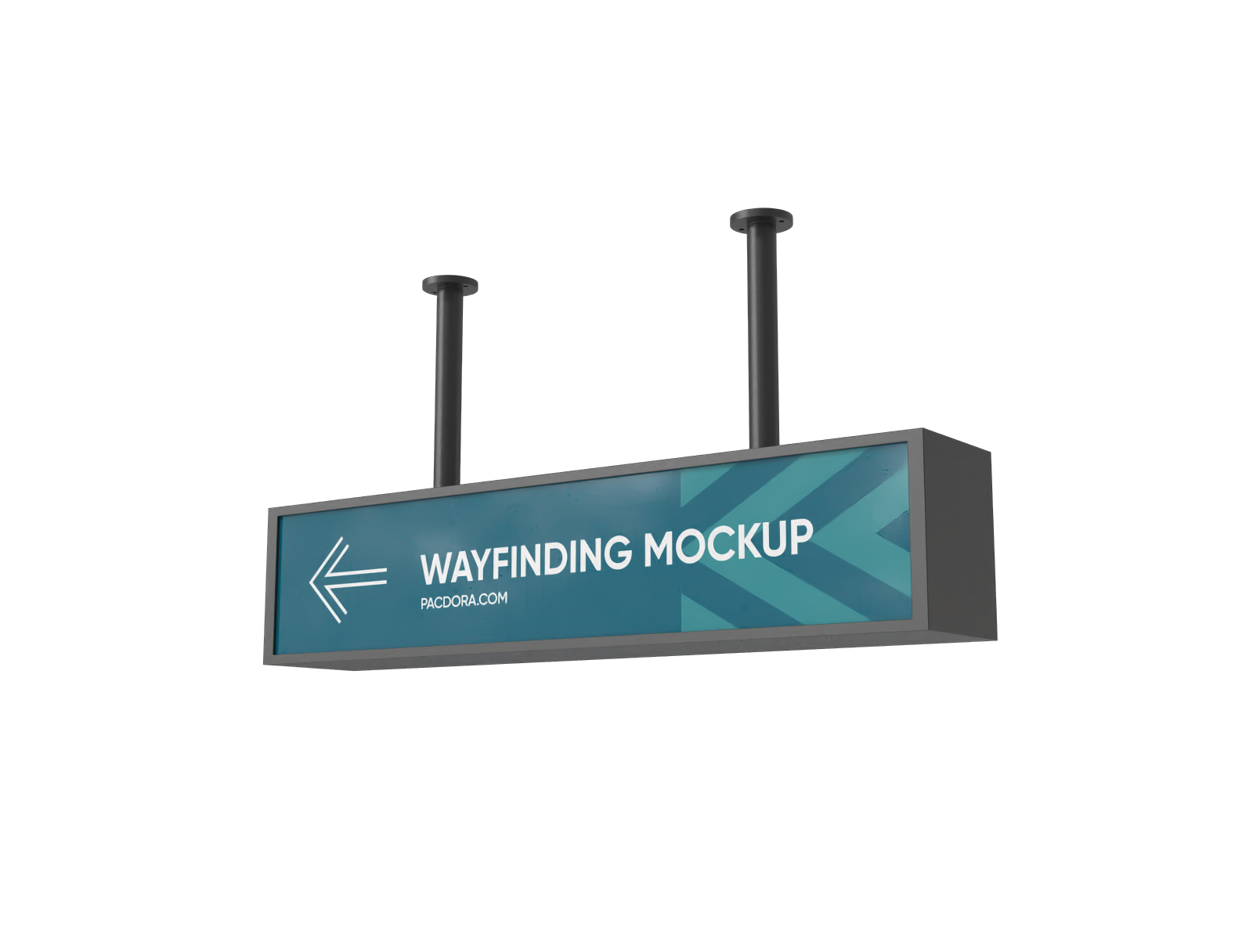
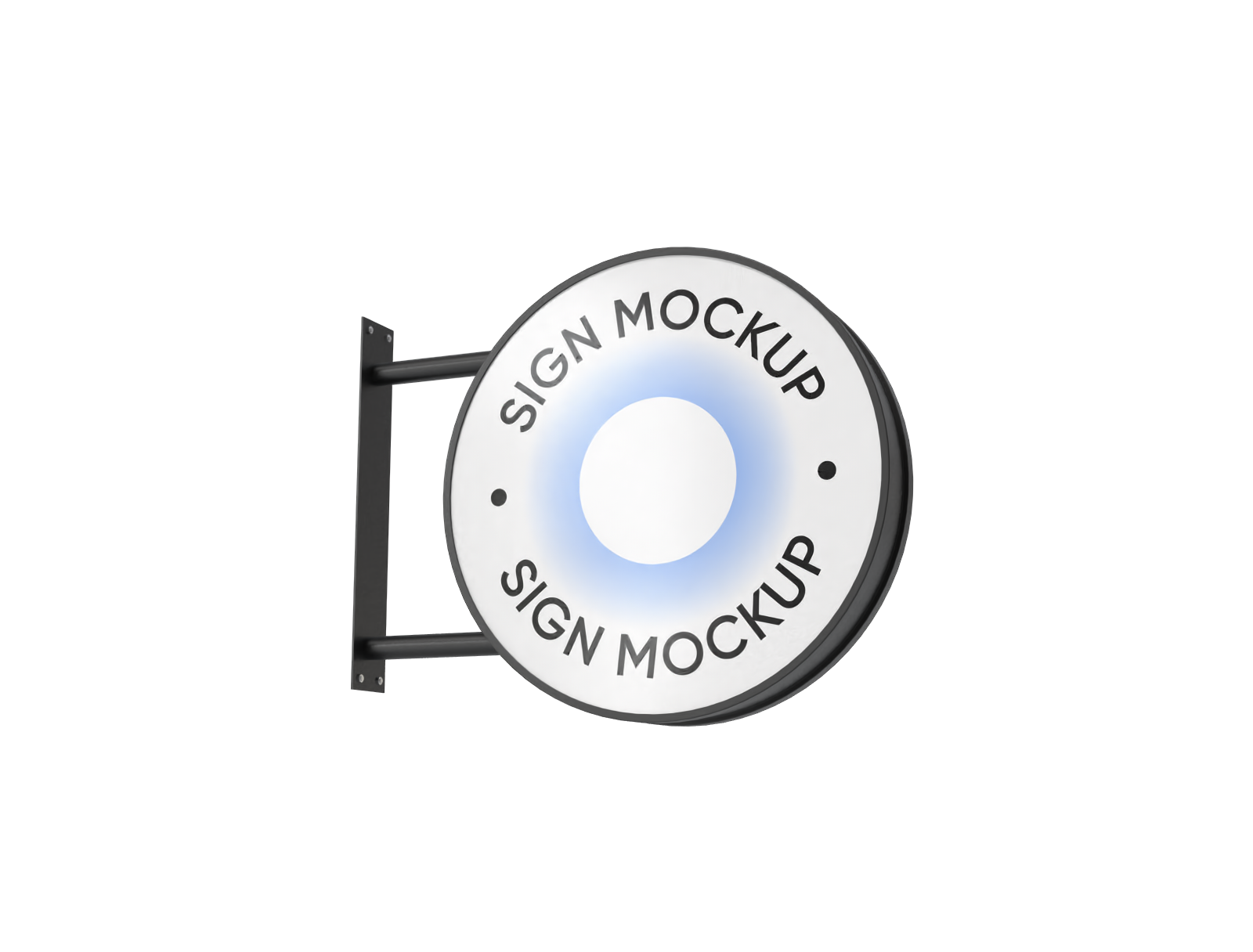
A wide rectangular lightbox is ideal for products that need extra horizontal space, like tech gadgets or lifestyle ads. You can also go for circular and other styles depending on your product.
Let your lightbox reflect your brand identity
Your lightbox is a big part of your brand, so be sure to show off your logo and add your main brand colors for a marketing boost.
When it comes to text, keep it simple, include only the important details like the product name, key features, and a short tagline. Patterns and graphics can also help make your design look fantastic.
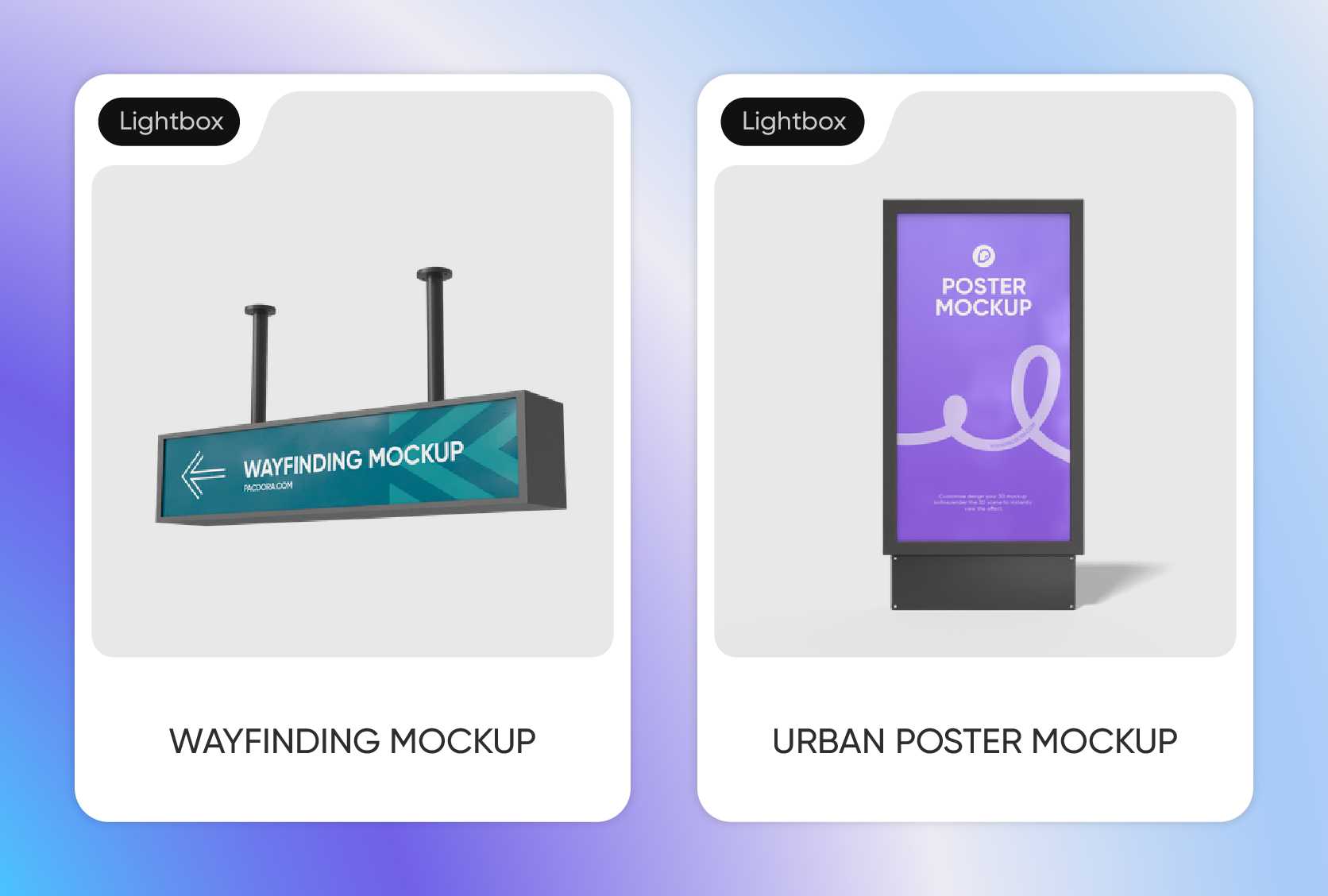
Smartly sized lightbox for your display needs
A good rule of thumb: your lightbox should be large enough to comfortably fit the item you plan to showcase, with plenty of space around it.
For instance, a 24 × 18 × 3.5-inch lightbox is great for posters or small sidewalk product displays, while a 48 × 36 × 5.5-inch one works perfectly for bigger retail signs and brand displays.
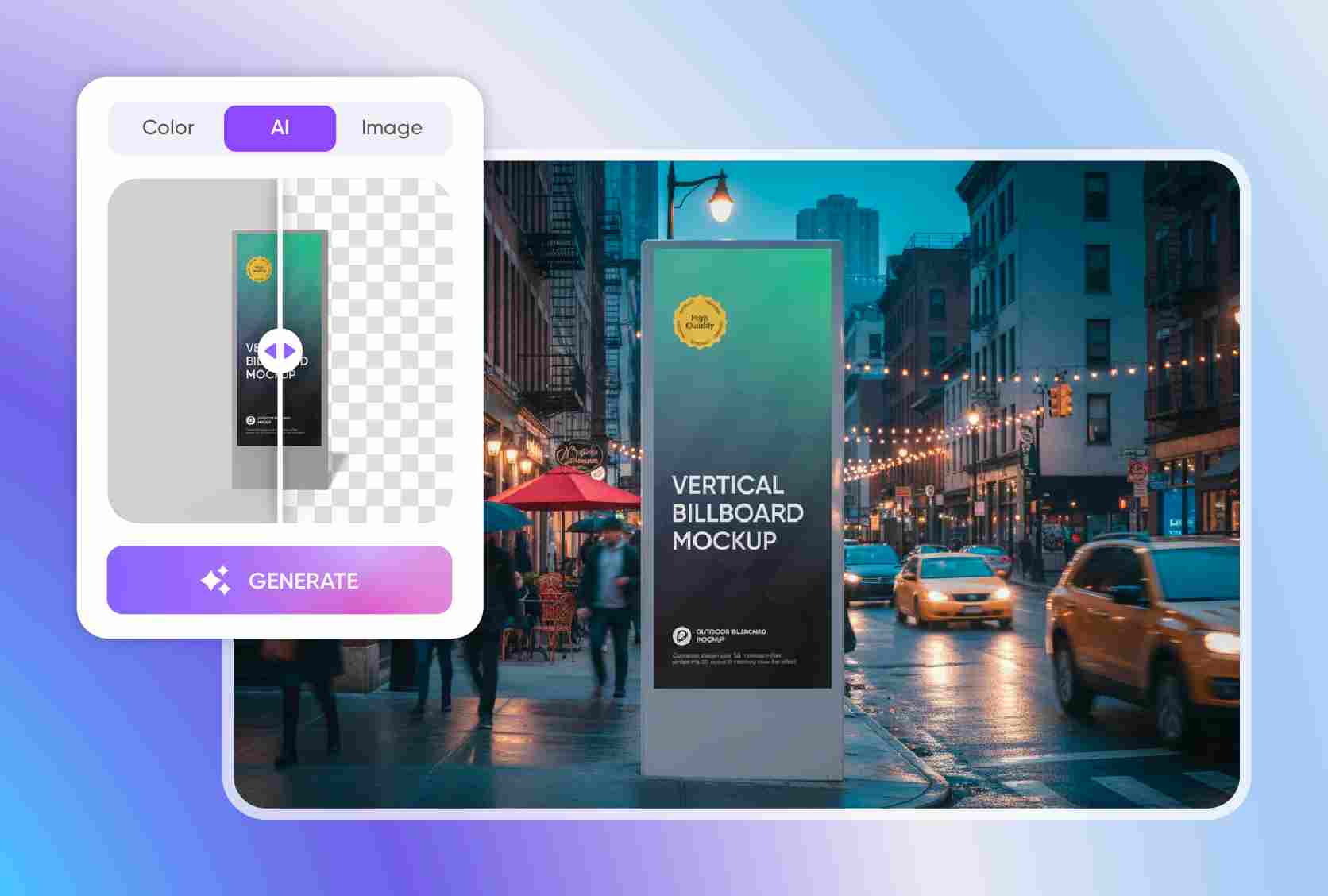
AI background that gives your design context
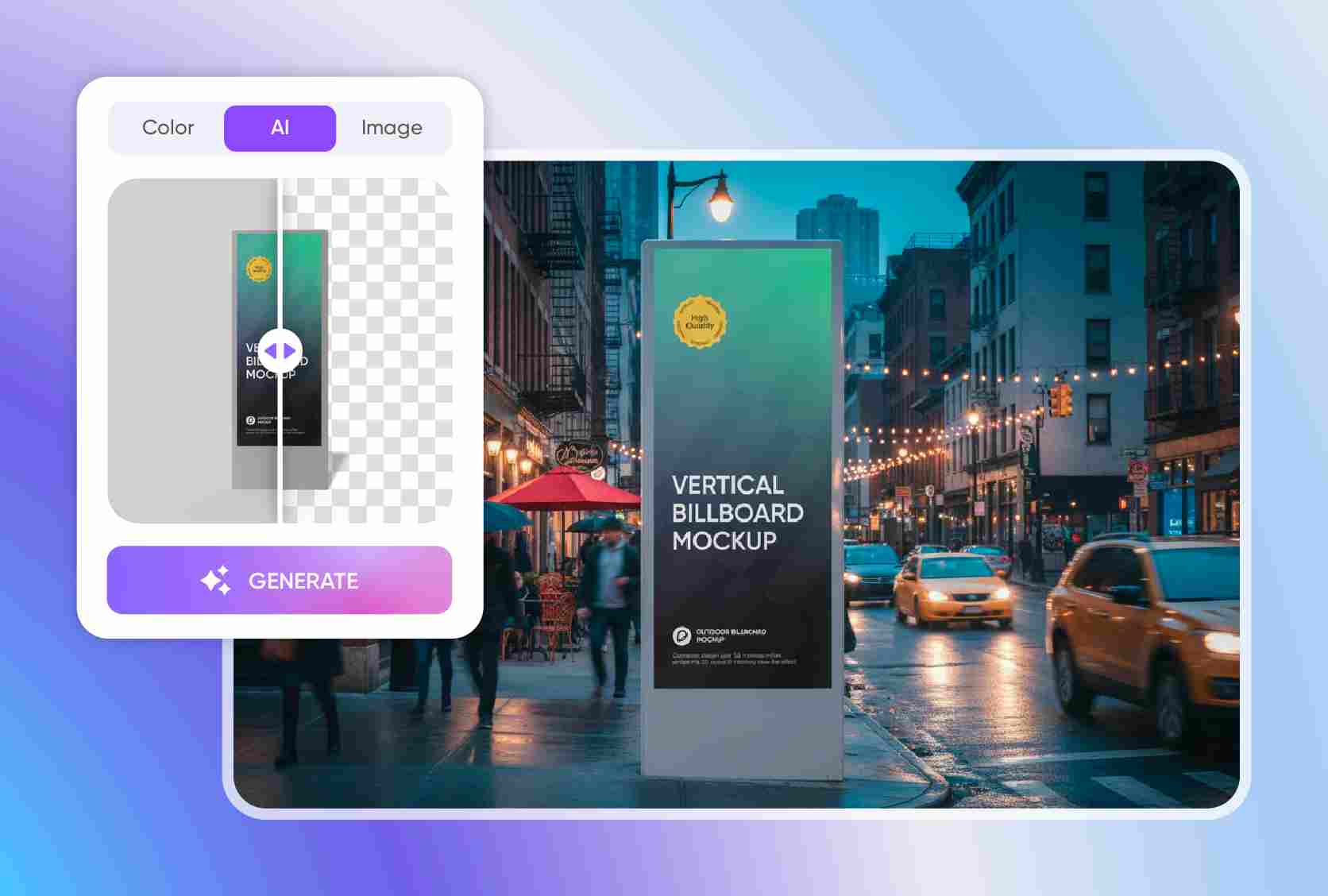
A plain background helps highlight your product, but if you want to make your lightbox mockup more relatable, try out our advanced AI background generator.
Effortlessly place your lightbox design in urban streets, retail storefronts, or any real-world setting, depending on how you want your audience to experience it in real life.
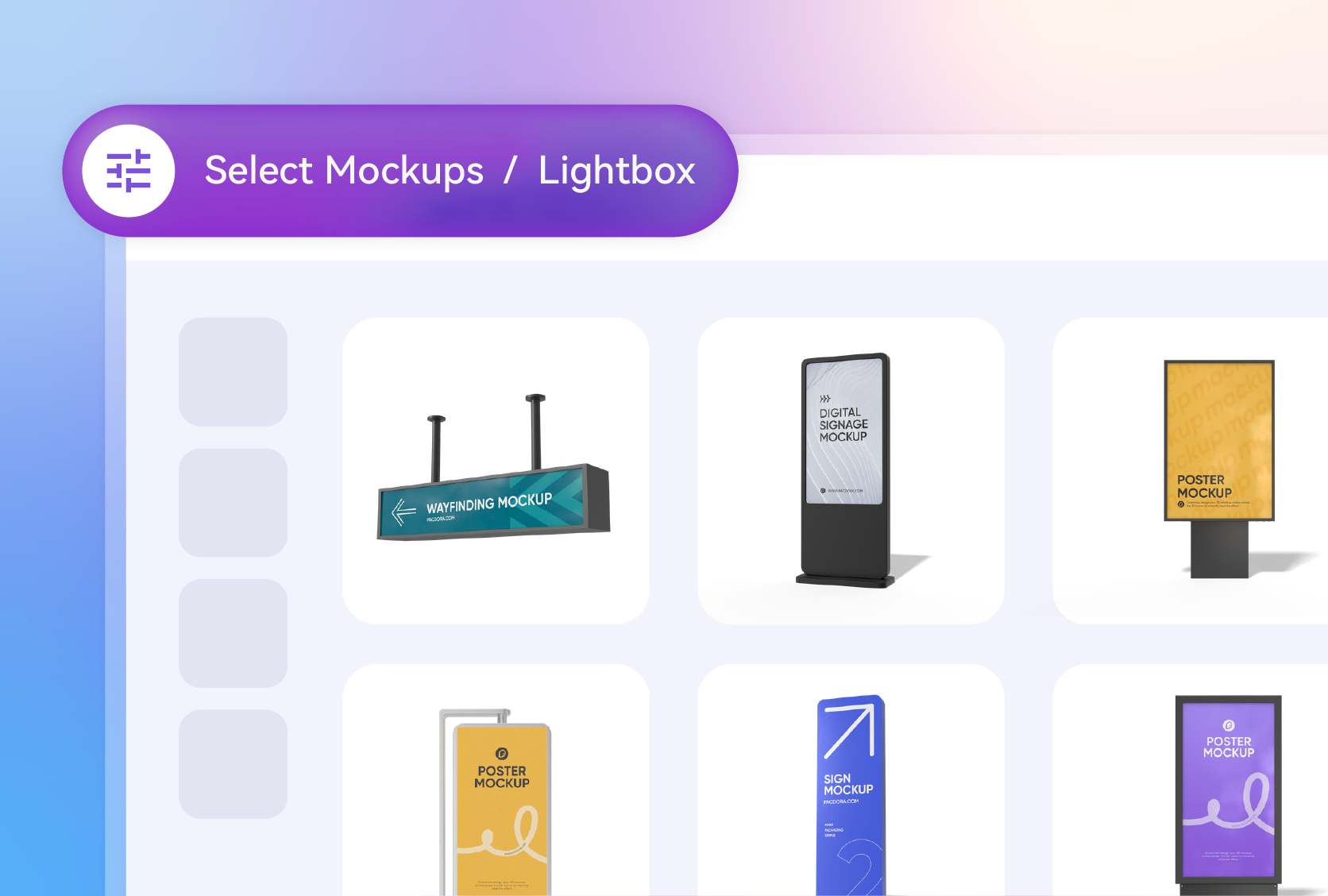
Match the style to your brand’s aesthetic
Lightbox comes in all sorts of shapes, like a classic square that’s perfect for clean, professional e-commerce shots and is a favorite for minimalist brands.
A wide rectangular lightbox is ideal for products that need extra horizontal space, like tech gadgets or lifestyle ads. You can also go for circular and other styles depending on your product.
Let your lightbox reflect your brand identity
Your lightbox is a big part of your brand, so be sure to show off your logo and add your main brand colors for a marketing boost.
When it comes to text, keep it simple, include only the important details like the product name, key features, and a short tagline. Patterns and graphics can also help make your design look fantastic.
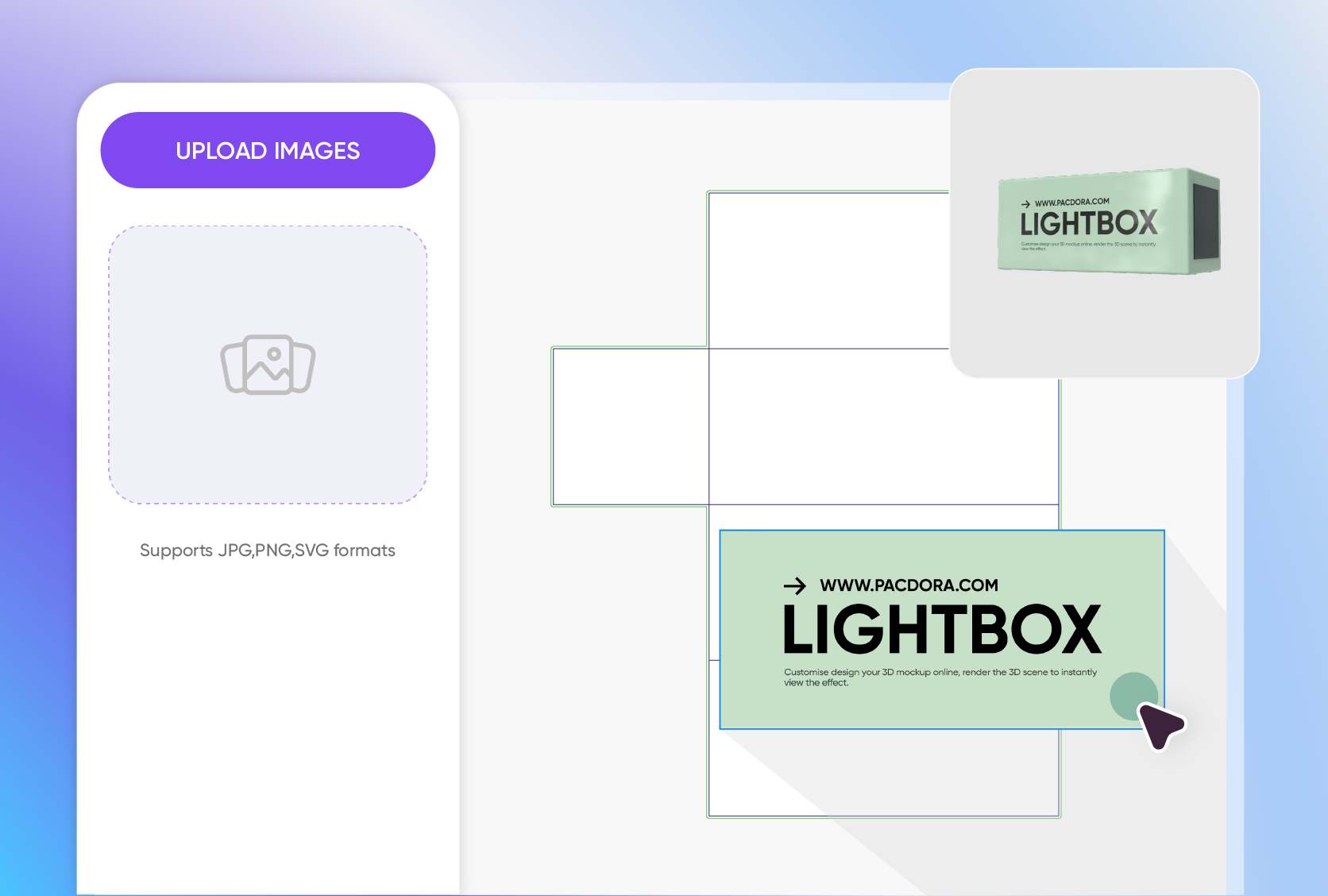
Smartly sized lightbox for your display needs
A good rule of thumb: your lightbox should be large enough to comfortably fit the item you plan to showcase, with plenty of space around it.
For instance, a 24 × 18 × 3.5-inch lightbox is great for posters or small sidewalk product displays, while a 48 × 36 × 5.5-inch one works perfectly for bigger retail signs and brand displays.
AI background that gives your design context
A plain background helps highlight your product, but if you want to make your lightbox mockup more relatable, try out our advanced AI background generator.
Effortlessly place your lightbox design in urban streets, retail storefronts, or any real-world setting, depending on how you want your audience to experience it in real life.
Our customers love Pacdora’s mockup tools
Thousands before you have designed realistic mockups with Pacdora and loved it.

Great mock-ups and literally thousands of packaging designs to choose from. The 3d mock-up is so good, helps bring clarity to the client as well as the designers. Great product for packaging design professionals.


cosmiccorner
Move over, complicated design software! Pacdora is the superhero of packaging mockups. Creating 3D magic for my products is as easy as pie – no PhD in design required. It’s like the software looked at the clock and said, ‘Time to save users from design nightmares!’ It’s so user-friendly, even my coffee mug wants to try its hand at packaging design.
FAQ
What is a lightbox mockup?
A lightbox mockup is a digital setup that shows how your product or advertising elements appear inside an illuminated lightbox. It’s mainly used for branding and marketing, acting like a mini-studio to display your product or convey your signage message. You can customize the mockup with your colors and designs to match your style.
What makes a realistically designed lightbox mockup?
For your lightbox mockup to look and feel real in the eyes of the viewers, there are certain aspects that you need to consider. Make sure to add subtle lighting and shadows to give it a 3D feel and more depth and realism to it. Customize every element like color, text, images, and texts without losing the lifelike look. Use a realistic background to make your design feel more relatable.
Can I use a lightbox mockup to present branding ideas?
Absolutely! In fact, an editable lightbox mockup offers a great opportunity for you to add your logo, tagline, graphics, and even use your brand’s primary color so that the whole design could speak for your brand. The best part is that you experiment with different styles and even make the necessary changes so that the final layout or design matches your exact vision.
Why choose Pacdora for creating a lightbox mockup?
Pacdora offers 3D lightbox mockups so you don’t have to deal with complicated PSD files or any other external software. Everything runs online, and you can have your design ready in just a matter of minutes, even if you’re just starting out. The platform is super intuitive and includes all the important features to help you customize your design how you want. Plus, you can download 4K or 8K PNGs or videos for client previews.
Can I create a lightbox mockup for free on Pacdora?
Yes! You can use our core features to create a lightbox mockup for free. If you need extra features, we also offer premium services that you can consider based on your projects. For more details, take a look at our pricing page.
Explore more mockup tools
Discover more about Pacdora


