

Custom yard signs

Add your own logo and pictures here, change up the words, and get a super clear PNG image of your custom yard signs for free.
Custom yard signs
Add your own logo and pictures here, change up the words, and get a super clear PNG image of your custom yard signs for free.
Trusted by leading companies


Get noticed quickly with stunning custom yard signs on Pacdora!
You need a board that makes people stop and look. Pacdora lets you build your own custom yard signs in full 3D before you spend any money. Whether you are selling a house or throwing a huge party, our simple tools make you look like a pro. Just drop your logo on the board, pick your colors, and look at it from every side. Easily add unique backgrounds to your yard signs. Download 4K/8K PNG images or a cool spinning MP4 video to show everyone.
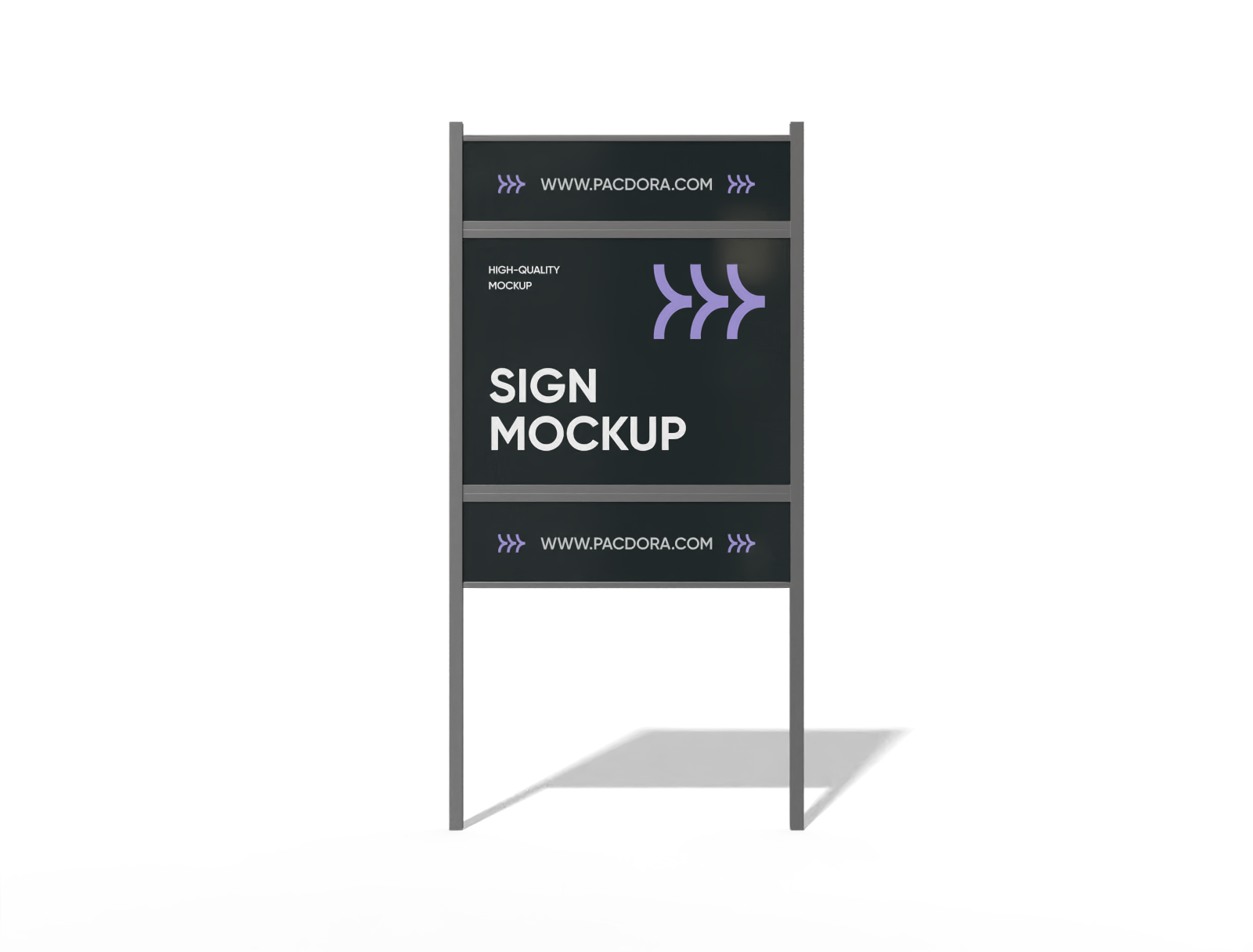
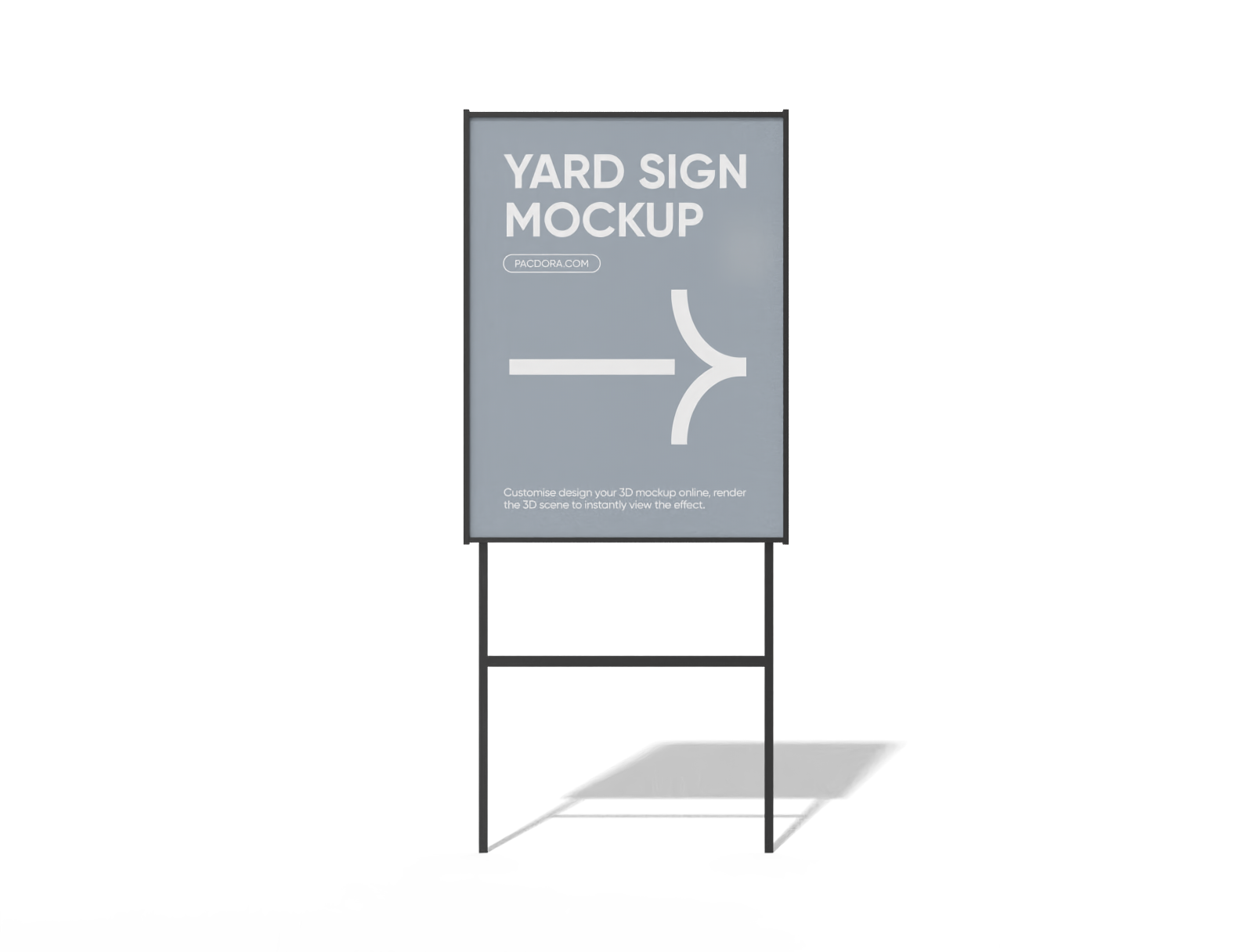
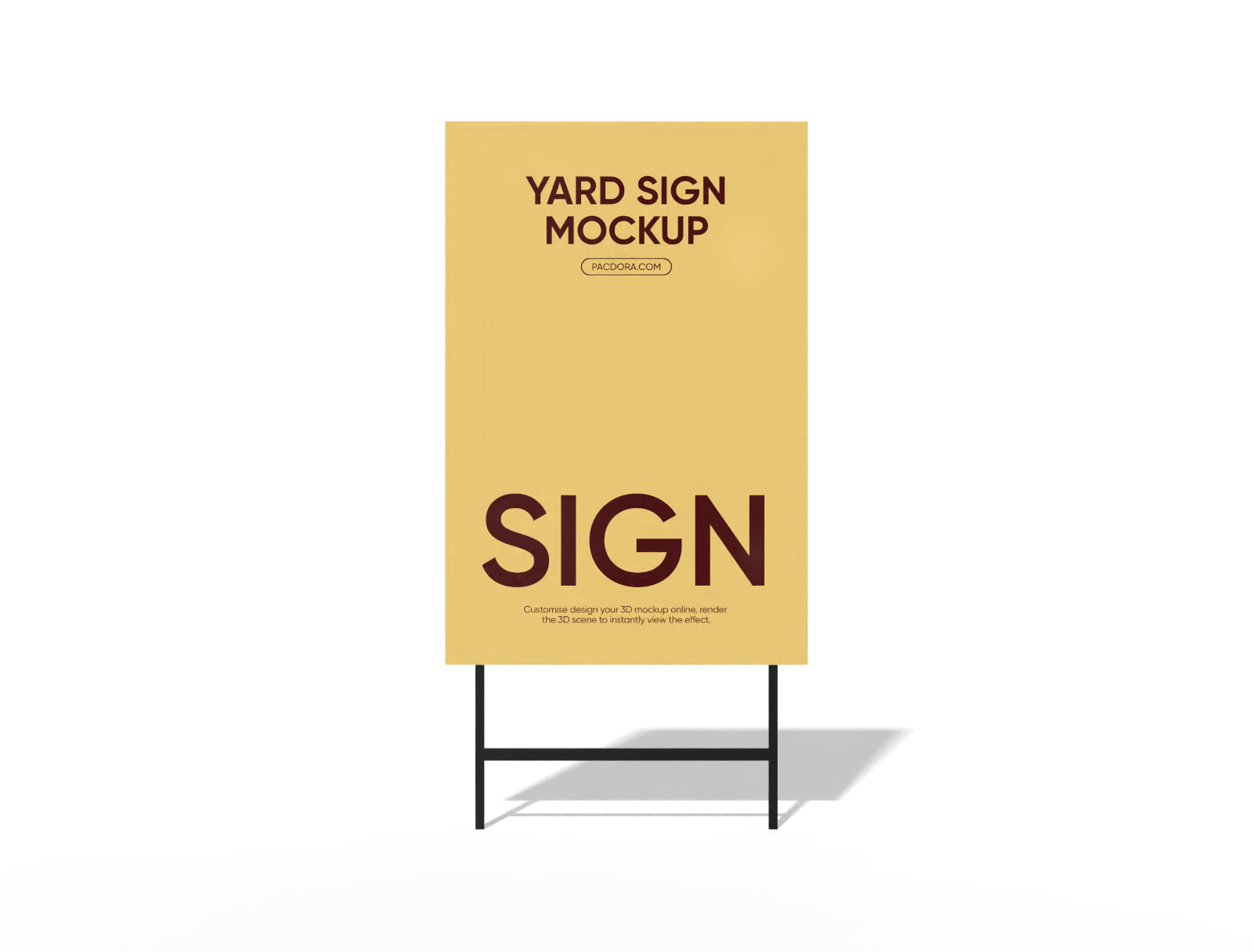
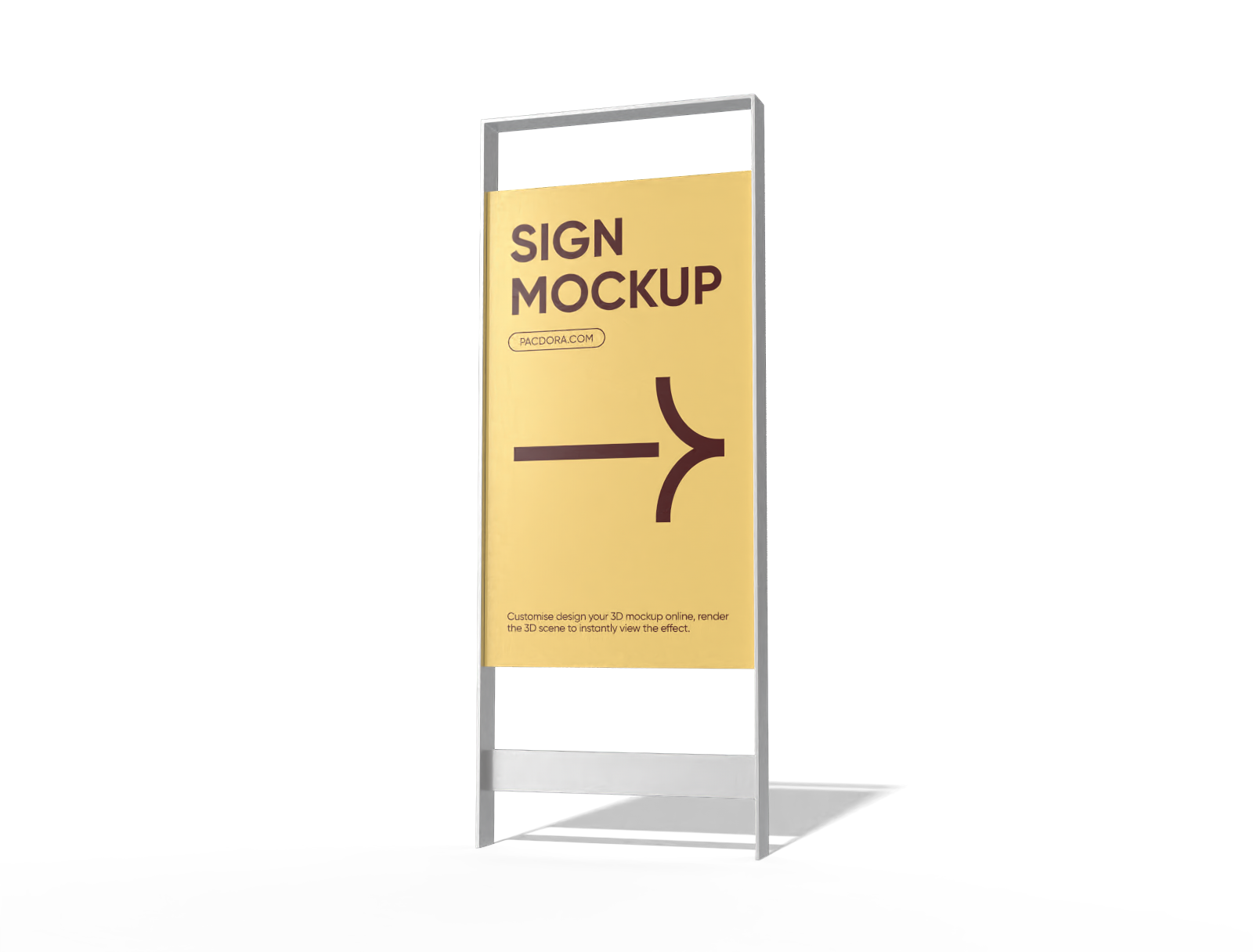
How to make custom yard signs online?
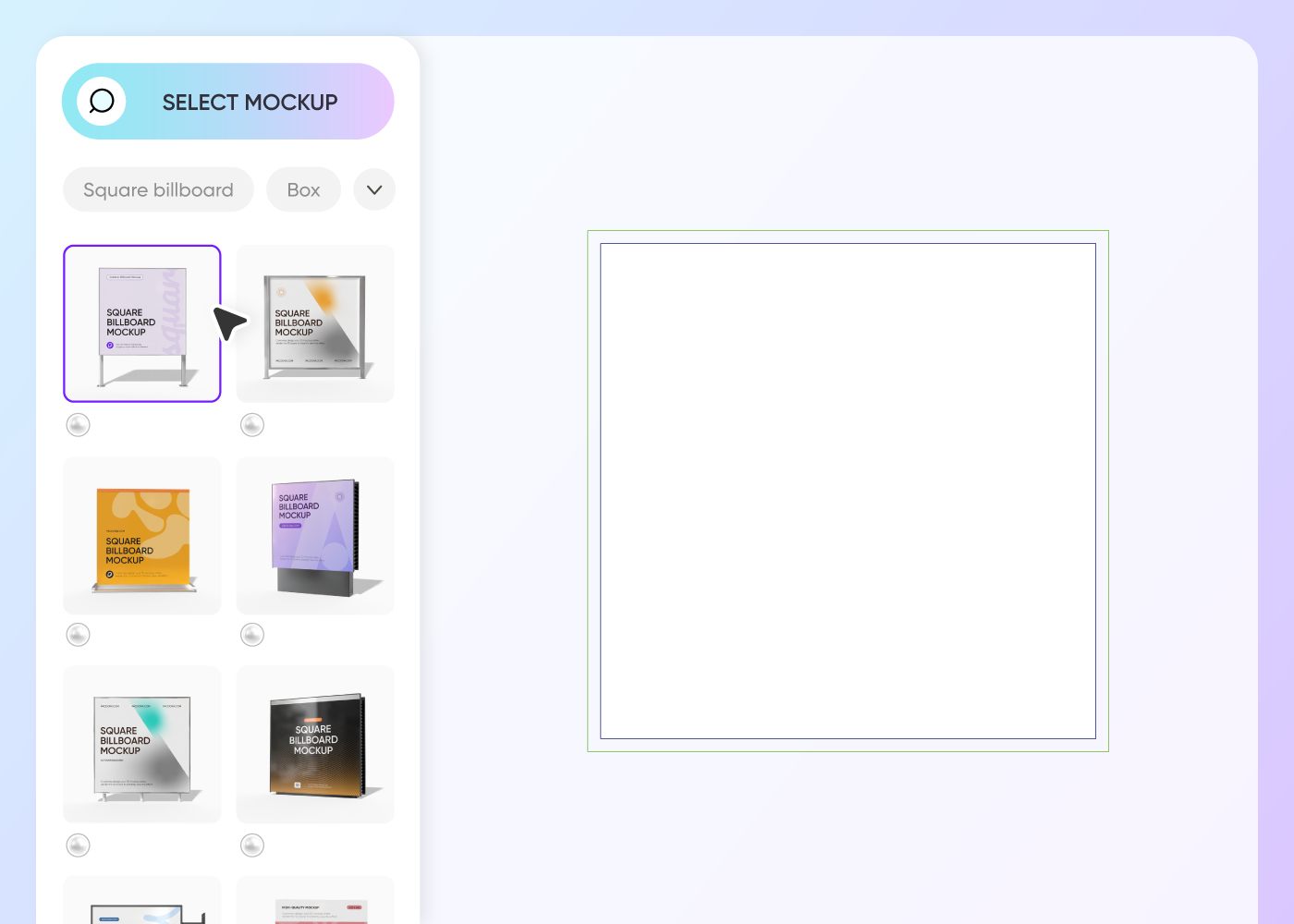
Step 1: Select your custom yard sign
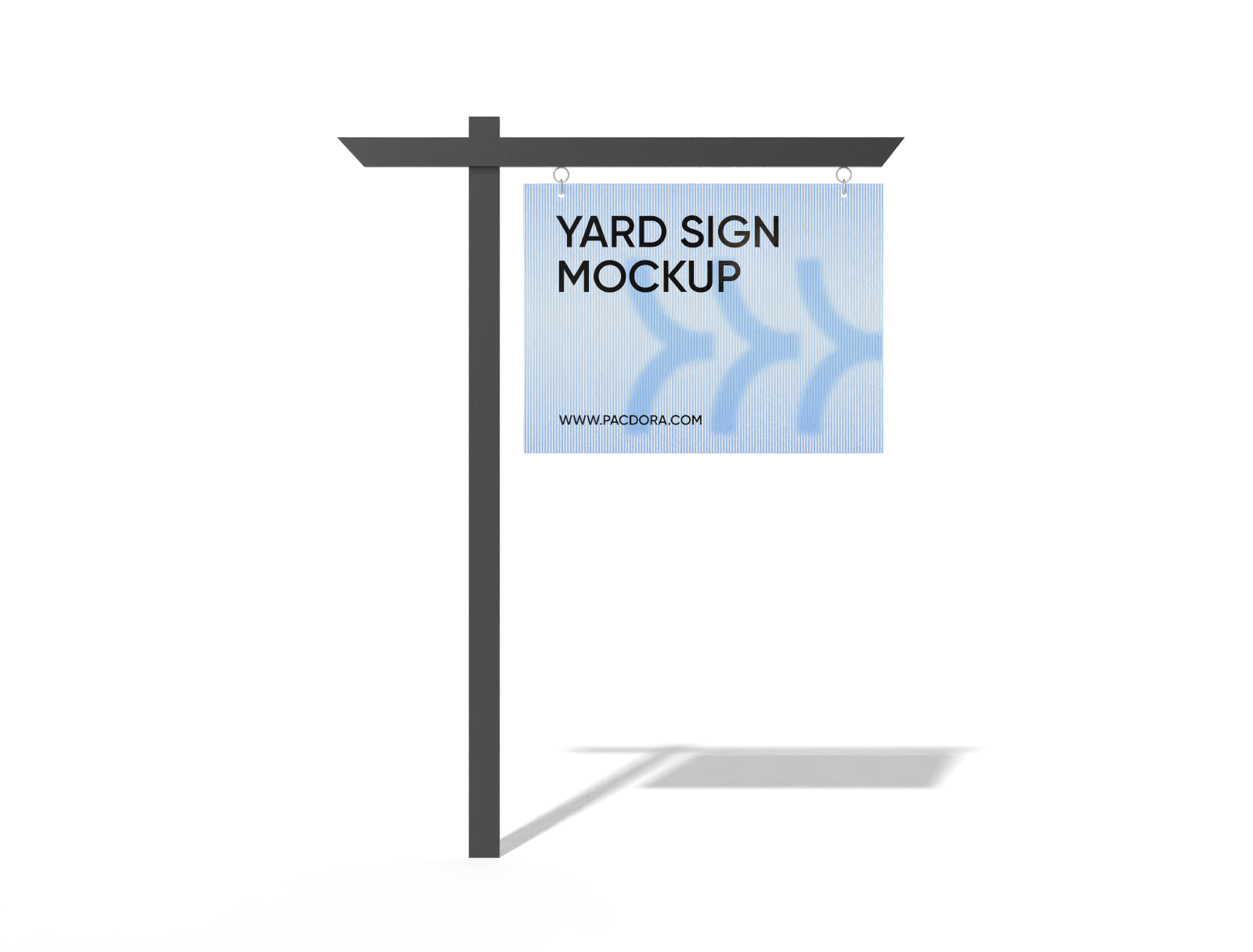
Select a shape that works for your street, like a tall hanging post or a low wire frame that sticks right into the grass.
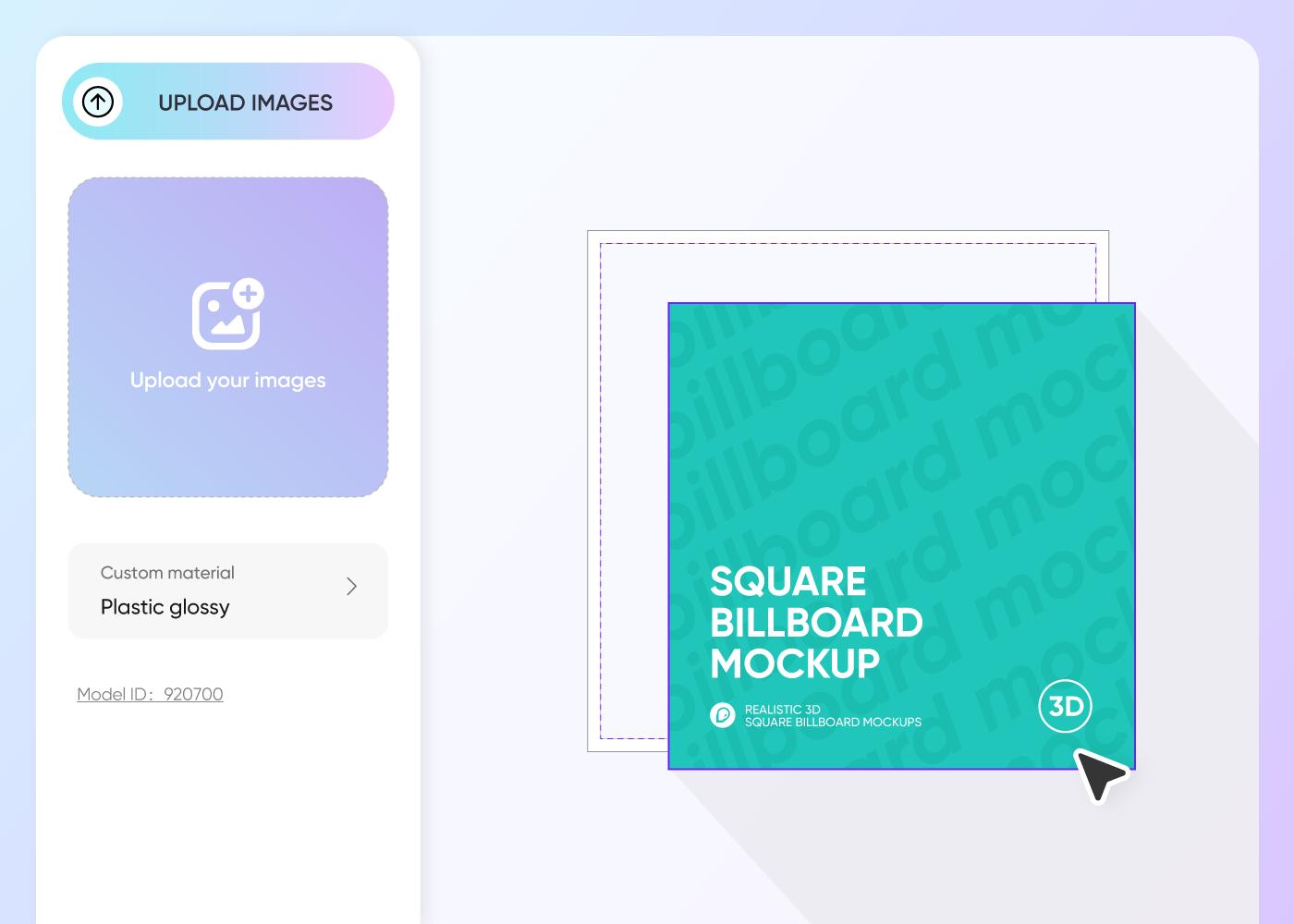
Step 2: Upload your graphics and customize
Upload your photos and big bold letters on the board. Make sure the colors pop so cars can read it easily as they zoom by.
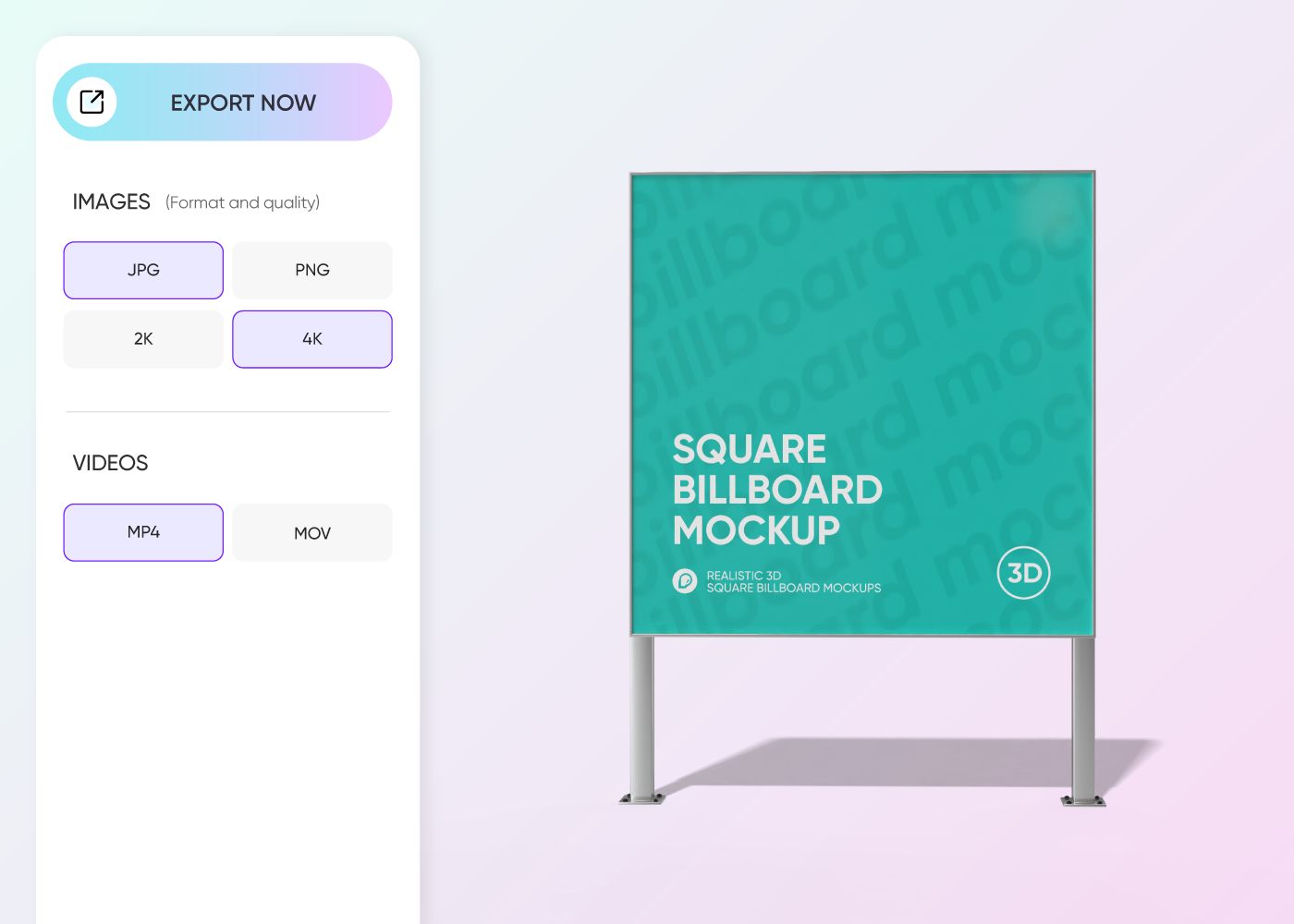
Step 3: Export your final yard sign design
Export a high-quality PNG image to show your friends, grab a spinning video to post online, or a shareable link for your presentation.
Step 1: Select your custom yard sign
Select a shape that works for your street, like a tall hanging post or a low wire frame that sticks right into the grass.
Step 2: Upload your graphics and customize
Upload your photos and big bold letters on the board. Make sure the colors pop so cars can read it easily as they zoom by.
Step 3: Export your final yard sign design
Export a high-quality PNG image to show your friends, grab a spinning video to post online, or a shareable link for your presentation.
Enhance your curb appeal with custom yard signs
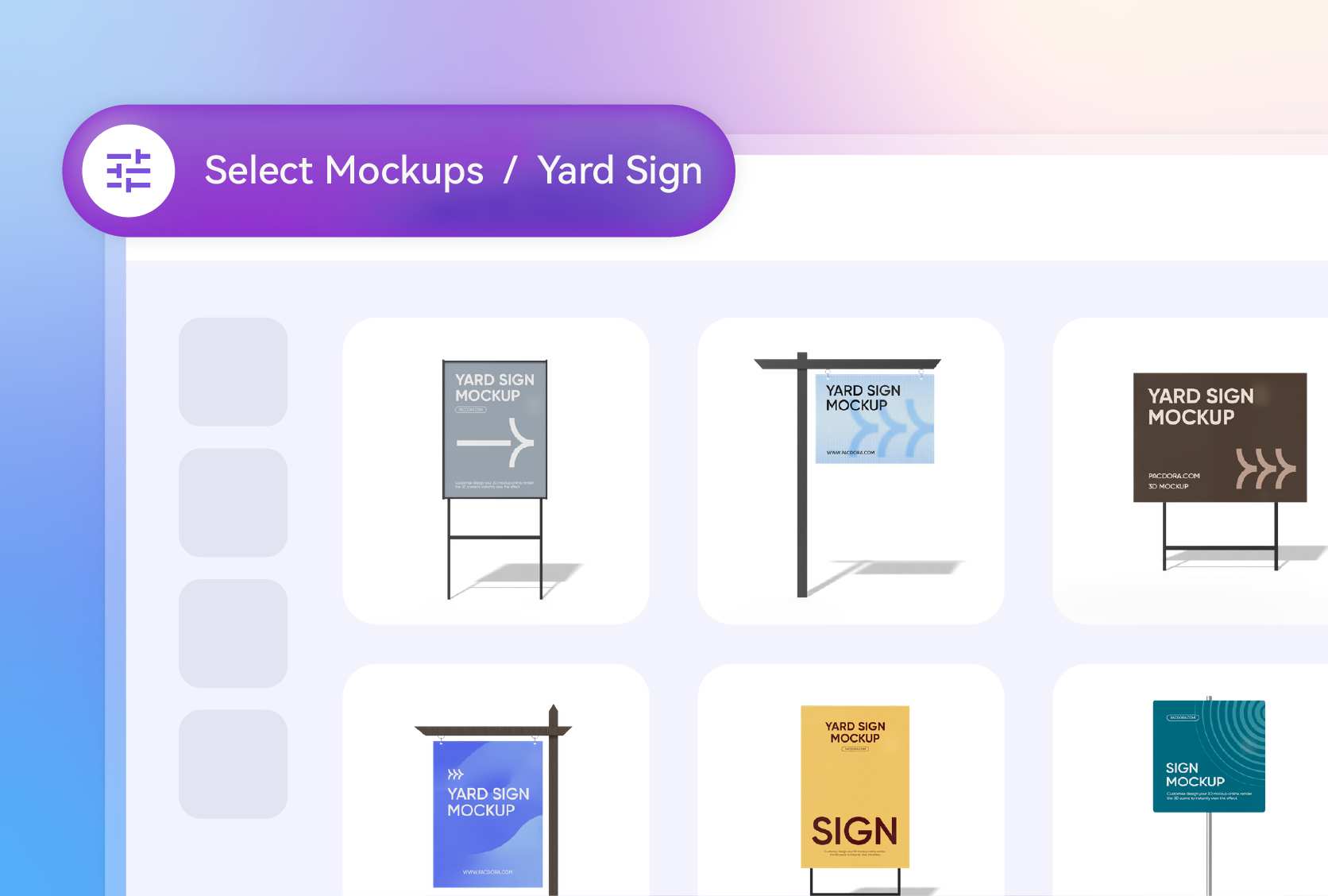
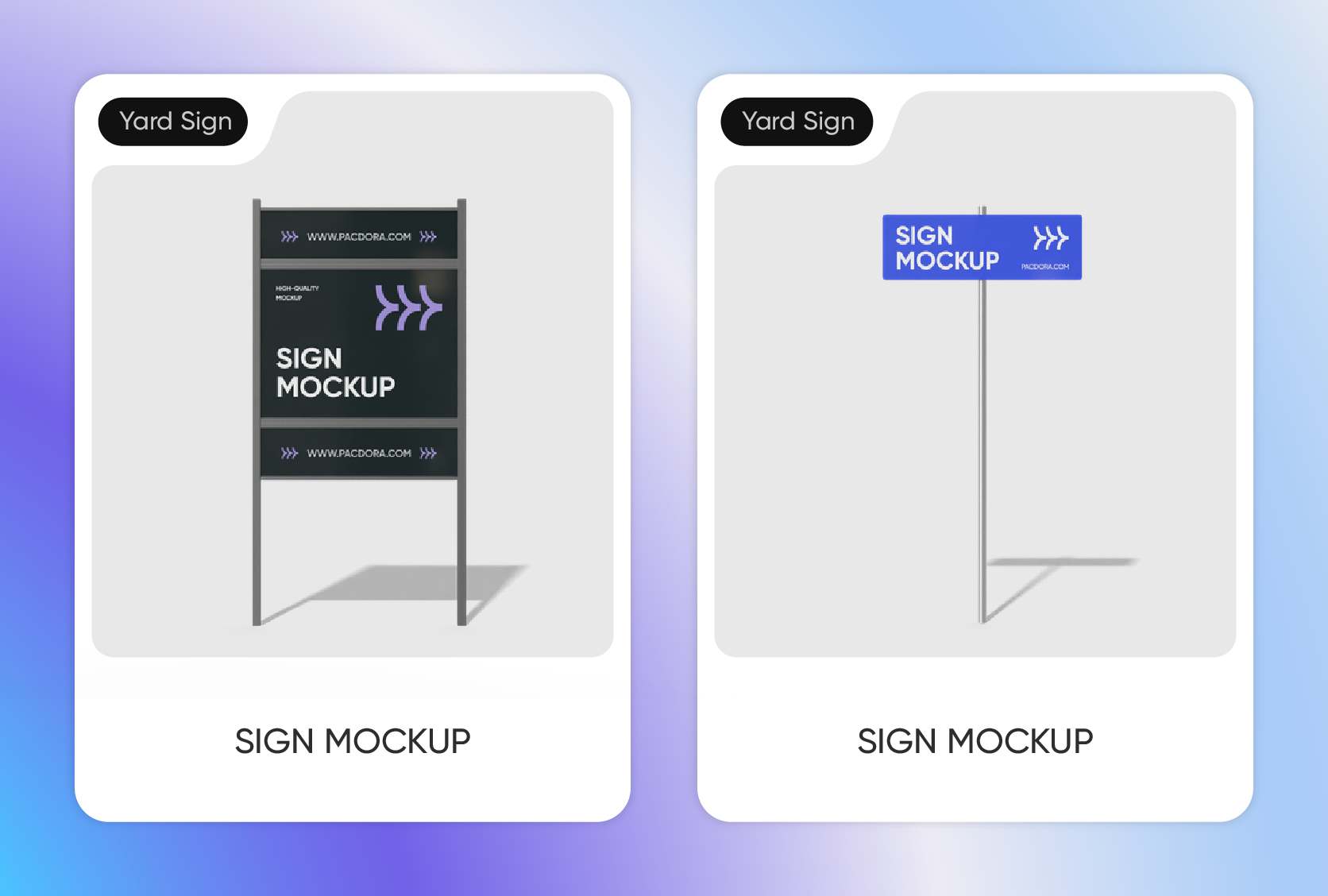
Pick the perfect frame for outdoors
The frame changes how people see your message. Try the tall wooden post style with a hanging board if you want a classy look for selling homes.
Or, go with the classic wire stand that pushes right into the grass. This metal frame style is perfect for quick party directions or local political campaigns.
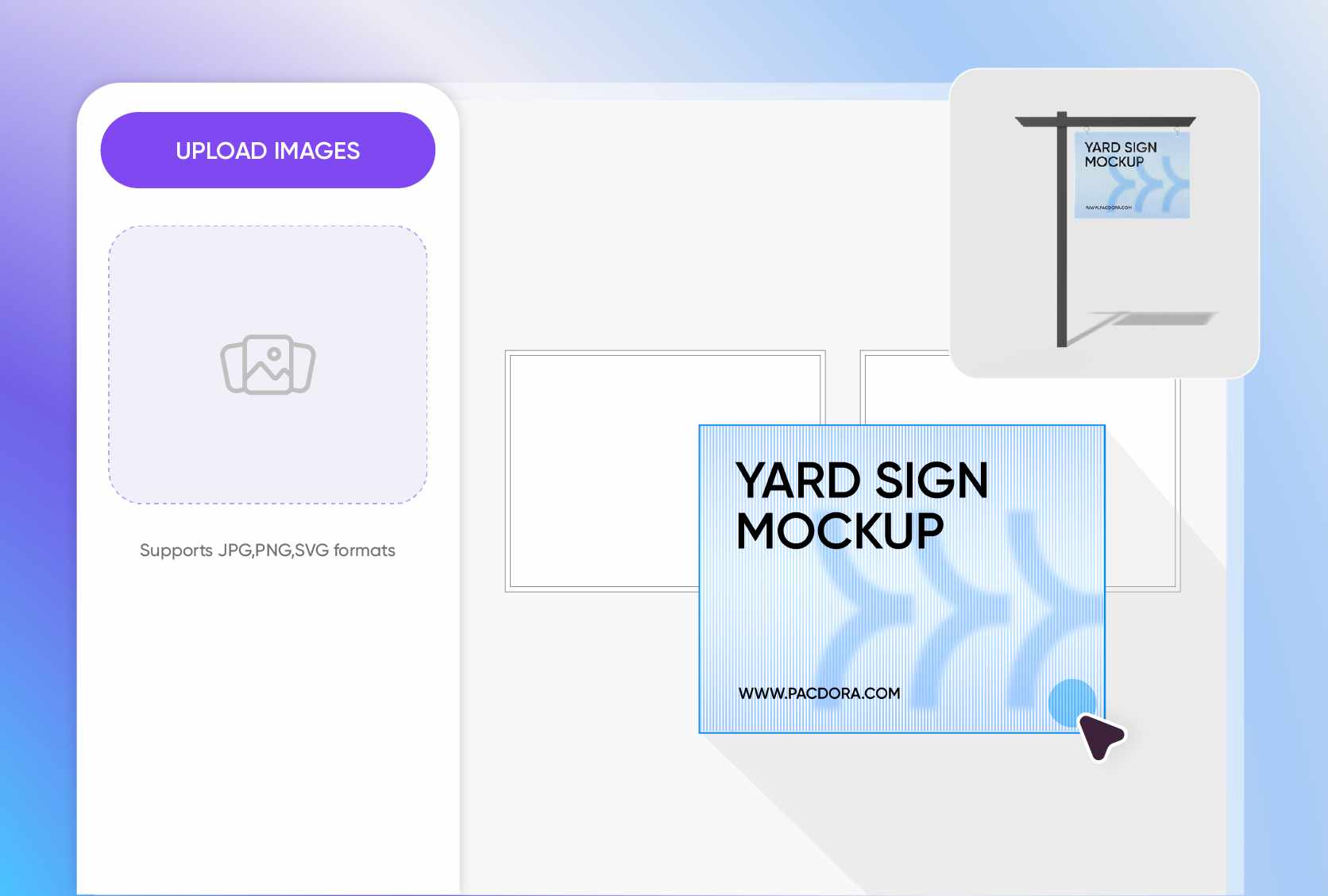
Upload photos that grab every eye
Real pictures make people stop and stare. If you fix roofs, put a clear photo of a brand-new, shiny roof on your custom yard signs to show your great work.
If you run a dog walking business, add a cute picture of a happy golden retriever playing in the park to win over pet lovers right away.
Choose the size that fits best
Selecting the right dimensions ensures your message is readable from the street. Use the 18 × 24 inches option for standard political or yard sale notices.
The 12 × 18 inches size is perfect for small garden markers, while the 6 × 24 inches strip works great for "rider" signs that add extra info to a main post.
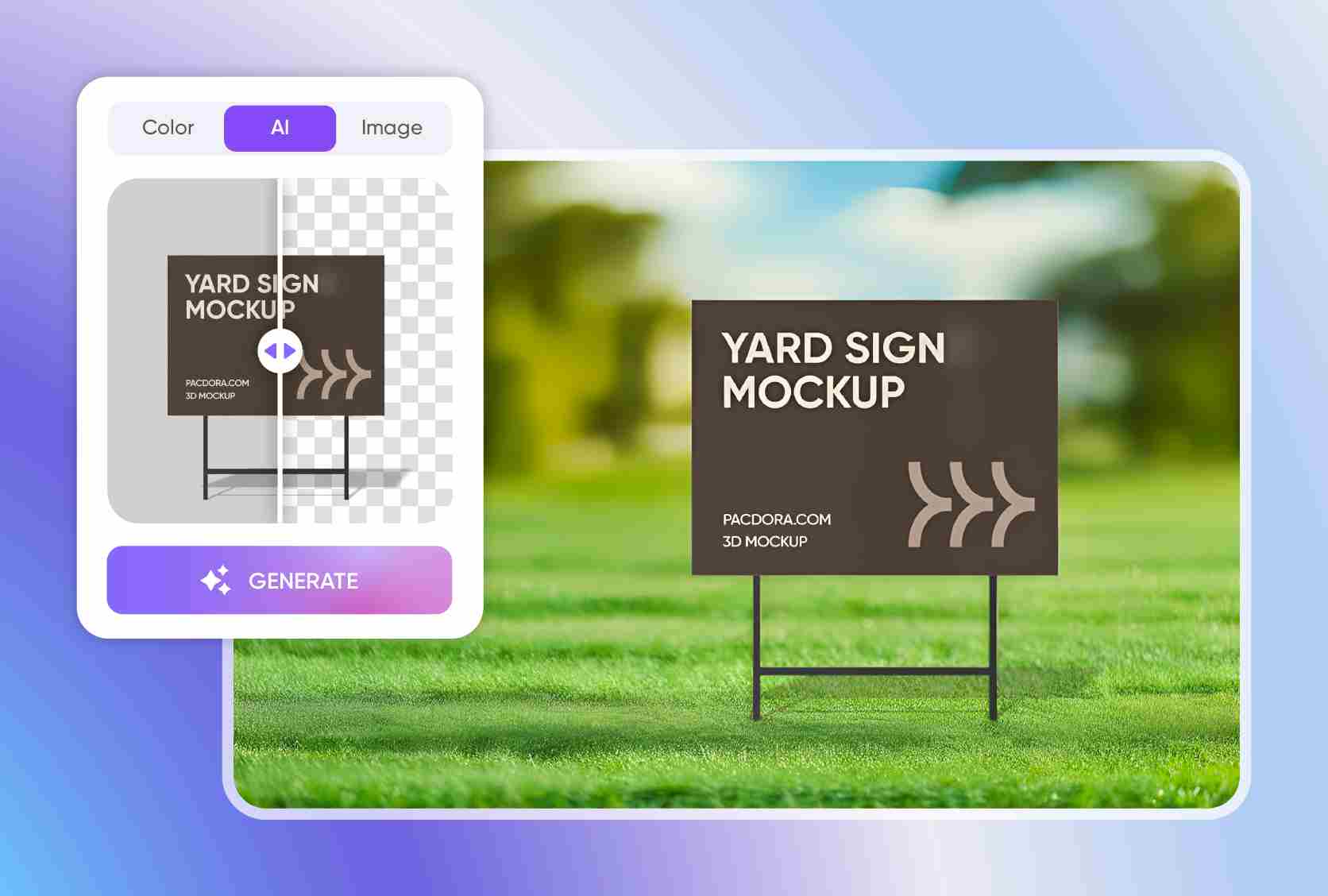
Place signs in realistic digital scenes
You do not need to stick with a plain white background. Pacdora has a smart AI background generator that places your custom yard signs in real-world scenes.
You can put your board on a bright green suburban lawn or next to a busy sidewalk. This helps you see exactly how it will look outside in the sun.
Pick the perfect frame for outdoors
The frame changes how people see your message. Try the tall wooden post style with a hanging board if you want a classy look for selling homes.
Or, go with the classic wire stand that pushes right into the grass. This metal frame style is perfect for quick party directions or local political campaigns.
Upload photos that grab every eye
Real pictures make people stop and stare. If you fix roofs, put a clear photo of a brand-new, shiny roof on your custom yard signs to show your great work.
If you run a dog walking business, add a cute picture of a happy golden retriever playing in the park to win over pet lovers right away.
Choose the size that fits best
Selecting the right dimensions ensures your message is readable from the street. Use the 18 × 24 inches option for standard political or yard sale notices.
The 12 × 18 inches size is perfect for small garden markers, while the 6 × 24 inches strip works great for "rider" signs that add extra info to a main post.
Place signs in realistic digital scenes
You do not need to stick with a plain white background. Pacdora has a smart AI background generator that places your custom yard signs in real-world scenes.
You can put your board on a bright green suburban lawn or next to a busy sidewalk. This helps you see exactly how it will look outside in the sun.
Our customers love Pacdora’s mockup tools
Thousands before you have designed realistic mockups with Pacdora and loved it.

Great mock-ups and literally thousands of packaging designs to choose from. The 3d mock-up is so good, helps bring clarity to the client as well as the designers. Great product for packaging design professionals.


cosmiccorner
Move over, complicated design software! Pacdora is the superhero of packaging mockups. Creating 3D magic for my products is as easy as pie – no PhD in design required. It’s like the software looked at the clock and said, ‘Time to save users from design nightmares!’ It’s so user-friendly, even my coffee mug wants to try its hand at packaging design.
FAQ
What are custom yard signs used for the most?
People use custom yard signs for many different things every day. Real estate agents love them for showing that a house is up for sale or open for a tour. Local businesses put them on grass corners to tell drivers about a big sale or a new service. You will also see them a lot during election times for voting. Many people even use them to celebrate a kid finishing school or to point guests to a backyard birthday party.
What information belongs on custom yard signs?
When you are putting together your custom yard signs, you need to keep things very simple and easy to read. People driving by only have a few seconds to look. Make sure your main message, like "For Sale" or "Vote," is the biggest thing on there. Include a phone number or a website so they know how to reach you. Don't crowd the space with too many tiny words or messy designs.
Is Pacdora’s 3D preview good for yard signs?
Using the 3D preview on Pacdora is amazing because it lets you see your custom yard signs standing up before you actually make them. You can spin the board around to check the front and the back easily. This helps you notice if your text is too small or if your picture looks strange. It gives you total confidence that your design will look totally professional on the street without wasting money on a bad print job.
What file types can I upload to my custom yard signs?
When you want to add your own images to custom yard signs, Pacdora makes it very easy for you. You can upload common picture files like a JPG or a PNG directly from your computer. If you have professional artwork, you can also use vector files like an SVG file. These formats ensure that your logo stays sharp and does not look blurry or pixelated when you finally decide to print your sign for the real world.
Can I design custom yard signs for free on Pacdora?
Yes, you certainly can! You can start designing your custom yard signs on Pacdora without paying a single penny. If you find that you need some extra features, take a look at our pricing page to pick a plan that fits your budget perfectly.
Explore more mockup tools
Discover more about Pacdora


