

AI 3D packaging design
Sketch your pack and pick a structure — Pacdora renders it as a 3D model you can spin.
Trusted by leading companies


Flat mockups can't show a real package
A flat mockup fakes a shadow, but it can't show how your design wraps corners or how the finish catches light.
Pacdora folds your artwork onto a real 3D package, renders the material, and lets you spin it. You judge depth, panels, and finish before you pay for a sample.
Why choose Pacdora AI for your 3D packaging?
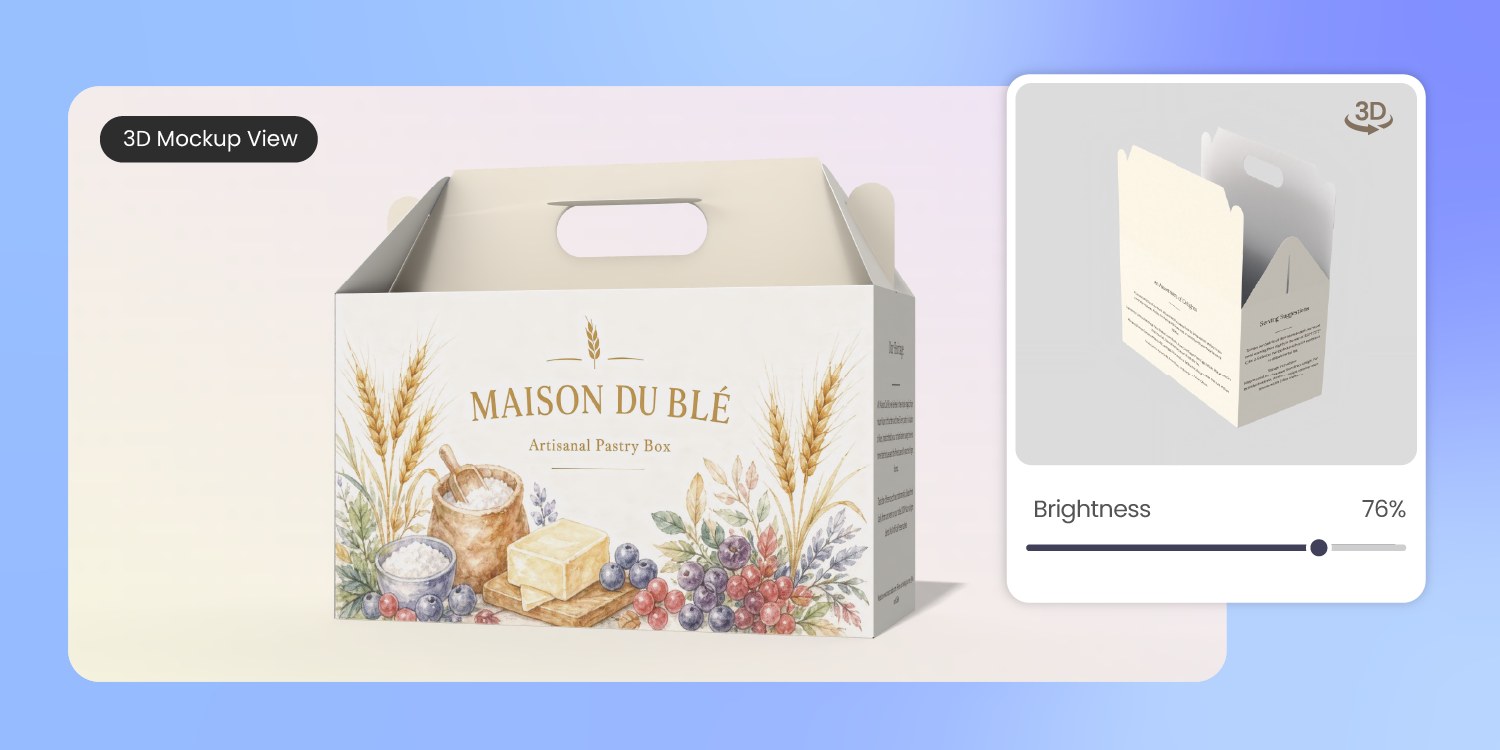
See every panel fold into place
A 2D proof flattens what matters most in packaging: depth. You can't tell how a panel meets a flap or how a wrap reads around a corner.
Pacdora builds your design on a real foldable structure, so you rotate the box, bottle, or pouch and read every face before printing.
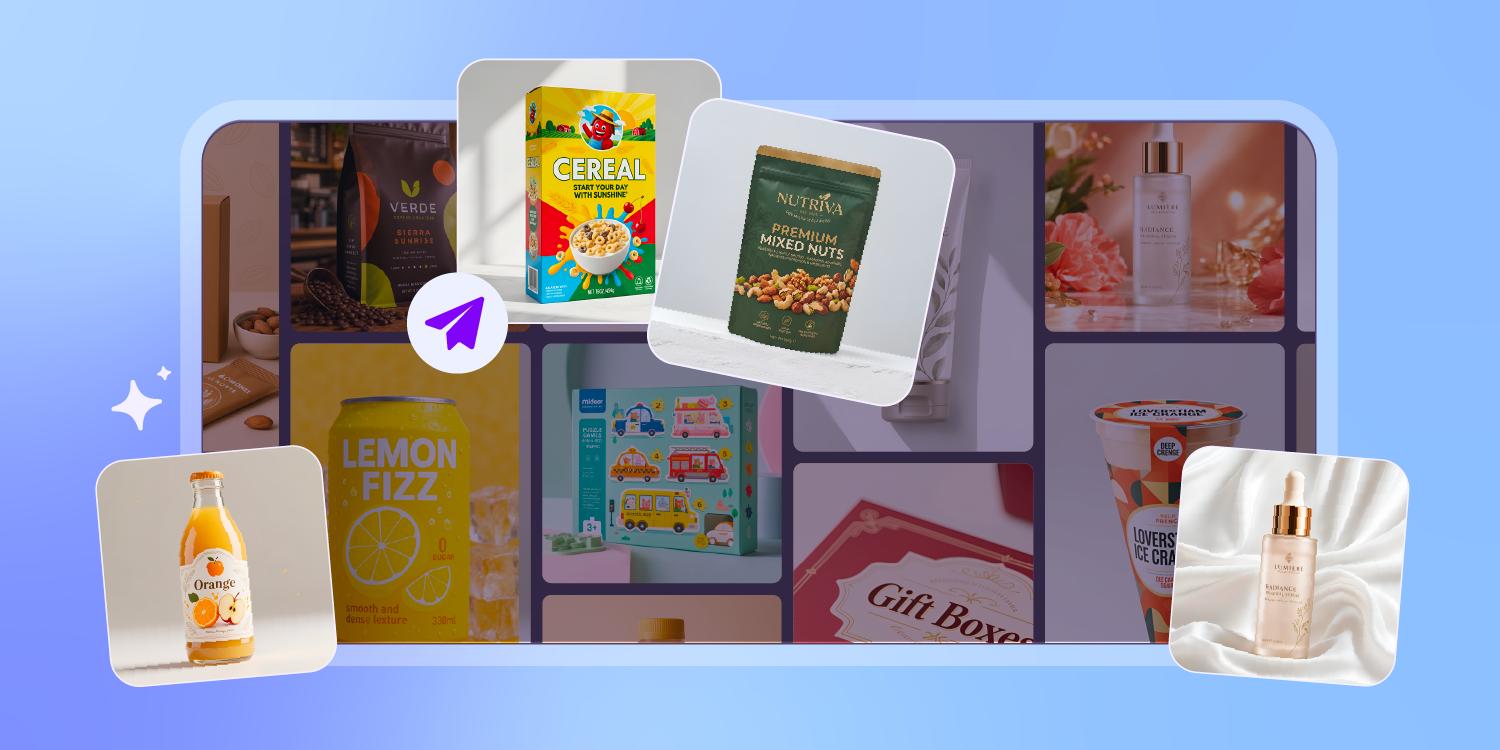
Catch foil glare before the print run
Finish is the part a flat swatch lies about. Matte can mute your contrast, gloss can blow out under store lights, and foil only reads at an angle.
Our 3D render puts matte, gloss, soft-touch, and foil on the real surface, so you see how each one behaves before committing.
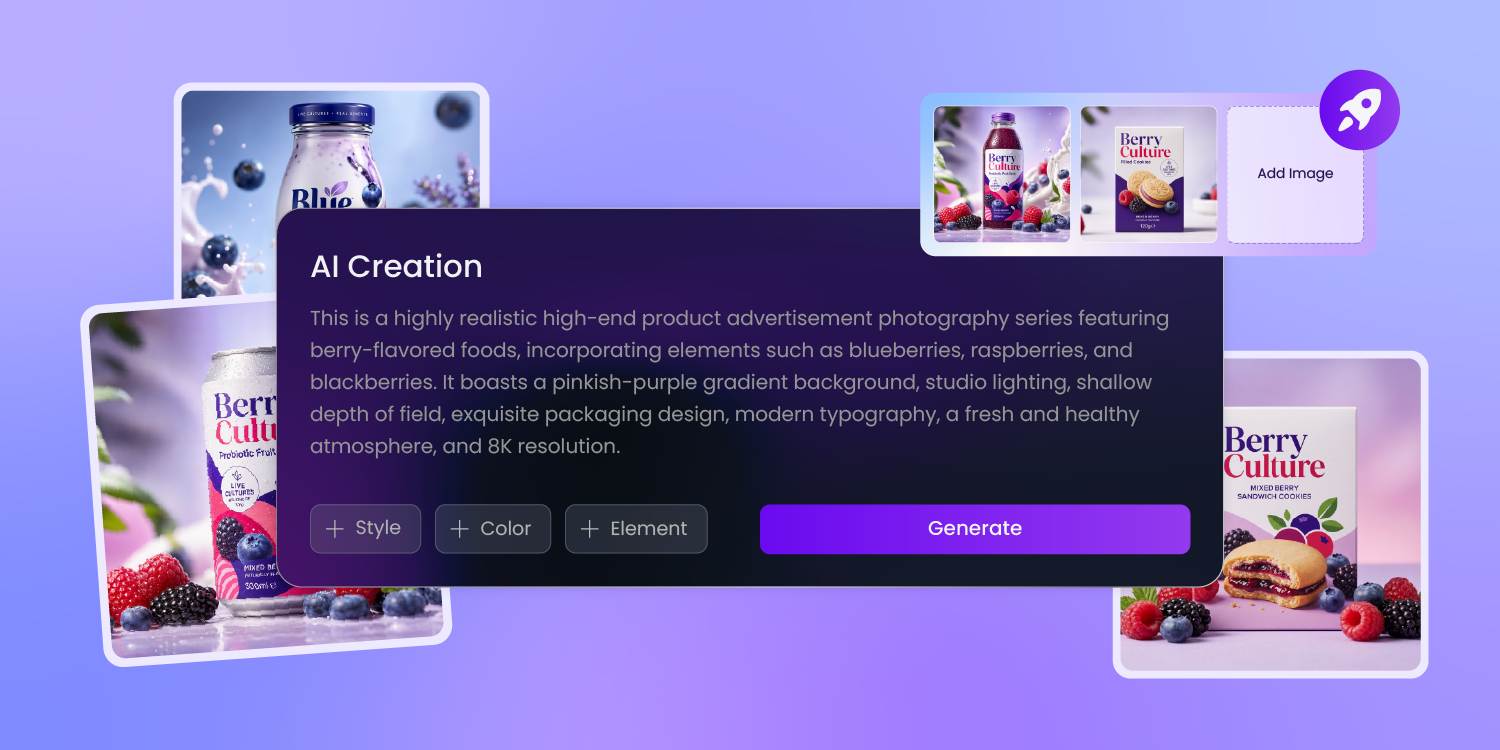
Get a 3D render without the skills
A real 3D render used to mean learning 3D software or hiring a 3D artist for every revision.
Now you describe the pack, pick a structure, and Pacdora renders it — photoreal, on demand, with no modeling and no render queue.
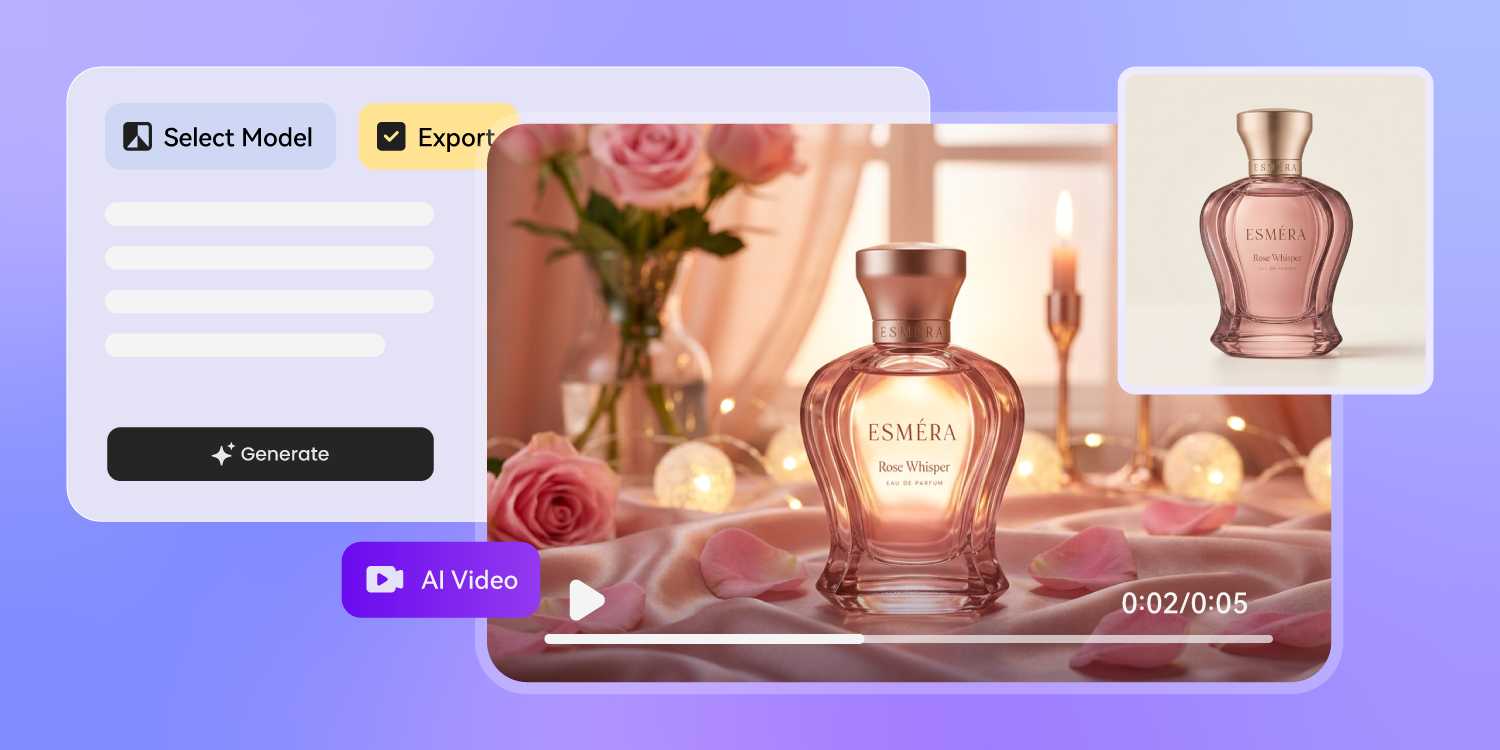
Turn one model into every visual
One 3D pack should earn its keep. From the same model, Pacdora exports a hero render for the listing, a spinning product video for ads, and clean angles for the pitch deck.
You build the package once and reuse it across every channel.
How to design 3D packaging with AI?
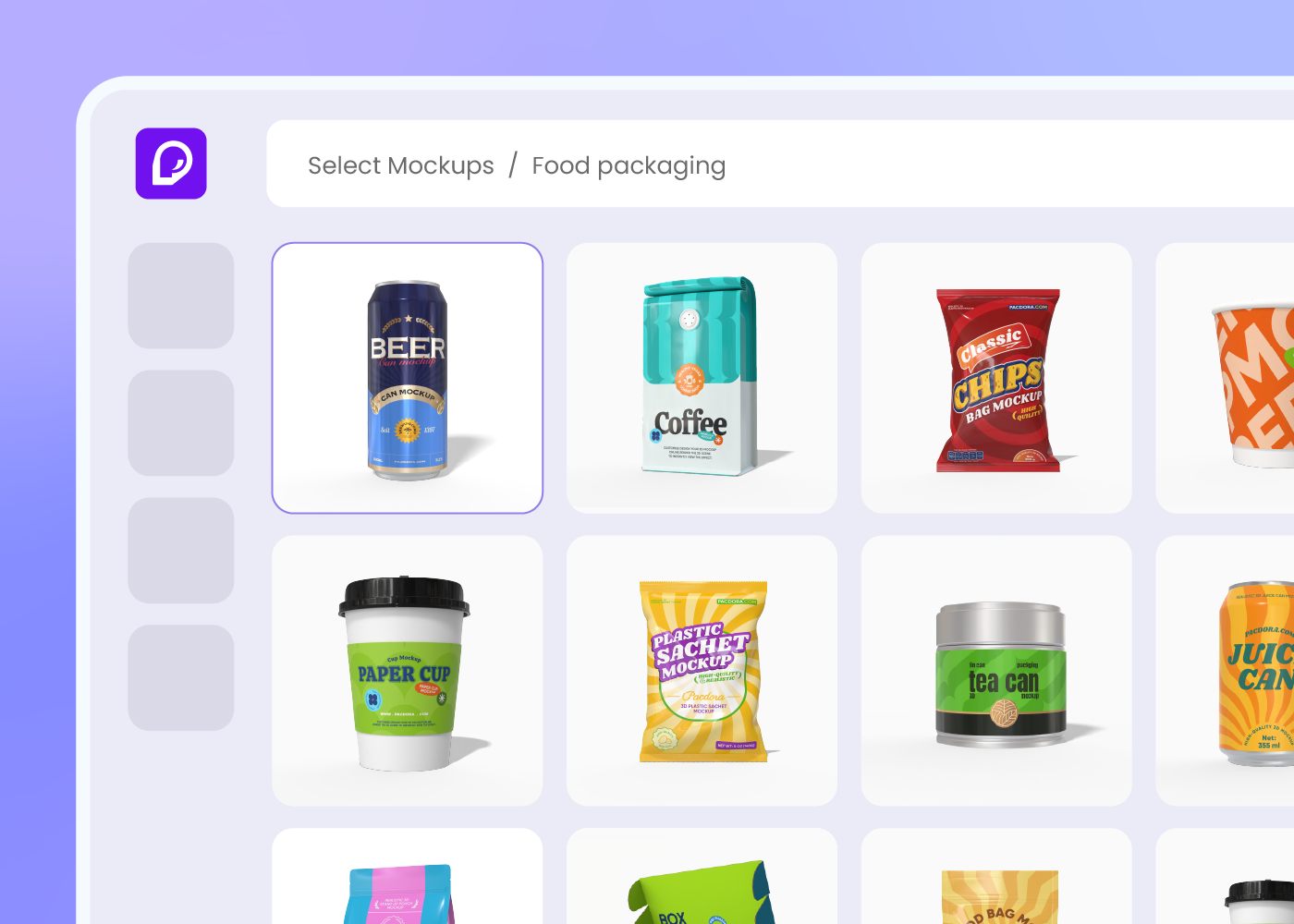
Step 1: Pick your package structure
Choose a box, bottle, pouch, can, jar, or tube from Pacdora's library — each one is a real 3D model, ready to design on.
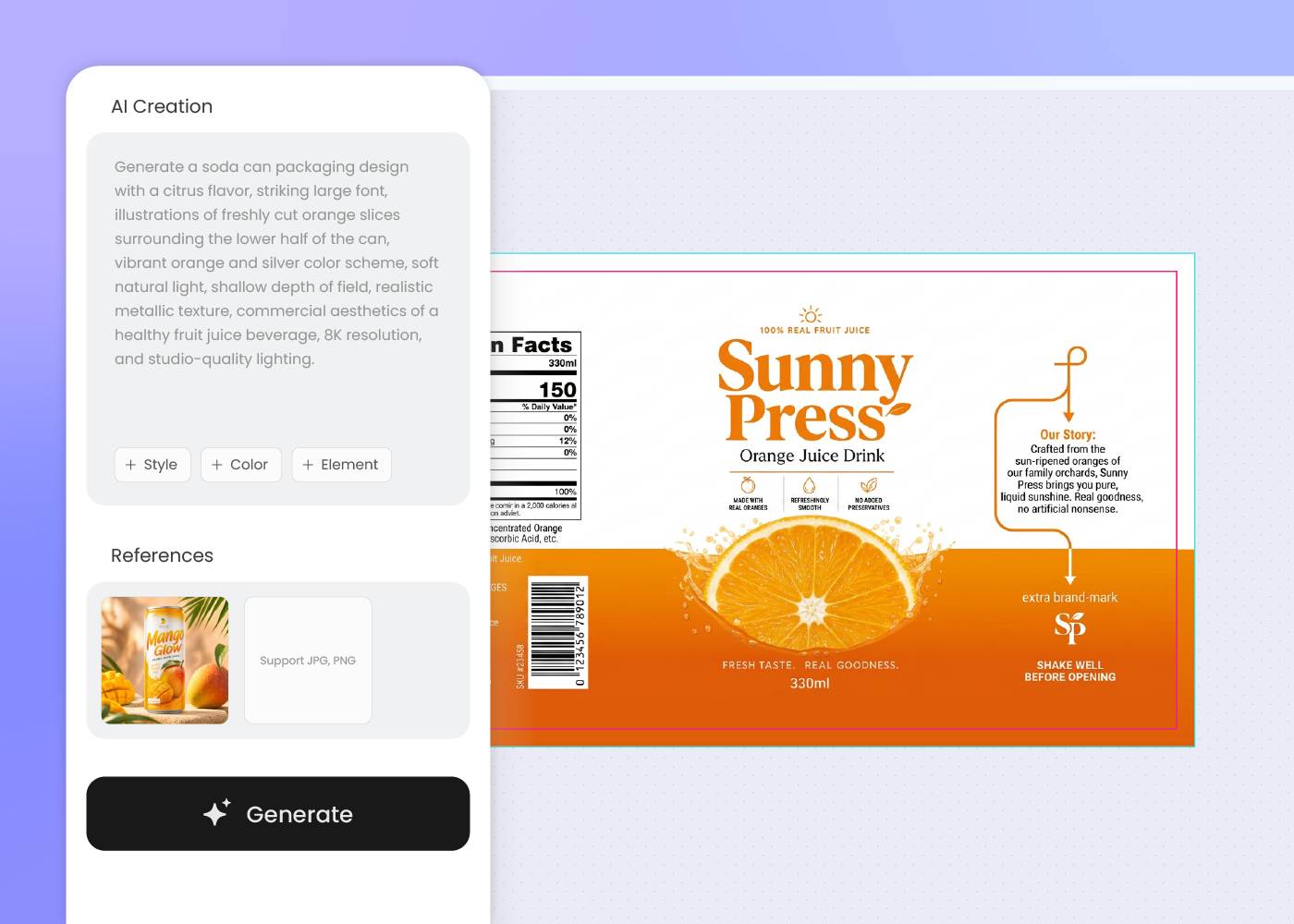
Step 2: Add your design
Describe the artwork you want or upload a reference, then apply it to the structure. Regenerate and adjust until the look is right.
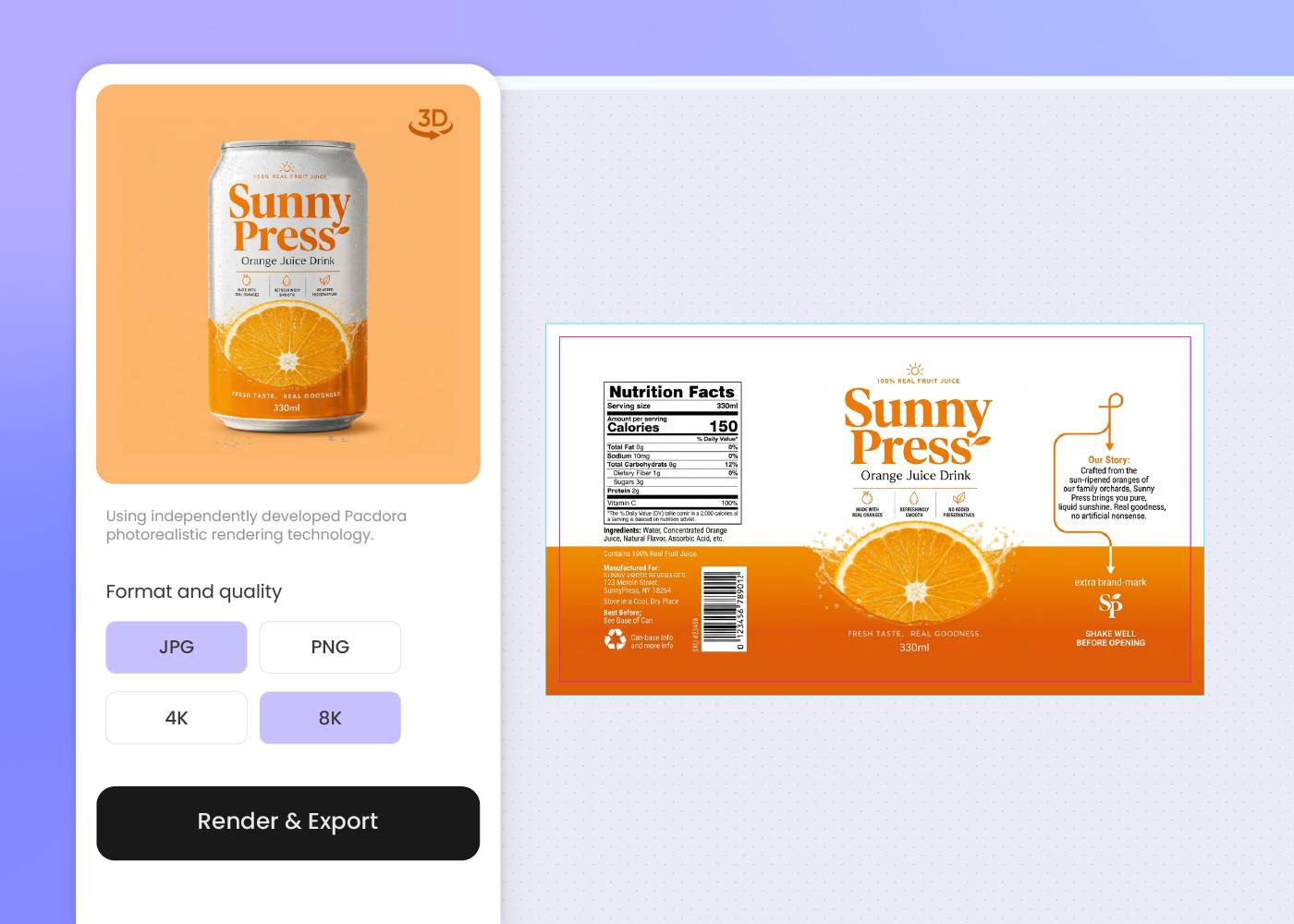
Step 3: Render and export in 3D
Spin the model, switch finishes, and stage it in a scene. Export 3D renders, a product video, and print-ready artwork for any channel.
Step 1: Pick your package structure
Choose a box, bottle, pouch, can, jar, or tube from Pacdora's library — each one is a real 3D model, ready to design on.
Step 2: Add your design
Describe the artwork you want or upload a reference, then apply it to the structure. Regenerate and adjust until the look is right.
Step 3: Render and export in 3D
Spin the model, switch finishes, and stage it in a scene. Export 3D renders, a product video, and print-ready artwork for any channel.
FAQ
Frequently asked questions
What is 3D packaging design?
3D packaging design means designing your package as a real three-dimensional model — a box, bottle, or pouch you can rotate and render — instead of a flat 2D proof. With Pacdora you apply artwork to a true 3D structure, preview the finish from every angle, and export renders for print, ecommerce, and presentations.
Do I need 3D software or modeling skills?
No. Pacdora runs in your browser — there's no Blender, Cinema 4D, or modeling to learn. Pick a structure, describe your design, and Pacdora handles the 3D render. If you can write a brief, you can produce a photoreal 3D packaging mockup.
What packaging can I preview in 3D?
Pacdora has a 3D library of common structures — folding cartons, mailer boxes, rigid boxes, bottles, jars, cans, tubes, and stand-up pouches. Pick the closest model, apply your design, and rotate it to check every panel. More structures are added over time.
Can I render finishes like matte, gloss, and foil?
Yes. Pacdora renders matte, gloss, soft-touch, and foil on the real 3D surface, so you can see how each finish reads under light before you print. The result is a preview — your printer still confirms the exact stock, coating, and foil specs.
How much does AI 3D packaging design cost?
You can start designing for free. Credits are consumed based on how many designs you generate and download. Check your account balance before generating, or upgrade for more credits anytime. For full details on subscription plans and credit packages, see our Pricing Page.
Can I use the 3D renders commercially?
Yes. As long as you comply with our Terms of Service, AI-generated 3D packaging renders and mockups can be used commercially — for ecommerce listings, ads, pitch decks, and production discussions with your printer.
Explore more free tools
Discover more about Pacdora
4M+
designers trust Pacdora
3D packaging design, perfected by AI.
