

AI health care packaging design
Tell us the product, claim, and pack type — Pacdora drafts health care packaging for review.
Trusted by leading companies


Design for trust before the first review
Health care packaging has to look credible without hiding directions, warnings, or dosage cues.
Pacdora starts from a selected bottle, carton, pouch, or medical box structure, then drafts the surface design with clear hierarchy, 3D previews, and files ready for printer review.
Why choose Pacdora AI for your health care packaging?
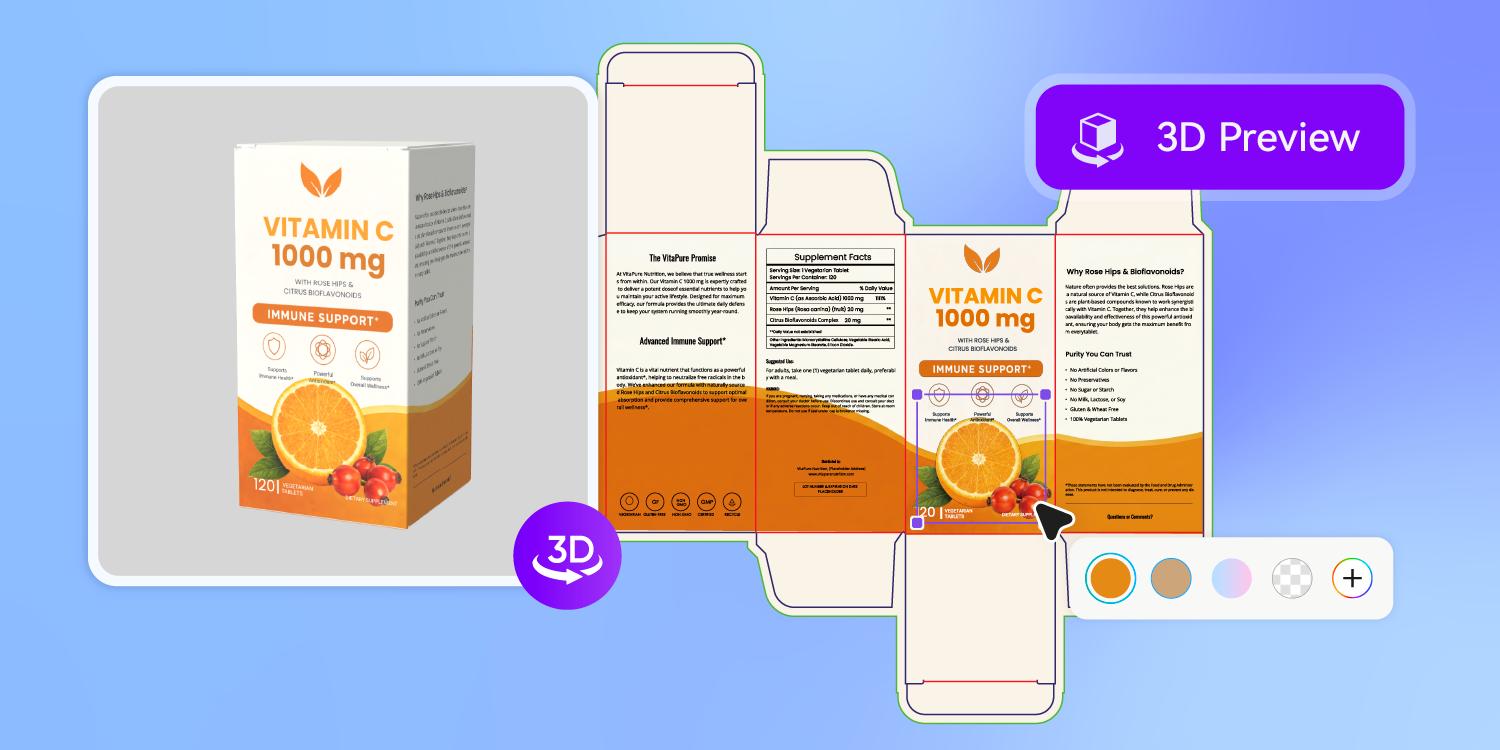
Prioritize the information patients check
A health care pack can fail when dosage, strength, warnings, or use directions compete with branding.
Pacdora builds the first direction around a clear front and back hierarchy on the chosen structure, so reviewers see the required story before artwork gets polished.
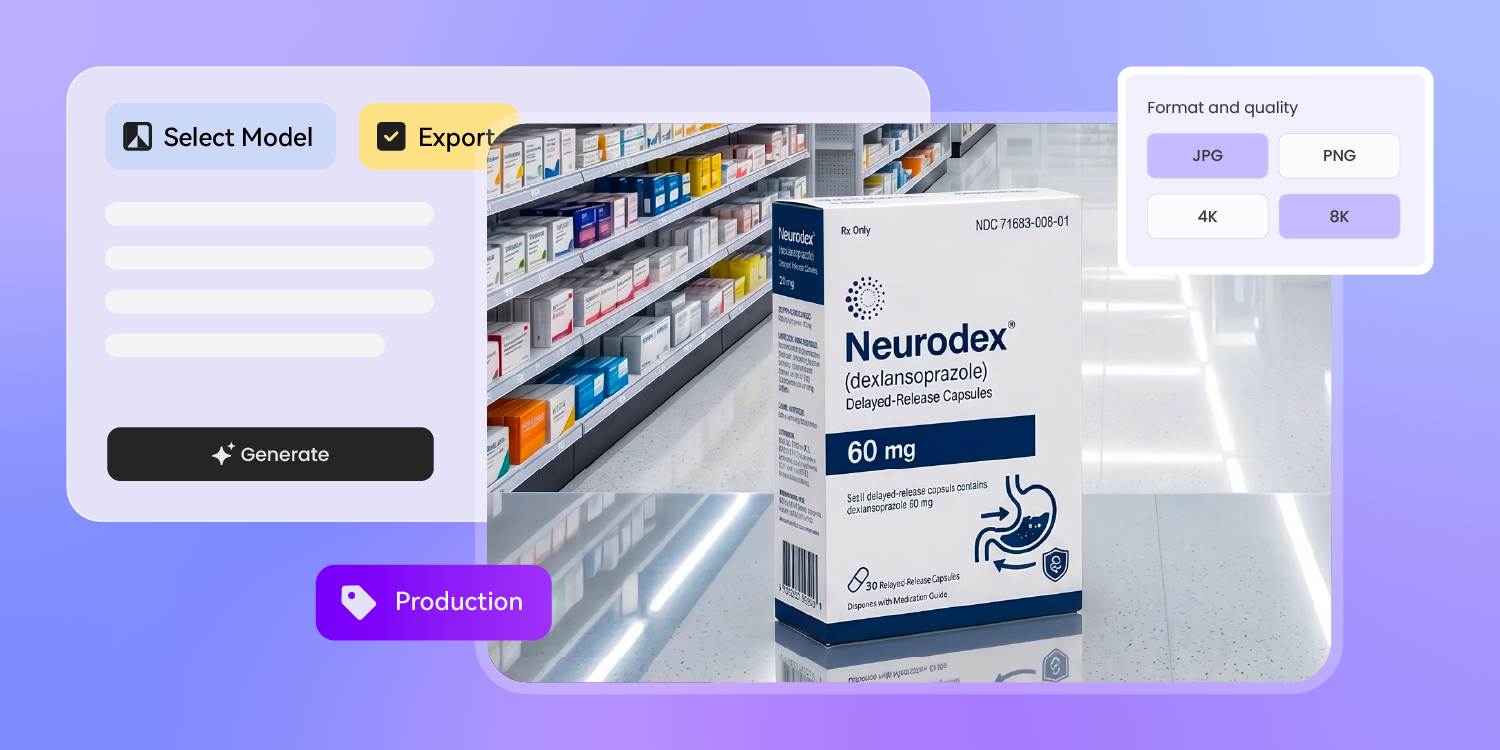
Check the pack in context
Health care SKUs often sit near similar white cartons, blue crosses, and clinical claims.
Stage the chosen design in a 3D shelf or lineup scene, then check whether product names, color cues, and use cases stay distinct before buyer review.
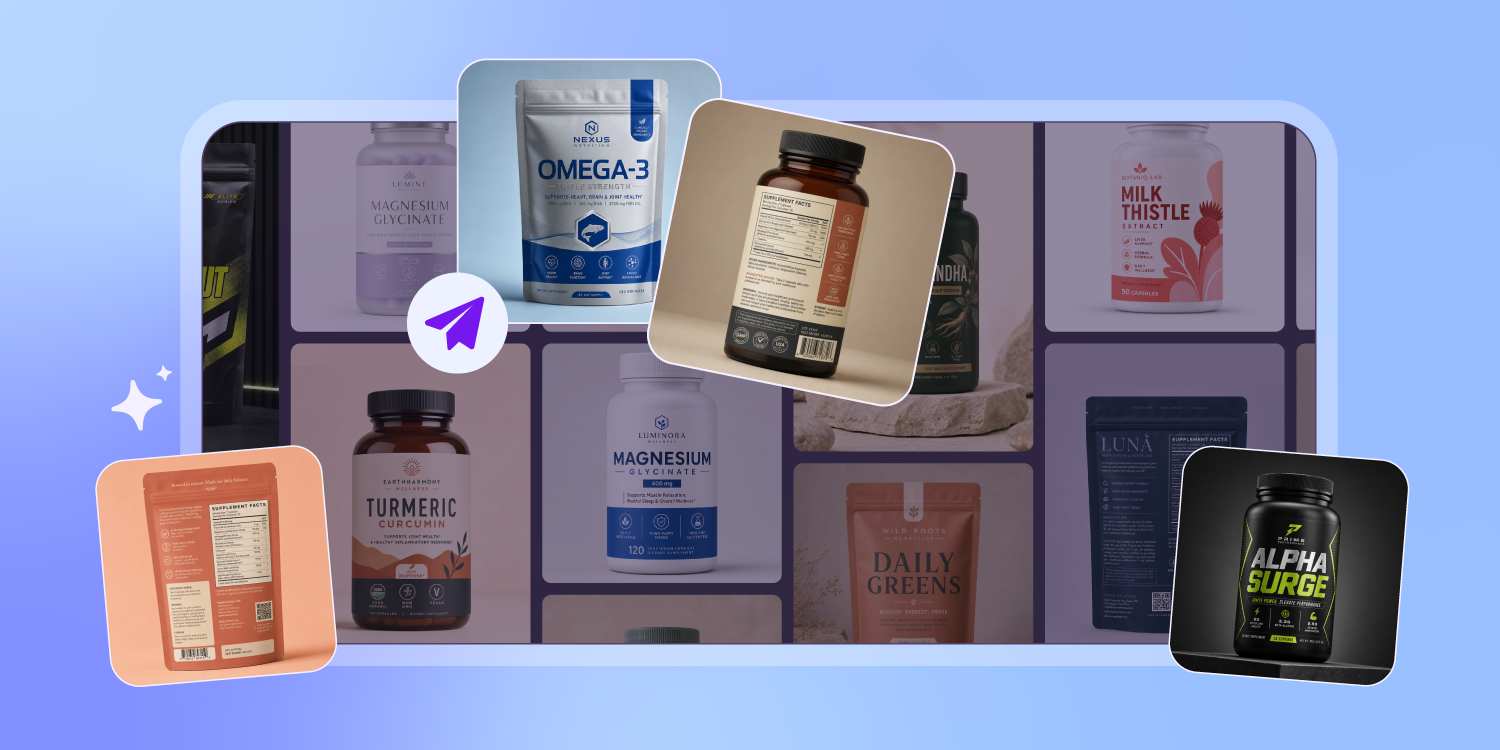
Preview clinical texture and readability
Sterile does not mean blank. A white card carton, amber bottle label, or soft clinical palette changes how safe the product feels.
Our 3D preview folds the artwork onto the pack shape, so texture, contrast, and readability get judged before samples.
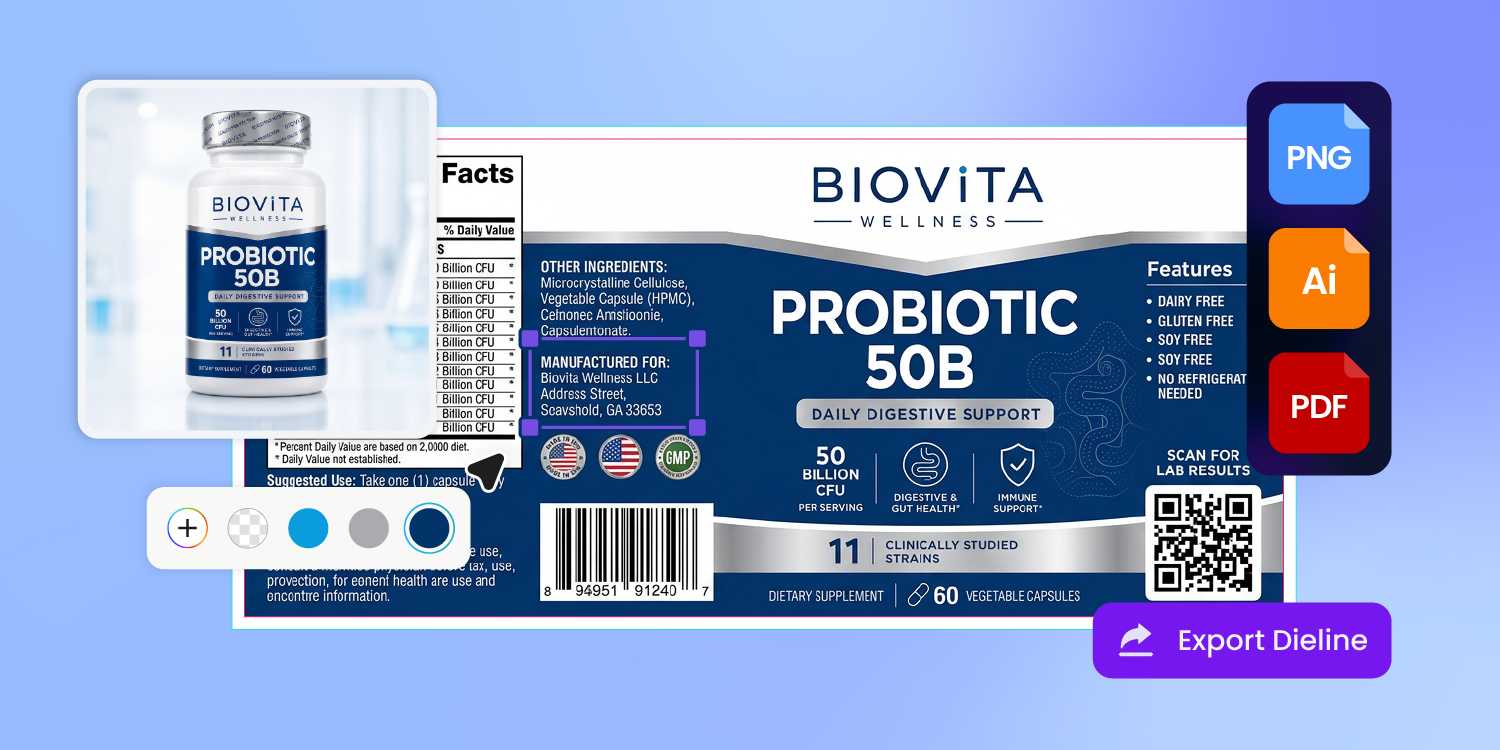
Export assets for review and launch
The same health care SKU usually needs printer files, compliance-review visuals, ecommerce images, and a deck slide for distributors.
Pacdora exports the approved design as print-ready artwork plus 3D product visuals, so the launch package moves without a separate shoot.
How to design health care packaging with AI?
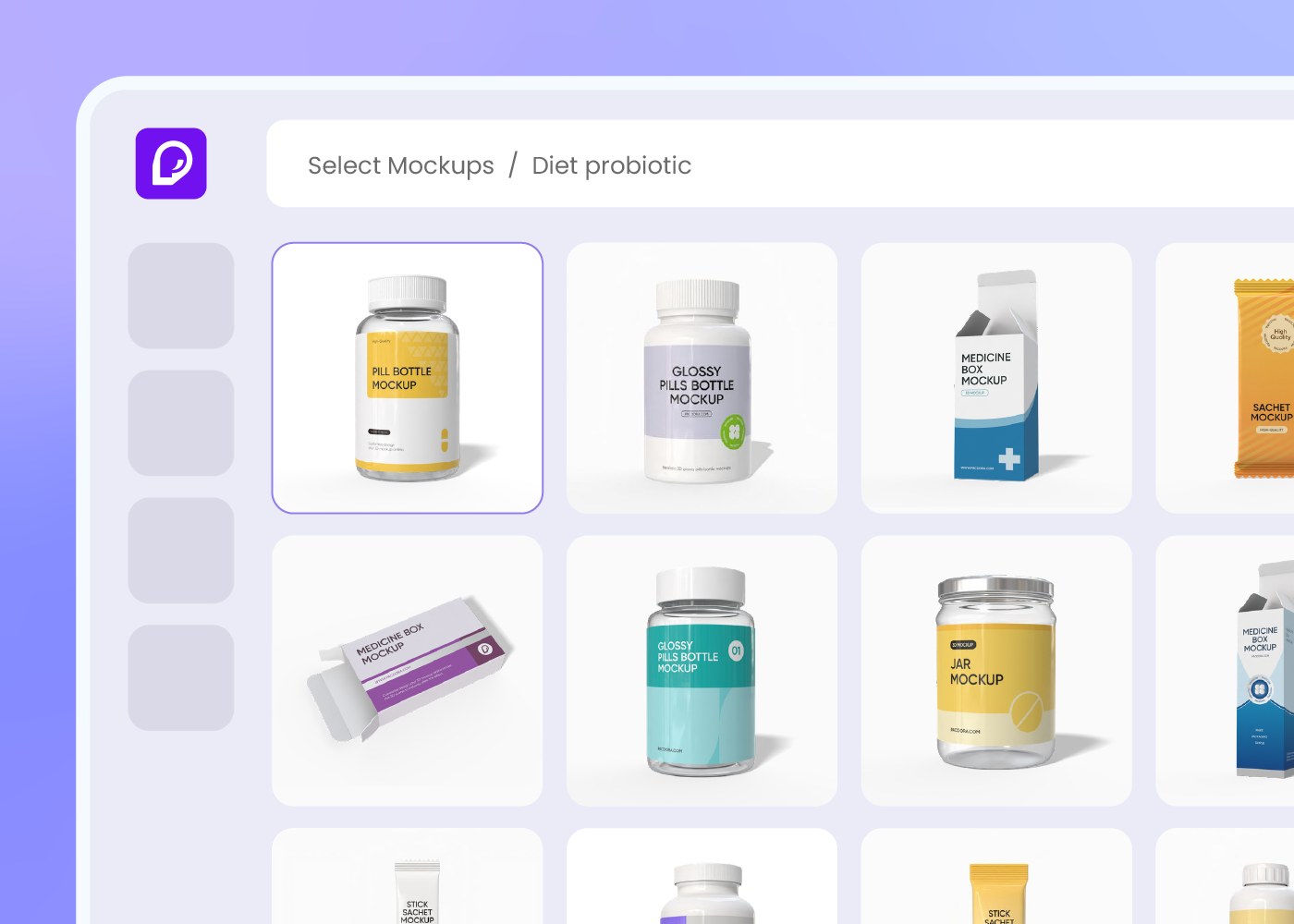
Step 1: Choose a health care package
Choose a bottle, carton, pouch, tube, sachet, or medical box structure from Pacdora's packaging library.
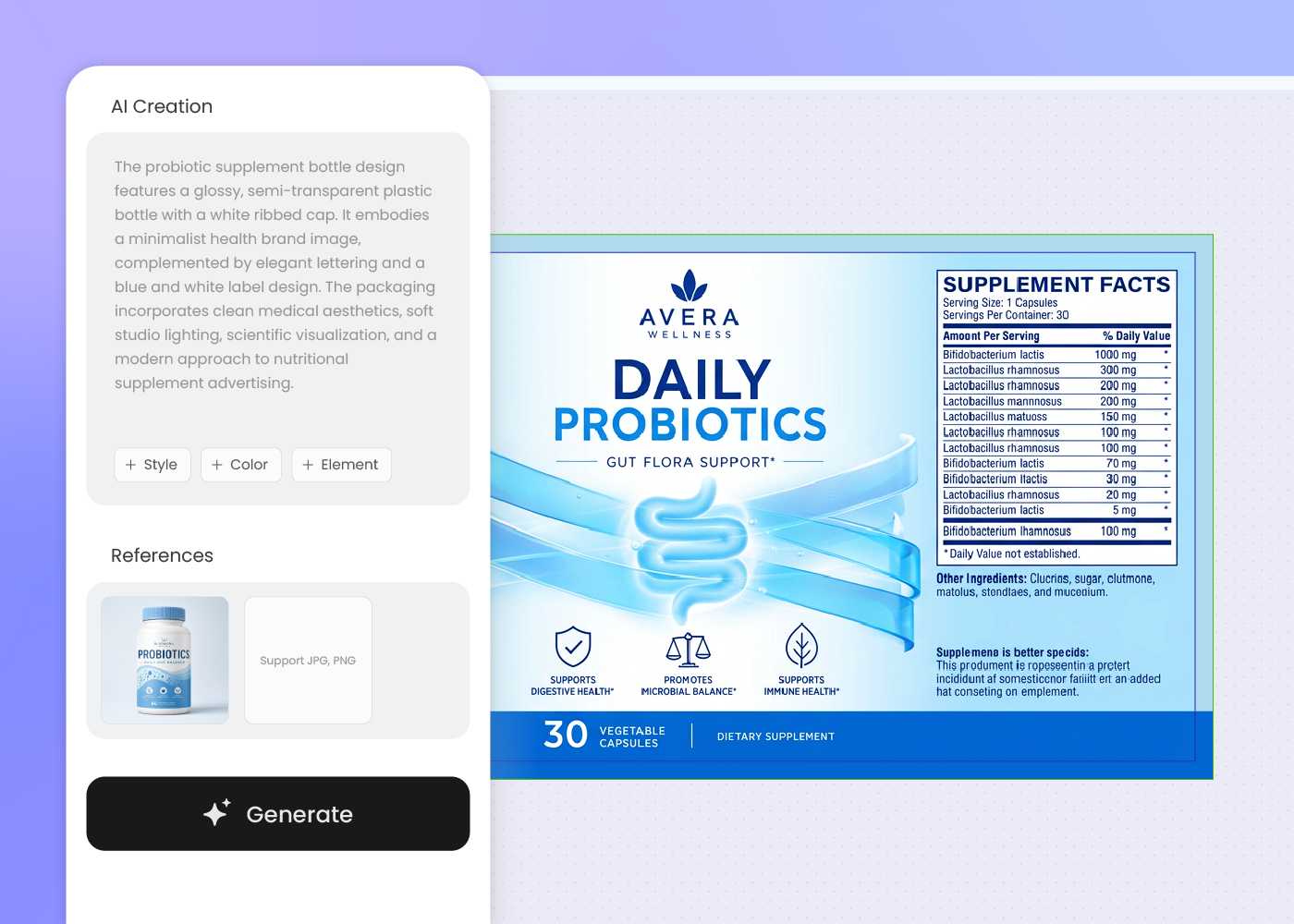
Step 2: Describe product and label cues
Enter the product type, audience, allowed claims, required warnings, dosage cues, and brand mood; regenerate until the layout feels clear.
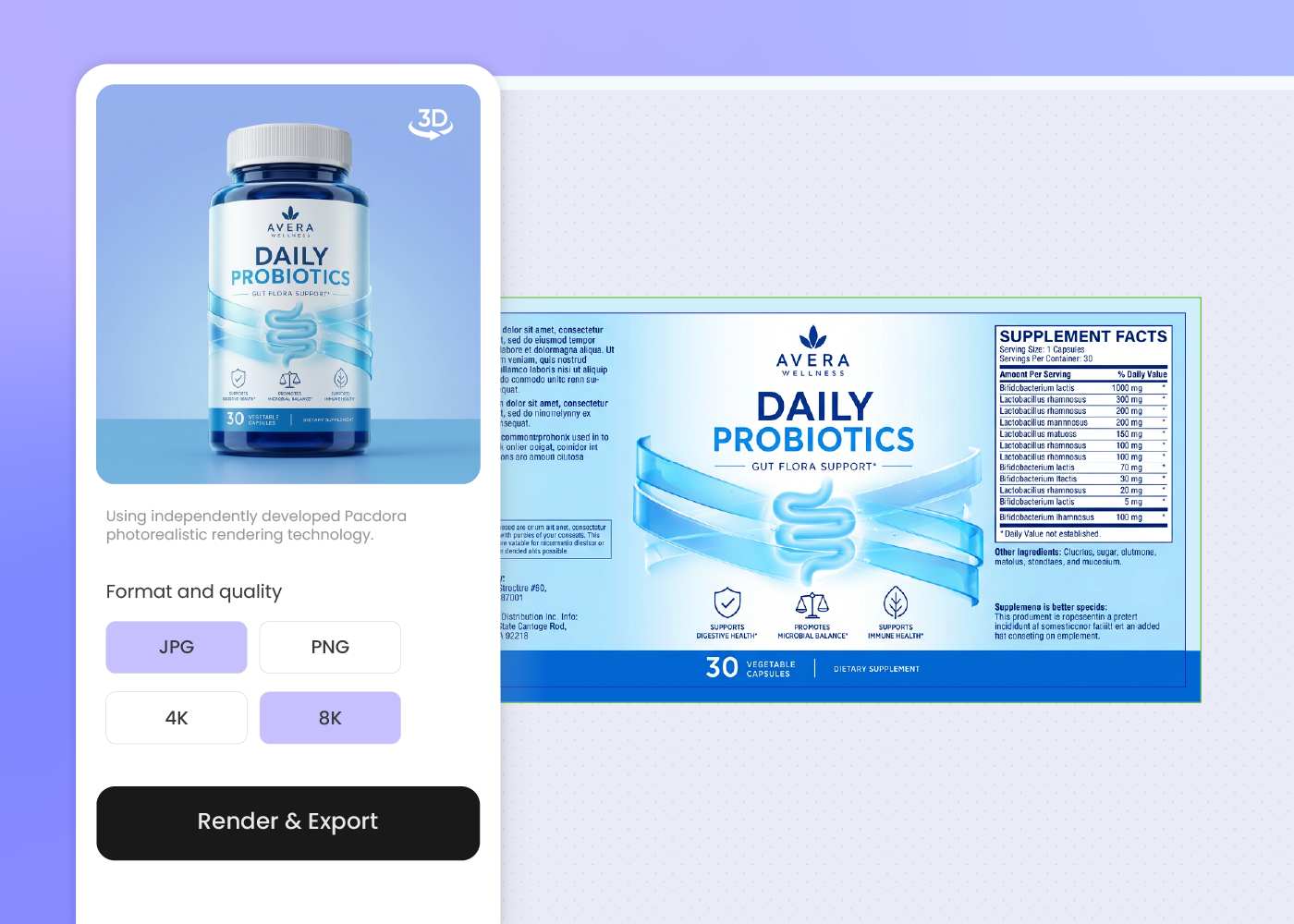
Step 3: Export for review and launch
Export print-ready artwork, a dieline, and 3D visuals for printer, compliance, ecommerce, or buyer review.
Step 1: Choose a health care package
Choose a bottle, carton, pouch, tube, sachet, or medical box structure from Pacdora's packaging library.
Step 2: Describe product and label cues
Enter the product type, audience, allowed claims, required warnings, dosage cues, and brand mood; regenerate until the layout feels clear.
Step 3: Export for review and launch
Export print-ready artwork, a dieline, and 3D visuals for printer, compliance, ecommerce, or buyer review.
FAQ
Frequently asked questions
What health care packaging types can I design?
Pacdora works best for selected structures such as supplement bottles, OTC-style cartons, pouches, tubes, sachets, and medical product boxes. Choose the closest packaging type first, then draft the surface artwork for one product at a time. If the final pack uses a sterile tray, blister, or specialty medical structure, your manufacturer should confirm the production format.
How do supplement, OTC, and medical packaging differ?
They sit under different review paths. Supplements usually need Supplement Facts, ingredient lists, use directions, and claim disclaimers. OTC products often need Drug Facts and clearer active-ingredient hierarchy. Medical device or diagnostic packaging may need UDI, warnings, symbols, and instructions. Pacdora can organize those cues visually, but the final requirement set comes from your regulatory reviewer.
Can Pacdora make health care packaging compliant?
No AI design tool should be treated as a compliance authority. Pacdora helps organize claims, directions, warnings, and product information into a review-ready layout, but your regulatory reviewer, legal team, manufacturer, or printer must confirm the final health care, supplement, pharmaceutical, or medical device requirements before production.
What information should I prepare before generating?
Bring the product type, pack format, audience, allowed claims, dosage or use cues, warnings, and any required panel copy you already have. For supplements, that may include serving size and Supplement Facts. For OTC or medical products, prepare the reviewer-approved language first, then use Pacdora to explore hierarchy, structure, and visuals.
Can I use a reference image for a clinical brand look?
Yes. Upload a reference image or describe the direction you want: pharmacy white, natural wellness, hospital supply, premium supplement, or consumer health. Pacdora uses that visual language to draft a new package rather than copying the reference exactly.
Can I create product images before samples are ready?
Yes. After the packaging design is approved, Pacdora can generate 3D visuals and product images for ecommerce listings, retailer decks, distributor presentations, or internal review. For regulated products, use those visuals as launch and discussion assets while your compliance reviewer and manufacturer confirm the final printed pack.
How much does AI health care packaging design cost?
You can start designing for free. Credits are consumed based on how many designs you generate and download. Check your account balance before generating, or upgrade for more credits anytime. For full details on subscription plans and credit packages, see our Pricing Page.
Can I use the health care packaging design commercially?
Yes. As long as you comply with our Terms of Service, AI-generated health care packaging can be used commercially for ecommerce listings, retail pitch decks, product launches, and production discussions with your manufacturer.
Explore more free tools
Discover more about Pacdora
4M+
designers trust Pacdora
Health care packaging, ready for review.
