

Can design
Explore a variety of can packaging options, from classic and slim cans to tall can formats. Add your logo, label and other designs, then generate 8K visuals instantly.

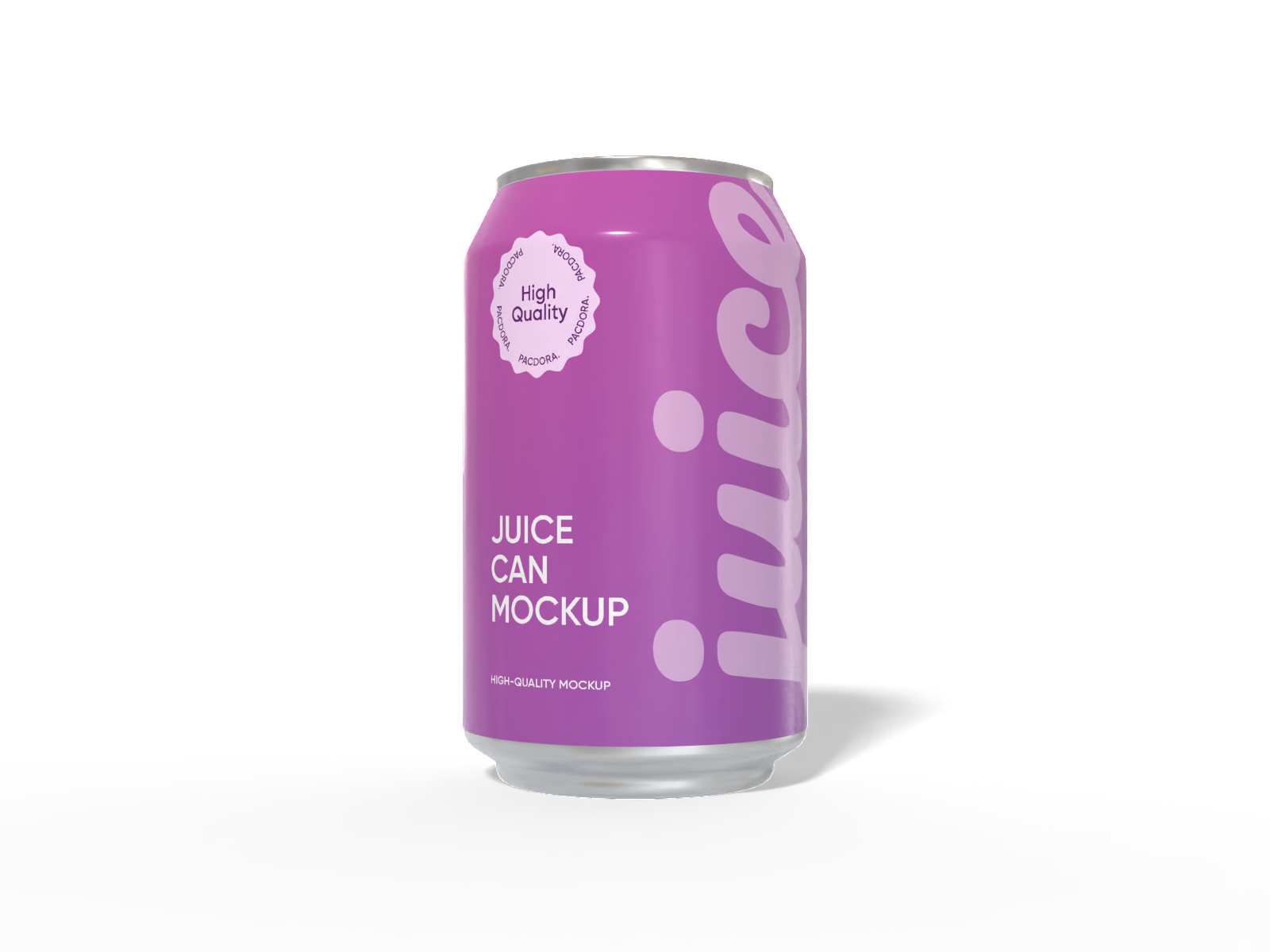
330 ml juice can mockup

330 ml aluminum can mockup

330 ml mini beer can mockup
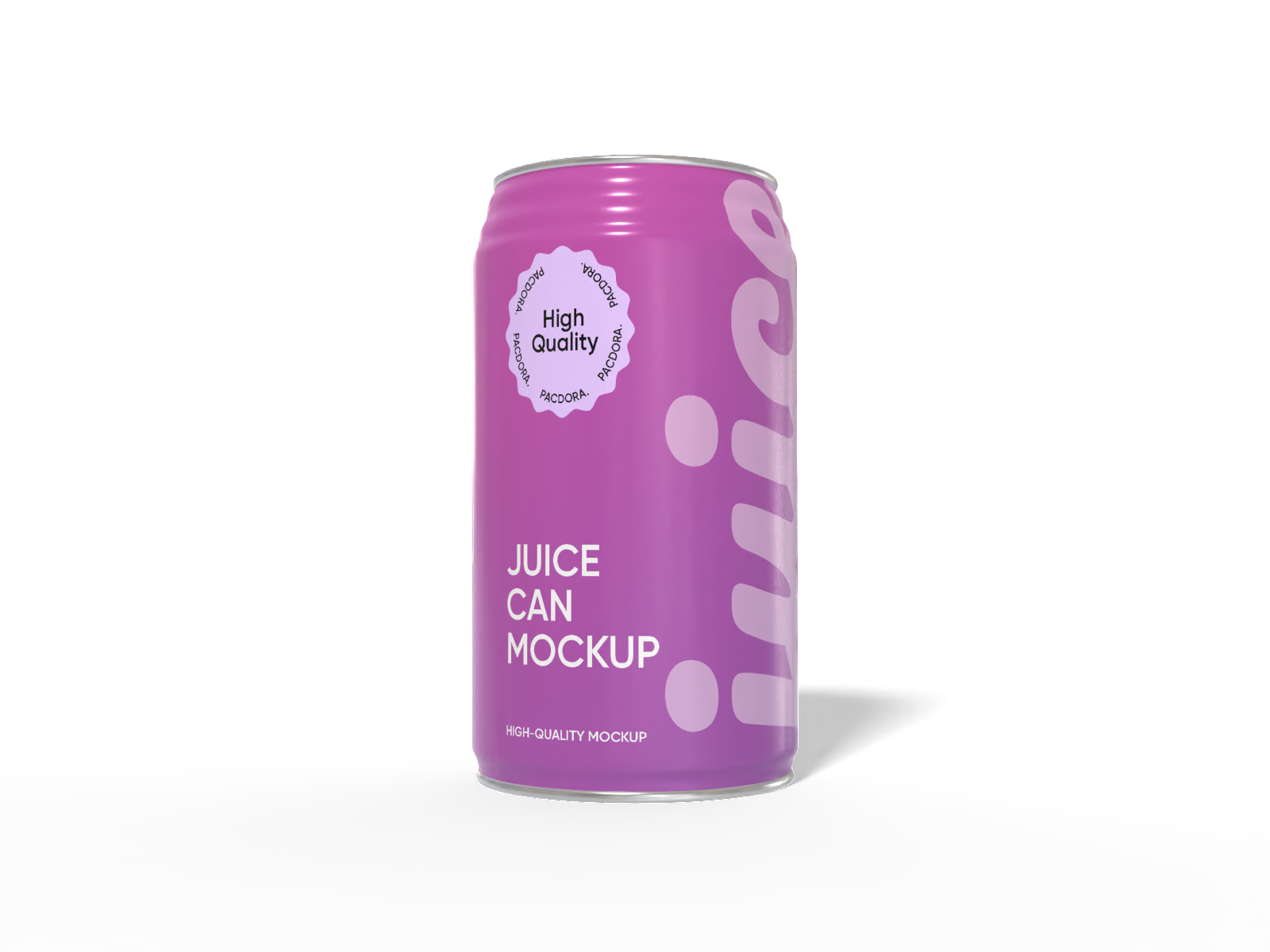
330 ml juice can mockup

Medium coffee can mockup
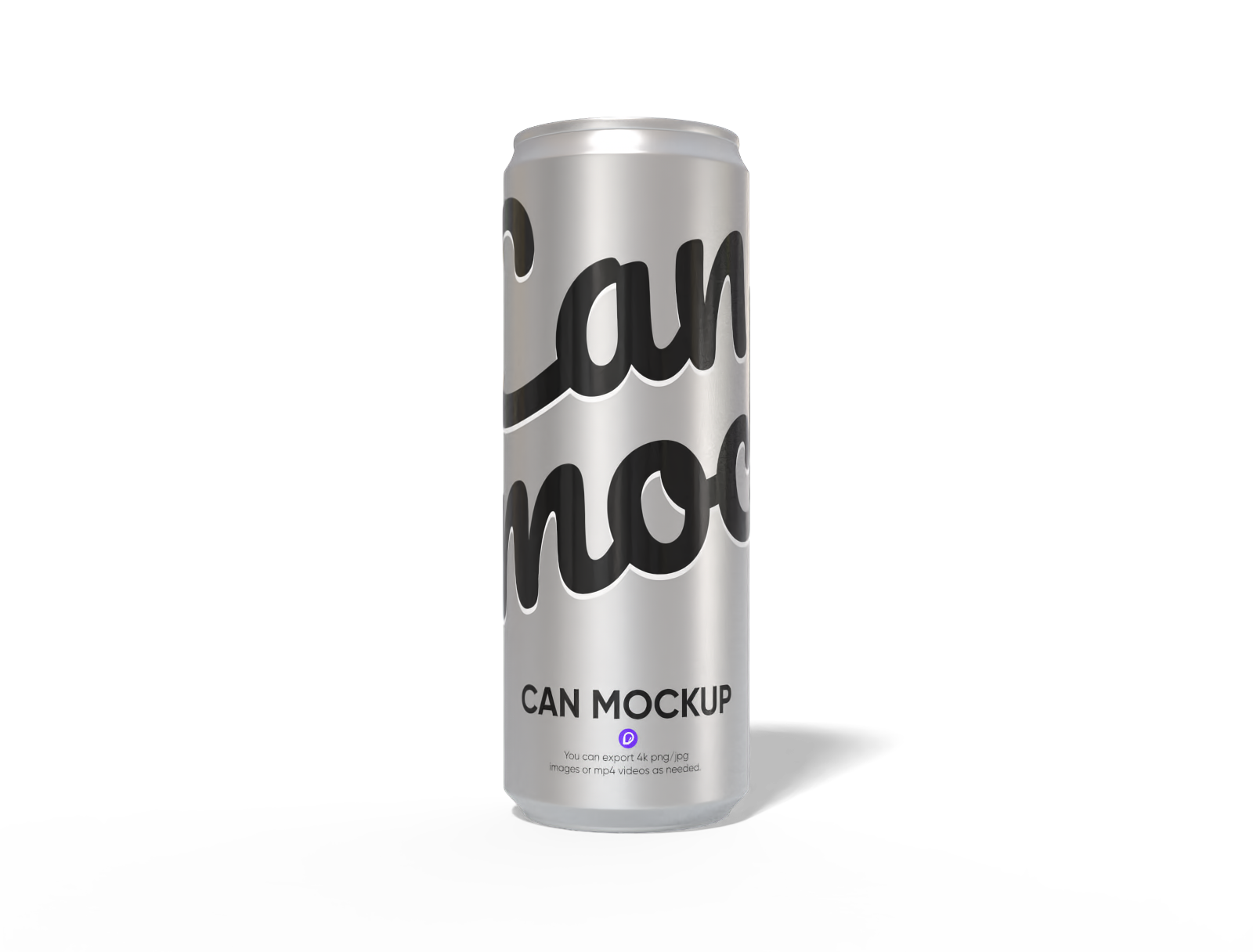
355mL slim can mockup
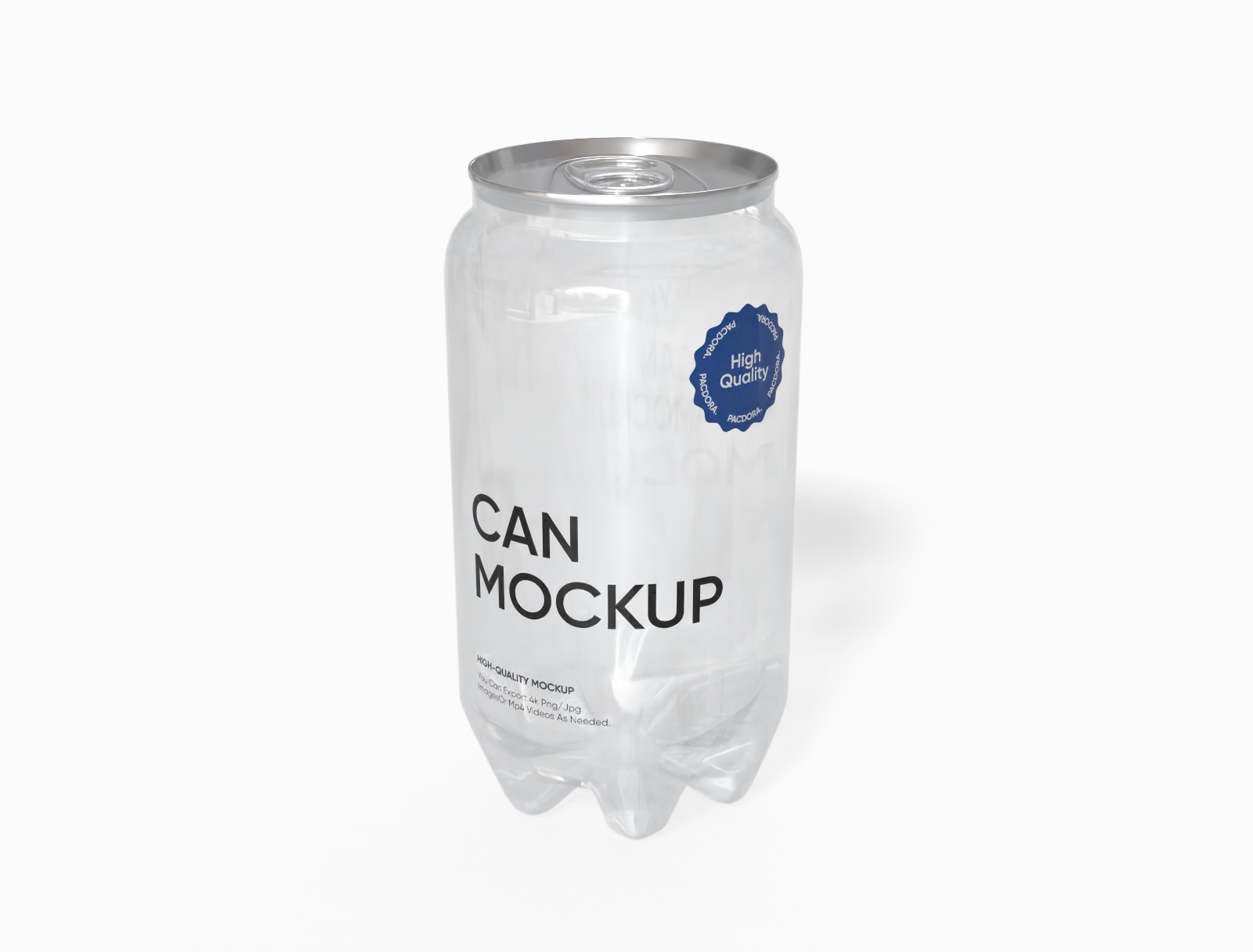
Transparent soda can mockup

Round tin can mockup
Small soda can mockup

Tall coffee can mockup
Cake can mockup
250 ml tall can mockup
4-pack carrier display tray box with handle mockup

Square coffee can mockup

250 ml soda can mockup
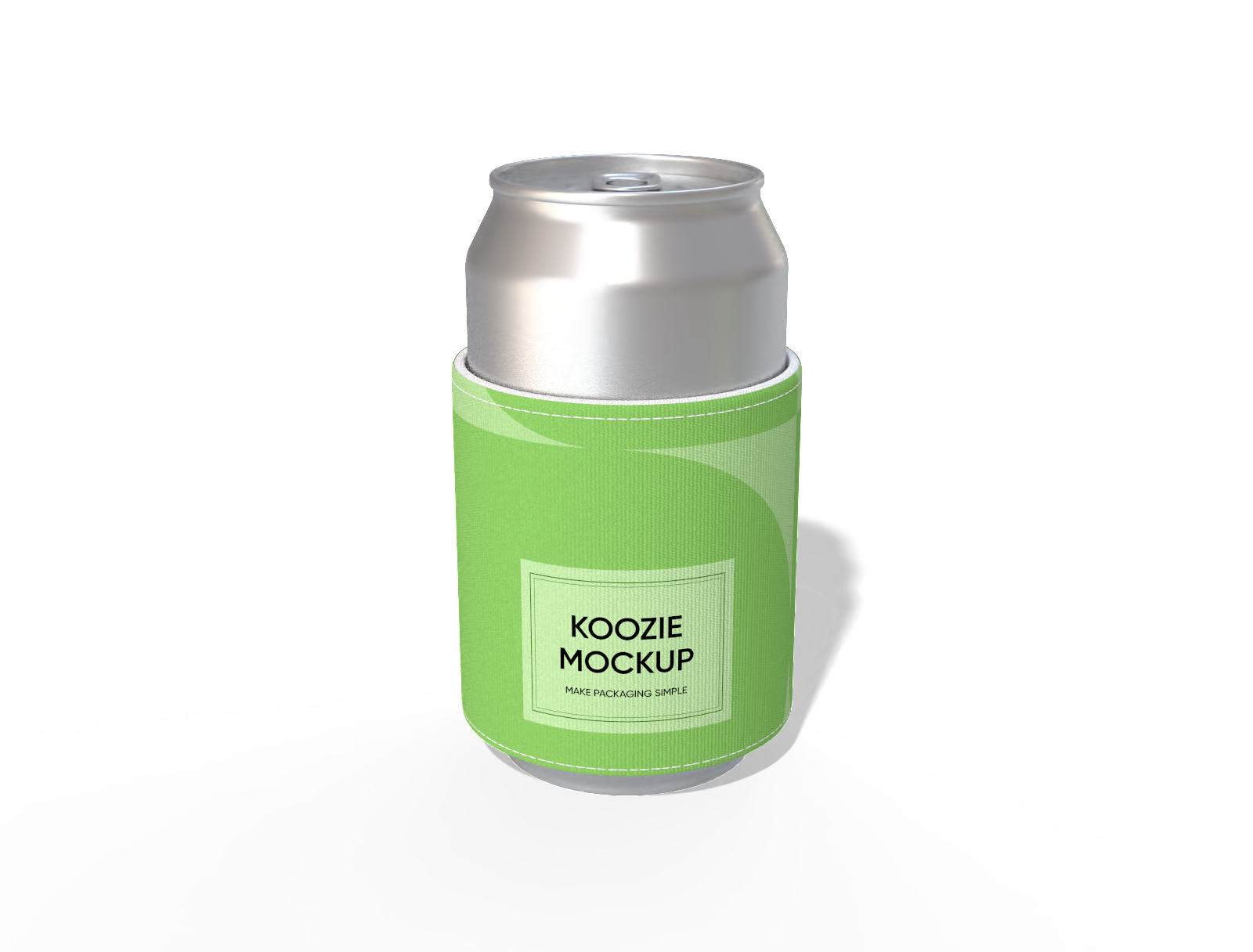
Short can koozie mockup
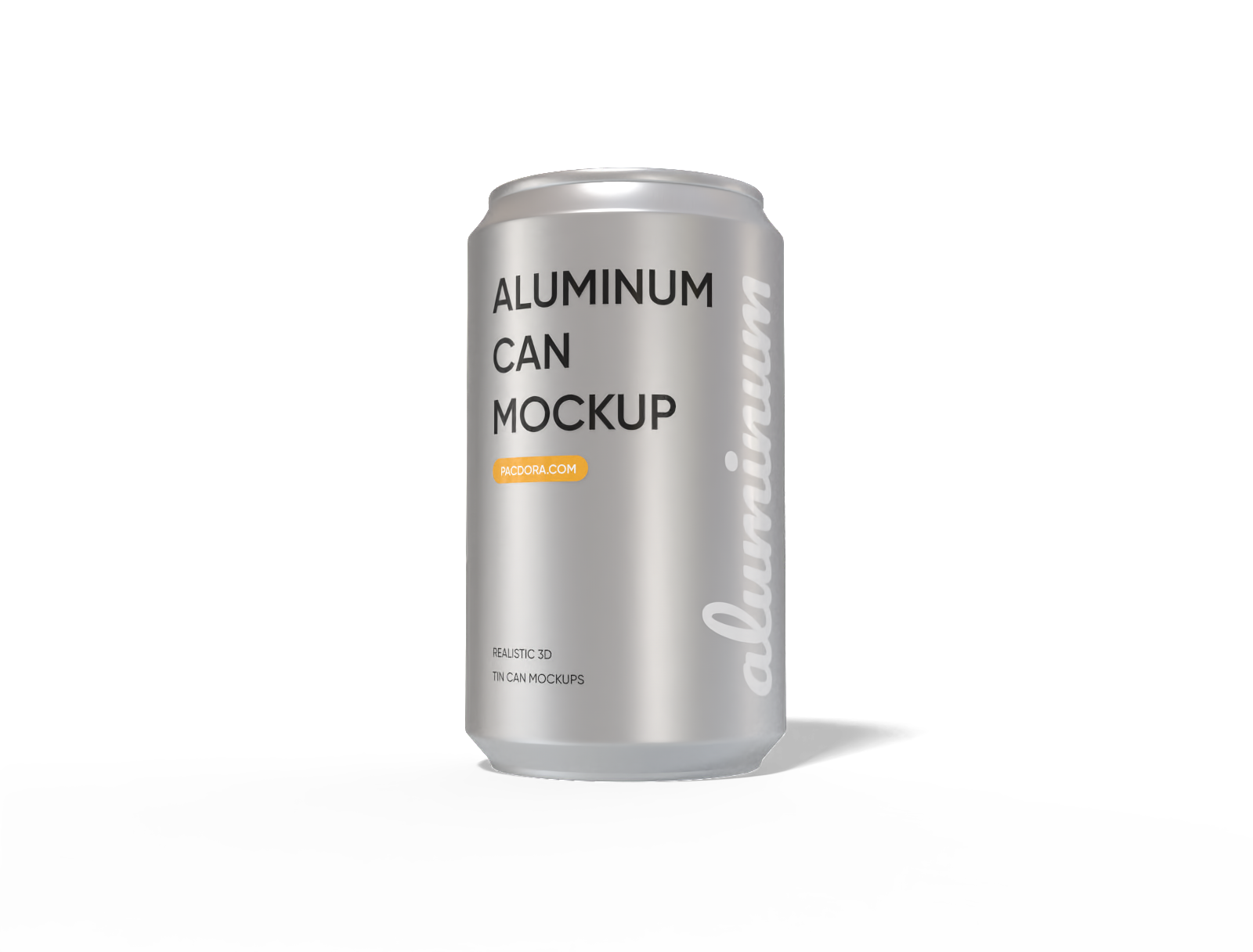
330 ml aluminum can mockup
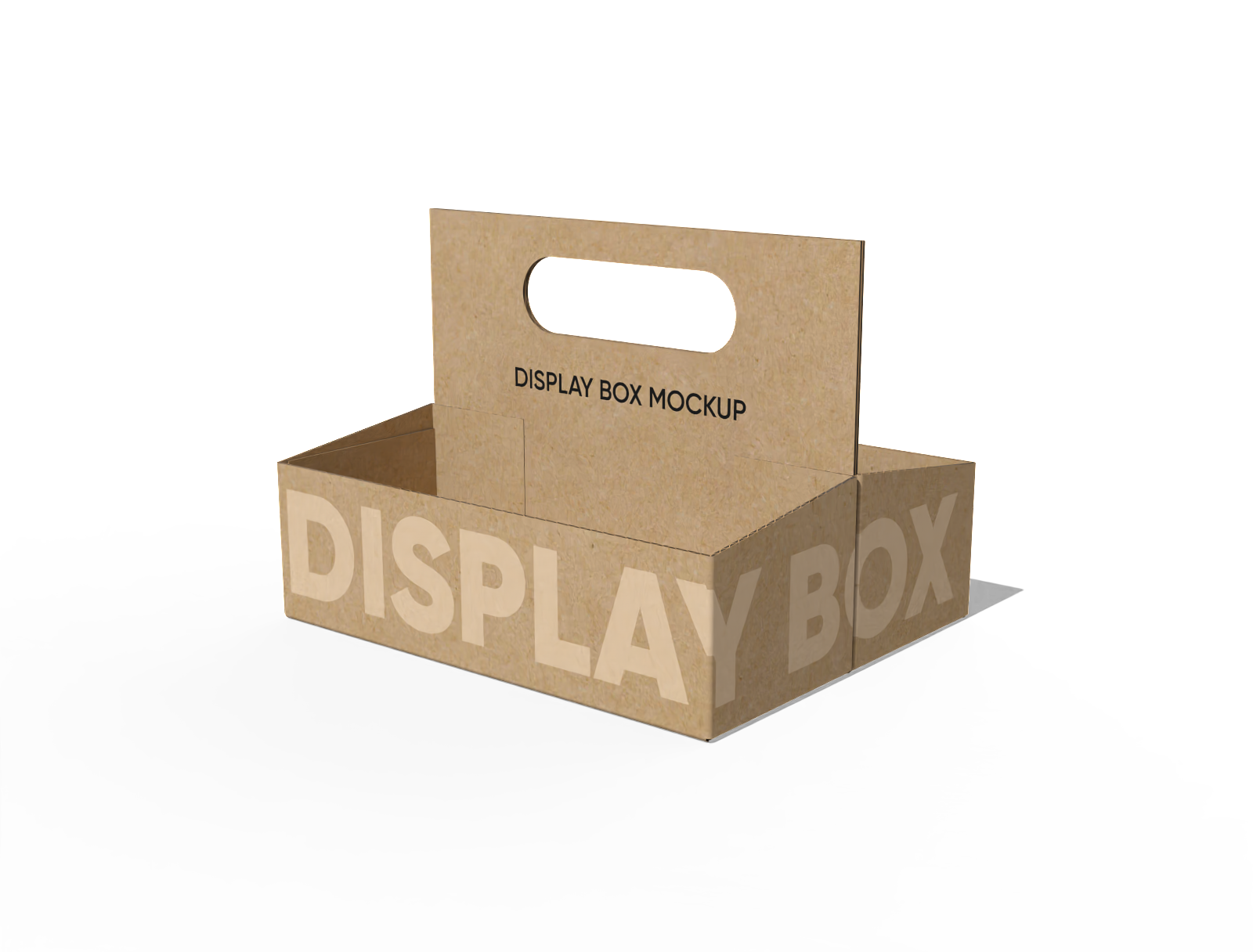
Display box with handle mockup
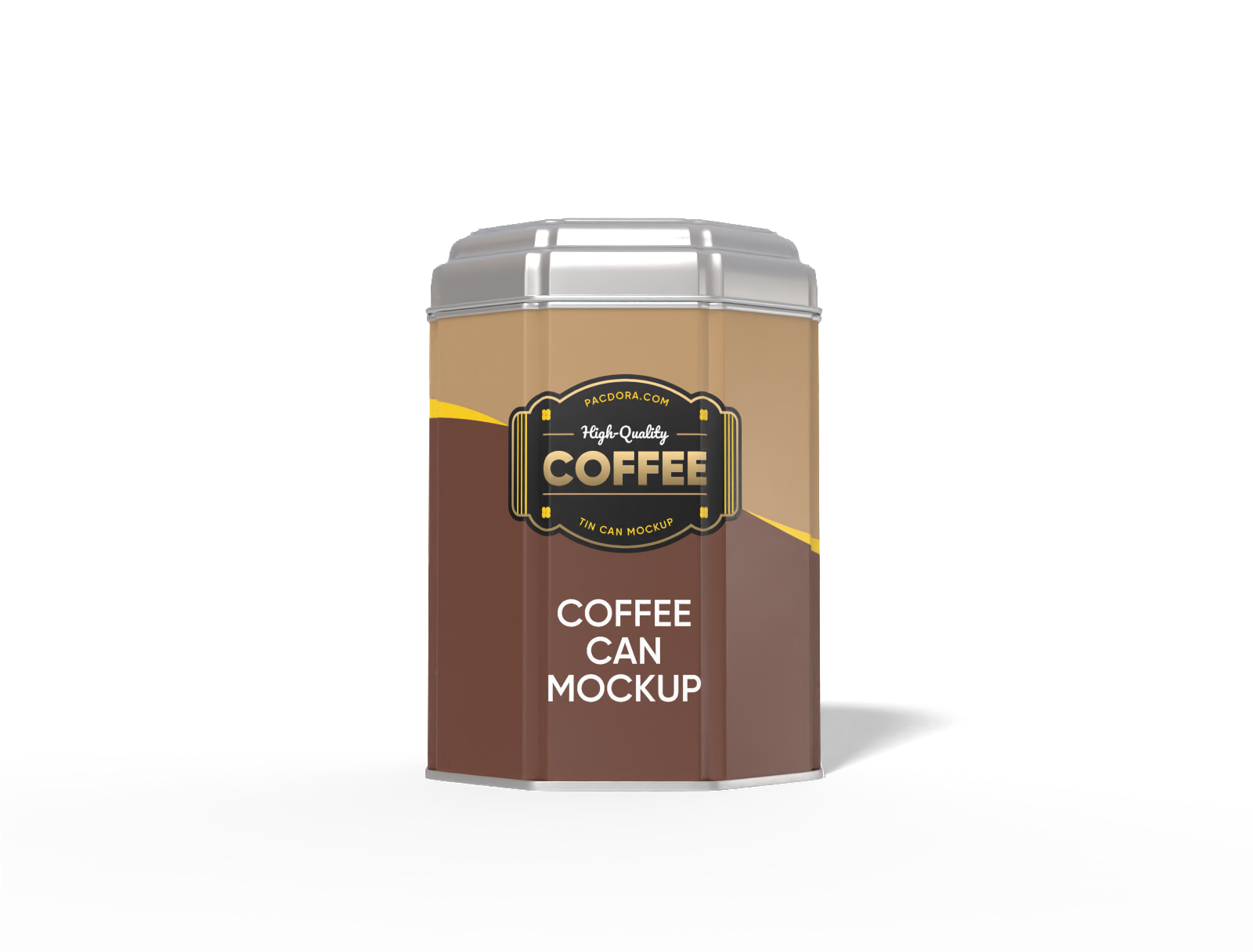
Coffee tin can mockup
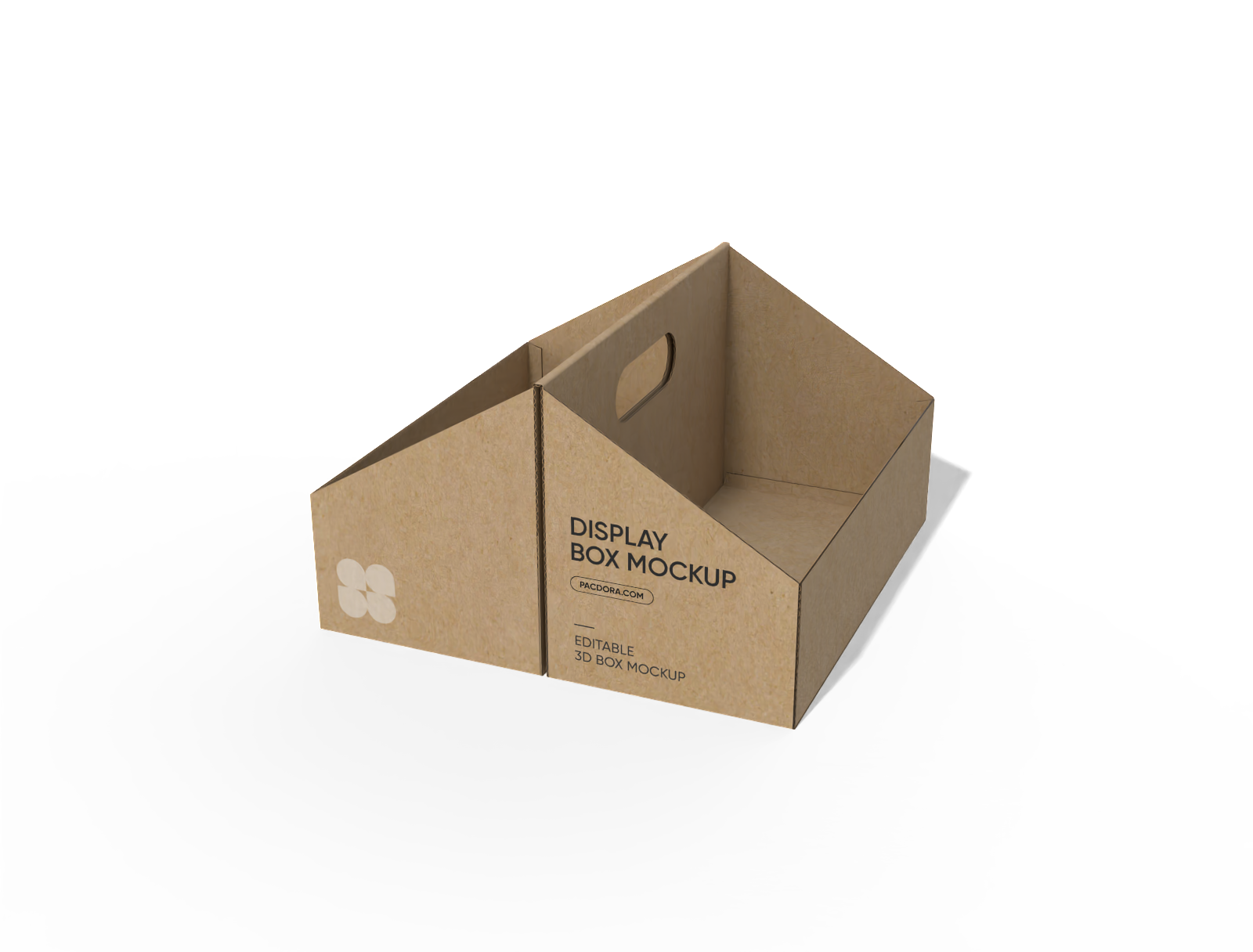
Display box with handle mockup
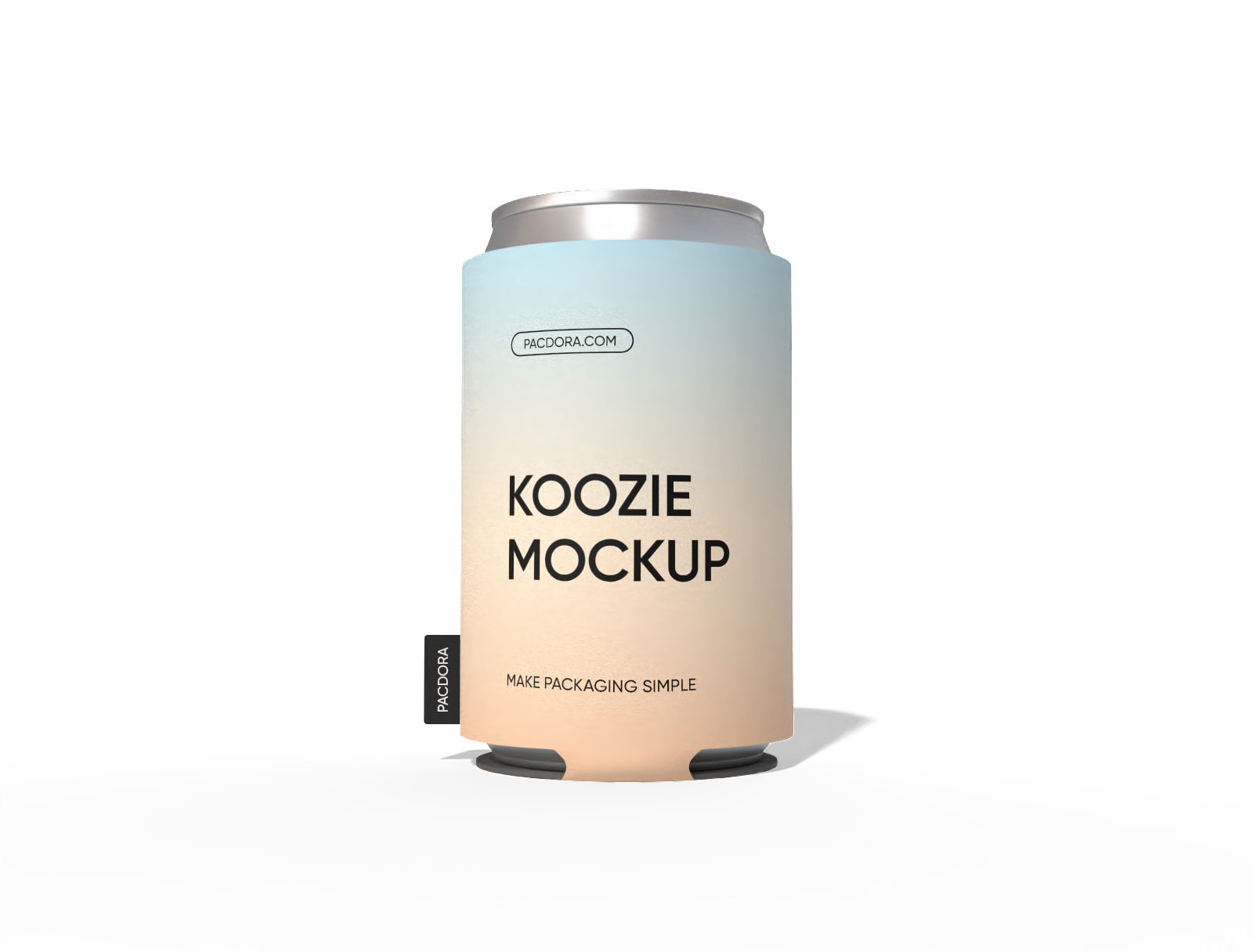
Can koozie mockup
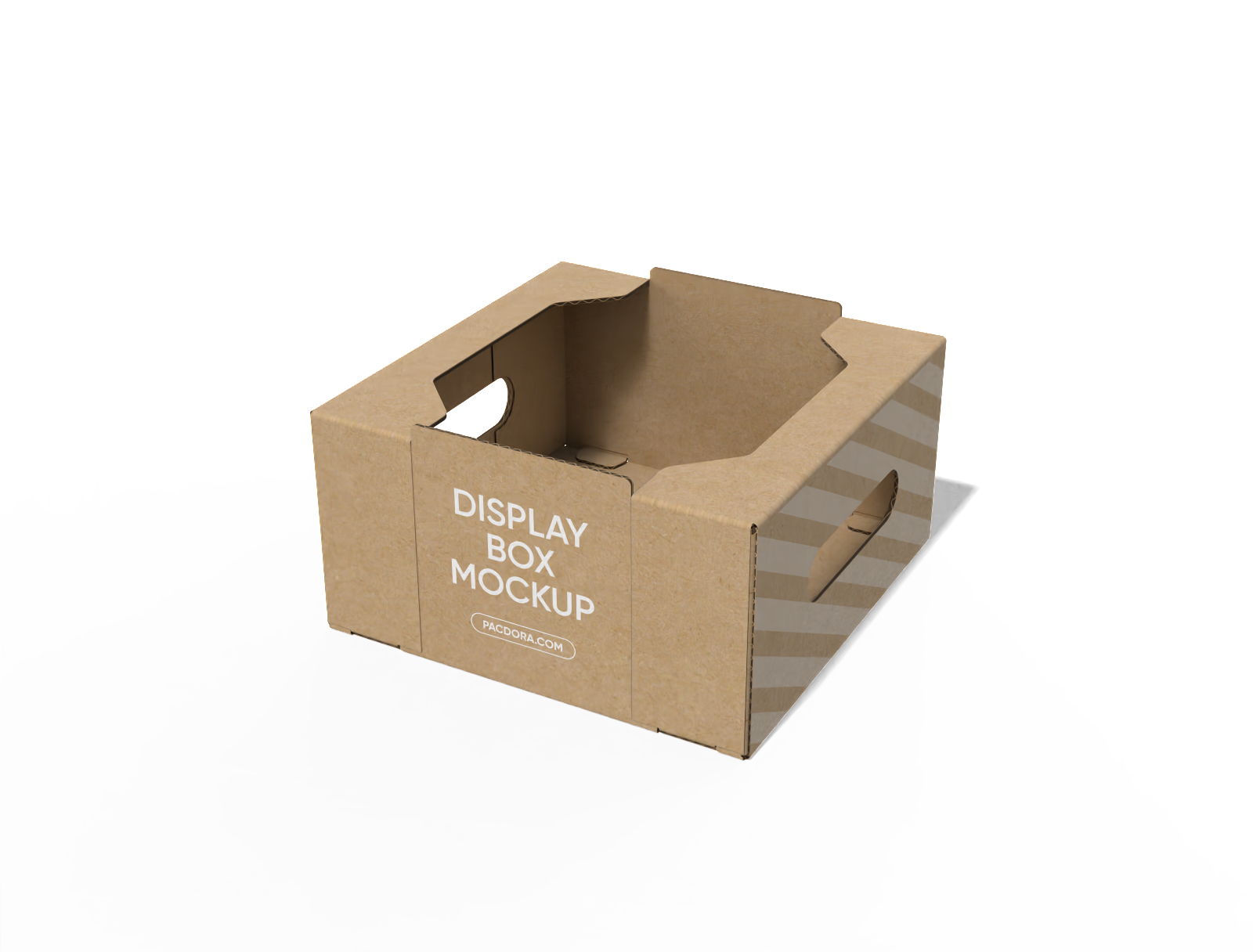
Display box with handle mockup
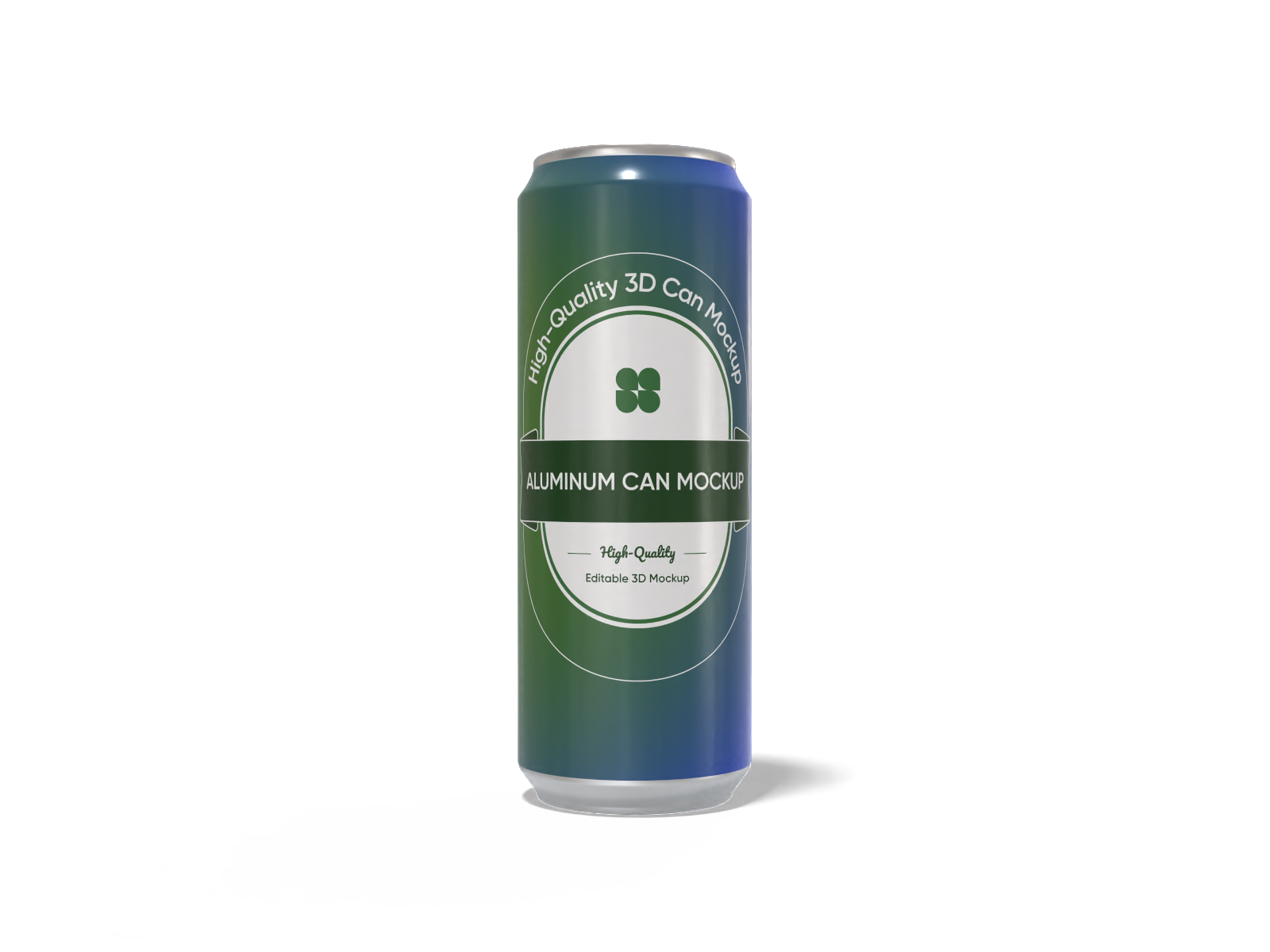
330 ml aluminum can mockup
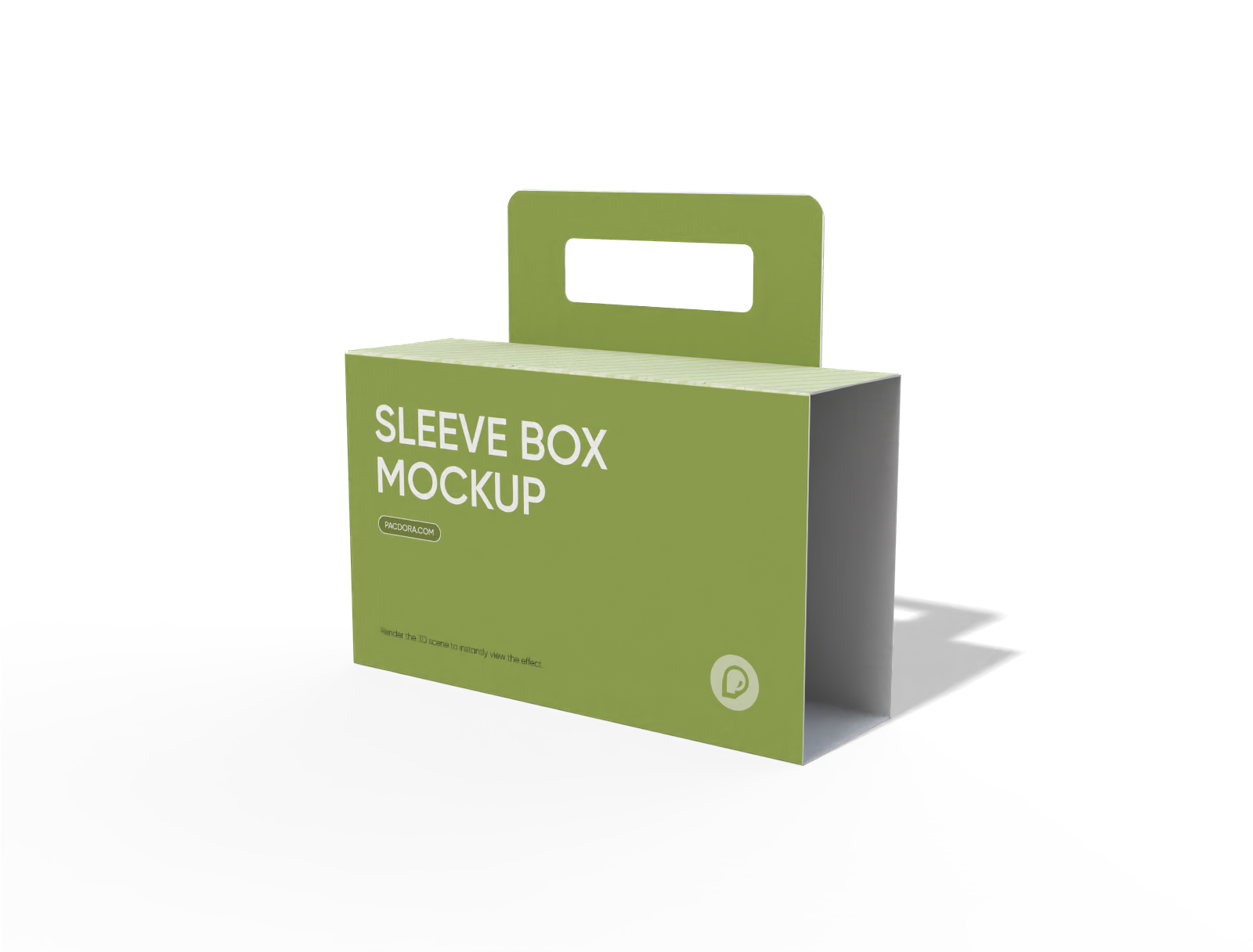
Handle sleeve box mockup
Trusted by leading companies


Customizing your own can design is a breeze!
Is making a professional can packaging mockup always challenging? Pacdora will help you solve these headaches. Whether you're working on a beer can design or a beverage can concept, our tool streamlines the entire workflow—from choosing the right can style to applying graphics and previewing the final look. Export high-quality files and share them instantly. Try Pacdora now!
Features of creating professional can design
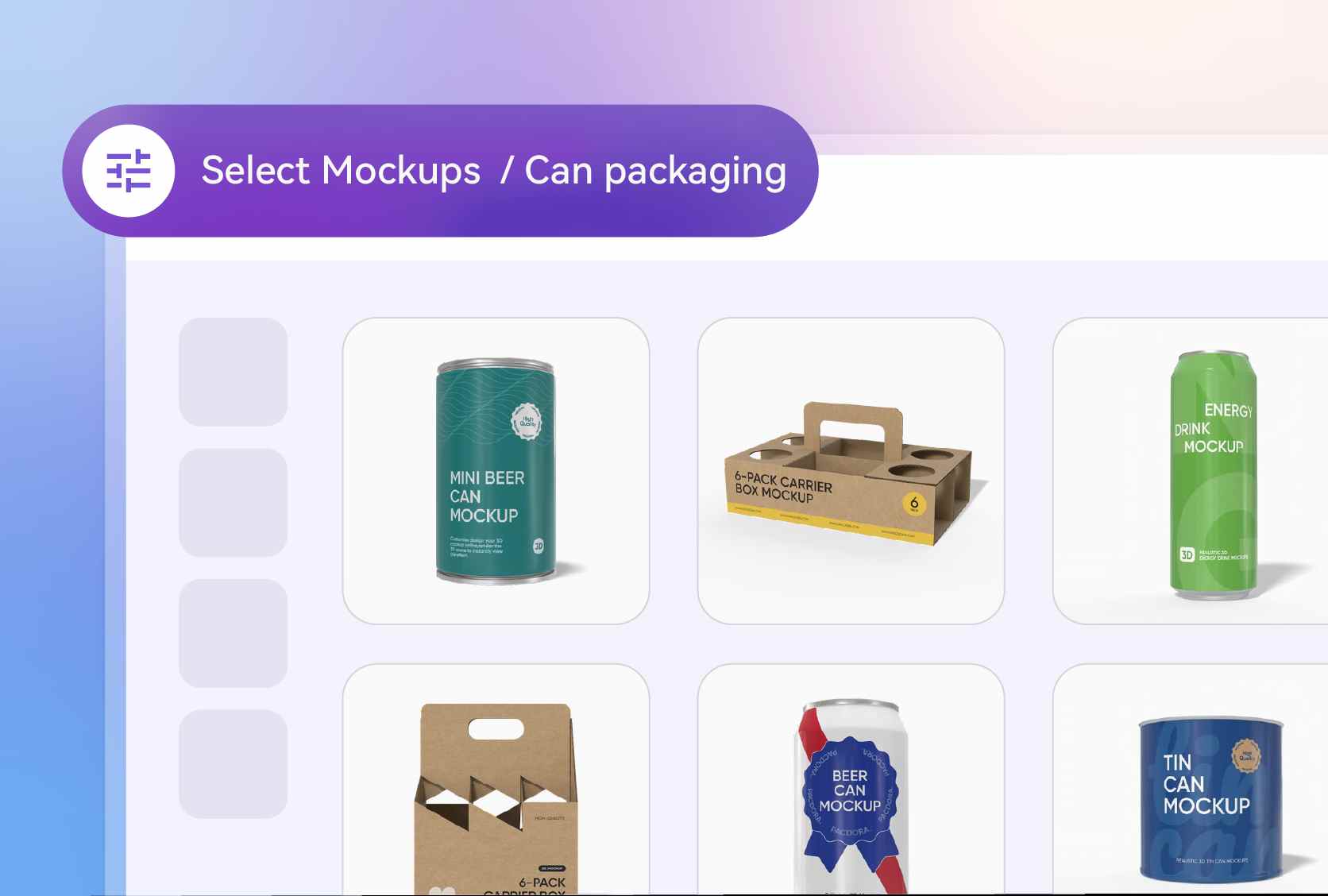
A range of popular can design styles
Having multiple options for can styles allows you to select the most suitable fit for your product. We offer standard, slim, and sleek versions for your can design.
A slim can is perfect for modern energy drinks or seltzers that want a trendy, healthy look. Alternatively, a standard beer can is the go-to for craft breweries looking for a classic feel.
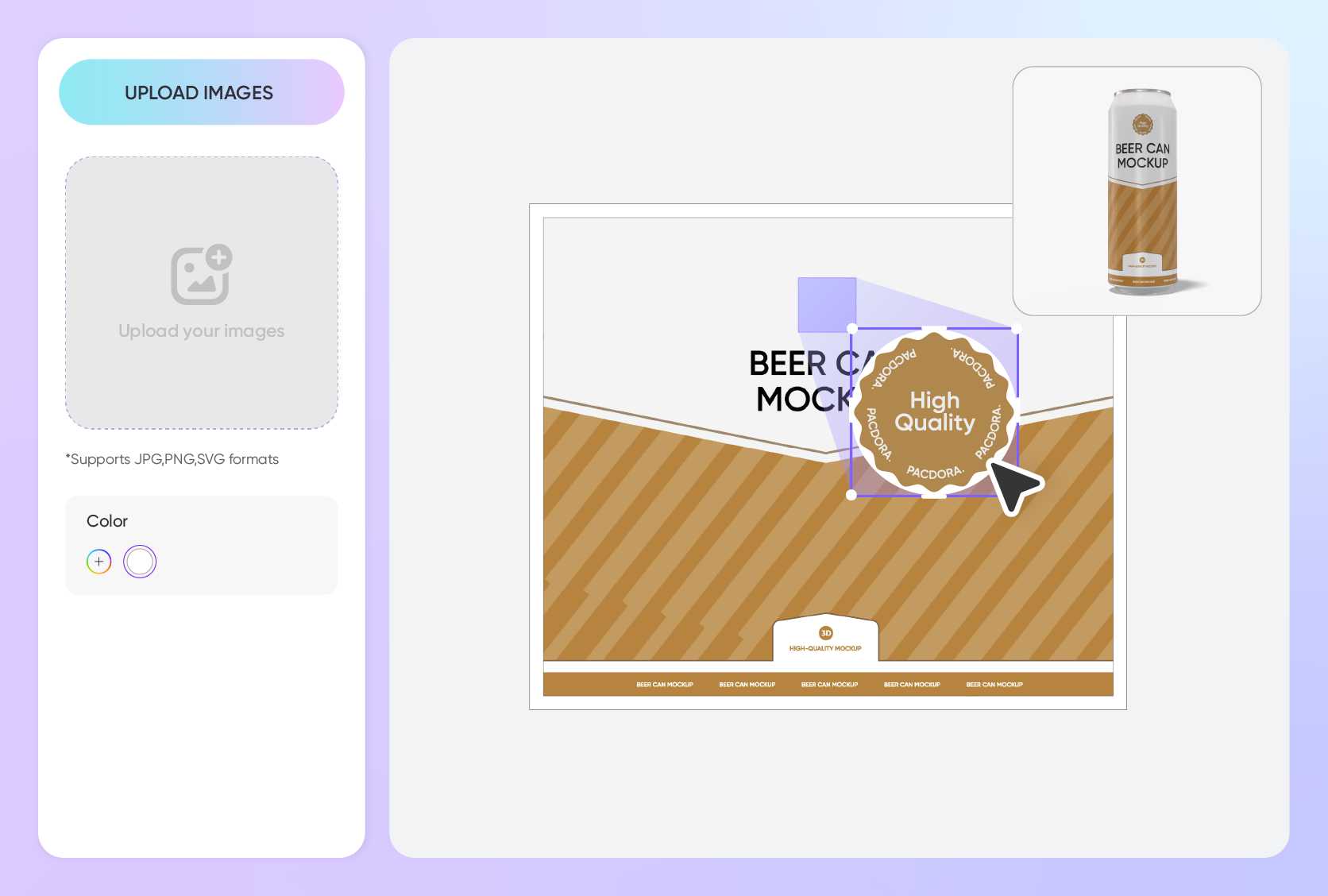
Upload custom images to your can
The flexibility to place custom elements helps you personalize your can based on your brand's identity. You can upload logos, patterns, or full-wrap graphics effortlessly.
A bold graphic print wrapped around the middle of a beverage can offers a standout shelf presence. A small, clean logo on a minimalist background is best for premium drink can marketing and promotions.
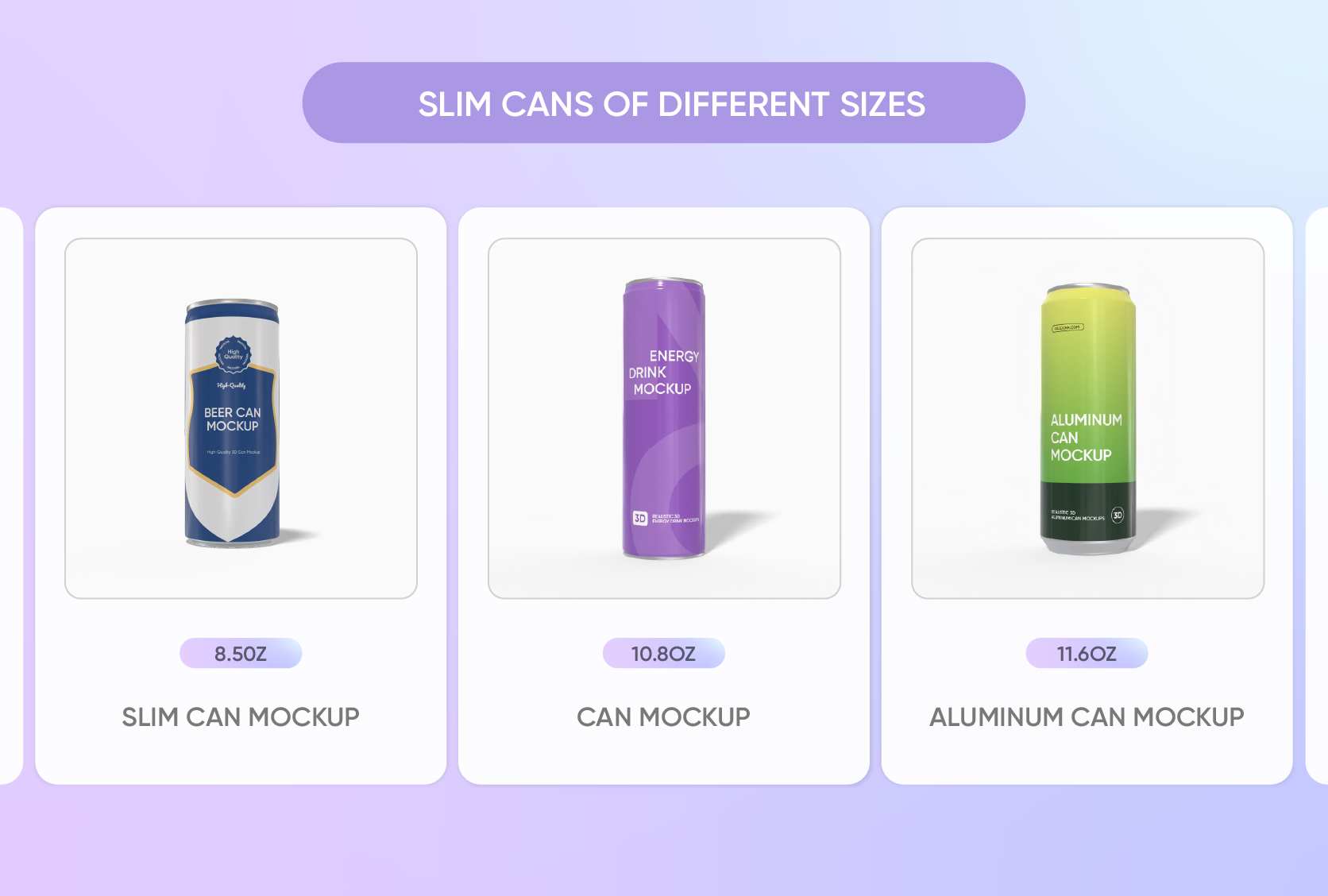
Choose suitable material textures
Selecting the right material finish is vital to ensure your can design looks realistic. We offer various textures like classic glossy or a trendy matte finish.
A matte finish gives your can packaging design a sophisticated, high-end look that's popular for premium sodas. A glossy metallic finish adds a shiny, refreshing vibe that makes any can packaging pop on the screen.
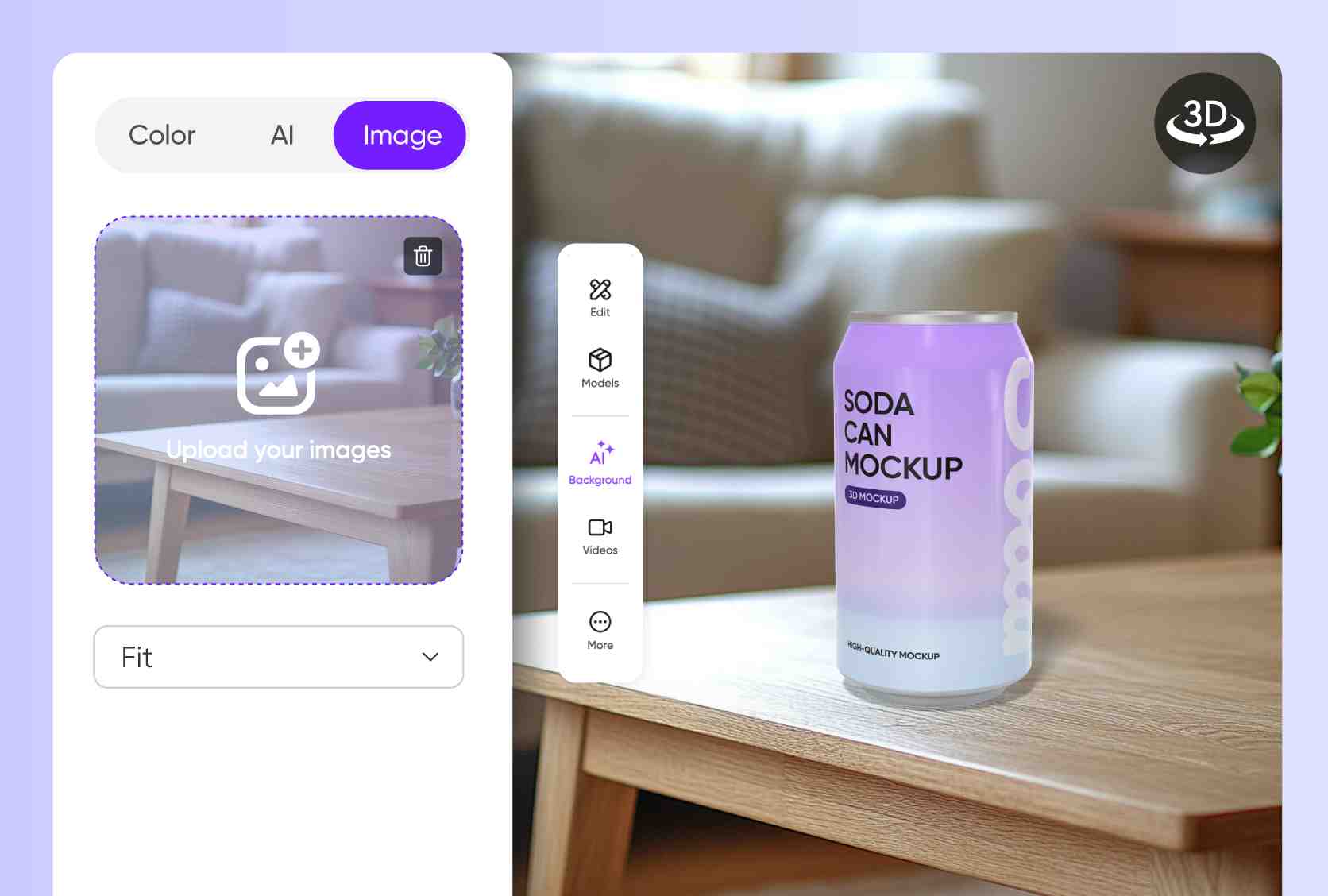
Multiple volumes for your drinks
Our can packaging offers flexible capacity choices to suit a wide range of products. For everyday beverages, you can choose commonly used sizes such as 250 ml, perfect for single servings.
For larger or specialty liquids, choose higher-volume options like 500 ml, allowing your product to stand out while meeting different usage needs.
A range of popular can design styles
Having multiple options for can styles allows you to select the most suitable fit for your product. We offer standard, slim, and sleek versions for your can design.
A slim can is perfect for modern energy drinks or seltzers that want a trendy, healthy look. Alternatively, a standard beer can is the go-to for craft breweries looking for a classic feel.
Upload custom images to your can
The flexibility to place custom elements helps you personalize your can based on your brand's identity. You can upload logos, patterns, or full-wrap graphics effortlessly.
A bold graphic print wrapped around the middle of a beverage can offers a standout shelf presence. A small, clean logo on a minimalist background is best for premium drink can marketing and promotions.
Choose suitable material textures
Selecting the right material finish is vital to ensure your can design looks realistic. We offer various textures like classic glossy or a trendy matte finish.
A matte finish gives your can packaging design a sophisticated, high-end look that's popular for premium sodas. A glossy metallic finish adds a shiny, refreshing vibe that makes any can packaging pop on the screen.
Multiple volumes for your drinks
Our can packaging offers flexible capacity choices to suit a wide range of products. For everyday beverages, you can choose commonly used sizes such as 250 ml, perfect for single servings.
For larger or specialty liquids, choose higher-volume options like 500 ml, allowing your product to stand out while meeting different usage needs.
How to design a can mockup online?
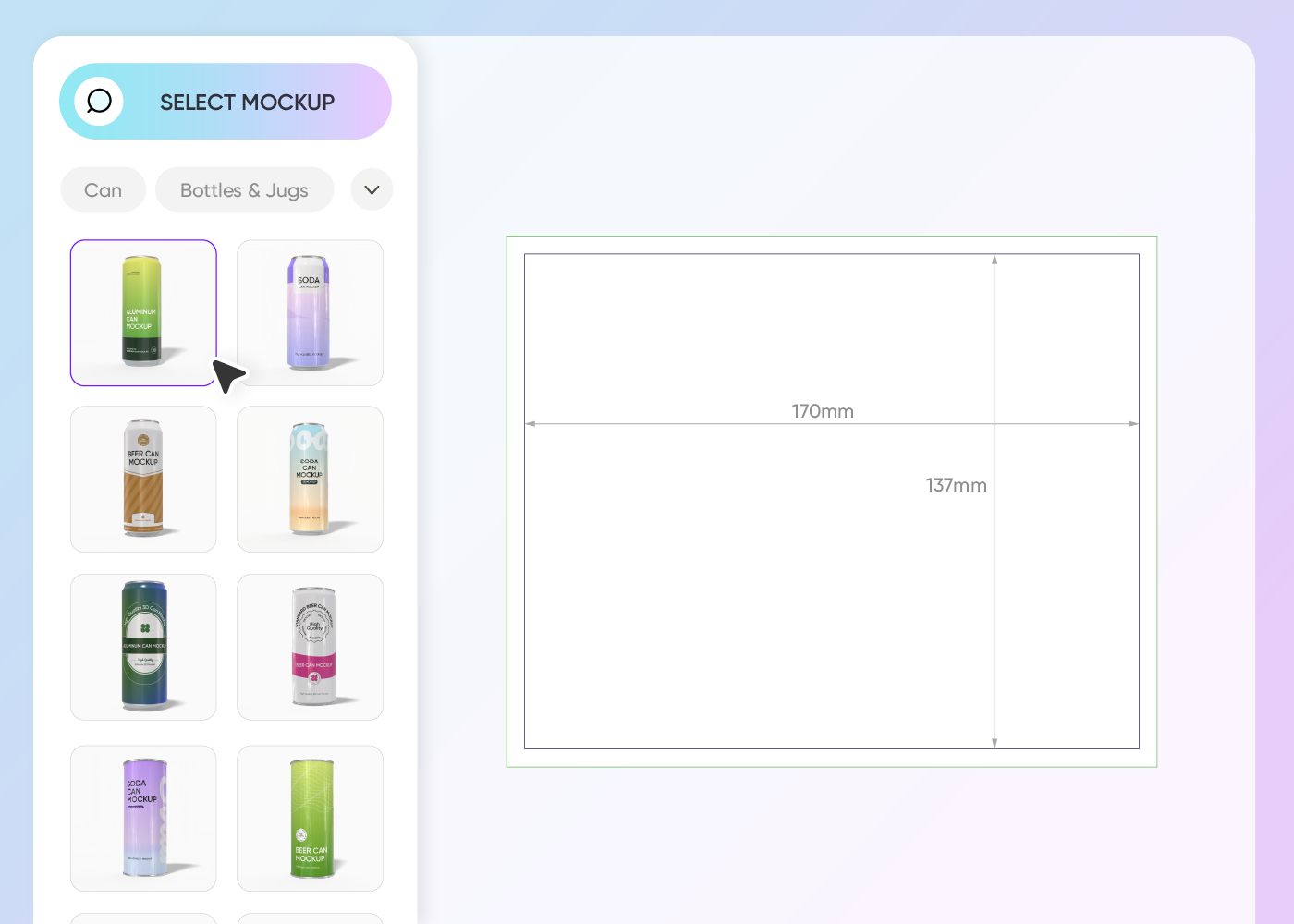
Step 1: Pick a can design
Pick a can design from our library. We have many sizes and shapes, including slim and standard options, to fit your brand’s specific needs.
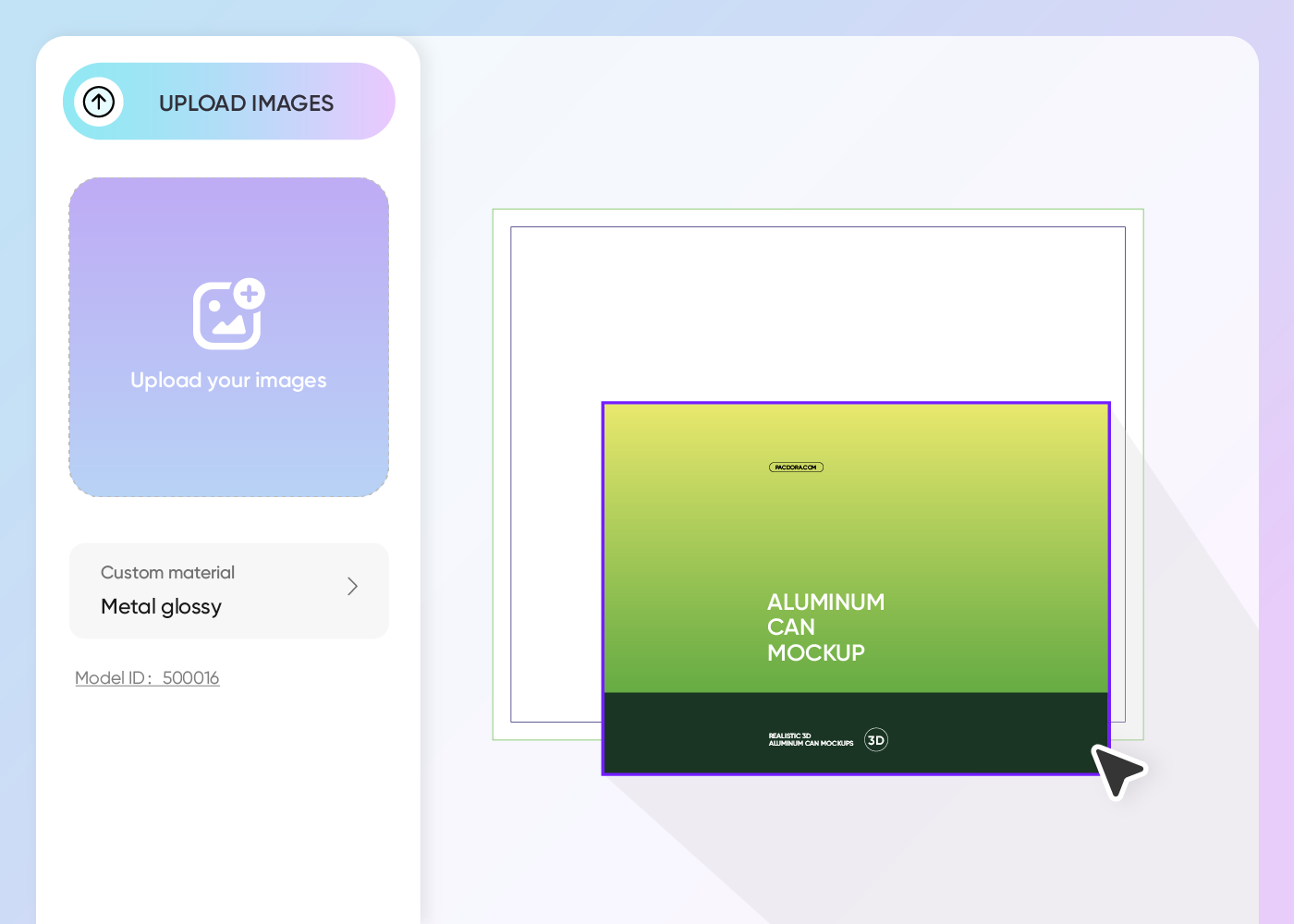
Step 2: Create your images
Create your unique can packaging design by uploading your logo and graphics. You can also tweak colors and textures to get the perfect 3D look.
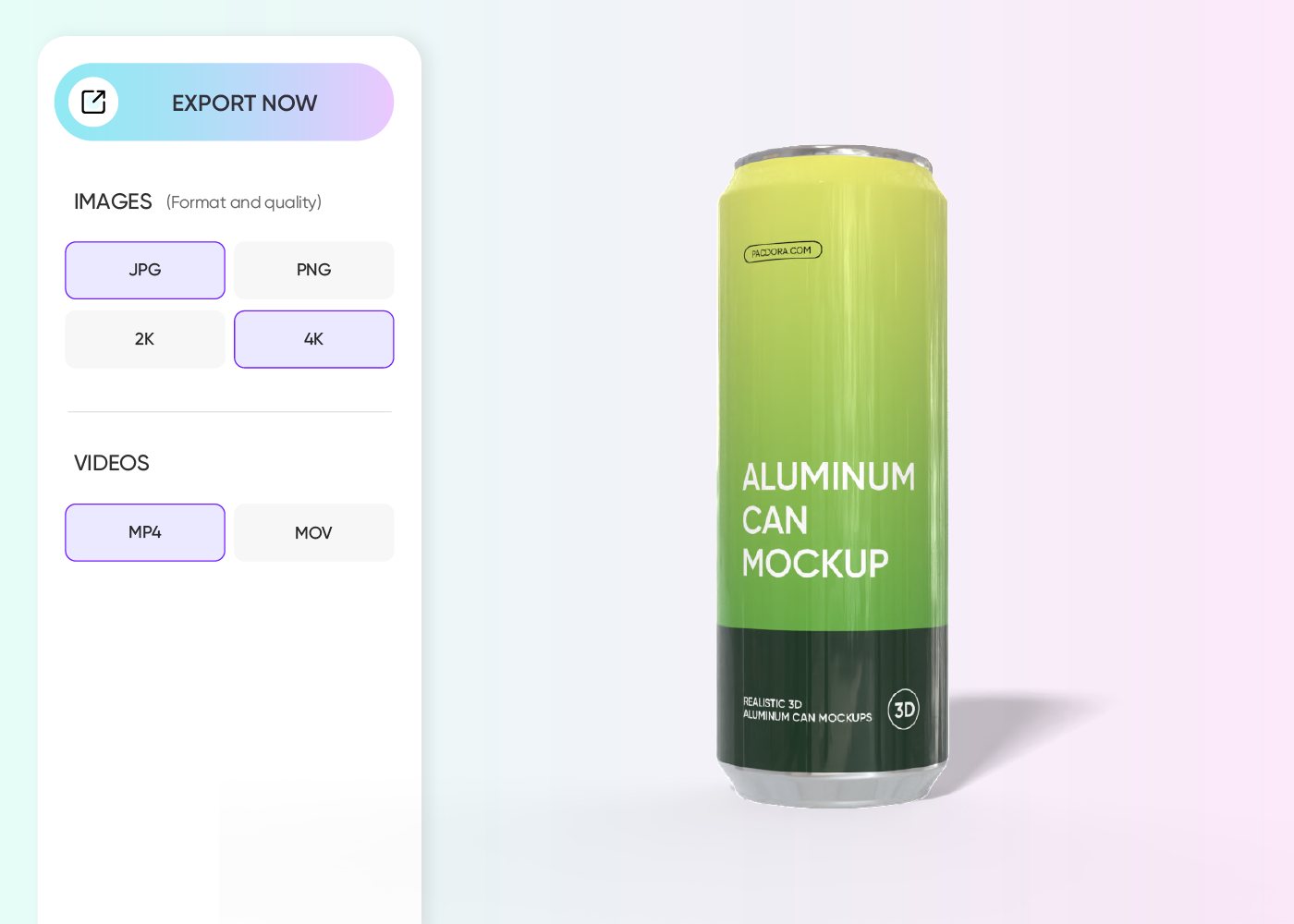
Step 3: Download your result
Download your completed can design instantly. Choose from high-quality PNG, JPG, or even MP4 video formats for all your marketing materials.
Step 1: Pick a can design
Pick a can design from our library. We have many sizes and shapes, including slim and standard options, to fit your brand’s specific needs.
Step 2: Create your images
Create your unique can packaging design by uploading your logo and graphics. You can also tweak colors and textures to get the perfect 3D look.
Step 3: Download your result
Download your completed can design instantly. Choose from high-quality PNG, JPG, or even MP4 video formats for all your marketing materials.
Our customers love Pacdora’s mockups
Thousands before you have designed realistic mockups with Pacdora and loved it.

Great mock-ups and literally thousands of packaging designs to choose from. The 3d mock-up is so good, helps bring clarity to the client as well as the designers. Great product for packaging design professionals.


cosmiccorner
Move over, complicated design software! Pacdora is the superhero of packaging mockups. Creating 3D magic for my products is as easy as pie – no PhD in design required. It’s like the software looked at the clock and said, ‘Time to save users from design nightmares!’ It’s so user-friendly, even my coffee mug wants to try its hand at packaging design.
FAQ
How do I start a can design?
To start your can design, simply browse our extensive library and select a can mockup that matches your product's dimensions. Once selected, you can use our 3D editor to upload your can design and see changes in real-time. It's a fast and efficient way to create professional visuals without needing expensive design software.
What makes a good can design?
A good can design should be eye-catching and clearly communicate your brand's message. Using Pacdora, you can experiment with different can design layouts and colors to see what works best on a shelf. Make sure your logo is visible and the colors align with your brand identity to create a cohesive beverage design.
Can I add backgrounds for my can design?
Yes! You can add backgrounds to your can design, and with Pacdora’s AI background generator, you can fully customize the scene. Create anything from simple colors and gradients to detailed environments, like a classroom or a table, making your can visuals stand out and look more professional.
Is 3D can design better than 2D?
Using a 3D can design tool is much better than 2D because it allows you to see how your graphics wrap around the curves of the container. With Pacdora, you can rotate your can packaging to check for any distortions in your logo or text. This ensures your final can design looks perfect from every single angle.
Can I design a can design for free using Pacdora?
Yes, you can design various styles of can mockups for free using Pacdora. We also have some premium customization features for advanced users. Visit our pricing page for more information.
Explore more mockups
Discover more about Pacdora

Kickstart your exciting journey of creating cans online
Create a can
