

3D packaging

Drop in your logo or label design, customize size, and instantly download your 3D packaging design as HD PNG images for free.
3D packaging
Drop in your logo or label design, customize size, and instantly download your 3D packaging design as HD PNG images for free.
Trusted by leading companies


Create 3D packaging with just a few simple clicks on Pacdora!
From flat ideas to lifelike 3D packaging, Pacdora makes it easy to create designs that match your vision, reflect your brand’s style, and leave a lasting impression. Simply explore our mockup library and pick your ideal packaging style from our boxes, pouches, jars, bottles, and other options. Brand it with your color and logo, and add fun images, patterns, or artwork. Instantly download high-res PNG/JPG images or MP4 videos for client pitches. Design your packaging today!




How to create 3D packaging online?
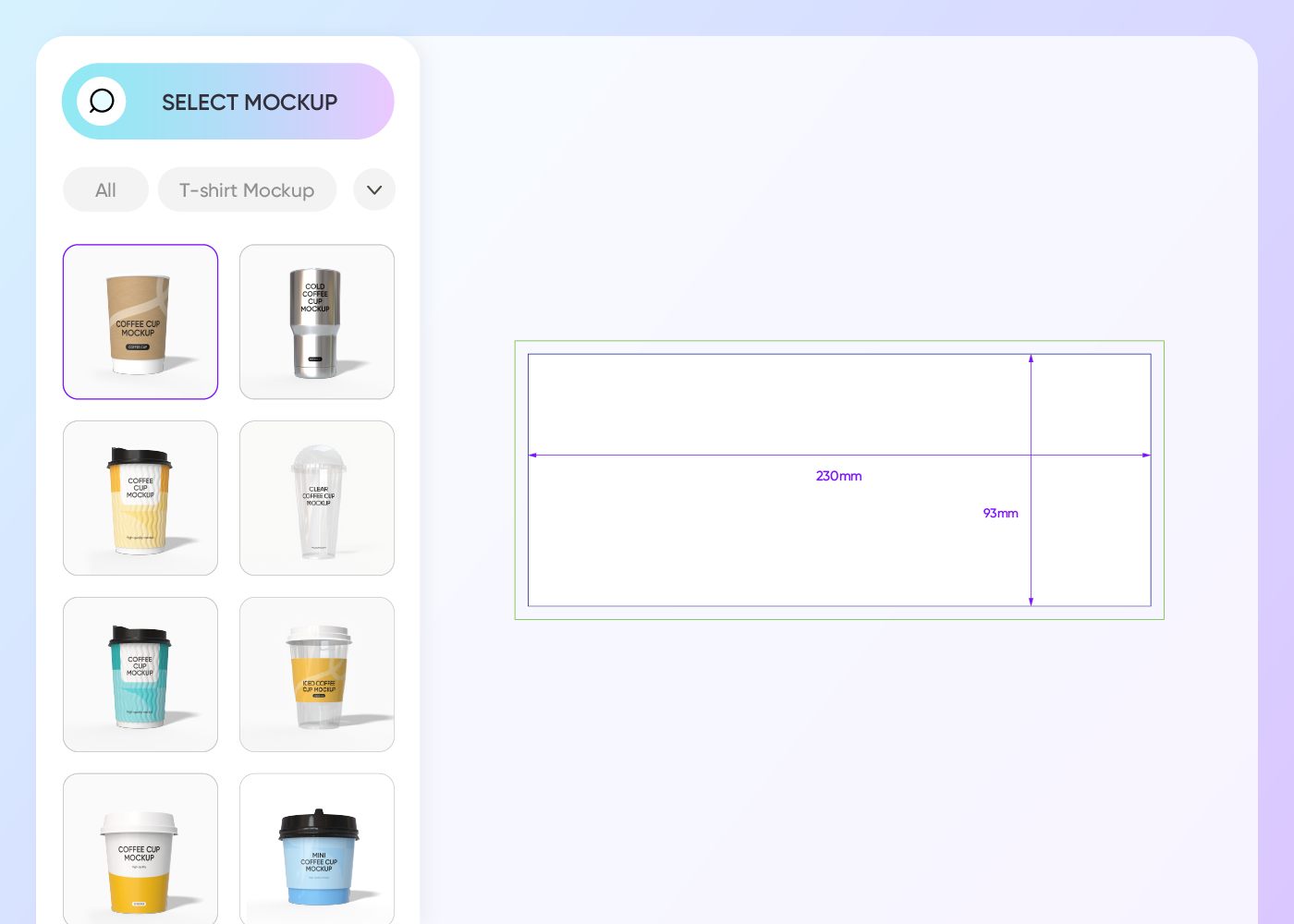
Step 1: Select your packaging mockup
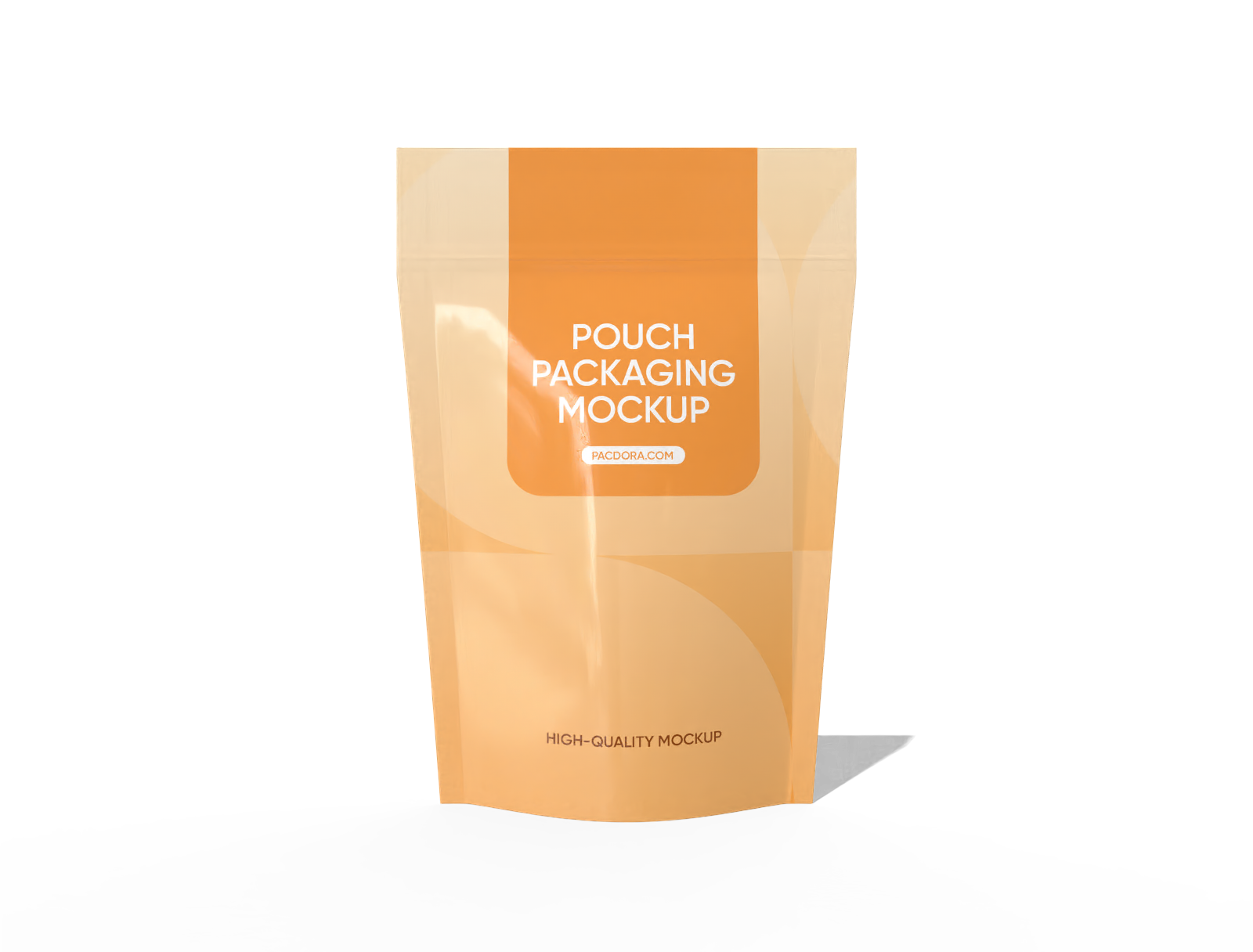
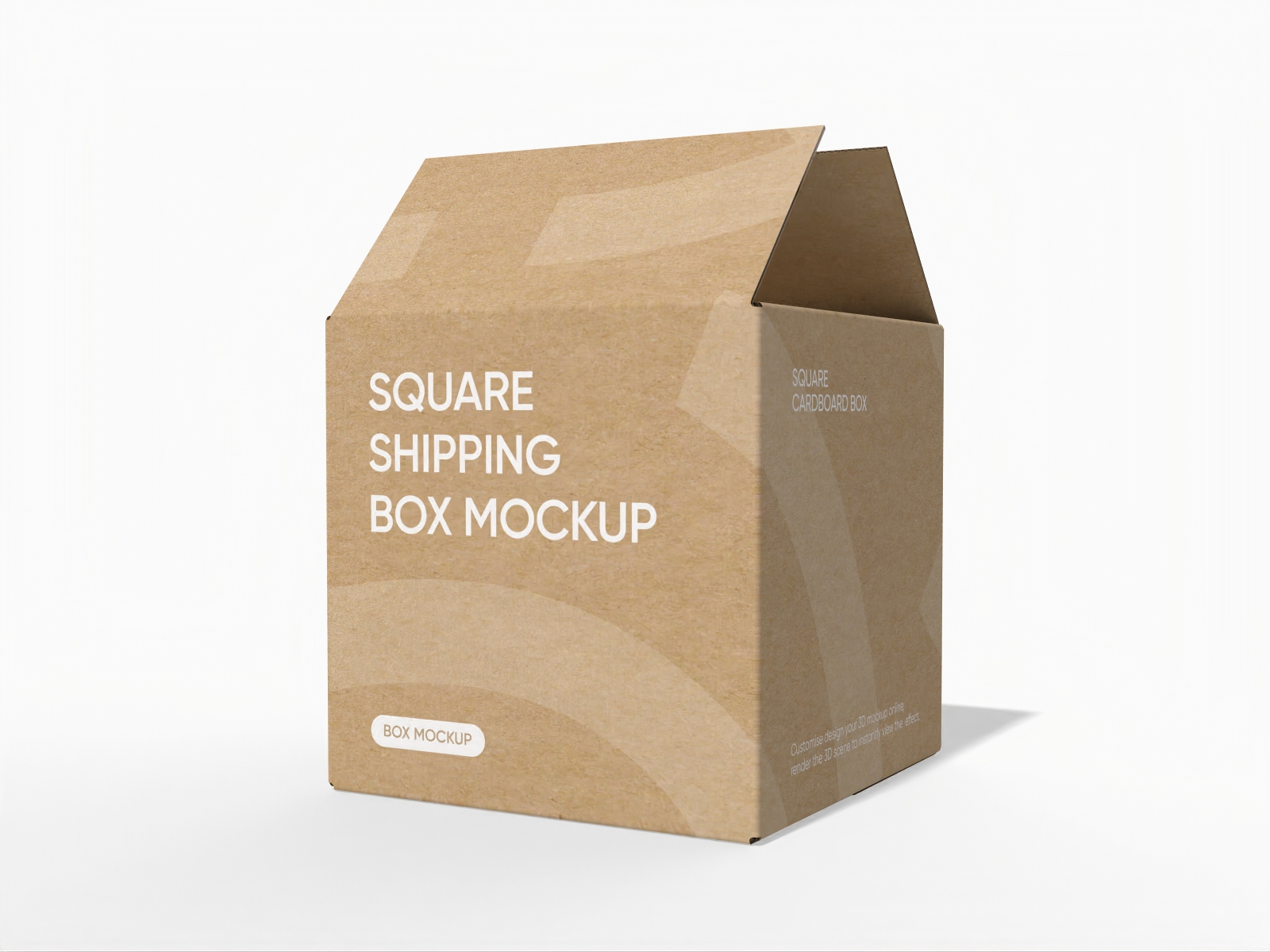
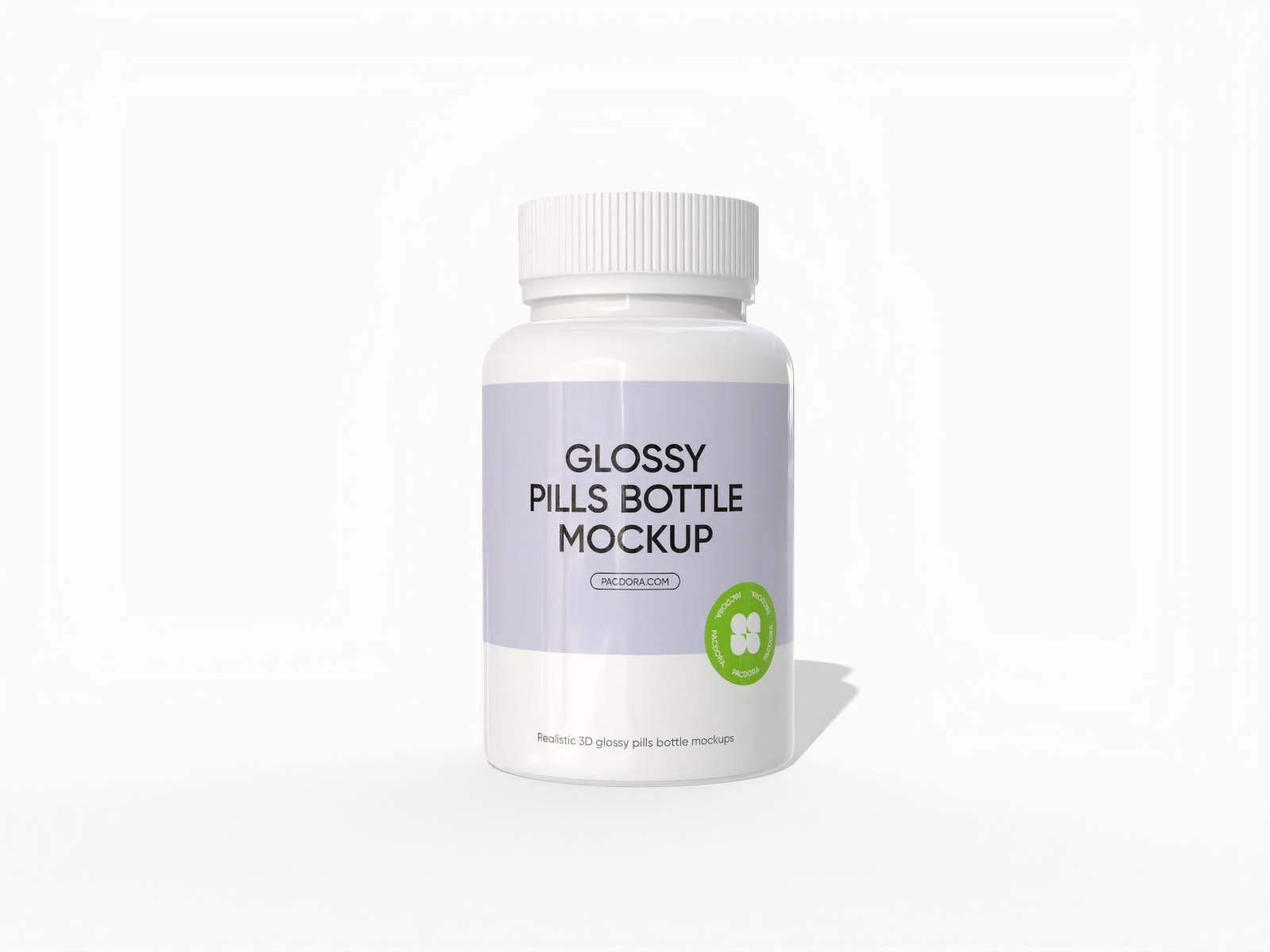
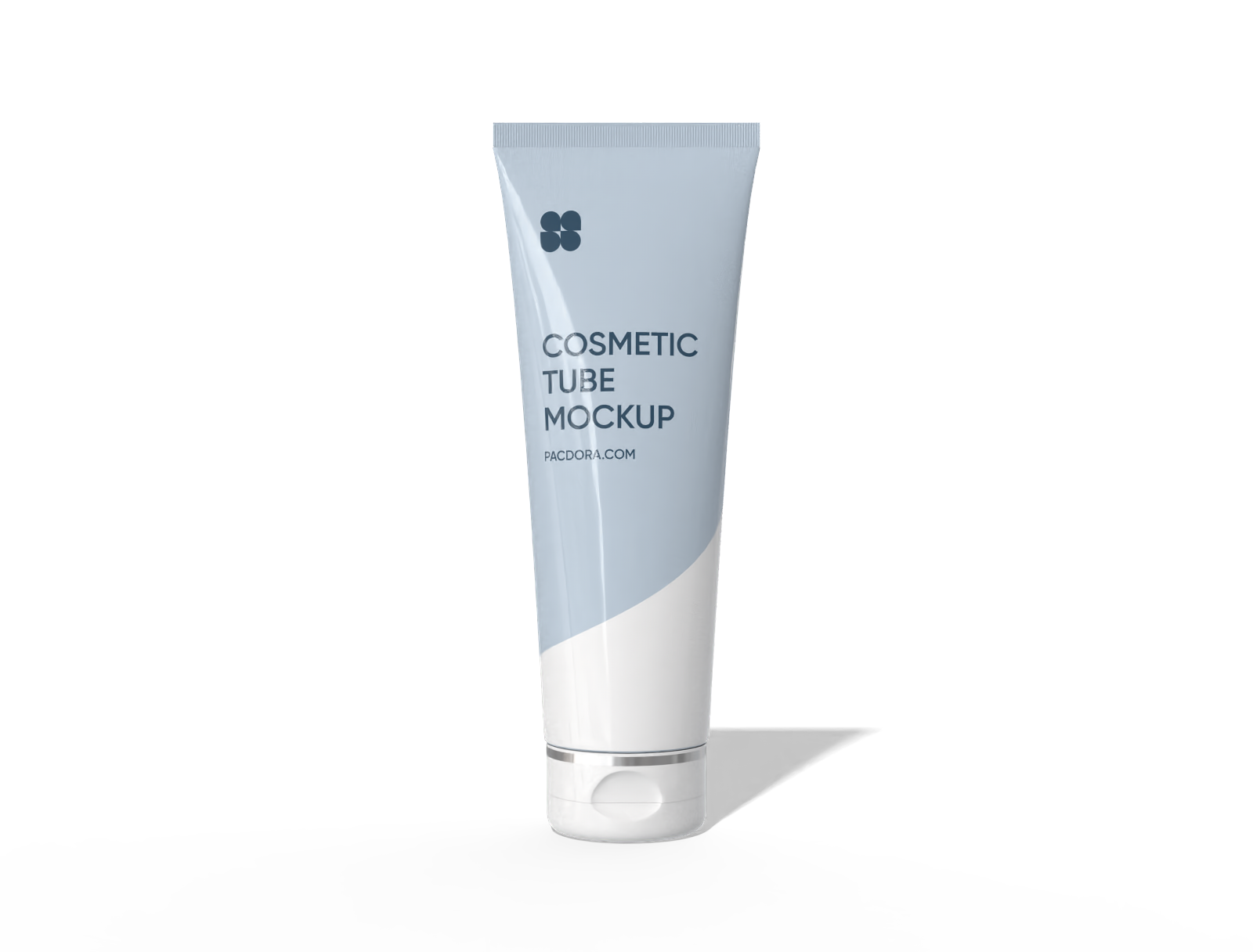
Select your favorite packaging style, whether it’s a box, bottle, jars, or pouch, from our selection of mockups.
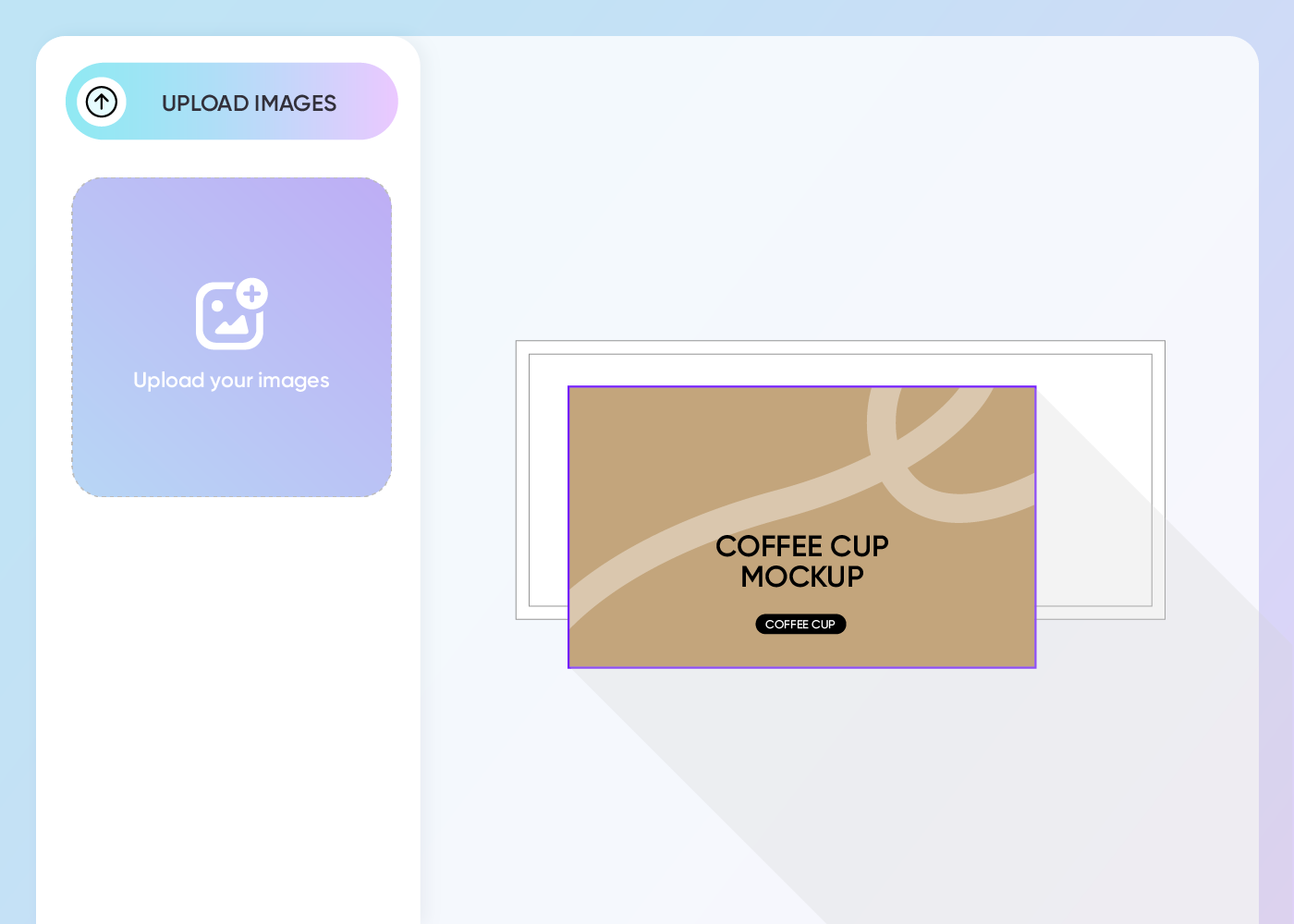
Step 2: Upload images and customize
Upload your design image and fine-tune the packaging color, material, and finish. You can also add your product details or message in a bold, stylish font.
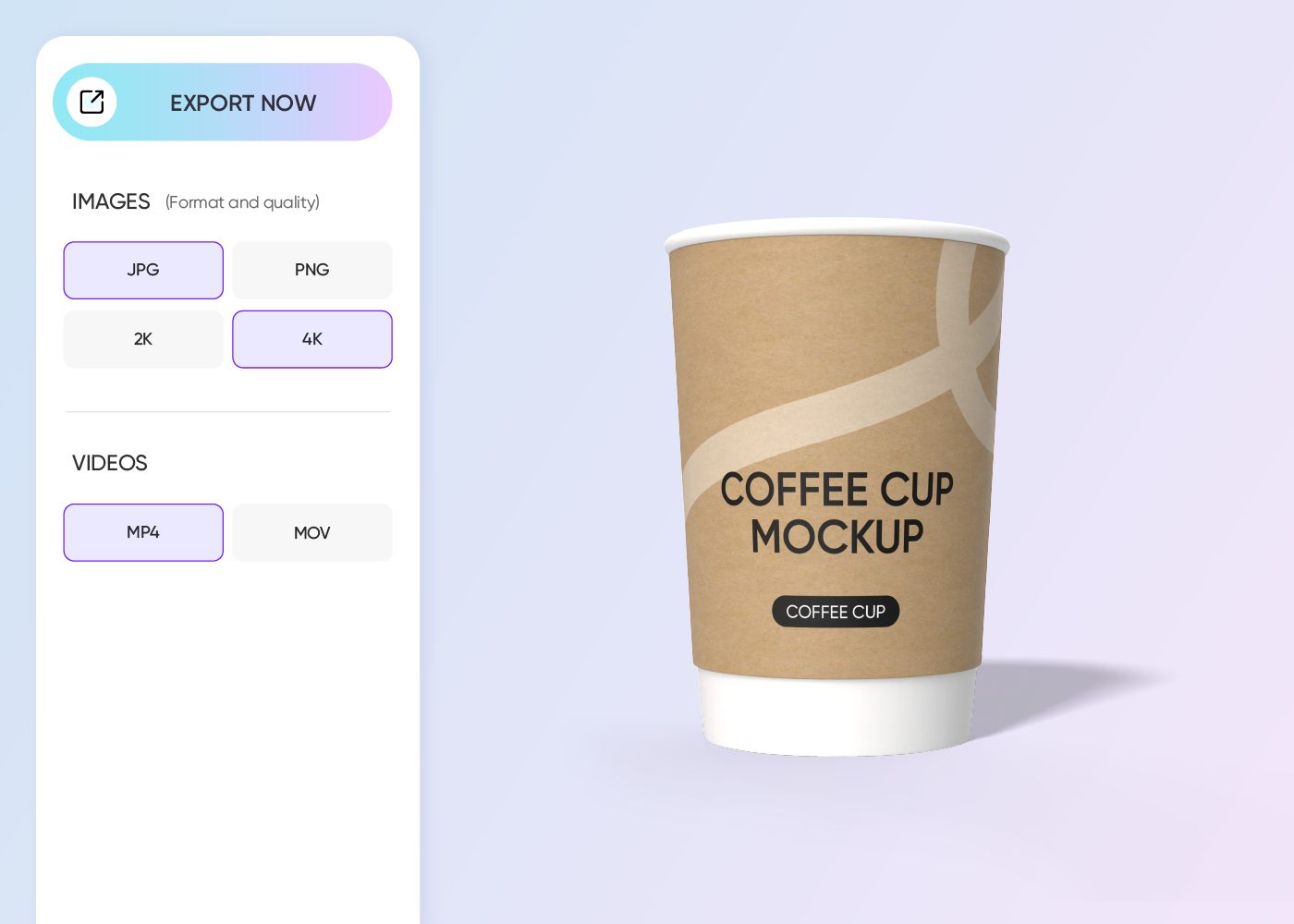
Step 3: Download your final packaging design
Download 8K PNG/JPG images or MP4 videos to showcase your stunning packaging design to your viewers or export collaborative links to receive quick feedback.
Step 1: Select your packaging mockup
Select your favorite packaging style, whether it’s a box, bottle, jars, or pouch, from our selection of mockups.
Step 2: Upload images and customize
Upload your design image and fine-tune the packaging color, material, and finish. You can also add your product details or message in a bold, stylish font.
Step 3: Download your final packaging design
Download 8K PNG/JPG images or MP4 videos to showcase your stunning packaging design to your viewers or export collaborative links to receive quick feedback.
What to consider when creating 3D packaging

Packaging that draws attention to your product
Each packaging style has its own way of making a statement on the shelf. Boxes can create a gift-like impression, while curved bottles are instantly recognizable.
Pouches feel fun, playful, and convenient for quick grabs. Bags communicate practical, everyday essentials. Just pick a packaging option that’s perfect for your product.
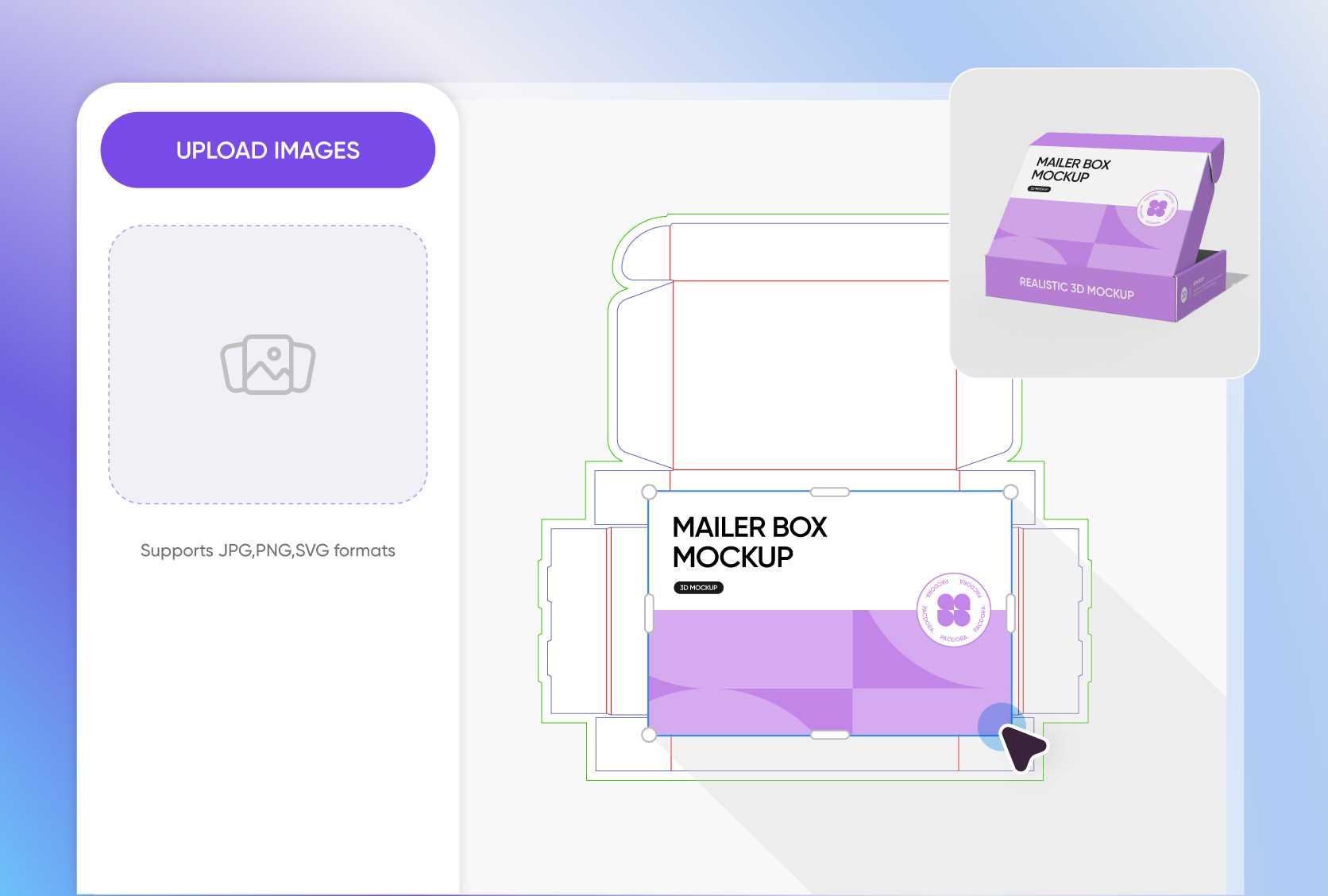
Custom details that add personality and style
Design elements such as color, logos, images, graphics, artwork, and typography aren’t just decorative; they’re crucial for communicating your brand values and connecting emotionally with consumers.
Adjust each detail and preview how they interact from every angle to ensure your final design looks as striking and engaging as you envisioned.
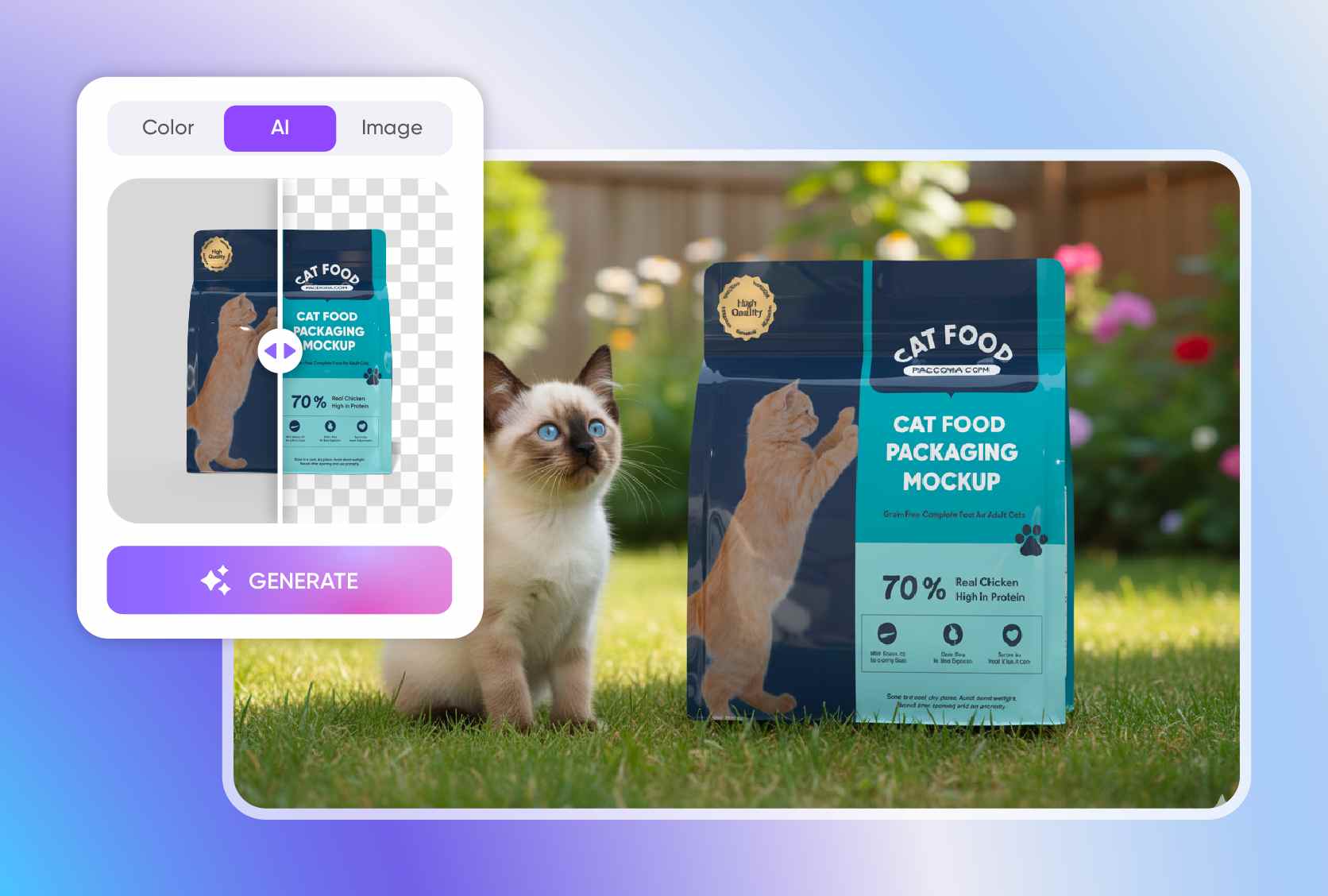
Background that makes your packaging design relatable
Show your packaging design in real-life spots so people can picture using it. Snacks and drinks, for instance, look great on a countertop or store shelf.
With our AI background generator, you can showcase your packaging in your favorite setup. Just type in your keyword and you’ll receive smart suggestions that make your design pop.
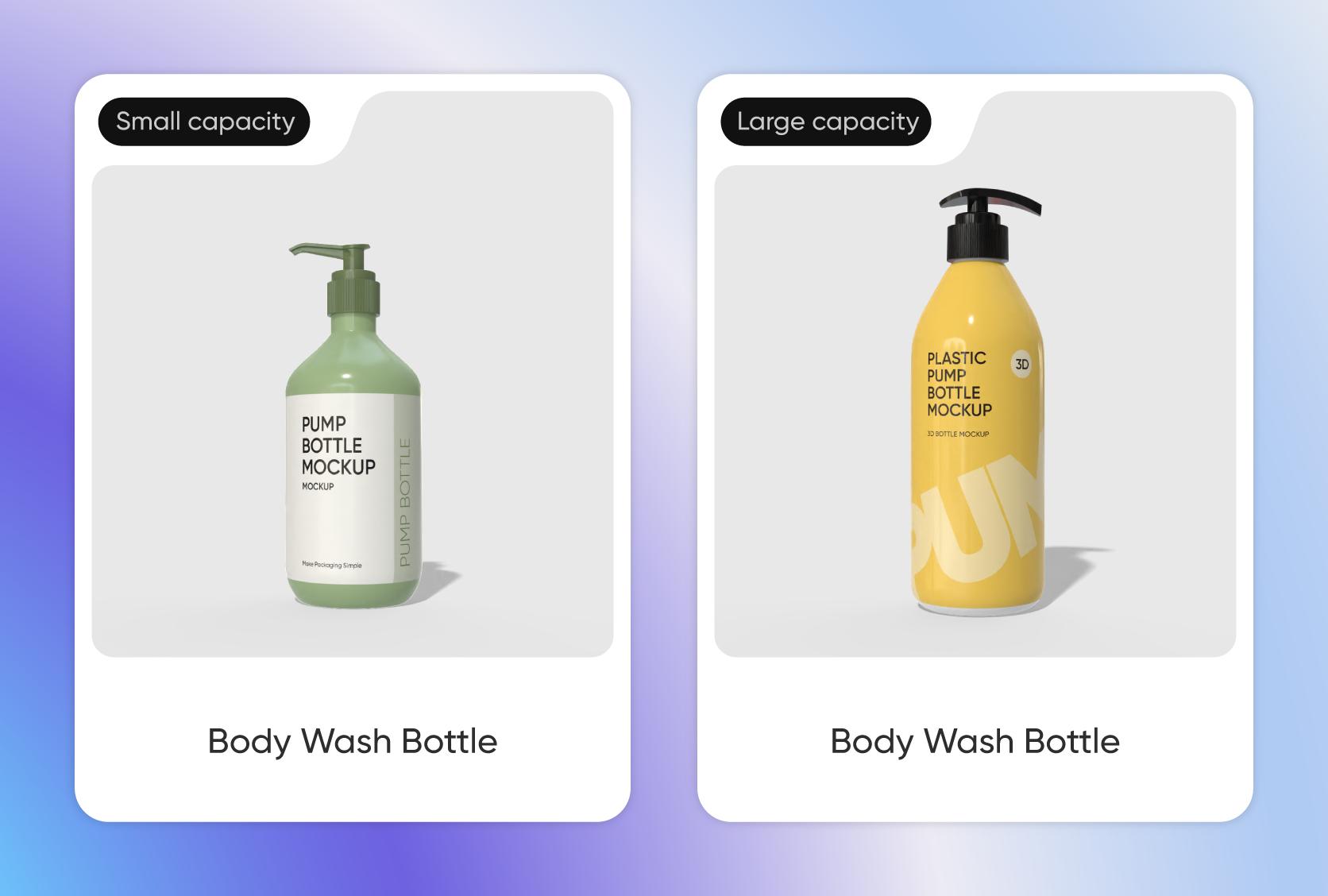
Ideal packaging size for enhanced user experience
Opt for a realistic packaging size so your product is easy and convenient to use. The good news is that at Pacdora, we offer plenty of sizes to fit all product needs.
Whether you need a small 6 × 4 × 2-inch box for single items, a 12 oz standard soda can, or a 4.7 × 6.7-inch snack pouch, we’ve got them all.

Packaging that draws attention to your product
Each packaging style has its own way of making a statement on the shelf. Boxes can create a gift-like impression, while curved bottles are instantly recognizable.
Pouches feel fun, playful, and convenient for quick grabs. Bags communicate practical, everyday essentials. Just pick a packaging option that’s perfect for your product.
Custom details that add personality and style
Design elements such as color, logos, images, graphics, artwork, and typography aren’t just decorative; they’re crucial for communicating your brand values and connecting emotionally with consumers.
Adjust each detail and preview how they interact from every angle to ensure your final design looks as striking and engaging as you envisioned.
Background that makes your packaging design relatable
Show your packaging design in real-life spots so people can picture using it. Snacks and drinks, for instance, look great on a countertop or store shelf.
With our AI background generator, you can showcase your packaging in your favorite setup. Just type in your keyword and you’ll receive smart suggestions that make your design pop.
Ideal packaging size for enhanced user experience
Opt for a realistic packaging size so your product is easy and convenient to use. The good news is that at Pacdora, we offer plenty of sizes to fit all product needs.
Whether you need a small 6 × 4 × 2-inch box for single items, a 12 oz standard soda can, or a 4.7 × 6.7-inch snack pouch, we’ve got them all.
Our customers love Pacdora’s mockup tools
Thousands before you have designed realistic mockups with Pacdora and loved it.

Great mock-ups and literally thousands of packaging designs to choose from. The 3d mock-up is so good, helps bring clarity to the client as well as the designers. Great product for packaging design professionals.


cosmiccorner
Move over, complicated design software! Pacdora is the superhero of packaging mockups. Creating 3D magic for my products is as easy as pie – no PhD in design required. It’s like the software looked at the clock and said, ‘Time to save users from design nightmares!’ It’s so user-friendly, even my coffee mug wants to try its hand at packaging design.
FAQ
Why do I need 3D packaging?
3D packaging helps you show off your products in the most appealing way, making it easier to catch attention and connect with customers. You can see exactly how your design wraps around pouches, cans, or boxes and quickly spot any issues before they become costly. Plus, it’s perfect for sharing your eye-catching designs on social media or your website.
Why should I consider Pacdora for 3D packaging?
Pacdora is your go-to online platform for 3D packaging because it makes designing simple, fast, and even fun, whether you’re a pro or just starting out. You can easily see your packaging in 3D and check how your artwork looks on a real product. No complicated software needed, just an intuitive tool with tons of customization, from materials and finishes to shadows and lighting.
How do I choose the right material for 3D packaging?
Choose a packaging material based on your product type. If it’s fragile or heavy, flute provides extra protection for safe shipping and storage. Luxury items look great in aluminium foil, which is often attractive because of its shiny surface that adds a premium feel. Kraft paper is popular for food packaging because of its natural, earthy look. You can also consider factors like brand image, finish options, and more to ensure it matches your style.
Can I use 3D packaging for online stores?
Absolutely! 3D packaging lets you show your product realistically, something customers really love. It makes your product look more dynamic and eye-catching, giving you a leg up in a crowded marketplace. Every detail, from labels to finishes, is easy to see, showing off your design perfectly. Plus, you can use 3D mockups straight for ads or social media from your online store.
Can I create 3D packaging for free on Pacdora?
Yes! Pacdora offers free features that you can use to create 3D packaging anytime, anywhere. You can also upgrade to premium features. Check out our pricing page for more details.
Explore more mockup tools
Discover more about Pacdora


