

Creating a mockup
Check out our collection of boxes, cups, pouches, plastic bags, and many other categories. Customize and download your mockup design as HD visuals for online display.


Trusted by leading companies


Creating a mockup on Pacdora is extremely simple and fast!
With Pacdora, you don’t have to spend hours or pay for costly apps to create a mockup that reflects your style. We’ve made the whole design process simple, fast, and fun. Just choose a mockup from our boxes, pouches, containers, and other categories, then customize it your way, from materials and size to the background. Once everything looks right, download HD visuals to showcase your design online or share with clients. Create your mockup for free today!


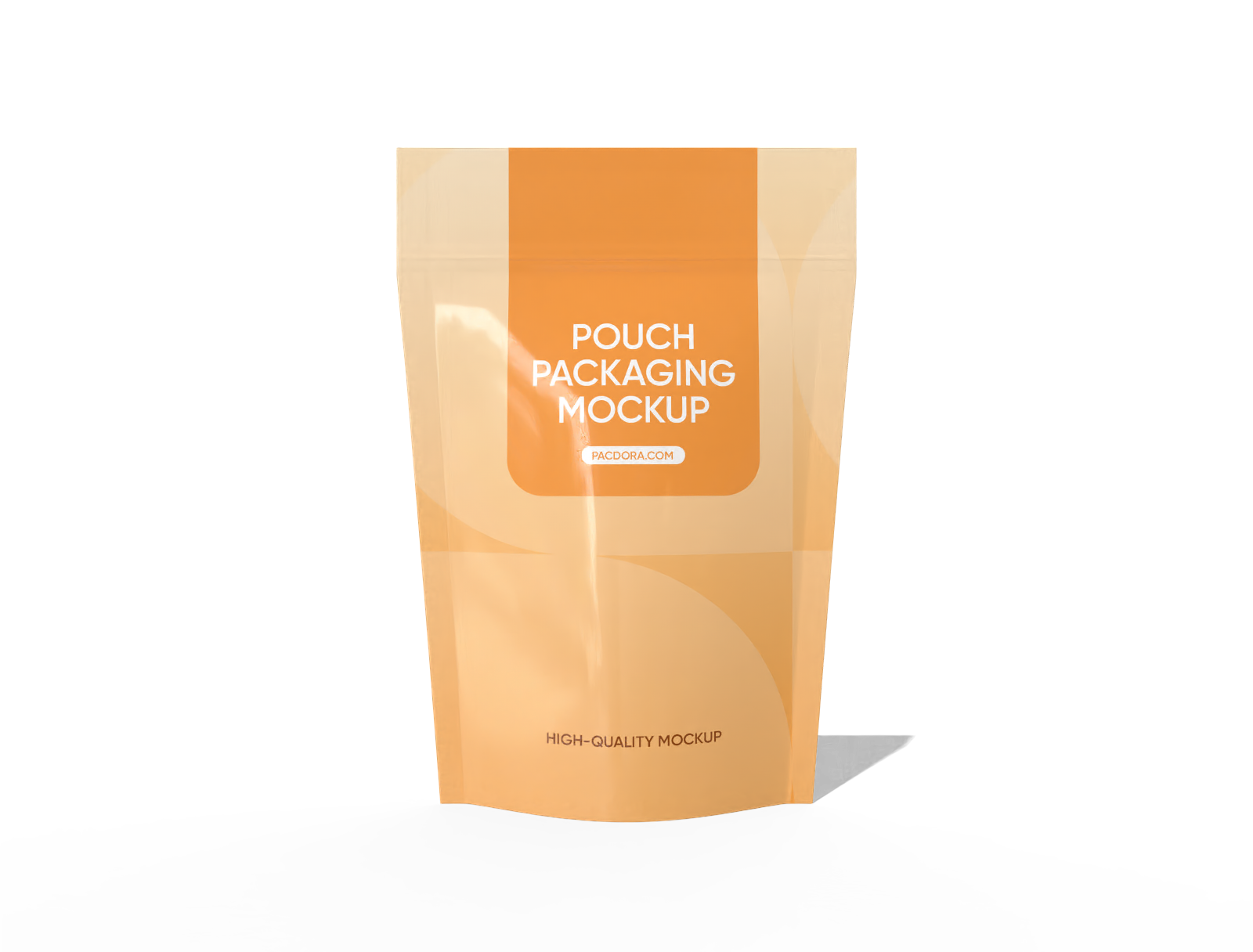

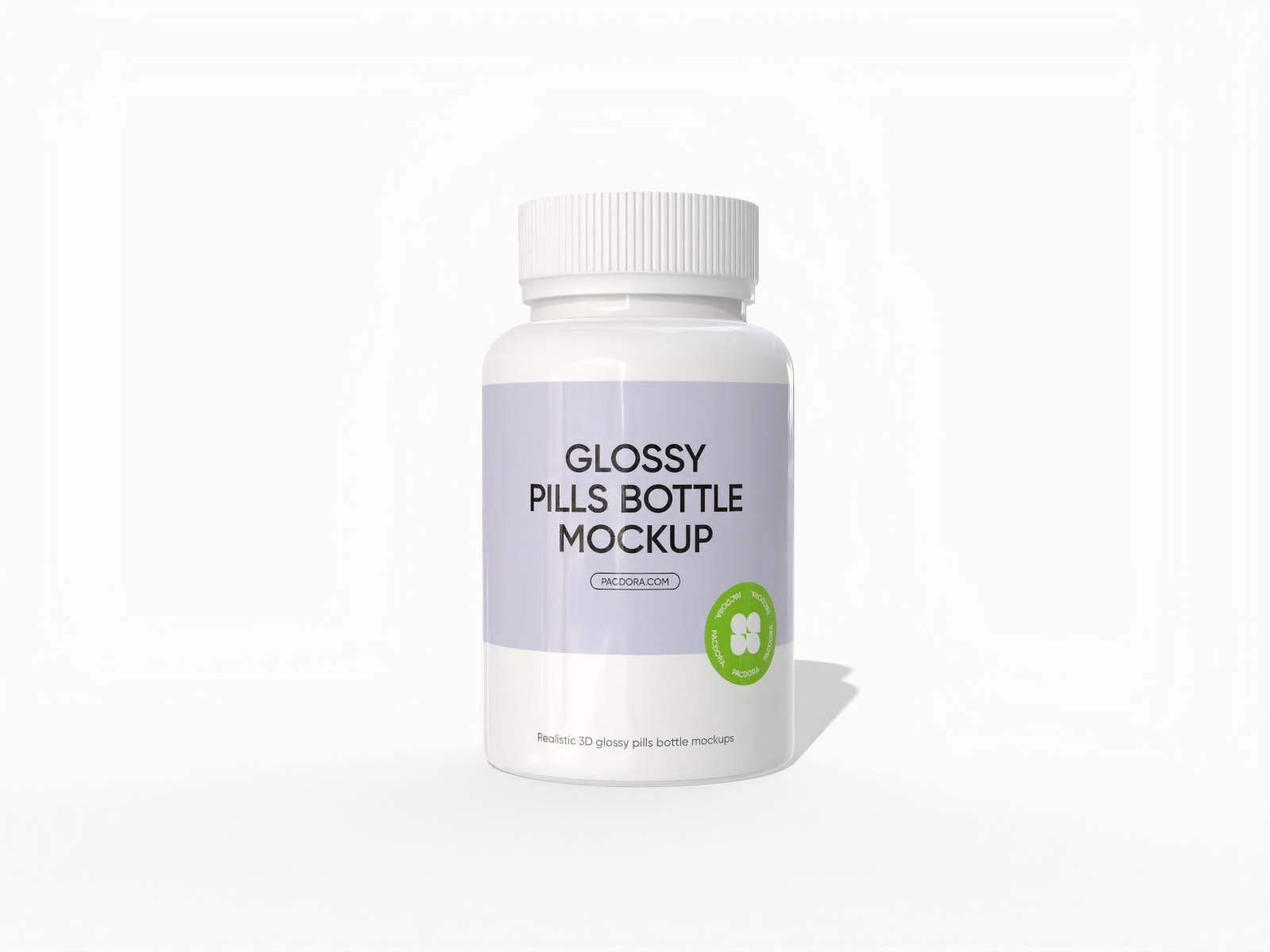
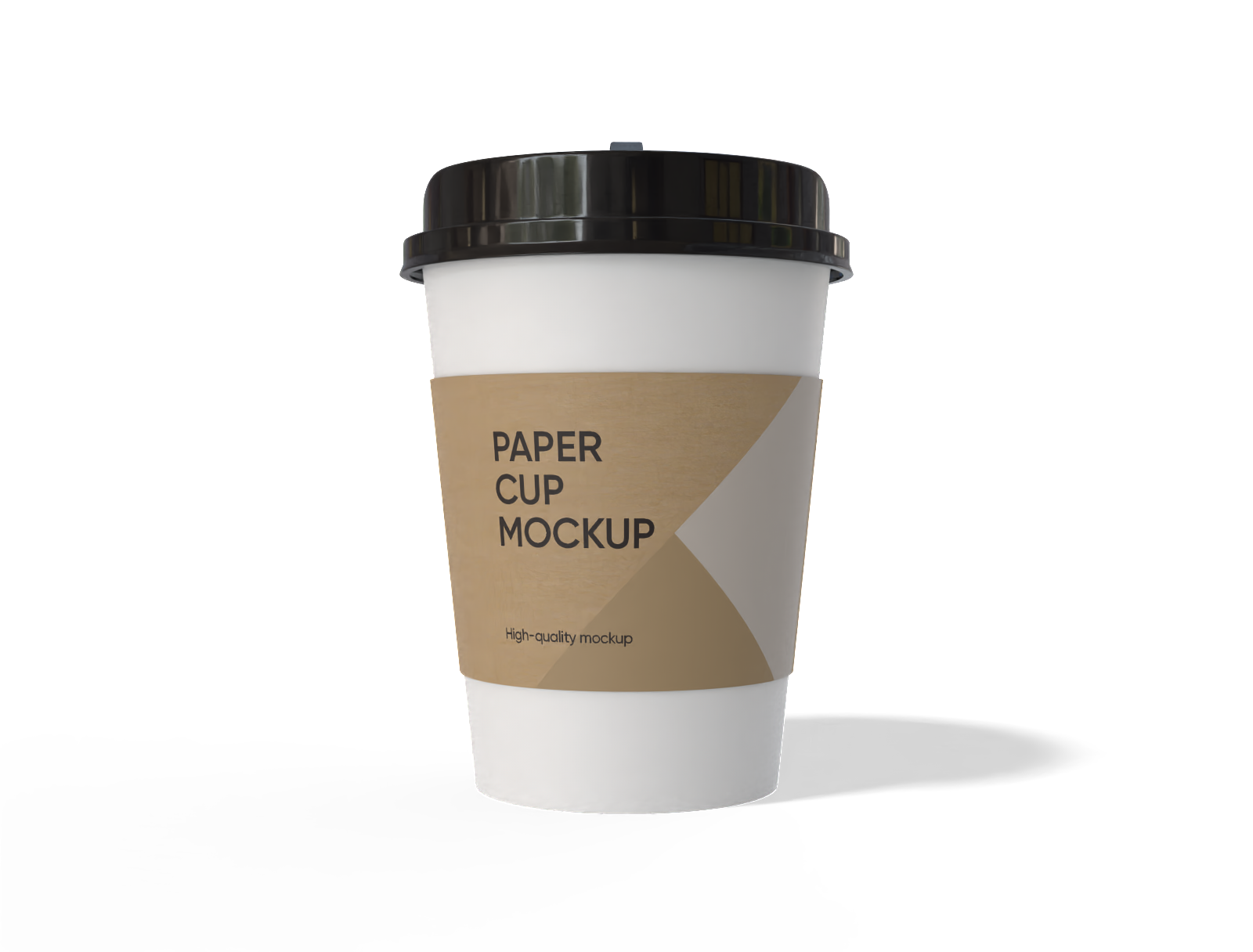

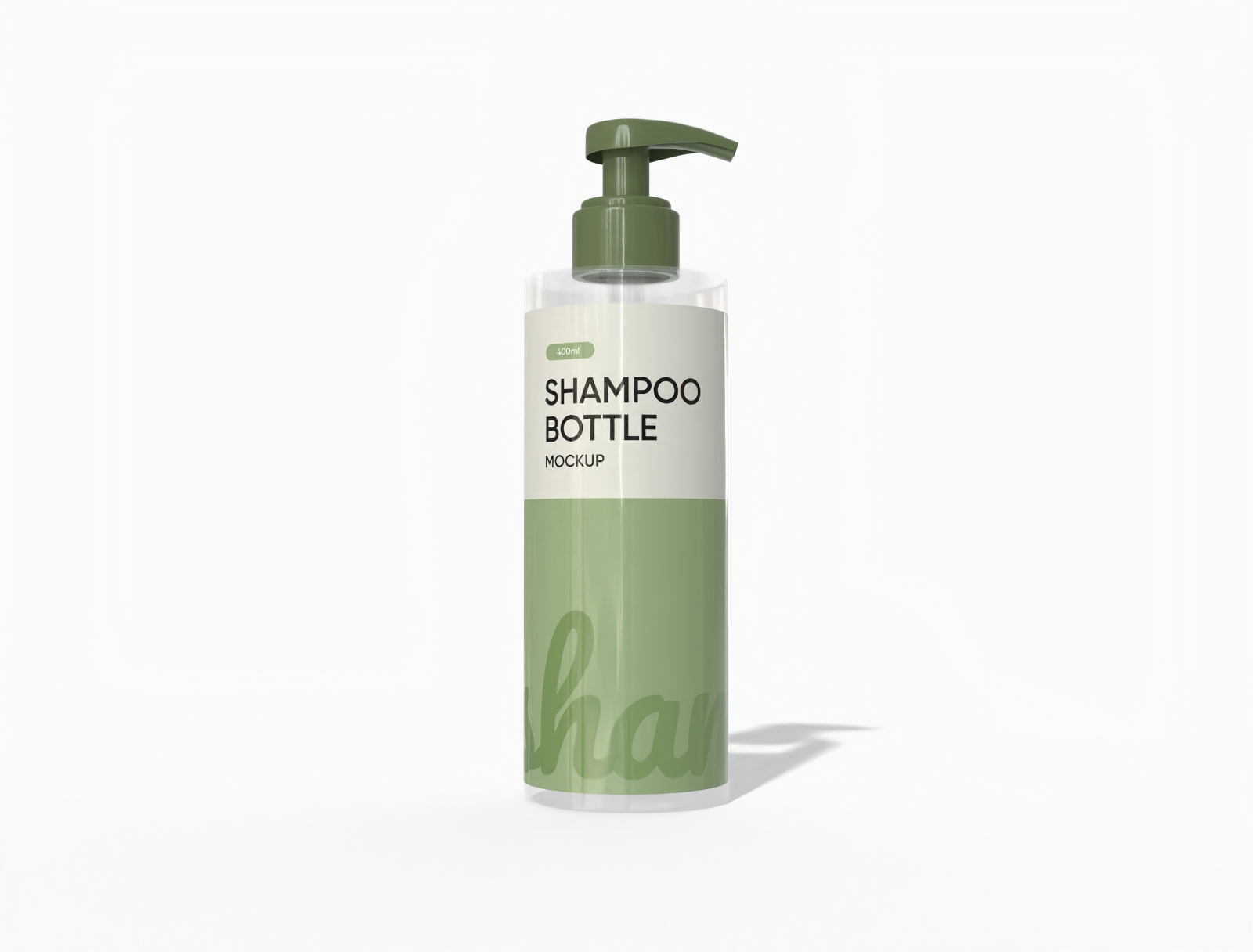
How to create a mockup online?
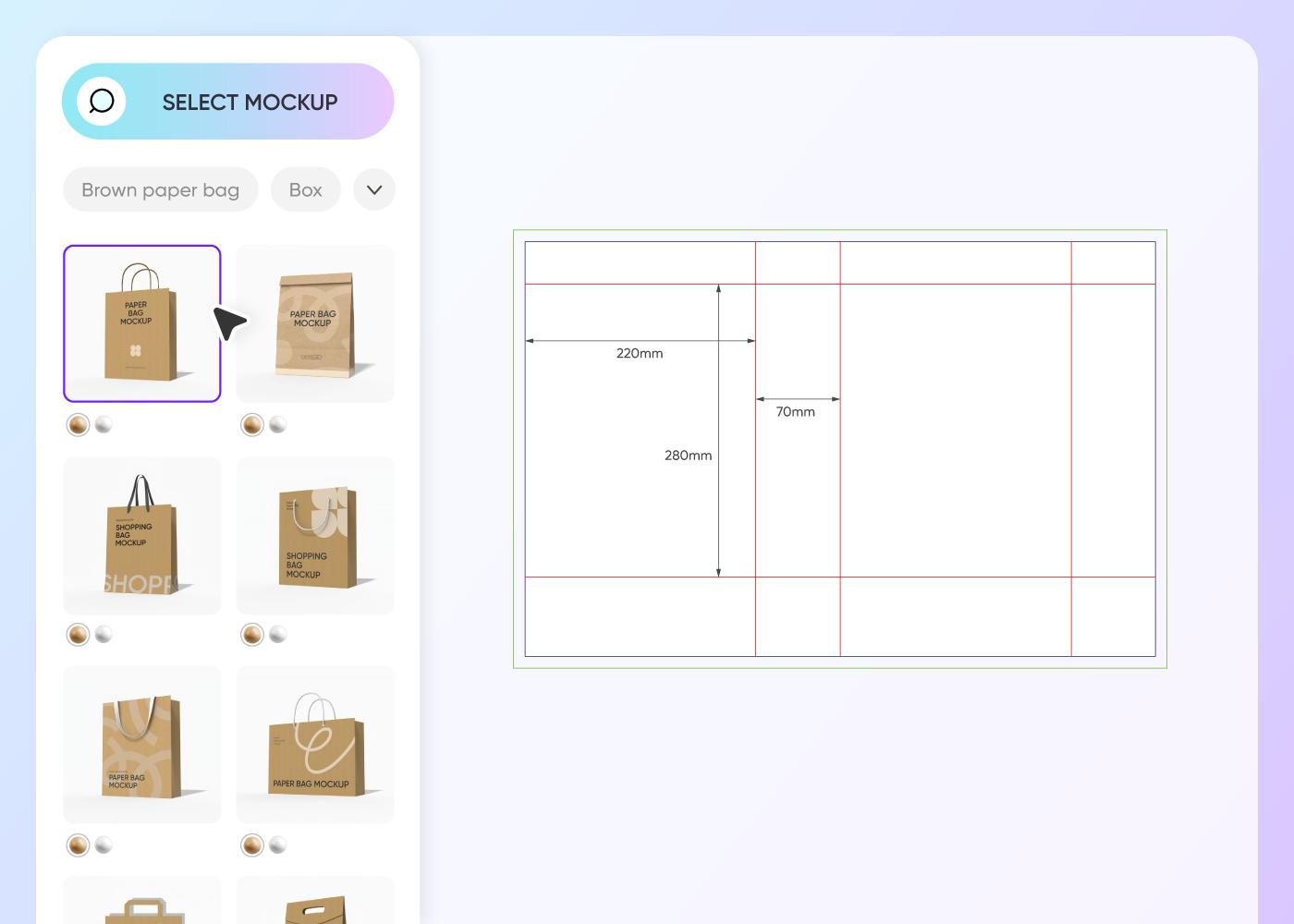

Step 1: Choose a mockup
Choose a mockup that fits your needs from our huge library, and just browse by category to quickly spot your perfect match.
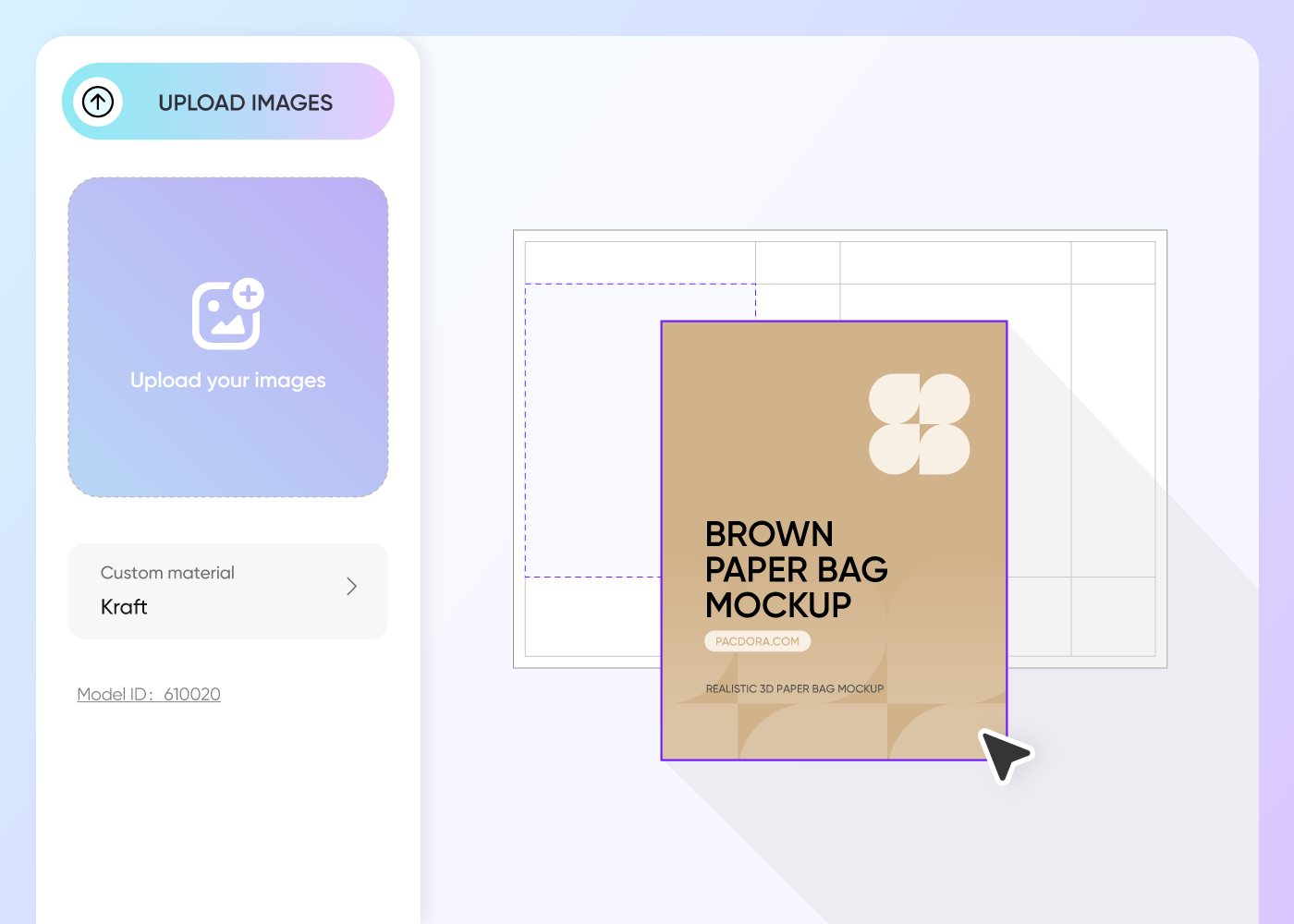

Step 2: Upload design and customize
Upload your design image and customize everything, material, size, color, finish, background, shadow, lighting, and more, to make it your own.
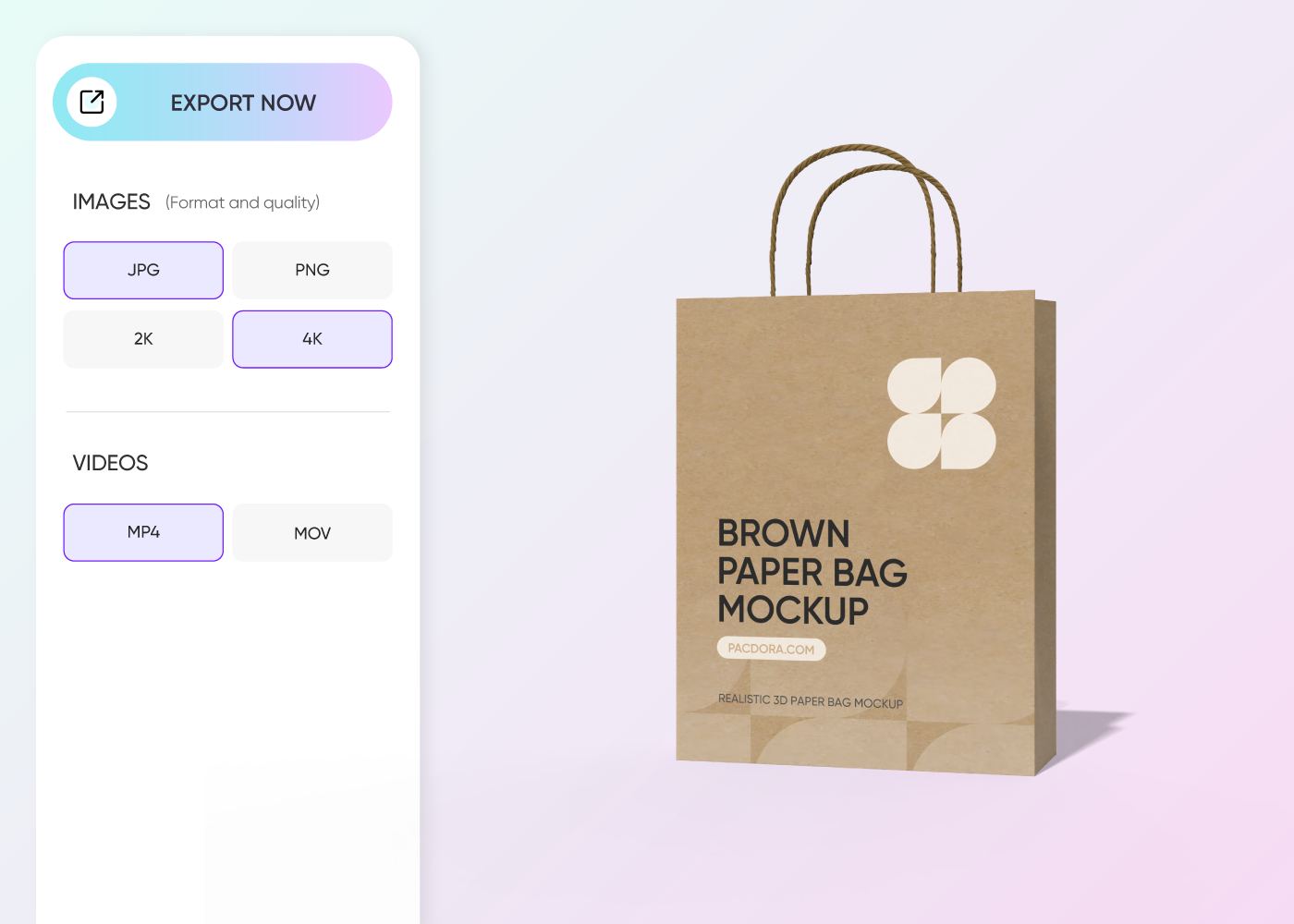

Step 3: Download your final design
Download HD PNG/JPG images or MP4 videos to showcase your design on social media or online stores. You can also export shareable links for collaboration.
What should I focus on when creating a mockup?

Pick mockup that matches the real product
At Pacdora, we offer tons of mockups for you to explore, so whatever you’re designing, we’ve got the right mockup to make it look awesome.
If you need packaging mockups, we cover everything from boxes and bags to jars, cans, and pouches. For the product category, we offer more styles like containers, plus packaging mockups like pouches.
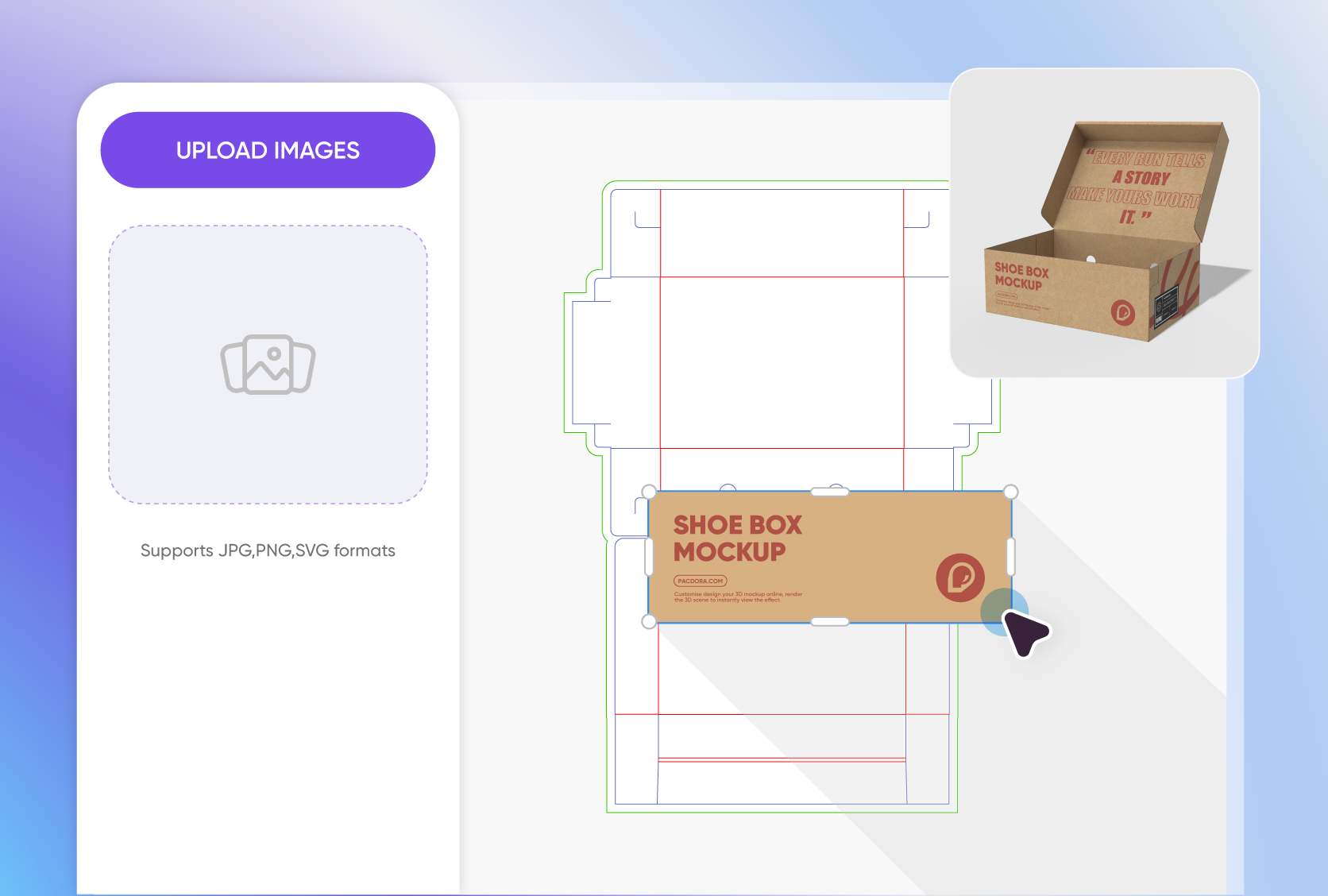
Elements that make your design truly stunning
A good mockup design should be visually striking, no matter the size or format, showing off your design’s personality and impact. Keep your typography clear, colors bold, and contrast strong.
Add fun patterns, artwork, or graphics, and make sure everything fits naturally to make your design pop. Also, keep things consistent for a polished look.
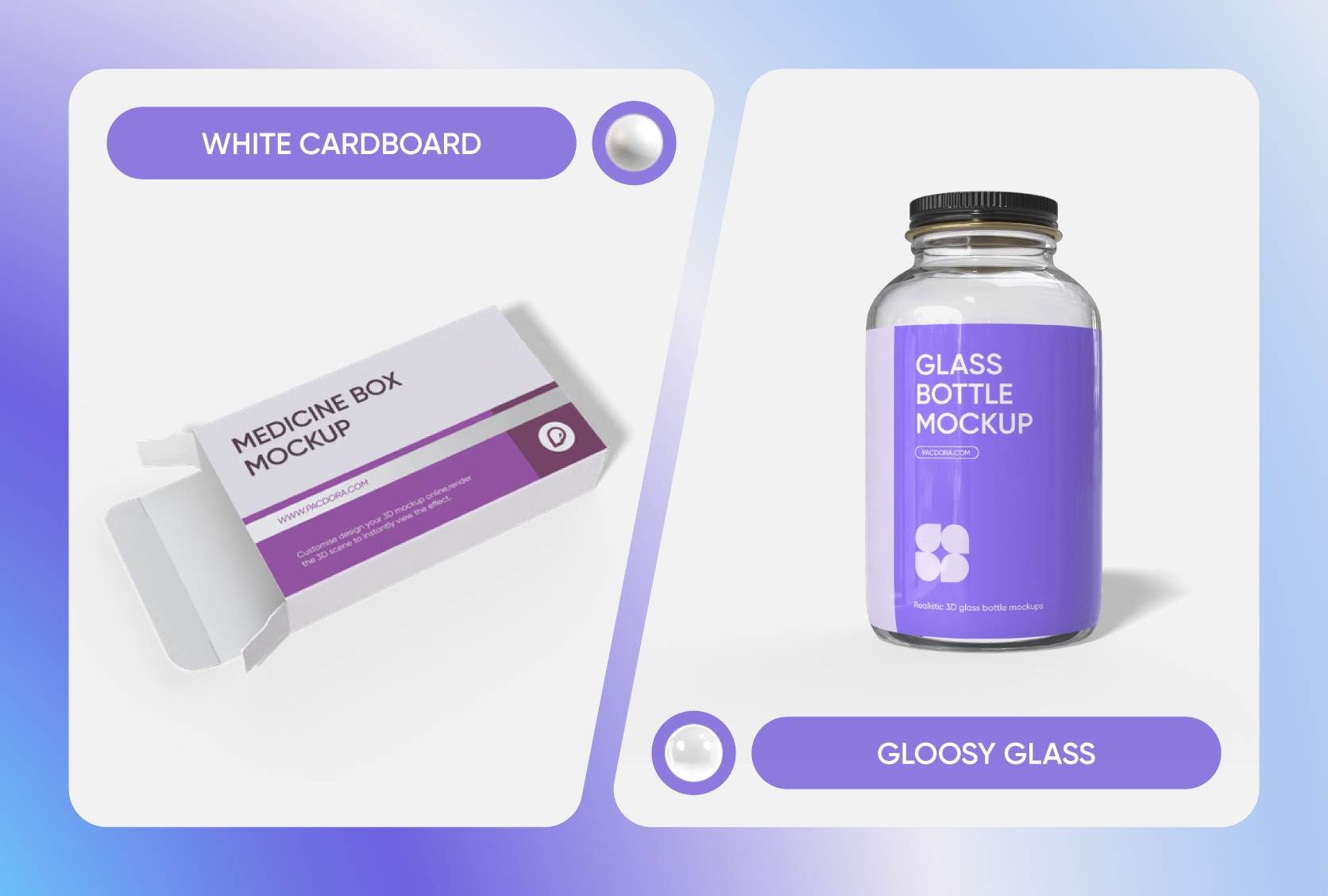
Materials that make designs look more premium
Material is often the first thing people notice, so choose the right material for your design to convey the quality and feel you’re aiming for.
We offer plenty of options, from premium glass and versatile plastic to shiny aluminium foil and eco-friendly kraft paper. You can also pick from materials like cotton, mylar, and nylon.
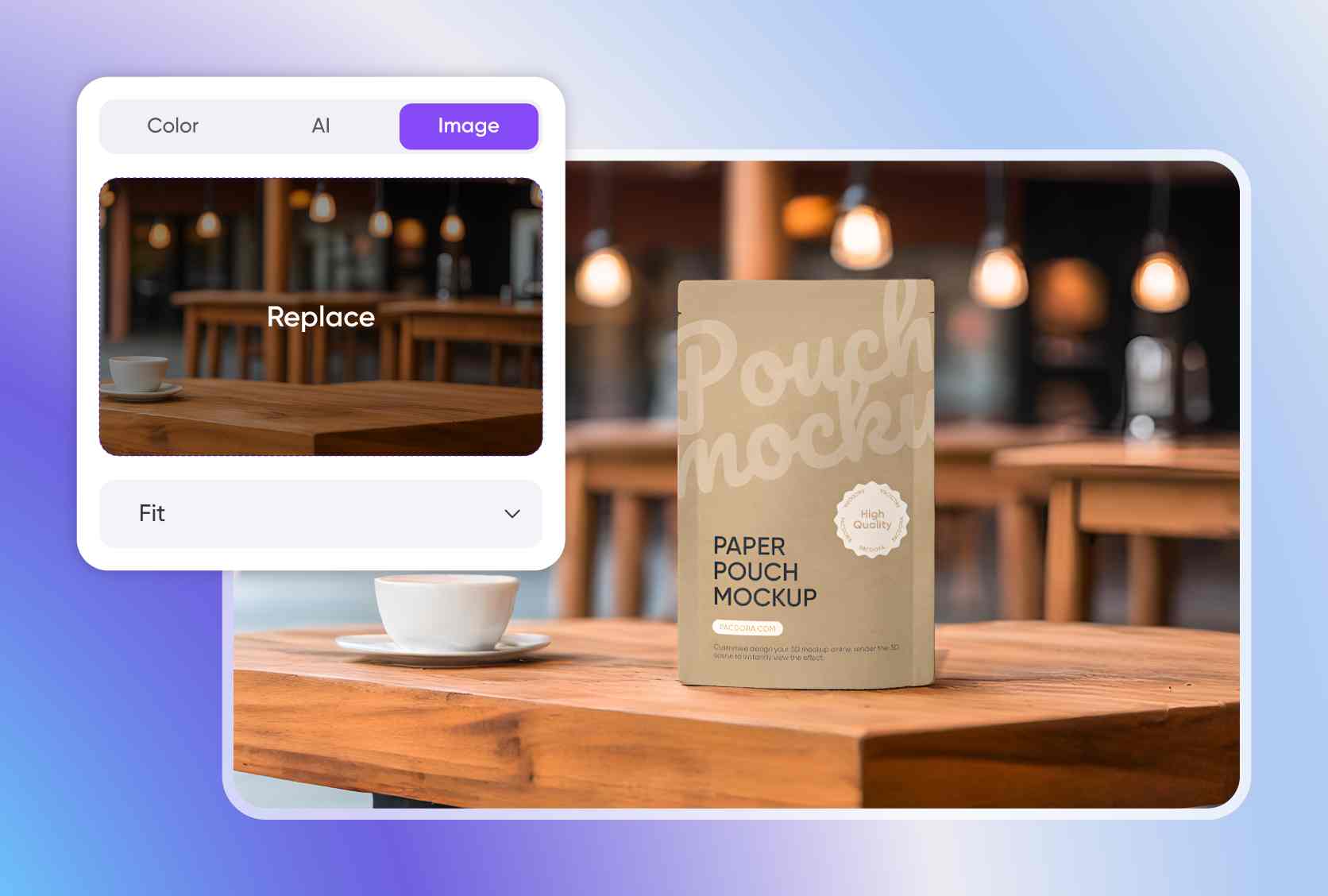
Background that adds context to your designs
Without context, even a beautifully crafted mockup can feel off. Always go for realistic backgrounds or real-life scenes that give meaning to your design.
You can place your design on a wooden table, store shelf, office desk, or outdoor setting. Just make sure it matches the vibe of the mockup you’re creating.

Pick mockup that matches the real product
At Pacdora, we offer tons of mockups for you to explore, so whatever you’re designing, we’ve got the right mockup to make it look awesome.
If you need packaging mockups, we cover everything from boxes and bags to jars, cans, and pouches. For the product category, we offer more styles like containers, plus packaging mockups like pouches.
Elements that make your design truly stunning
A good mockup design should be visually striking, no matter the size or format, showing off your design’s personality and impact. Keep your typography clear, colors bold, and contrast strong.
Add fun patterns, artwork, or graphics, and make sure everything fits naturally to make your design pop. Also, keep things consistent for a polished look.
Materials that make designs look more premium
Material is often the first thing people notice, so choose the right material for your design to convey the quality and feel you’re aiming for.
We offer plenty of options, from premium glass and versatile plastic to shiny aluminium foil and eco-friendly kraft paper. You can also pick from materials like cotton, mylar, and nylon.
Background that adds context to your designs
Without context, even a beautifully crafted mockup can feel off. Always go for realistic backgrounds or real-life scenes that give meaning to your design.
You can place your design on a wooden table, store shelf, office desk, or outdoor setting. Just make sure it matches the vibe of the mockup you’re creating.
Our customers love Pacdora’s mockup tools
Thousands before you have designed realistic mockups with Pacdora and loved it.

Great mock-ups and literally thousands of packaging designs to choose from. The 3d mock-up is so good, helps bring clarity to the client as well as the designers. Great product for packaging design professionals.


cosmiccorner
Move over, complicated design software! Pacdora is the superhero of packaging mockups. Creating 3D magic for my products is as easy as pie – no PhD in design required. It’s like the software looked at the clock and said, ‘Time to save users from design nightmares!’ It’s so user-friendly, even my coffee mug wants to try its hand at packaging design.
FAQ
Why do I need a mockup?
You need a mockup to see if your design works in real life. It lets you check every detail and see how your design looks on a real product. Mockups also help you communicate your ideas clearly to clients, stakeholders, or team members. Plus, a well-crafted mockup is a great addition to your portfolio and a powerful way to showcase your creative style online.
Why create a mockup on Pacdora?
Pacdora gives you access to thousands of high-quality, customizable mockups, so it’s easy to find the right style for your project. You can adjust color, material, finish, shadows, lighting, backgrounds, and even add your own assets like logos, graphics, patterns, or images. Plus, with 3D previews, you can quickly spot mistakes and adjust your design until it looks just like you imagined.
How do I make my mockup look more lifelike?
Customize the finish, especially for packaging mockups. Go for matte or glossy depending on the look you want. Add subtle shadows and good lighting to give your design depth and make it feel real. Place your design in real-life scenes to make it more engaging and lively. And make sure colors, lighting, and shadows all match the background so it looks believable.
Do I need to be an expert to create a mockup on Pacdora?
Not really! Pacdora is made for everyone, whether you’re a pro designer or just starting out, who wants to create realistic designs without spending hours on complicated software. All our mockups are ready to use, and the platform is super intuitive, giving you everything you need to design straight from your browser. You can have your design looking great in just minutes.
Can I create a mockup for free on Pacodra?
Yes! You can use our free features to create amazing designs at no cost. For more information about premium services, you can check out our pricing page.
Explore more mockup tools
Discover more about Pacdora


