

Mockup maker
Browse Pacdora’s huge collection of boxes, bottles, tubes, jars, cans, and many other packaging styles. Customize every detail using our user-friendly mockup maker, and instantly download HD visuals.


Trusted by leading companies


Create lifelike designs using Pacdora’s super intuitive mockup maker
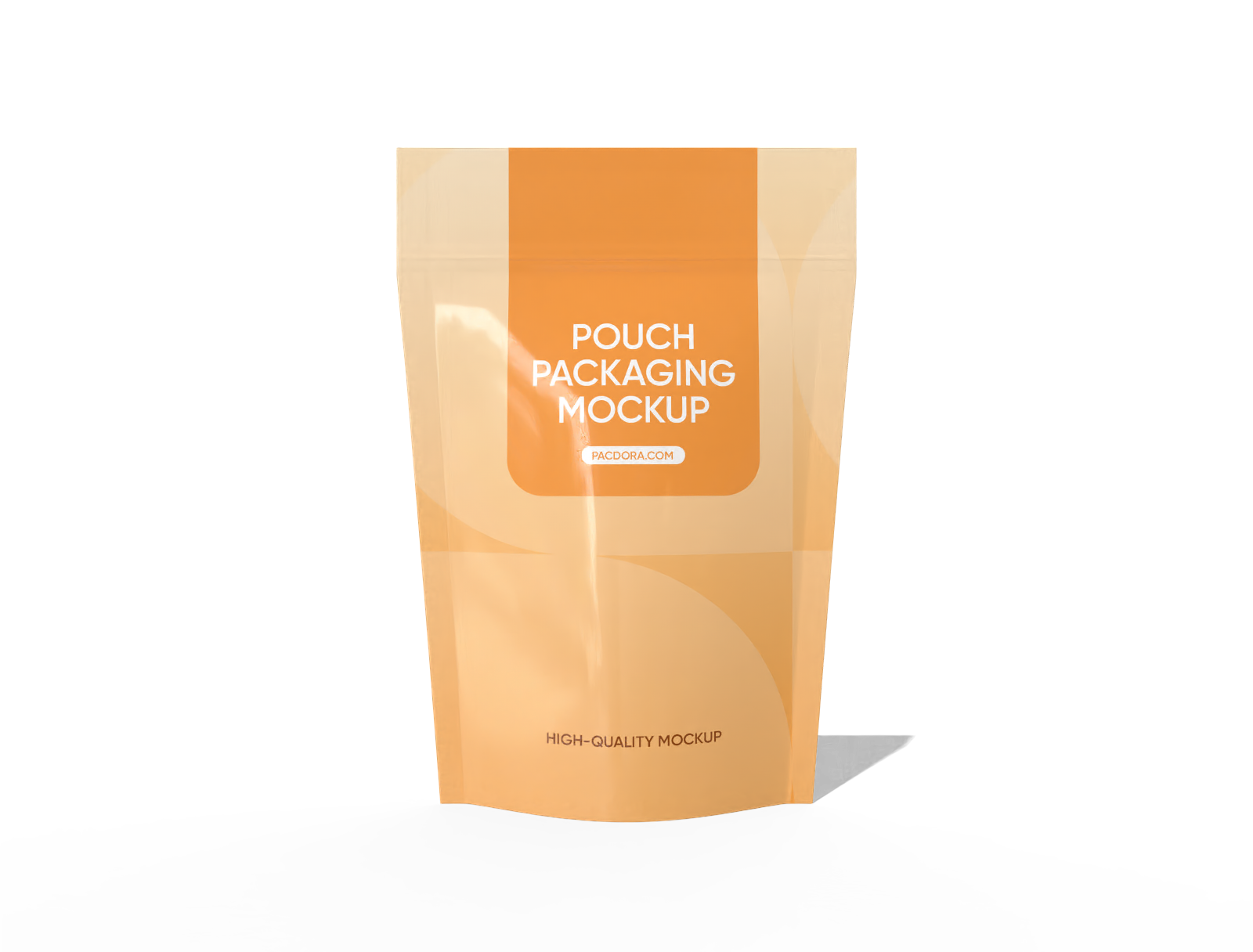
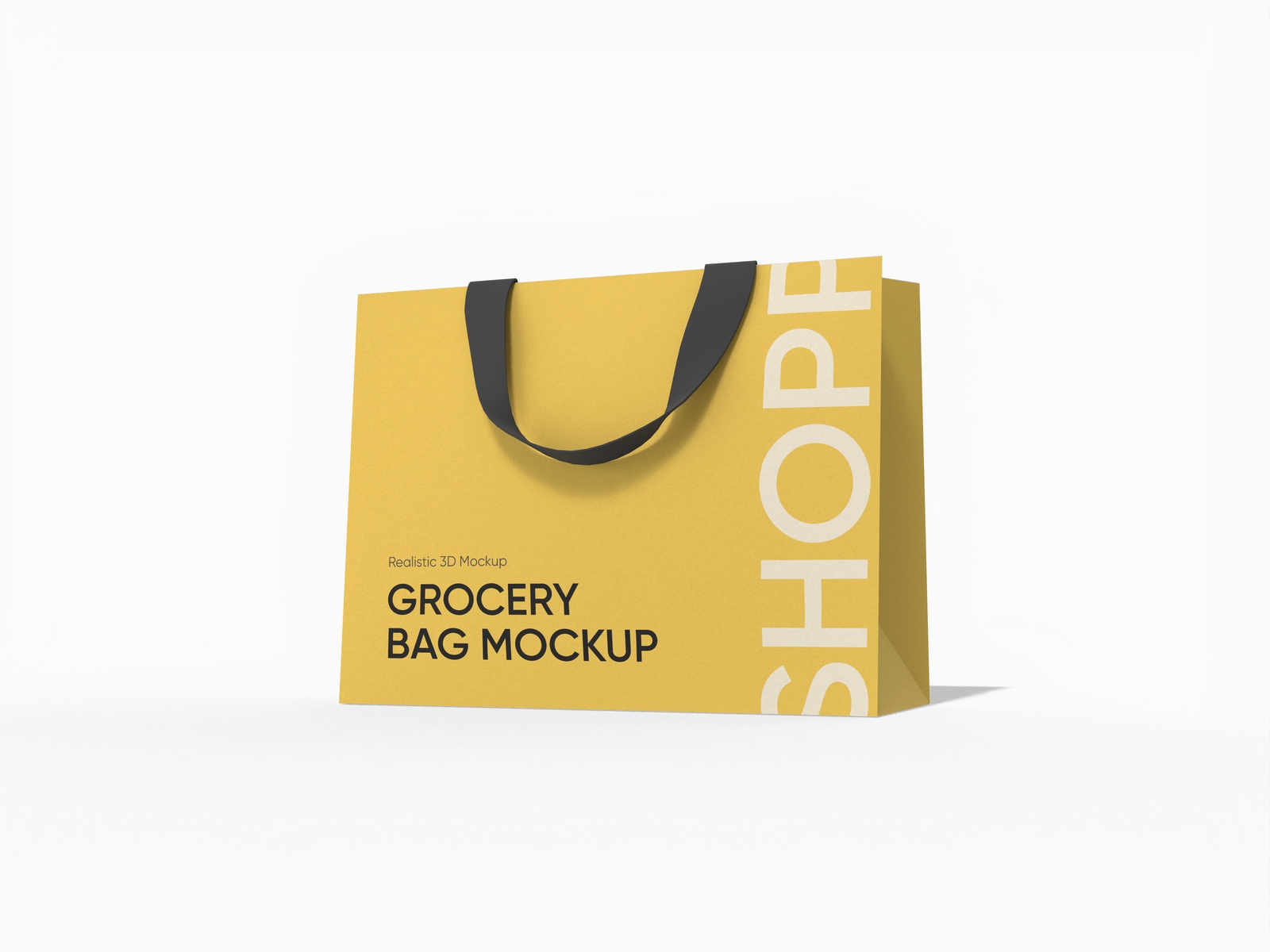
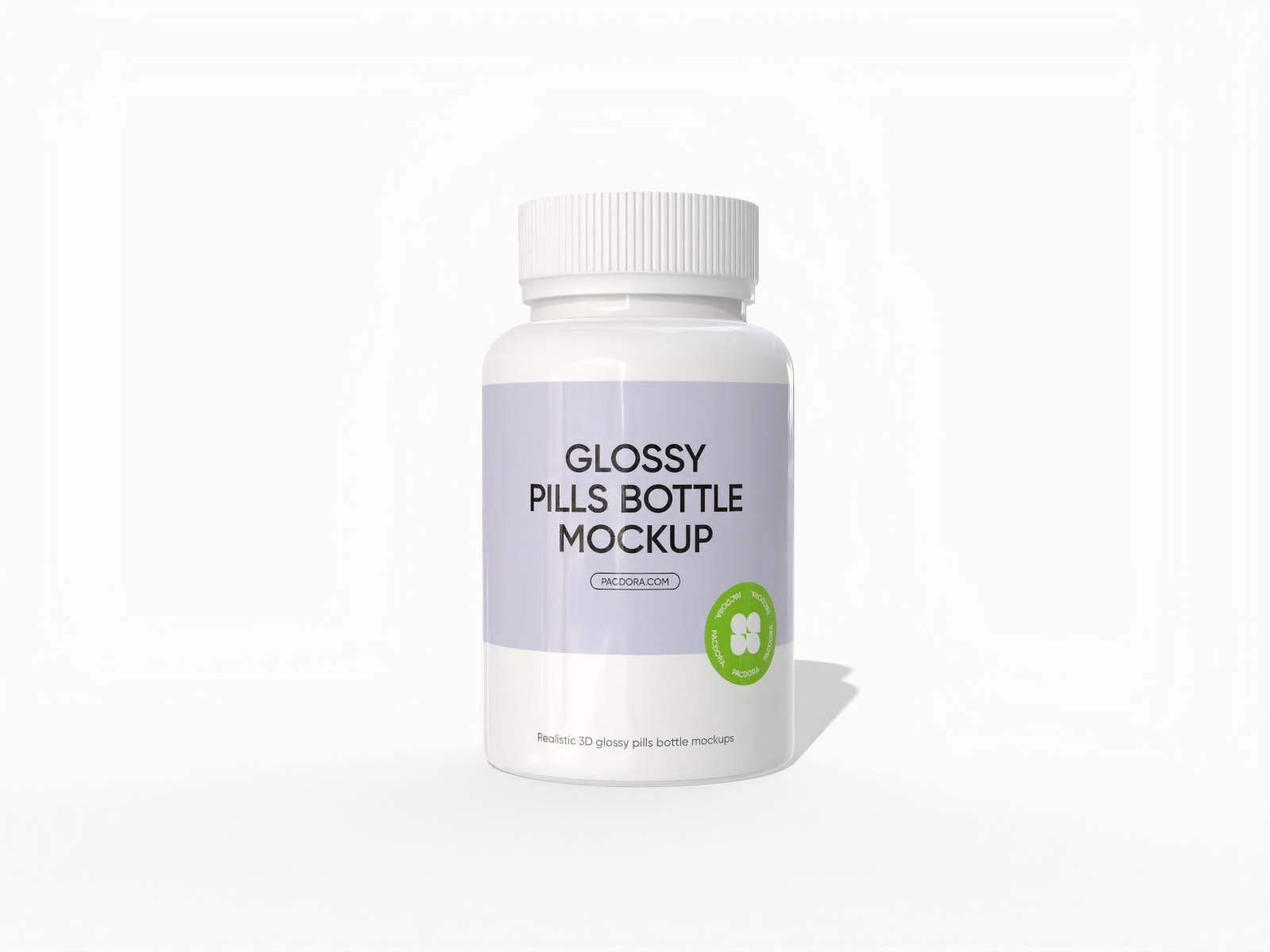
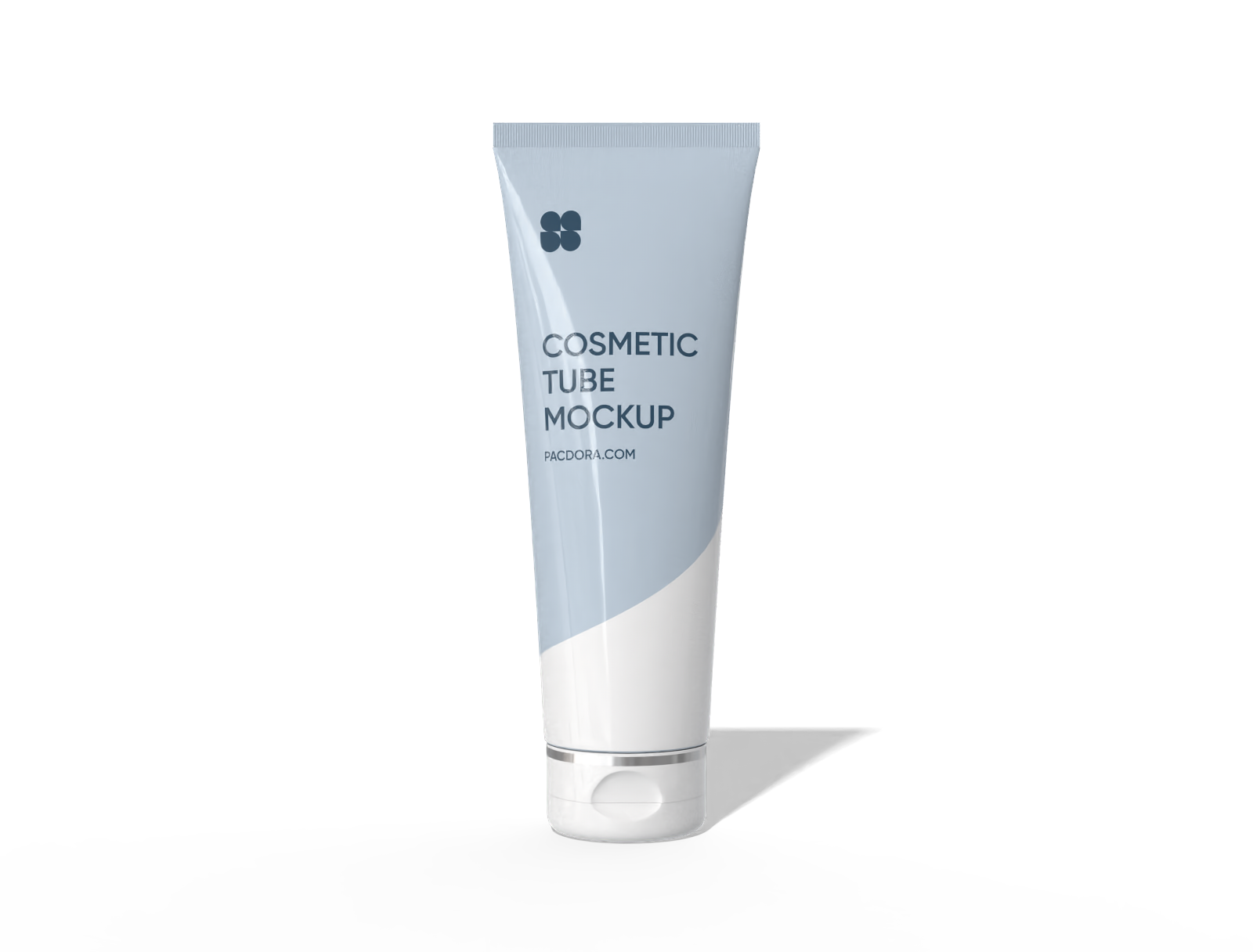
Looking to create professional-looking packaging designs without slowing your creative flow? Pacdora’s mockup maker is definitely worth a try. Browse our library and pick a mockup, whether it’s a box, a tube, a bottle, a pouch, or a bag. Add your branding or custom designs however you like, and once everything looks good, download HD PNG/JPG images or videos to share online or use in your portfolio. Creating on Pacdora is simple and flawless!




How to create a mockup online?


Step 1: Choose your favorite mockup
Choose a suitable mockup from our extensive packaging styles, like boxes, pouches, jars, and more, to get started on your design.


Step 2: Upload images and customize
Upload your artwork or design image and customize everything, from the material to size, color, finish, shadow, and lighting to the background.


Step 3: Export your final design
Export your mockup design as an HD PNG/JPG image or MP4 video for digital showcases, or share it via a link for a quick client look.
Must-have features of a great mockup maker

A wide range of mockups to explore
At Pacdora, we’ve put together a huge collection of packaging mockups so you can always find the perfect fit for your products.
From beverage bottles and snack pouches to gift boxes, cream jars, drink cans, and food cans, we’ve got them all in a variety of sizes to match your packaging needs.

Ability to create a mockup your way
Our online mockup maker is more than just a simple editor. It lets you create your mockup your way and gives you the freedom to play around until it looks just right.
You can customize colors, sizes, materials, finishes, shadows, and lighting, plus upload your own assets, like graphics and artwork, or add text in any font you like.

Backgrounds that make your design feel authentic
Showing your design in real-life scenes is super important, especially for viewers or clients who want something engaging and relatable.
Picture a snack pouch sitting on a kitchen counter or a gift box displayed in festive holiday scenes. Pacdora makes it happen with just a few moments of background customization.

Multiple export formats for a flawless presentation
Creating impressive mockups is one thing, but showing them off in style is where it really counts. With our mockup maker, you can download crisp 8K PNG/JPG images for promotions.
Or export MP4 videos to showcase your 3D mockup from multiple angles. You can also get dieline files for printing and shareable links for easy collaboration.

A wide range of mockups to explore
At Pacdora, we’ve put together a huge collection of packaging mockups so you can always find the perfect fit for your products.
From beverage bottles and snack pouches to gift boxes, cream jars, drink cans, and food cans, we’ve got them all in a variety of sizes to match your packaging needs.
Ability to create a mockup your way
Our online mockup maker is more than just a simple editor. It lets you create your mockup your way and gives you the freedom to play around until it looks just right.
You can customize colors, sizes, materials, finishes, shadows, and lighting, plus upload your own assets, like graphics and artwork, or add text in any font you like.


Backgrounds that make your design feel authentic
Showing your design in real-life scenes is super important, especially for viewers or clients who want something engaging and relatable.
Picture a snack pouch sitting on a kitchen counter or a gift box displayed in festive holiday scenes. Pacdora makes it happen with just a few moments of background customization.
Multiple export formats for a flawless presentation
Creating impressive mockups is one thing, but showing them off in style is where it really counts. With our mockup maker, you can download crisp 8K PNG/JPG images for promotions.
Or export MP4 videos to showcase your 3D mockup from multiple angles. You can also get dieline files for printing and shareable links for easy collaboration.
Our customers love Pacdora’s mockup tools
Thousands before you have designed realistic mockups with Pacdora and loved it.

Great mock-ups and literally thousands of packaging designs to choose from. The 3d mock-up is so good, helps bring clarity to the client as well as the designers. Great product for packaging design professionals.


cosmiccorner
Move over, complicated design software! Pacdora is the superhero of packaging mockups. Creating 3D magic for my products is as easy as pie – no PhD in design required. It’s like the software looked at the clock and said, ‘Time to save users from design nightmares!’ It’s so user-friendly, even my coffee mug wants to try its hand at packaging design.
FAQ
What is a mockup?
A mockup is a visual preview of how your design or product will look in real life. Think of it like a demo that gives you an idea of how the final result will turn out. You can check things like colors, patterns, graphics, text, and more to make sure everything looks great before the final stage. Plus, a well-designed mockup is always a nice addition to your portfolio.
Why use Pacdora’s mockup maker?
Pacdora’s mockup maker gives you a wide range of customizable packaging mockups, from boxes and pouches to bags and bottles, so you’ll always find the perfect fit for your project. Additionally, our mockup maker offers impressive customization options; you can tweak colors, materials, sizes, finishes, shadows, lighting, and even backgrounds to make your design look just right. Export formats are also diverse, ensuring you can present your designs the best way possible.
Do I need design skills to use Pacdora’s mockup maker?
Not really! You can easily create your design using our mockup, even if you’re a beginner. Our mockup is super intuitive and comes with ready-to-use mockups. Plus, it’s available online, so all you need is your browser, you can complete all the tasks, from uploading your artwork to customizing it, previewing, and exporting in your preferred format.
Does Pacdora’s mockup maker support 3D mockups?
Absolutely! Pacdora fully supports 3D mockups. You can place your design on a 3D model of any product or packaging and view it from multiple angles. You can see exactly how labels, patterns, graphics, and text wrap around the product before finalizing your design. As a result, you can easily spot any mistakes early, address them, and make sure your final result looks polished.
Is Pacdora’s mockup maker free to use?
Yes! Our mockup maker offers free features that you can use to create amazing designs at no cost. Premium services are also available for users who would like to access advanced features. For more details, visit our pricing page.
Explore more mockup tools
Discover more about Pacdora


