

Custom printed sleeves

Aside from your brand logo, you can add your graphic, images, or patterns, and instantly download HD PNGs for free.
Custom printed sleeves
Aside from your brand logo, you can add your graphic, images, or patterns, and instantly download HD PNGs for free.
Trusted by leading companies


Design your own custom printed sleeves with just a few clicks with Pacdora!
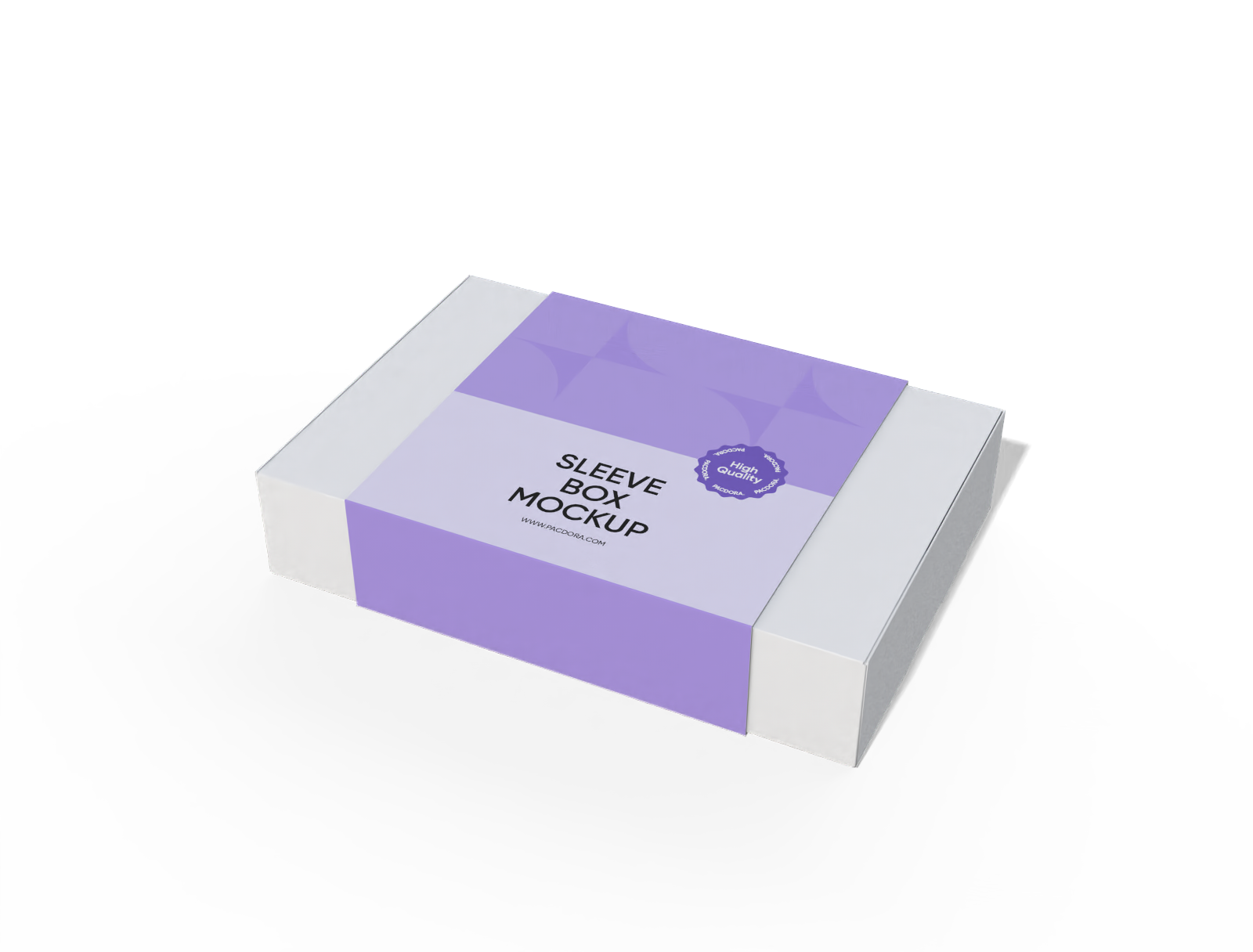
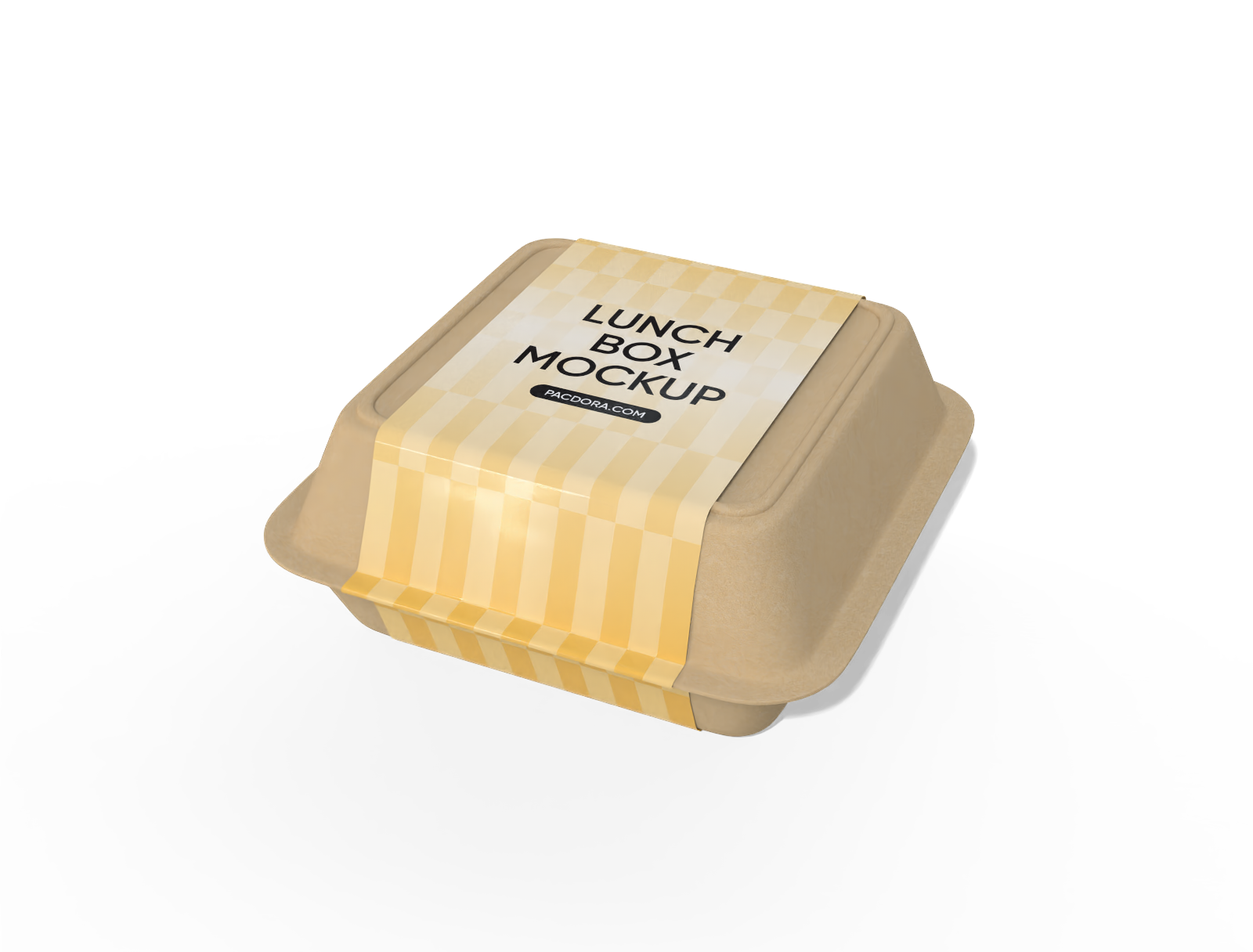
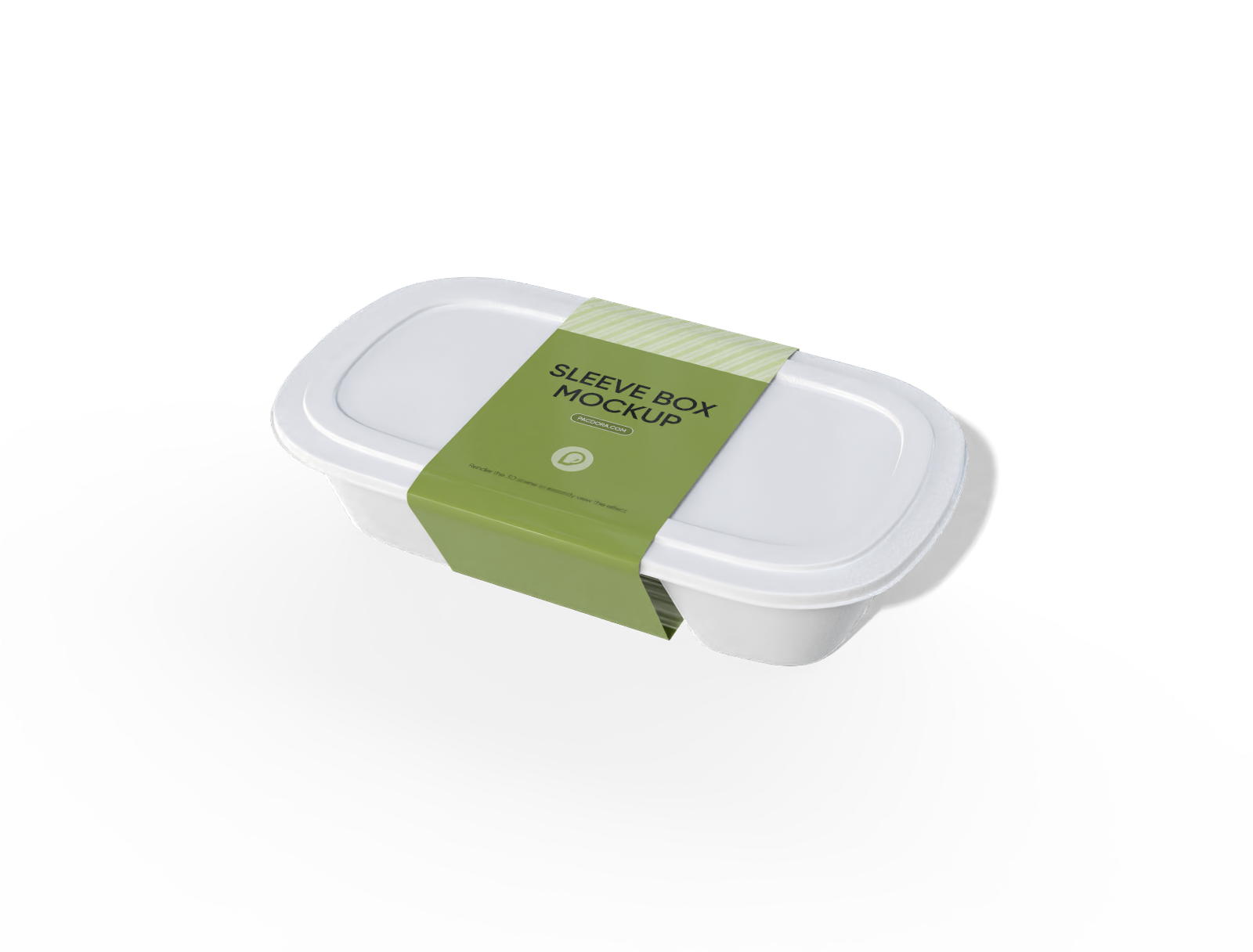
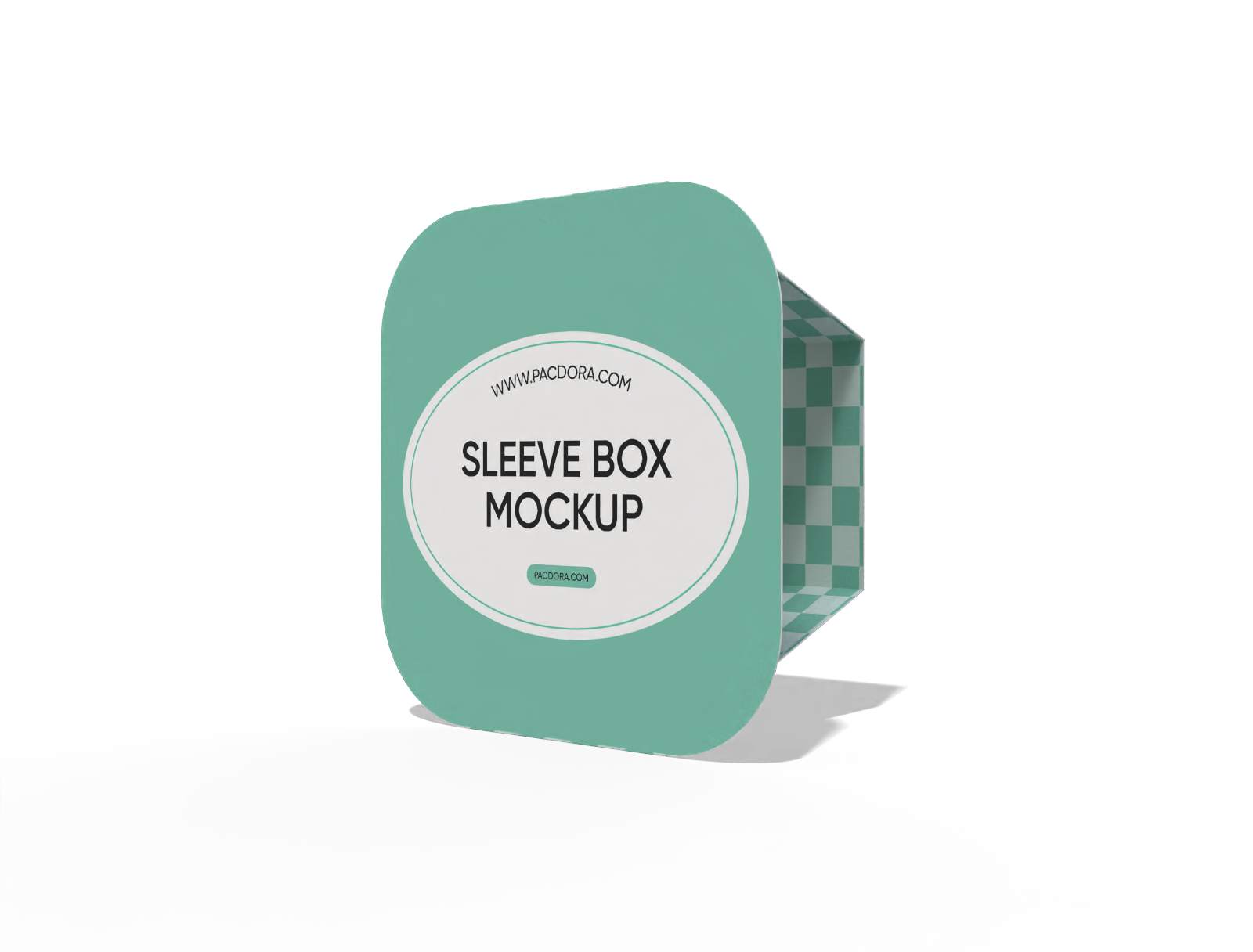
Looking to make your product more attractive to customers? Pacdora lets you create custom printed sleeves that align seamlessly with your packaging needs. Here, you enjoy full design freedom with ready-to-use polygonal sleeve boxes, book sleeve boxes, gift box sleeves, and plenty more. You can add your own elements, colors, logos, and graphics, and even download HD PNG/JPG images or MP4 videos to use online. Our team also offers the printing service if you’d like to print your design. Design your perfect packaging sleeve today!
How to create custom printed sleeves online?
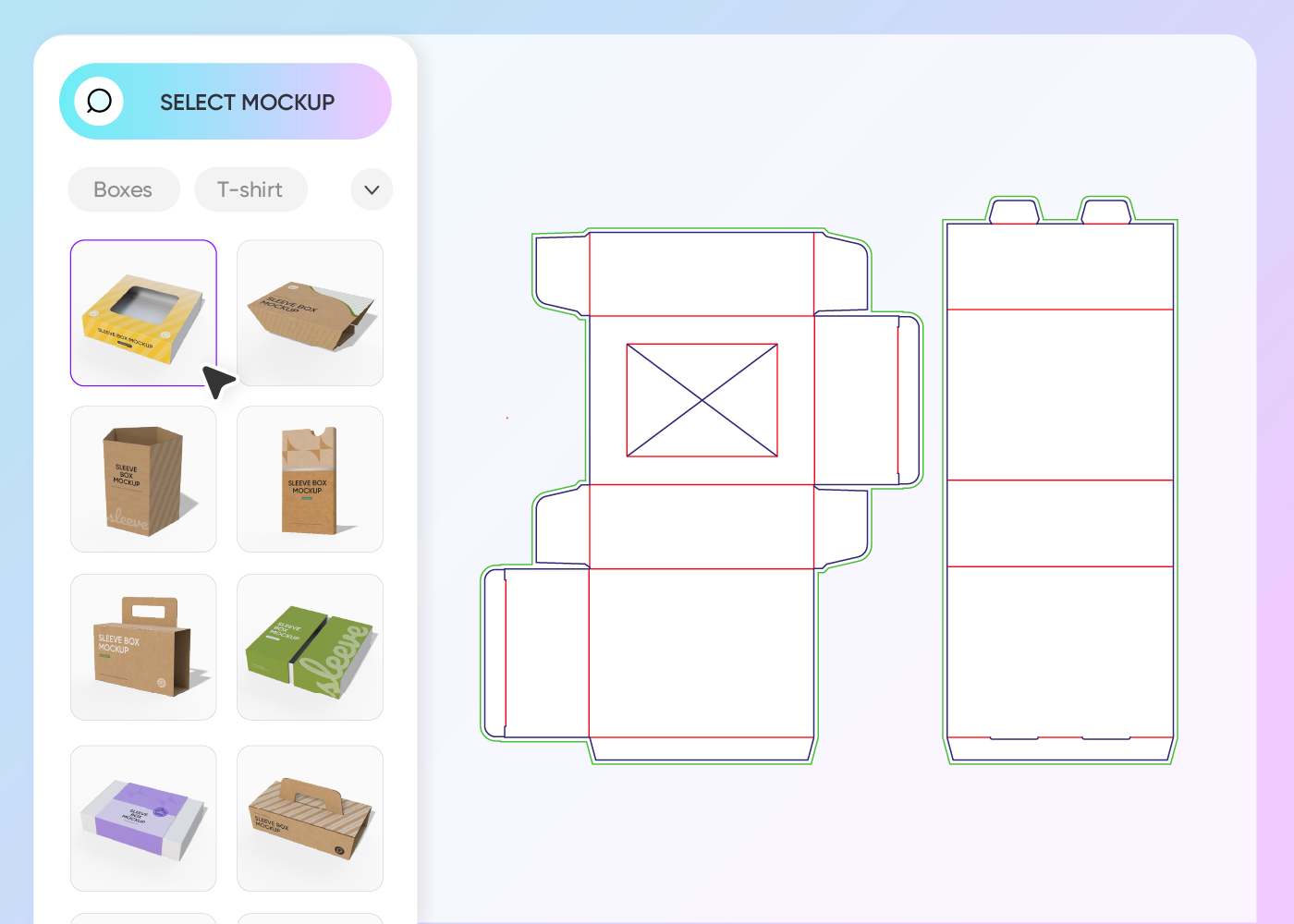
Step 1: Choose your packaging sleeves
Choose from our collection of packaging sleeve mockups. We’ve got a variety of styles for every product need.
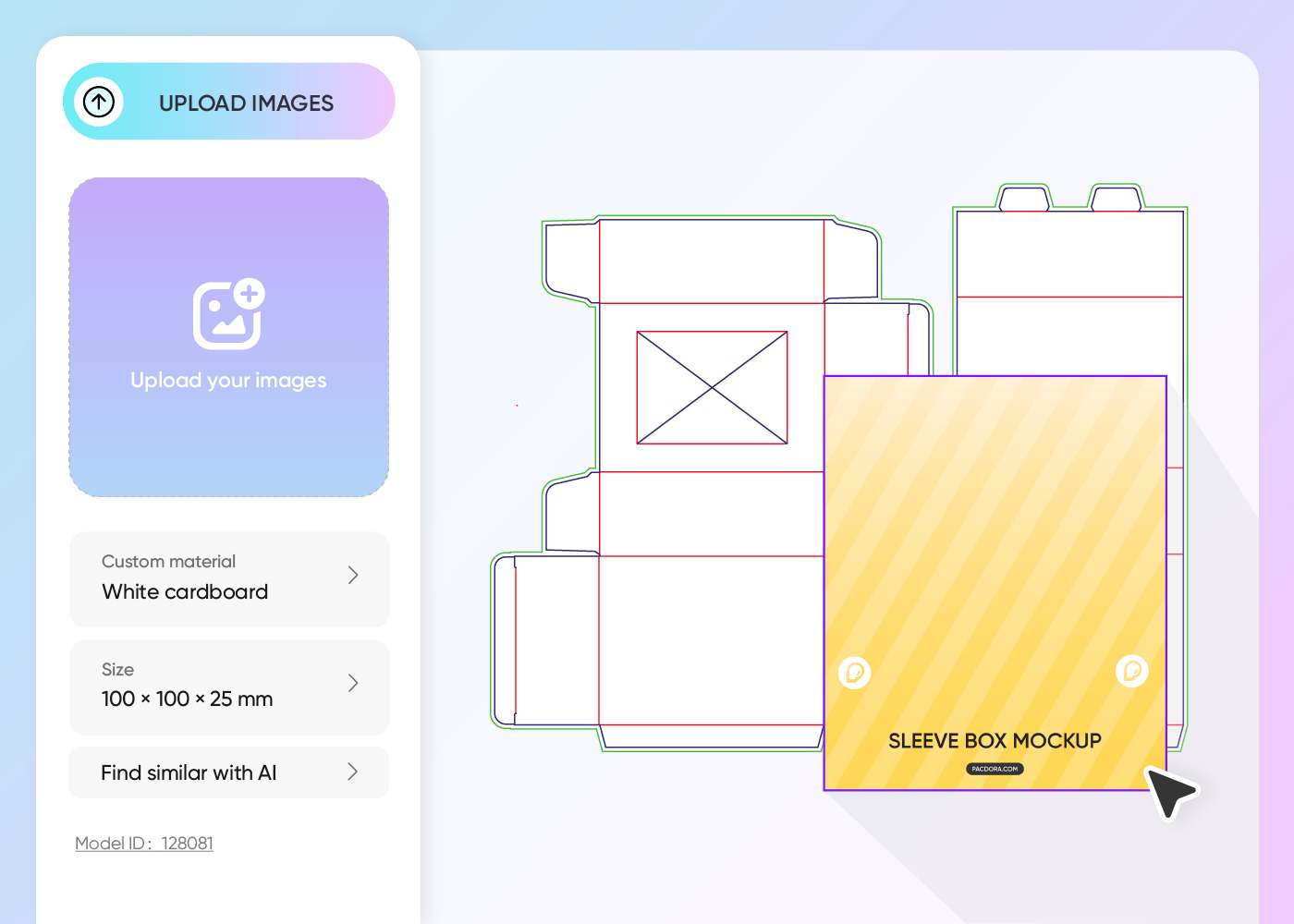
Step 2: Upload design and customize
Upload your artwork or ready-made design and use our free online 3D studio to adjust the size, change the color, material, and add your custom touches.
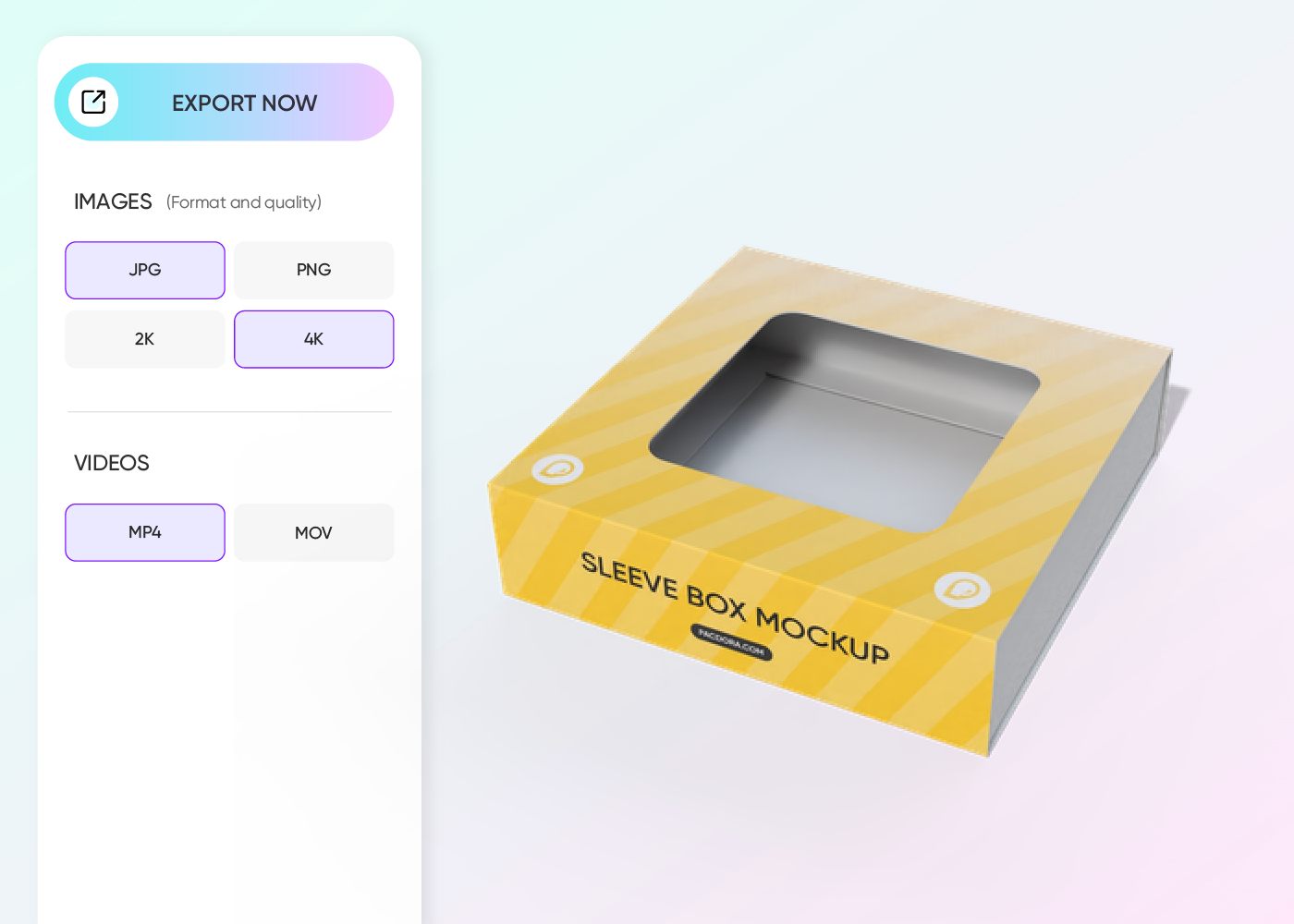
Step 3: Download your sleeve design
Download your perfectly designed custom printed sleeve as a dieline file ready for printing or export HD visuals to promote your product on your website.
Step 1: Choose your packaging sleeves
Choose from our collection of packaging sleeve mockups. We’ve got a variety of styles for every product need.
Step 2: Upload design and customize
Upload your artwork or ready-made design and use our free online 3D studio to adjust the size, change the color, material, and add your custom touches.
Step 3: Download your sleeve design
Download your perfectly designed custom printed sleeve as a dieline file ready for printing or export HD visuals to promote your product on your website.
Standout features of high-impact custom printed sleeves

Custom sleeves crafted to fit your style
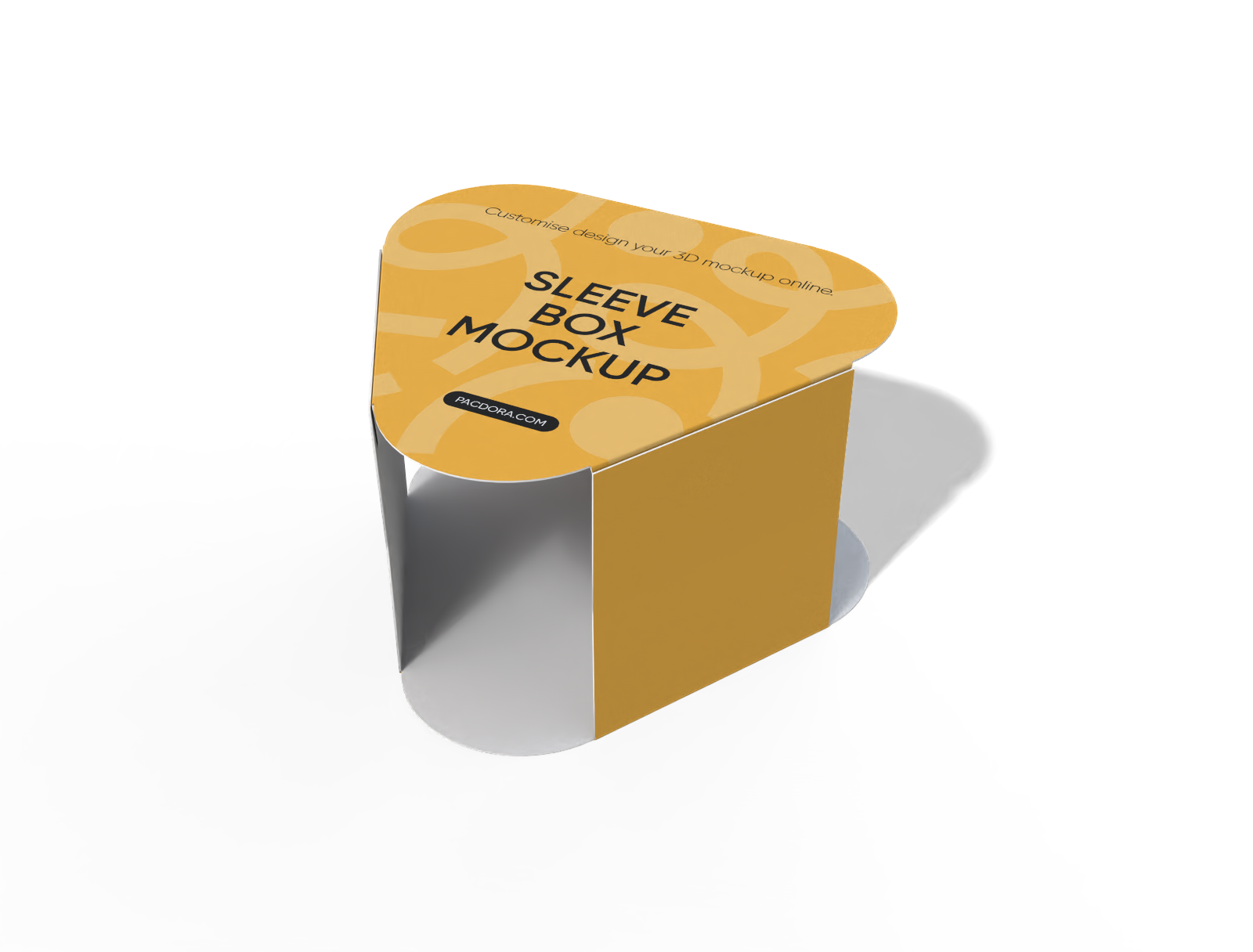
At Pacdora, we help you create custom printed sleeves that fit your needs and taste perfectly. You can choose from a multi-sided polygonal shape for shelf appeal or windowed sleeves to show off your product.
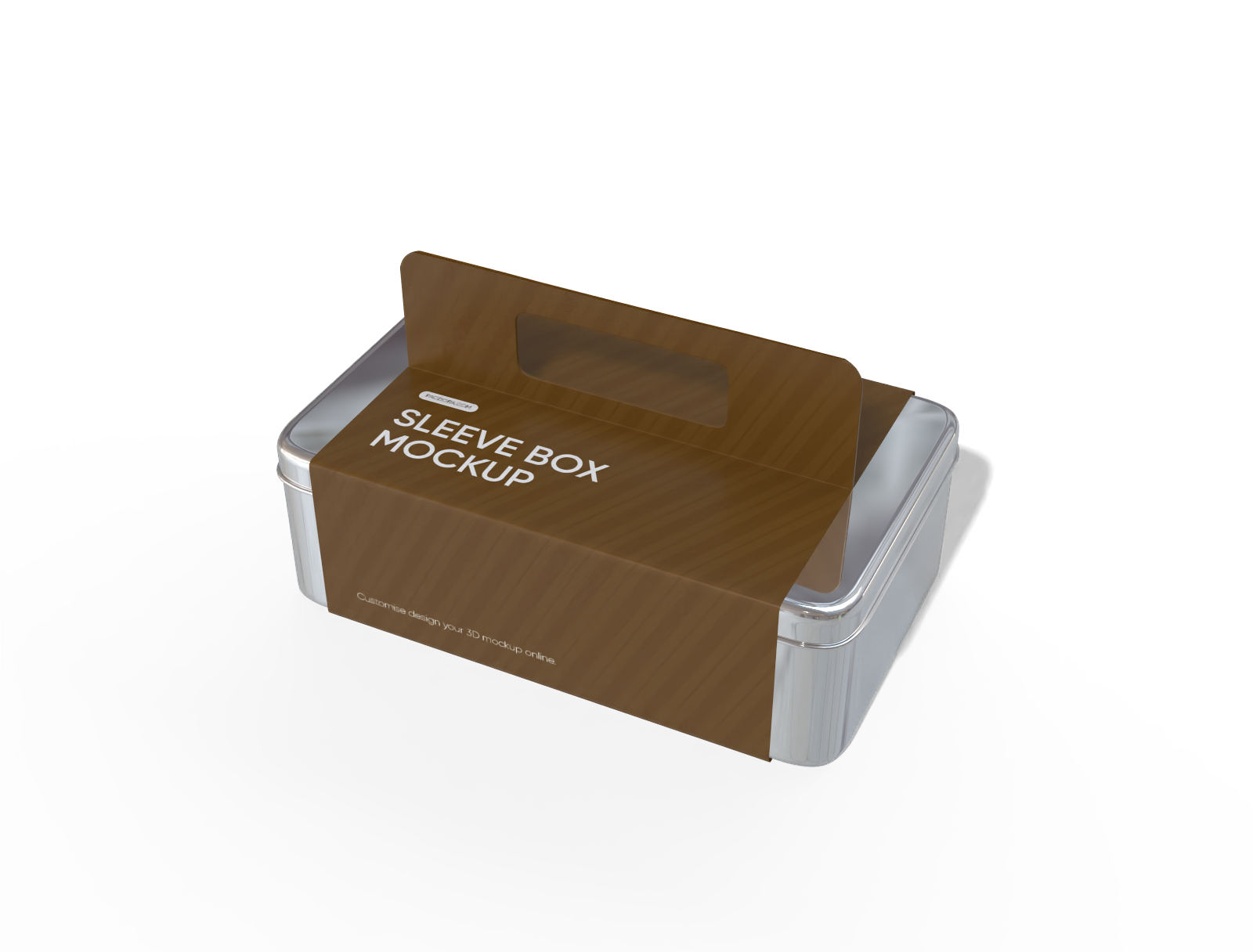
If you want something functional with a stylish twist, go for a handled sleeve box or keep it classy with a sleek book sleeve design.
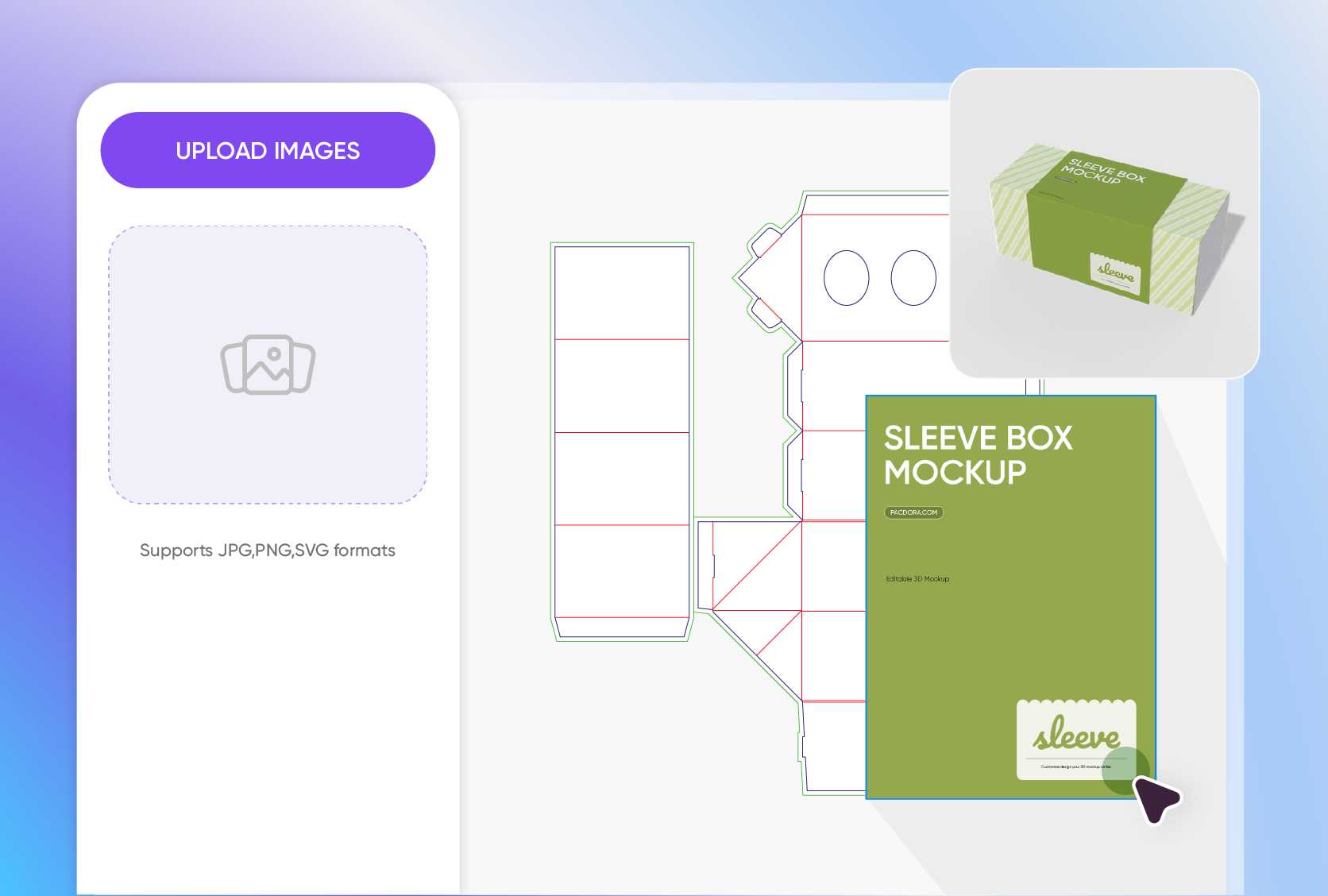
Custom-designed sleeves that captivate and engage customers
With Pacdora, you can create and print custom sleeves in the design you like. Using our editor, you can add your brand logo, images, and messages to highlight limited edition products.
For a stylish touch, opt for playful or elegant fonts, whichever matches your brand, and incorporate eye-catching patterns or product-related graphics to make your sleeve thematic and engaging.
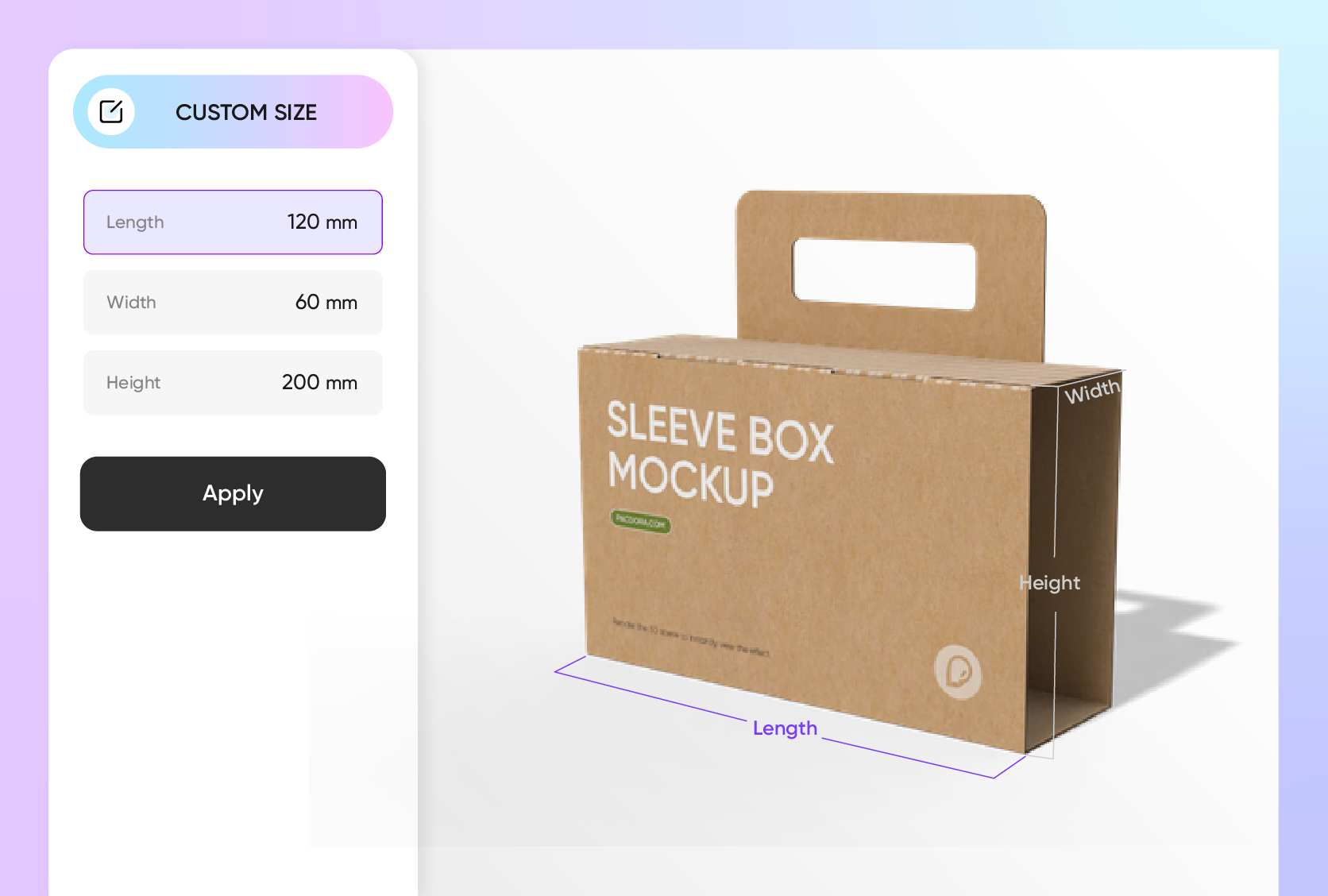
Right-sized packaging sleeves for flawless product fit
Enjoy a plethora of sizes for your custom printed sleeves, including the 7.1 × 3.1-inch triangle sleeve box for specialty foods or promotional items.
You can also choose the 7.9 × 2.0 × 11.8-inch book-style, great for collectibles or premium items. If you like, you can also adjust the size to achieve a snug fit and make sure your design looks perfect.

Export files that highlight every little detail
Our automatic dieline generator saves you time by letting you download print-ready files with color-coded trim, creases, and bleed lines for immediate use.
For client presentation or digital promotion, you can also export sharp, professional 8K PNG/JPG images or MP4 videos to have a full view of how your sleeve wraps around the product.

Custom sleeves crafted to fit your style
At Pacdora, we help you create custom printed sleeves that fit your needs and taste perfectly. You can choose from a multi-sided polygonal shape for shelf appeal or windowed sleeves to show off your product.
If you want something functional with a stylish twist, go for a handled sleeve box or keep it classy with a sleek book sleeve design.
Custom-designed sleeves that captivate and engage customers
With Pacdora, you can create and print custom sleeves in the design you like. Using our editor, you can add your brand logo, images, and messages to highlight limited edition products.
For a stylish touch, opt for playful or elegant fonts, whichever matches your brand, and incorporate eye-catching patterns or product-related graphics to make your sleeve thematic and engaging.
Right-sized packaging sleeves for flawless product fit
Enjoy a plethora of sizes for your custom printed sleeves, including the 7.1 × 3.1-inch triangle sleeve box for specialty foods or promotional items.
You can also choose the 7.9 × 2.0 × 11.8-inch book-style, great for collectibles or premium items. If you like, you can also adjust the size to achieve a snug fit and make sure your design looks perfect.
Export files that highlight every little detail
Our automatic dieline generator saves you time by letting you download print-ready files with color-coded trim, creases, and bleed lines for immediate use.
For client presentation or digital promotion, you can also export sharp, professional 8K PNG/JPG images or MP4 videos to have a full view of how your sleeve wraps around the product.

Our customers love Pacdora’s mockup tools
Thousands before you have designed realistic mockups with Pacdora and loved it.

Great mock-ups and literally thousands of packaging designs to choose from. The 3d mock-up is so good, helps bring clarity to the client as well as the designers. Great product for packaging design professionals.


cosmiccorner
Move over, complicated design software! Pacdora is the superhero of packaging mockups. Creating 3D magic for my products is as easy as pie – no PhD in design required. It’s like the software looked at the clock and said, ‘Time to save users from design nightmares!’ It’s so user-friendly, even my coffee mug wants to try its hand at packaging design.
FAQ
How do I design custom printed sleeves with Pacdora?
Designing your custom printed sleeves with Pacdora is super easy. Just browse our mockup library by typing “packaging sleeve” in the search bar. Pick your ideal style from the available options. The good thing is that you can adjust the sizes, so don’t worry about that, just focus on what suits your product.
After that, customize the color and add your text, images, or graphics, preview in 3D, and instantly download printable files or high-res images and videos.
How do I choose the right packaging sleeve for my product?
Consider your product’s shape and size, and make sure the sleeve fits snugly to make it more presentable. Pick a material that matches your brand style, then add your branding elements, colors, graphics, text, or any unique design, and line them up with your marketing goals. Print your custom sleeves with Pacdora and let your product stand out on any shelf.
Are custom printed sleeves good for marketing?
Yes! Custom printed sleeves with your logo, slogan, name, colors, or artwork serve as a great mobile billboard for your brand. They spread awareness to a wide audience, letting people learn more about your product and values. Always aim for designs that look impressive and match your brand’s style so they can promote your product and even attract new customers. First impressions matter, especially in today’s crowded market.
Which materials are best for making custom printed sleeves?
Custom printed sleeves can be made from corrugated cardboard, kraft paper, or white cardboard. The best material depends on the look you want and the product you’re packaging. White cardboard gives you high-quality prints and makes your design stand out, while corrugated cardboard is strong enough for heavier or fragile items.
Can I create custom printed sleeves for free using Pacdora?
Sure! You can use our free features to create custom printed sleeves for your brand or product. To learn more about our premium services and extra features available, take a look at our pricing page.
Explore more mockup tools
Discover more about Pacdora


