

Custom bags and boxes
Select from different sizes of drawer or sleeve style boxes and mailer or shopping bags, then upload catchy images or text! Download them as high-definition PNG, JPG, or MP4 files!


Flip top gift box mockup
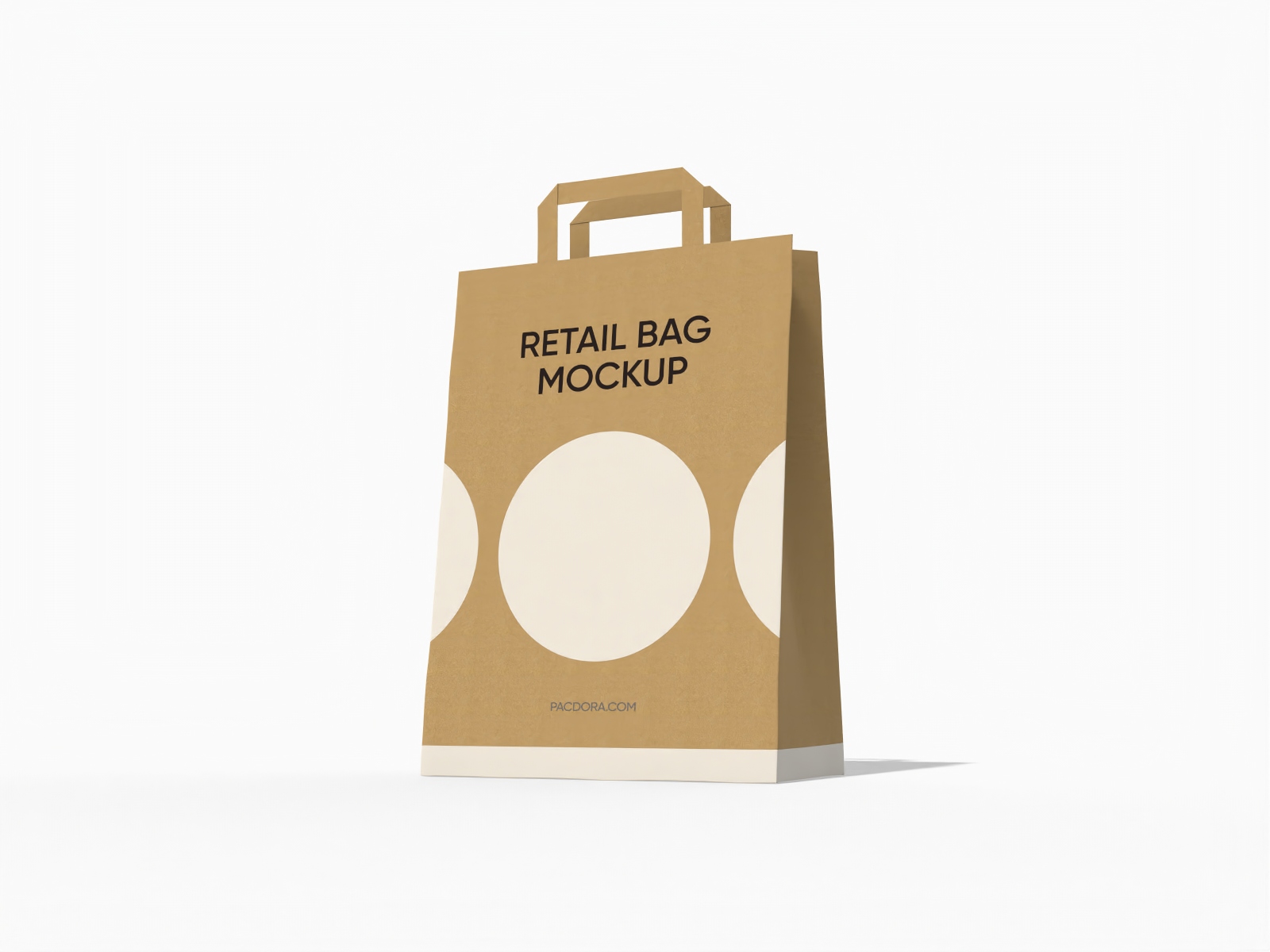
Foldable shopping paper bag mockup

Tuck end software box mockup

12 oz coffee bag mockup

Tray box mockup

Square box mockup
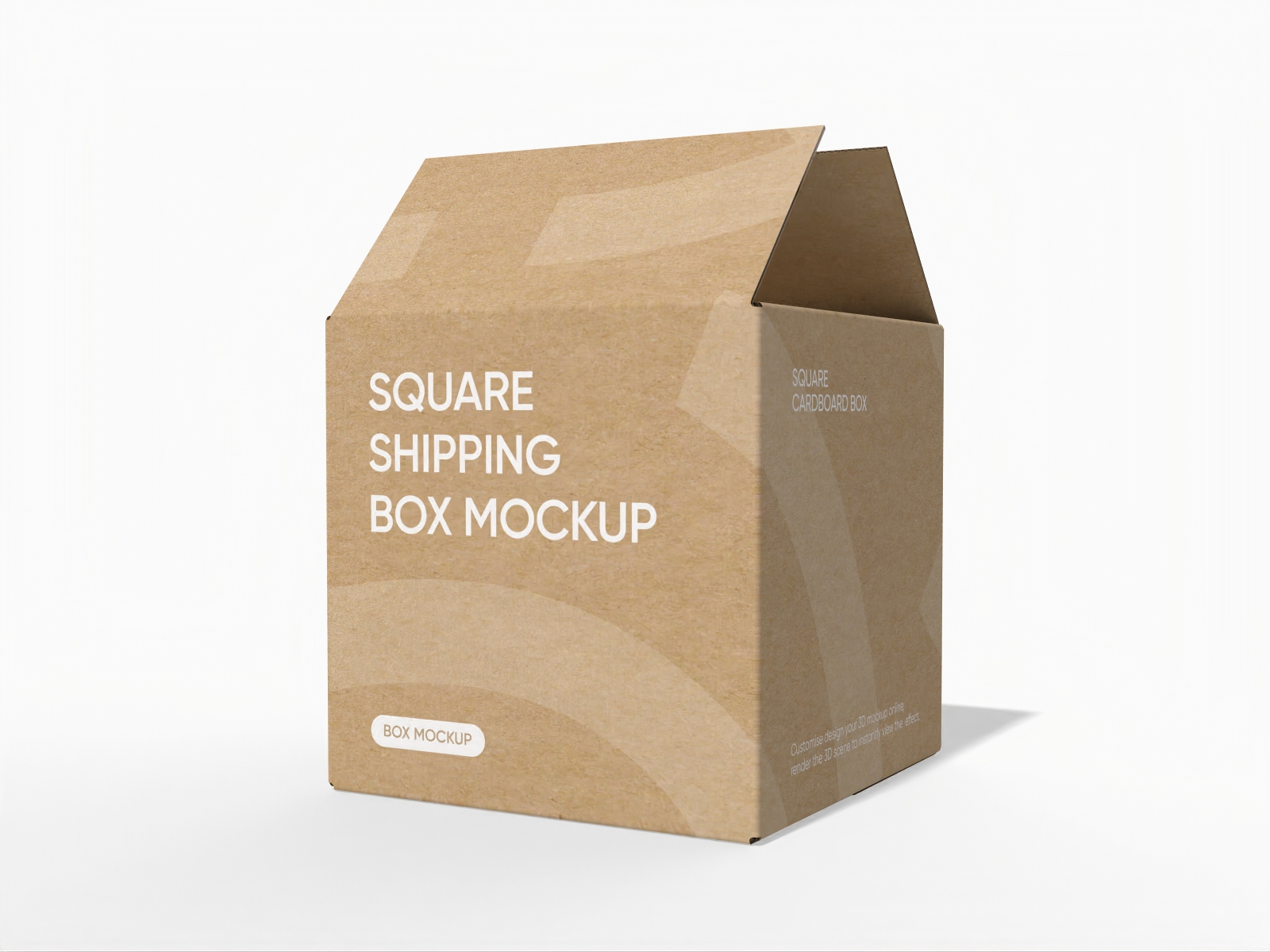
Square shipping box mockup

Flip top magnetic gift box mockup
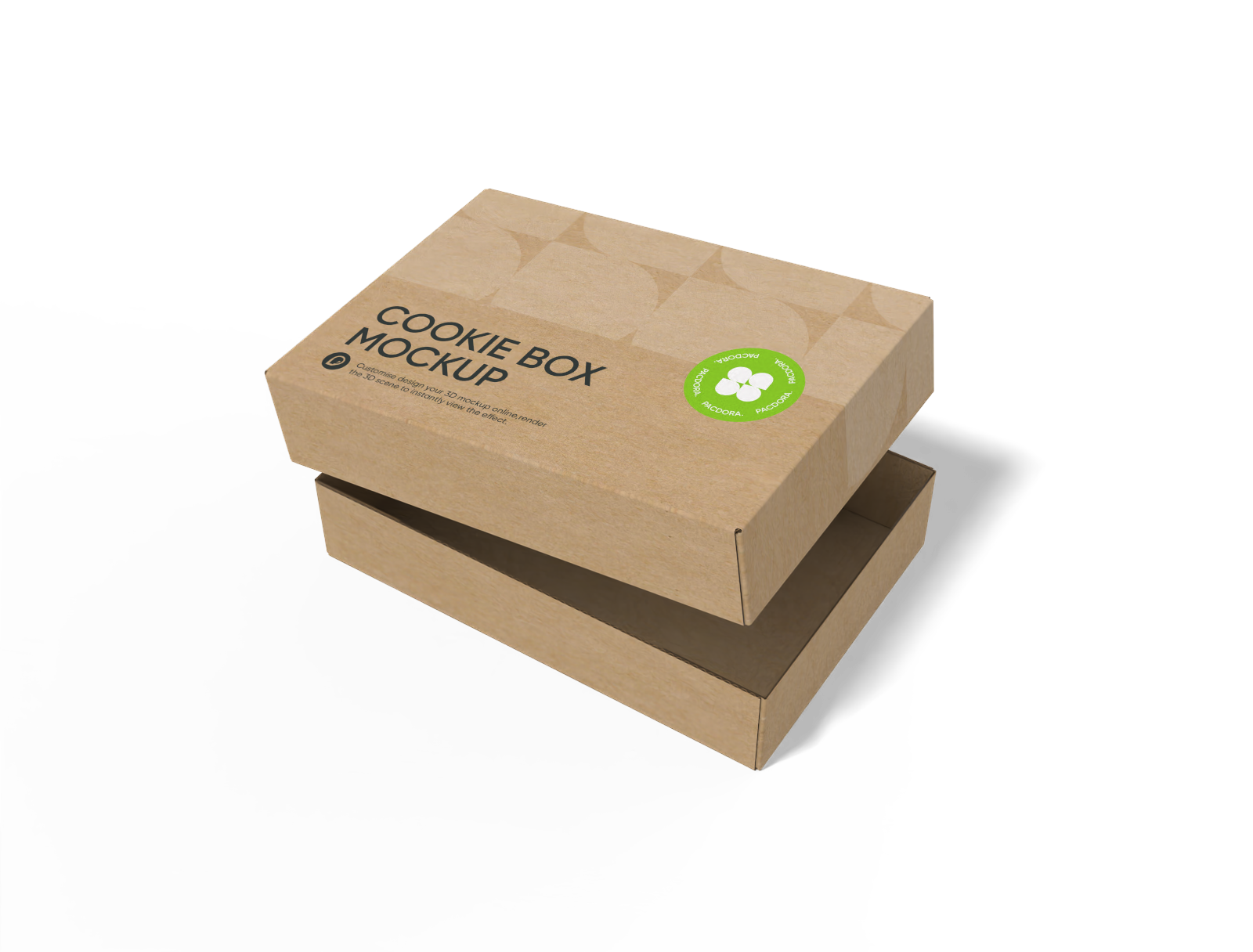
FEFCO 0300 shoe box with lid mockup

Cosmetic box mockup

Candy window paper pouch mockup

FEFCO 0217 1-2-3 bottom with handle box mockup

Board game box with lid mockup

Classic potato chips bag mockup
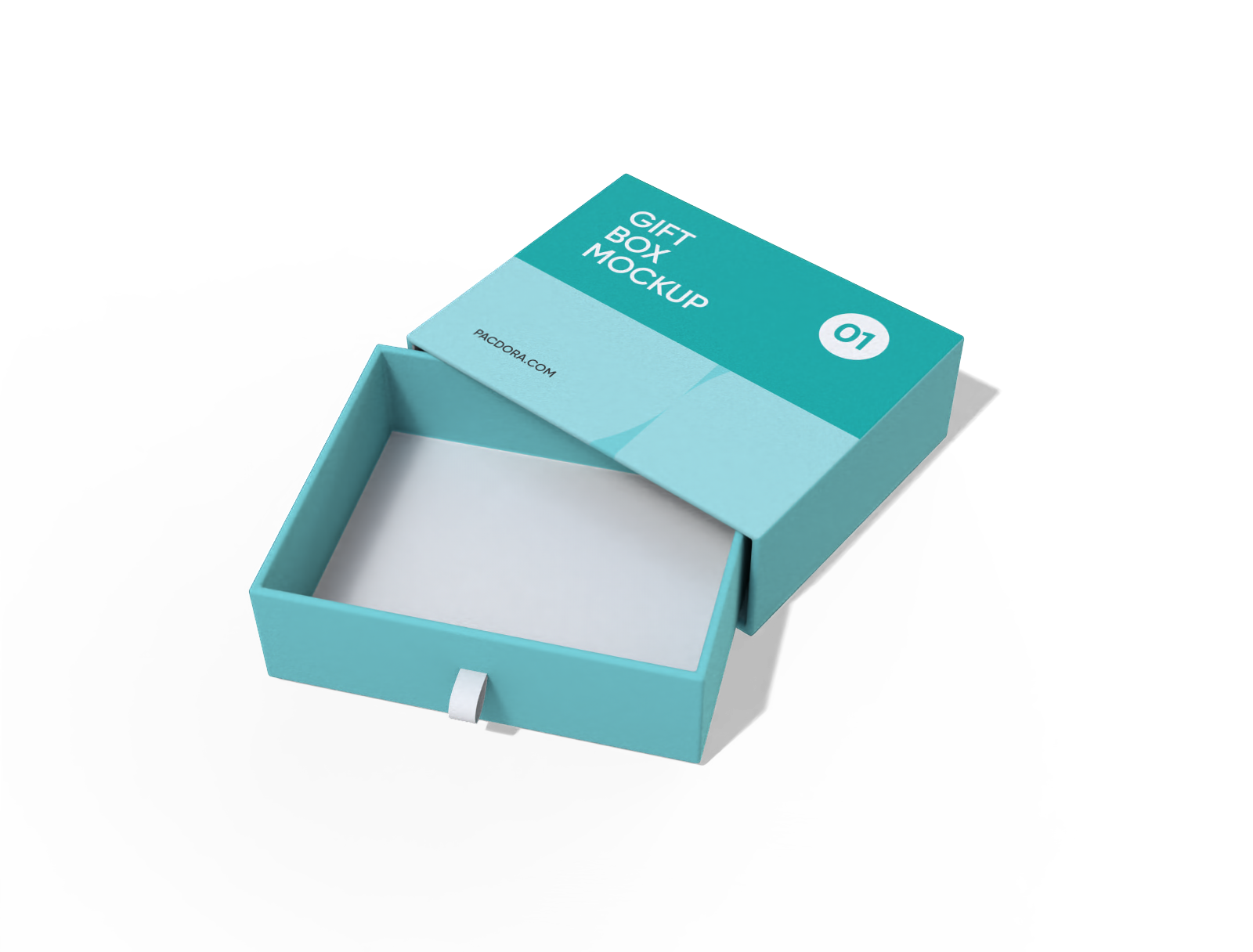
Slide gift box mockup
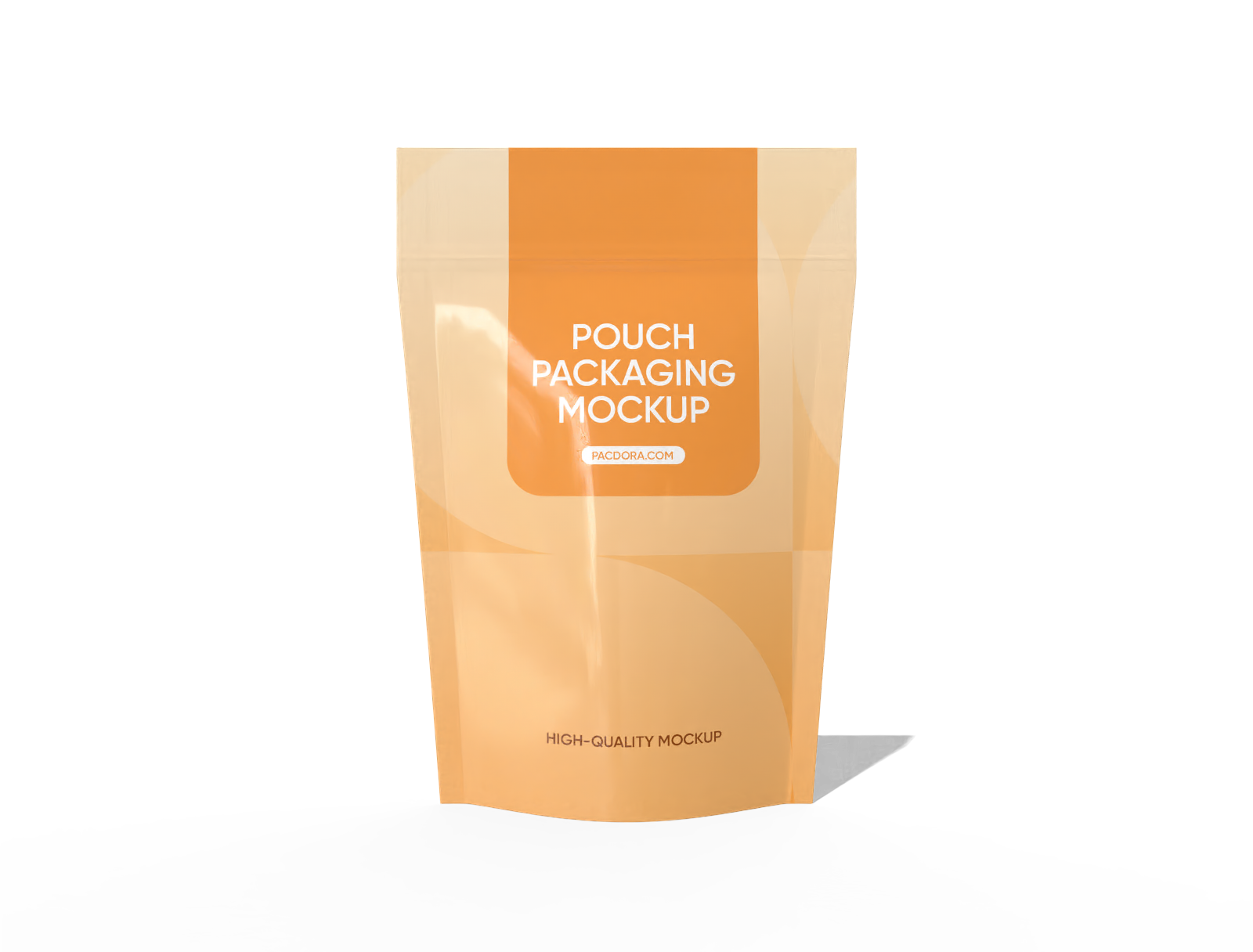
Doypack food bag mockup

Double door gift box mockup

15 × 22 stand up hanging zip lock pouch mockup
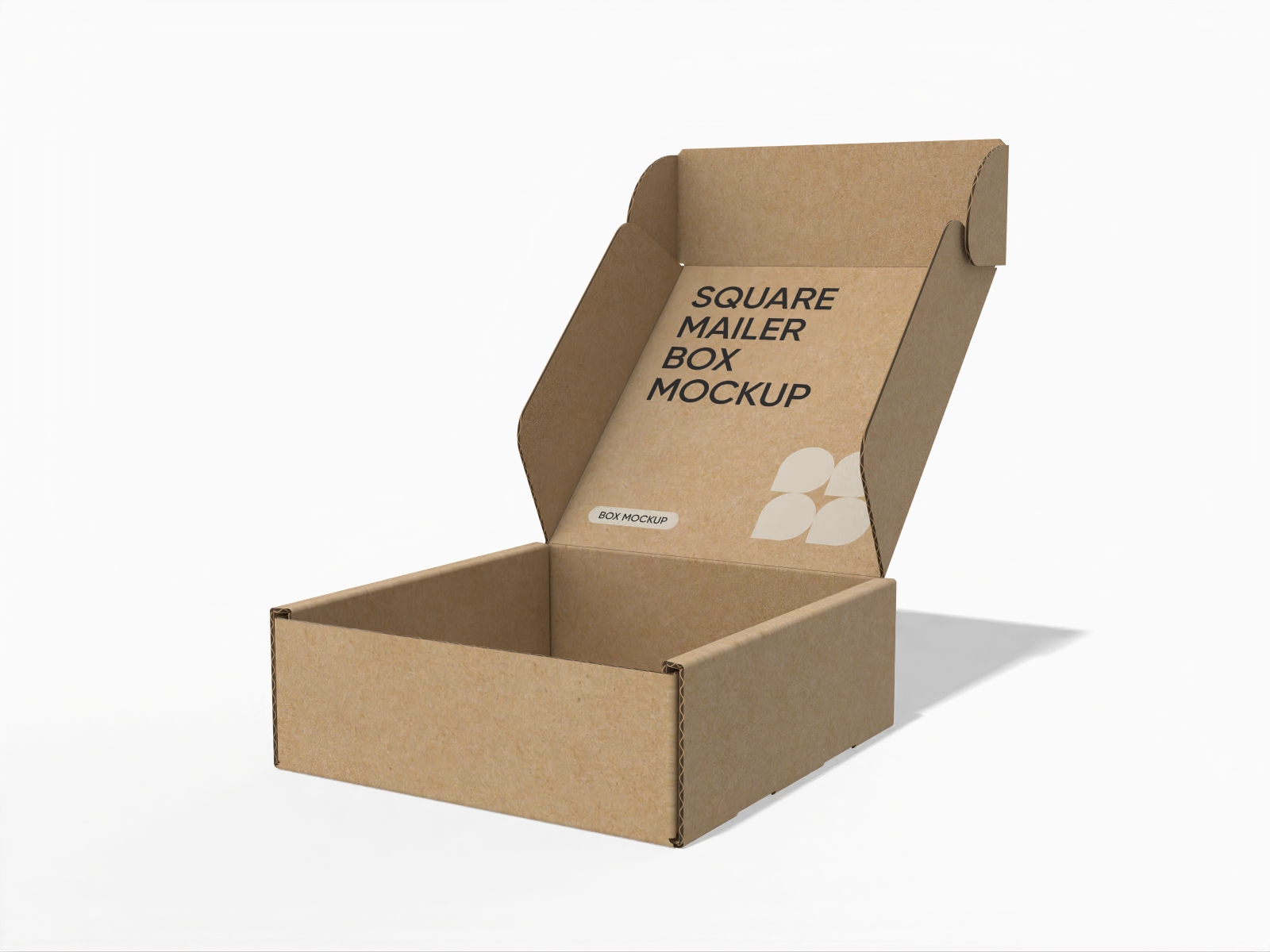
Open square mailer box mockup
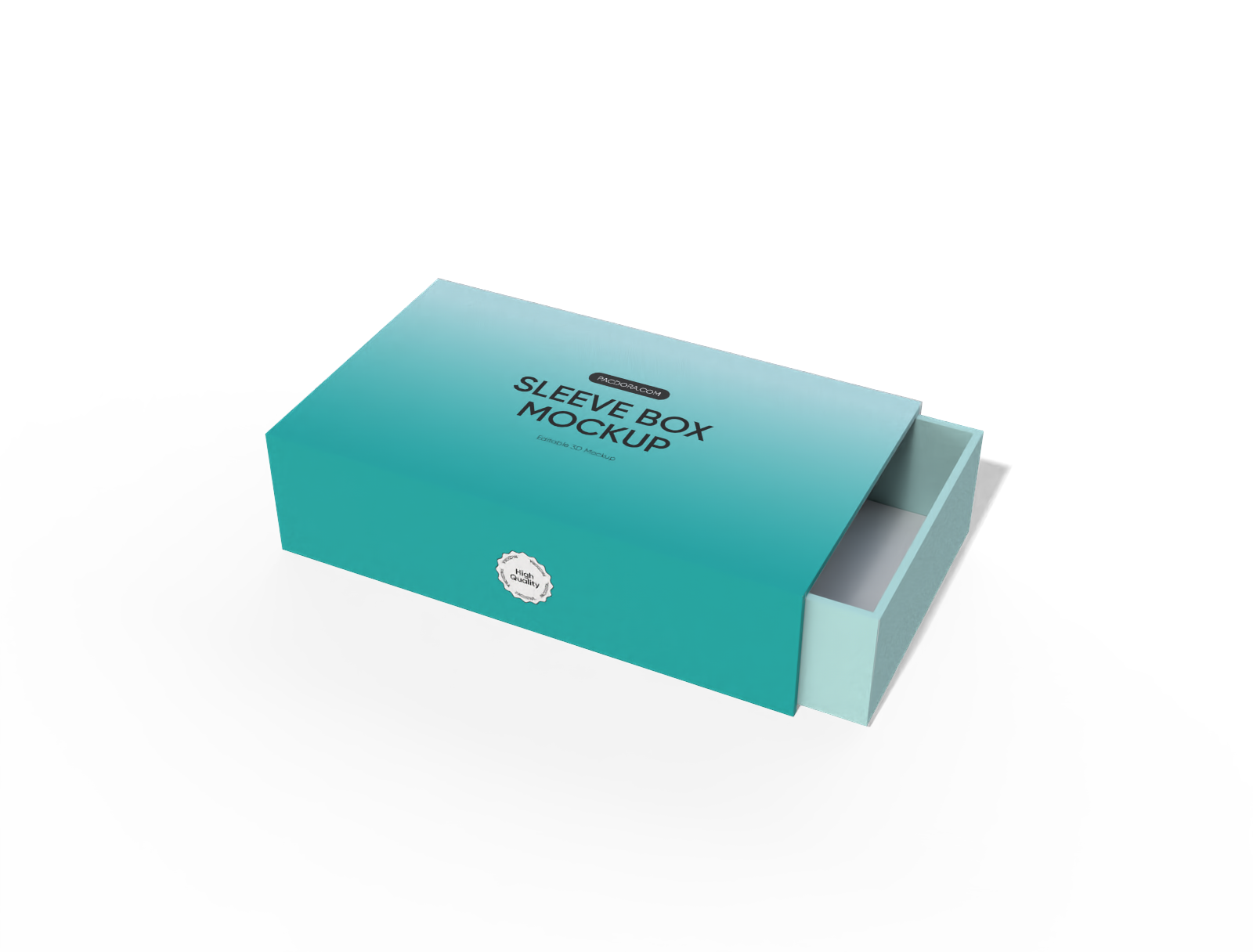
Sleeve drawer perfume box mockup

Paper bag mockup
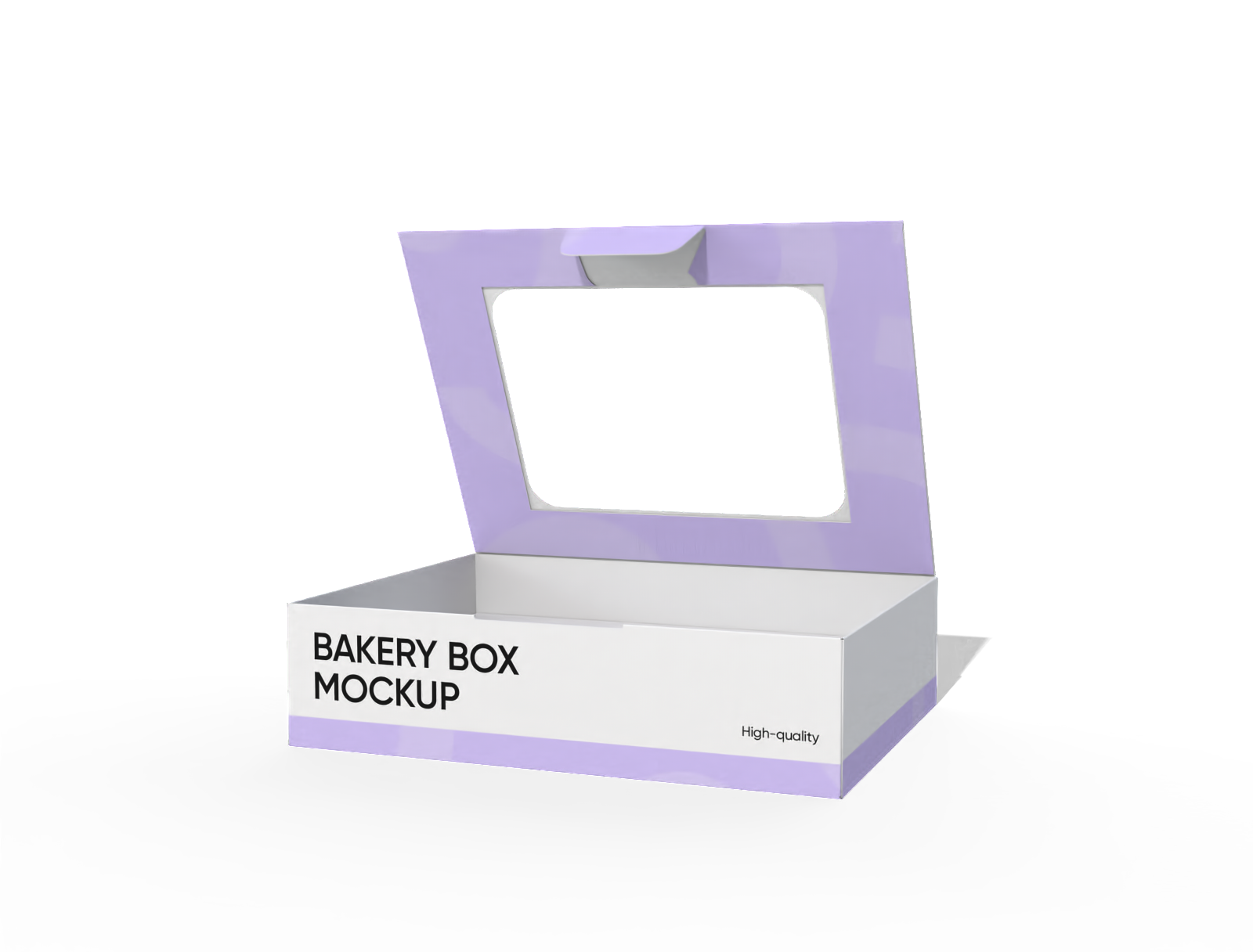
Bakery display box with window mockup
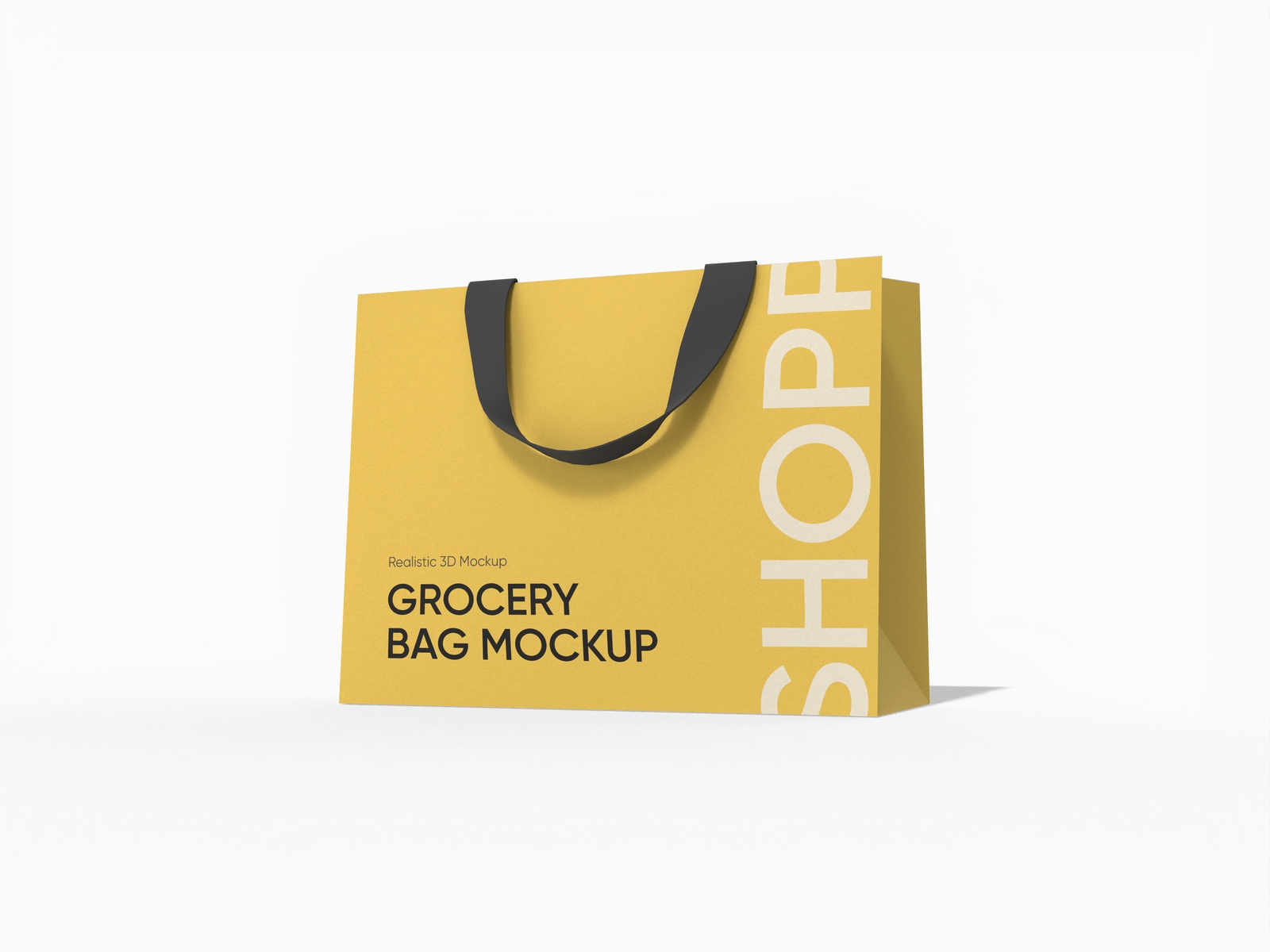
Luxury shopping bag mockup
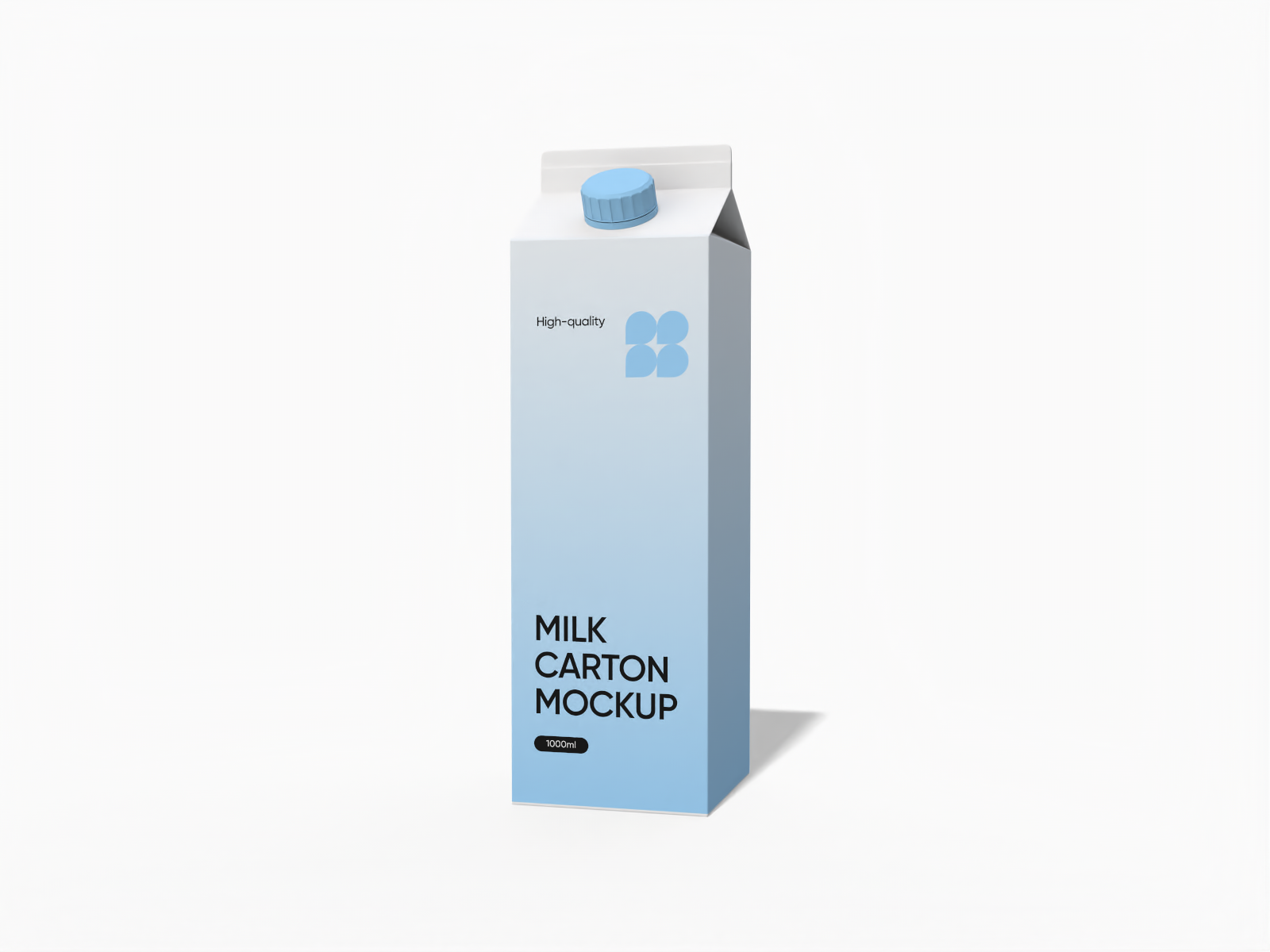
1000ml milk carton mockup
Trusted by leading companies


Design professional bags and boxes online with Pacdora!
Looking to upgrade your product packaging with custom bags and boxes online? Pacdora makes it easy. Design paper or plastic bags along with square, rectangular, sleeve, drawer, or window-display boxes for different product needs. Add branding text or images, tweak colors, and change backgrounds at no cost. Download your designs in the supported high-resolution PNG/JPG images or MP4 video formats. Start designing today!
Why do brands create custom bags and boxes online?

Versatile designs for custom bags and boxes
A range of bag and box designs allows users to select options that fit their products.
A rectangular tray-style box with compartments improves product presentation, suitable for organizing chocolates, office supplies, or accessories. Similarly, a stand-up handle bag is perfect for carrying snacks, merchandise, or packaged goods.
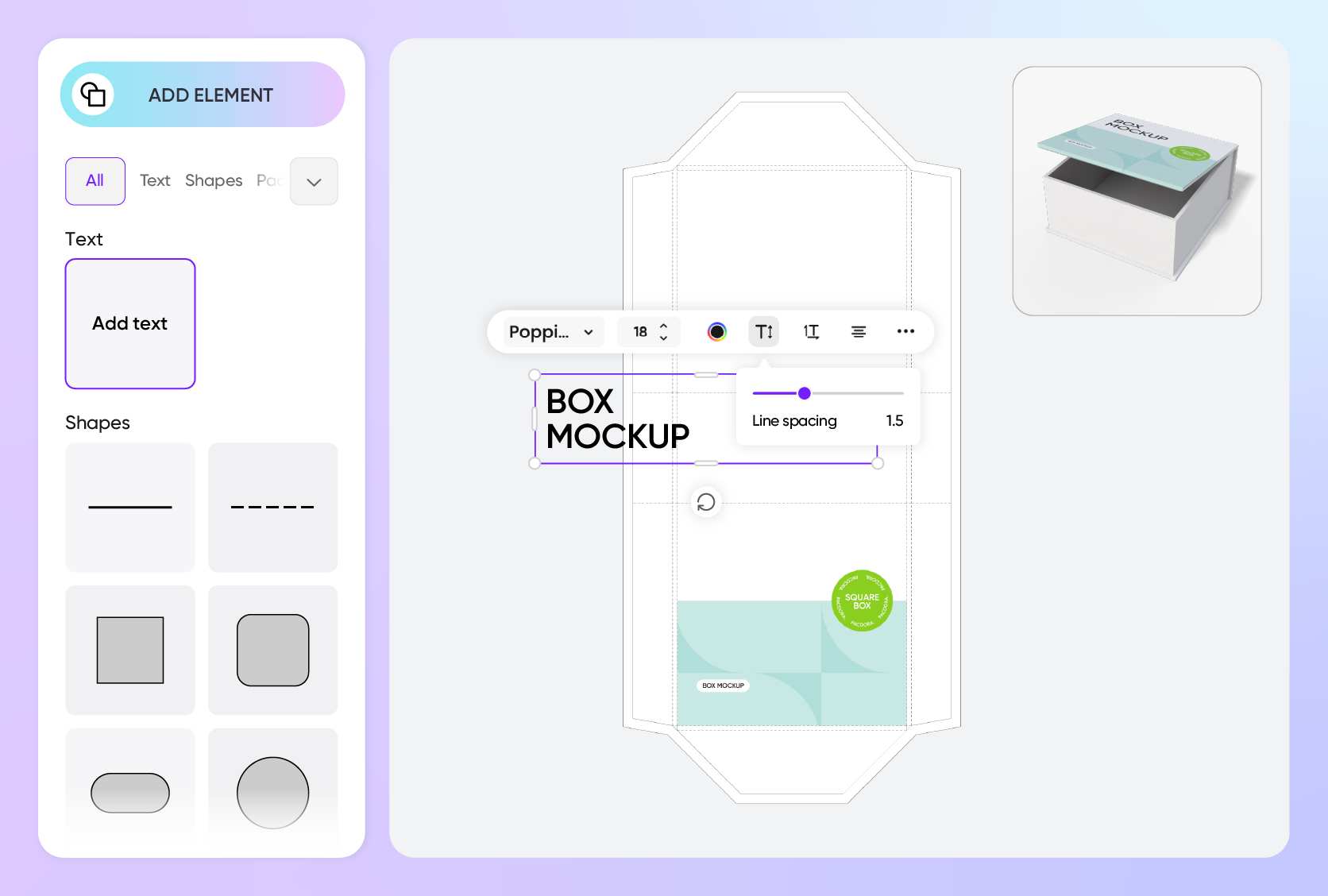
Effortless customization with logos and graphics
Displaying product information on bags and boxes is crucial because it allows customers to understand your offerings.
Illustrations or motifs related to the product can be added to bags and boxes for a professional look. Alternatively, brand logos and names can be placed to make the packaging instantly recognizable. Take action now!
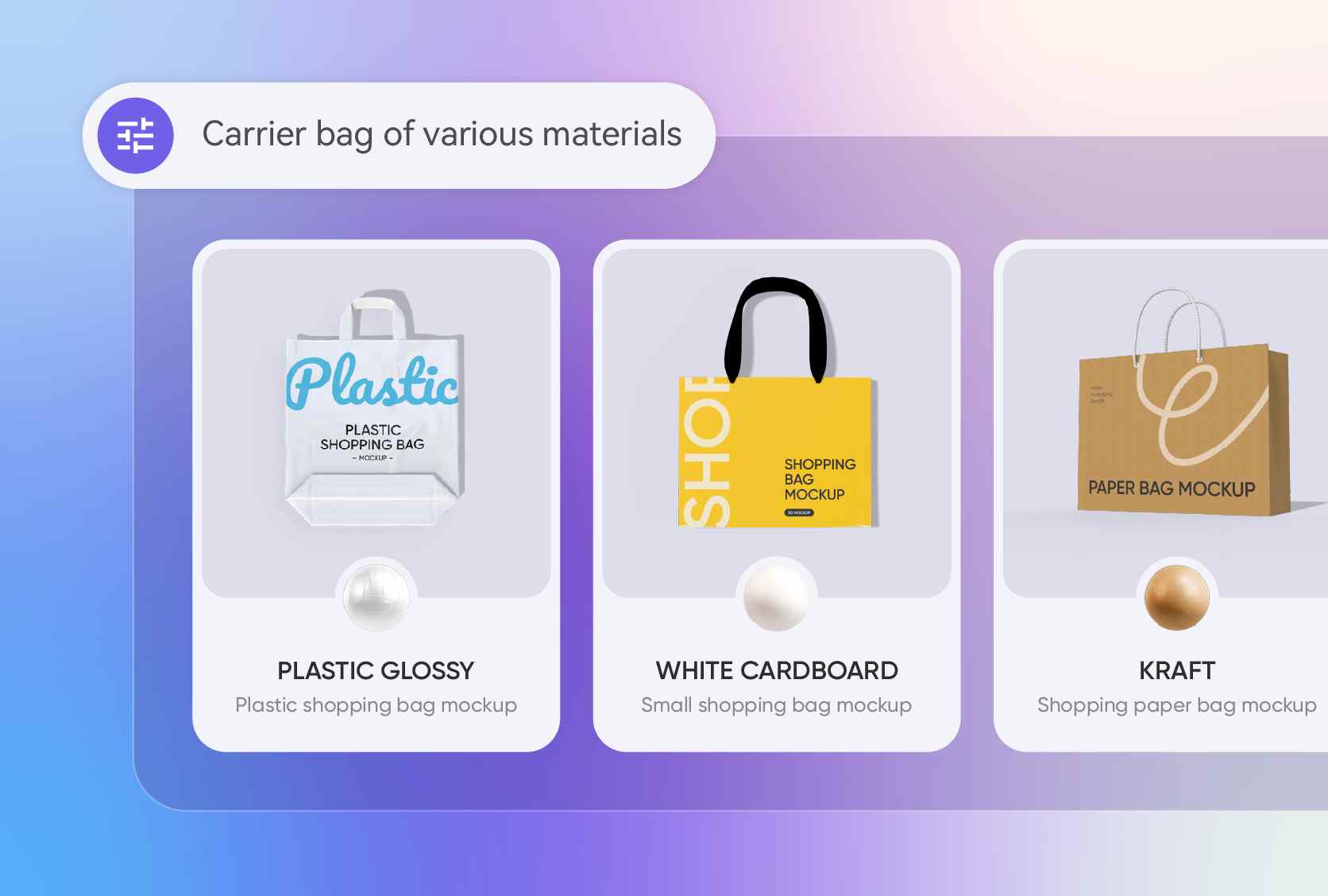
Diverse material options for all bags and boxes
Selecting perfect materials for making bags and boxes is essential to make the packaging presentable and ensure the products’ safety.
White cardboard boxes provide a shiny look, perfect for packing gifts and skincare items. Alternatively, plastic bags are lightweight and flexible, making them suitable for carrying clothes or takeaway groceries.
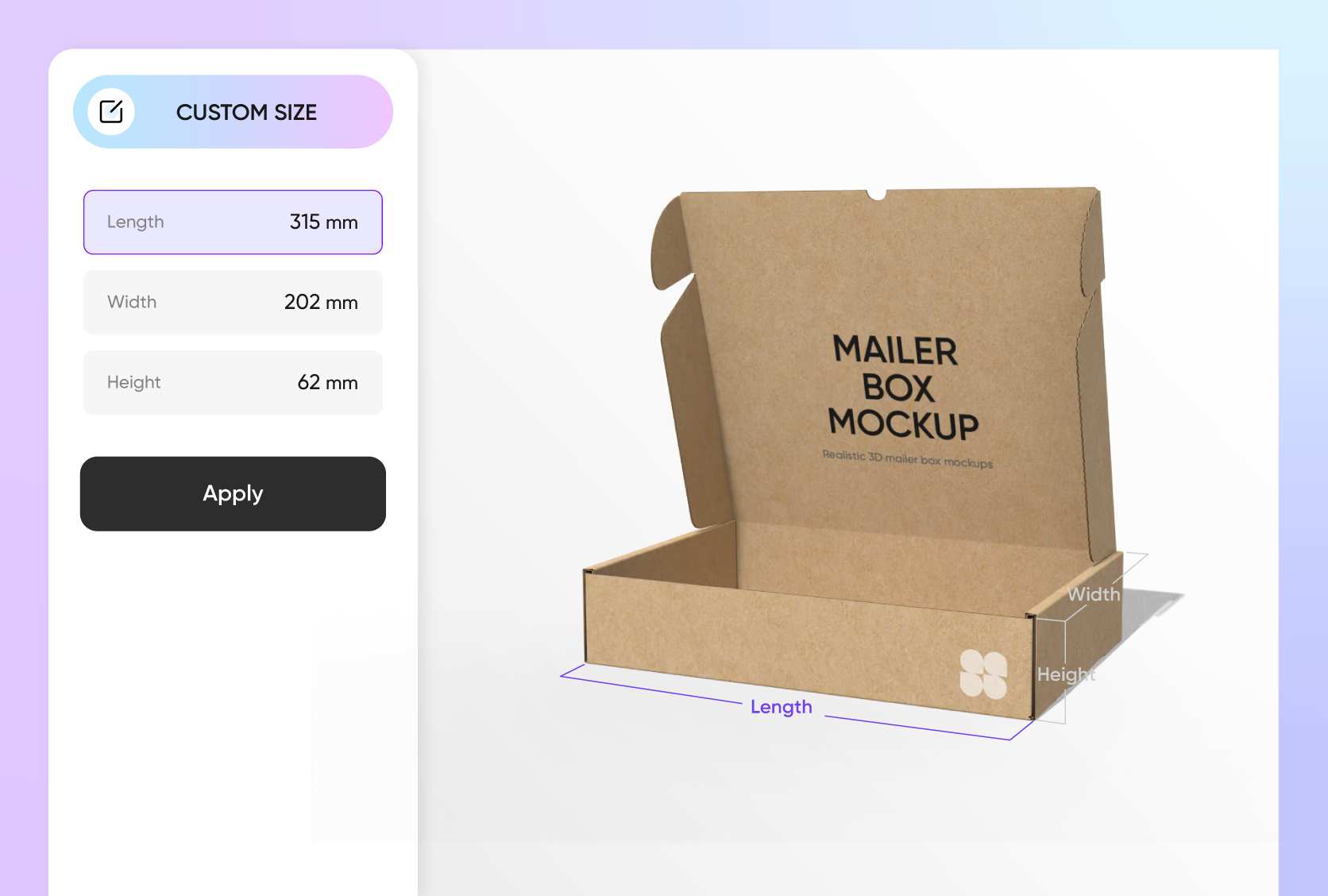
Size flexibility for convenience and presentation
Having multiple sizes of bags and boxes helps brands package products according to their customers’ demands.
A 4 × 4 × 2 inch box is great for packing jewelry items, toys, or sample products. Likewise, a 14 × 10 × 6 inch tote bag provides ample space for groceries, apparel, or bulk items. Use Pacdora today!

Versatile designs for custom bags and boxes
A range of bag and box designs allows users to select options that fit their products.
A rectangular tray-style box with compartments improves product presentation, suitable for organizing chocolates, office supplies, or accessories. Similarly, a stand-up handle bag is perfect for carrying snacks, merchandise, or packaged goods.
Effortless customization with logos and graphics
Displaying product information on bags and boxes is crucial because it allows customers to understand your offerings.
Illustrations or motifs related to the product can be added to bags and boxes for a professional look. Alternatively, brand logos and names can be placed to make the packaging instantly recognizable. Take action now!
Diverse material options for all bags and boxes
Selecting perfect materials for making bags and boxes is essential to make the packaging presentable and ensure the products’ safety.
White cardboard boxes provide a shiny look, perfect for packing gifts and skincare items. Alternatively, plastic bags are lightweight and flexible, making them suitable for carrying clothes or takeaway groceries.
Size flexibility for convenience and presentation
Having multiple sizes of bags and boxes helps brands package products according to their customers’ demands.
A 4 × 4 × 2 inch box is great for packing jewelry items, toys, or sample products. Likewise, a 14 × 10 × 6 inch tote bag provides ample space for groceries, apparel, or bulk items. Use Pacdora today!
How to design custom boxes and bags using Pacdora?
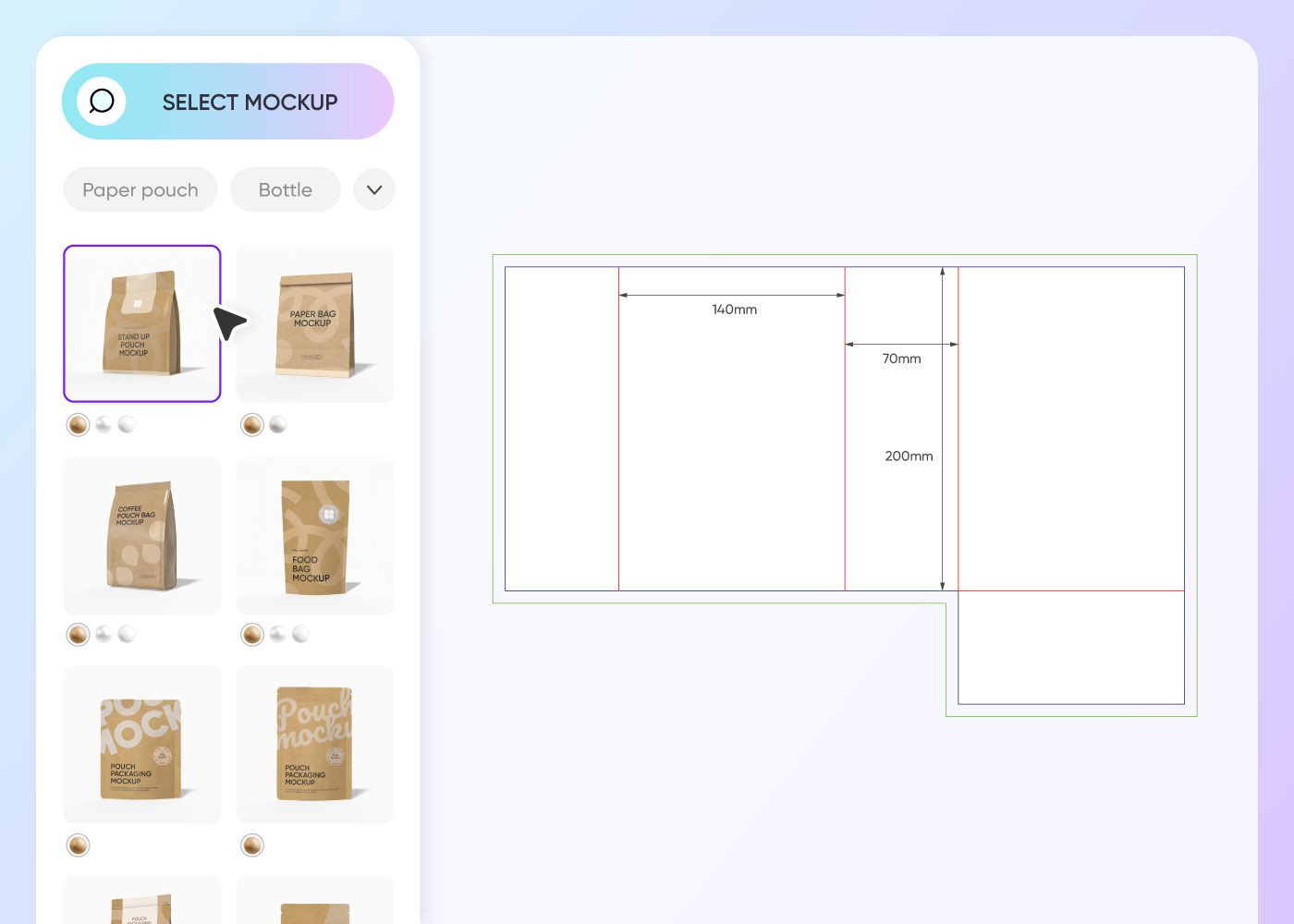
Step 1: Select a bag or box design
Select your favorite bag or box design from Pacdora’s vast collection, including tote or mailer bags, and sleeve or drawer-style boxes.
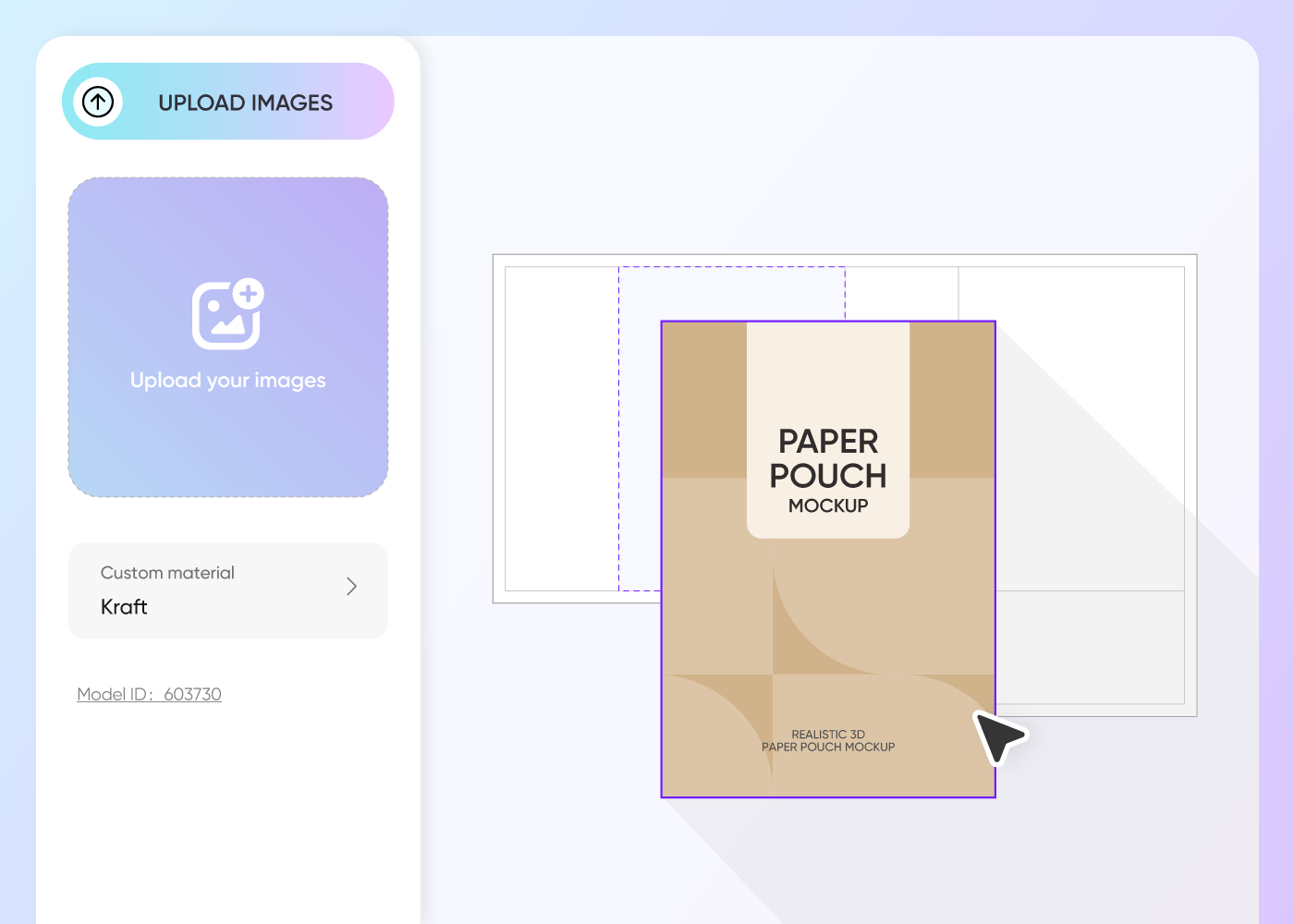
Step 2: Upload designs and customize
Upload images, patterns, or logos to your chosen bag or box design. Refine colors and adjust the layout to fit your packaging style.
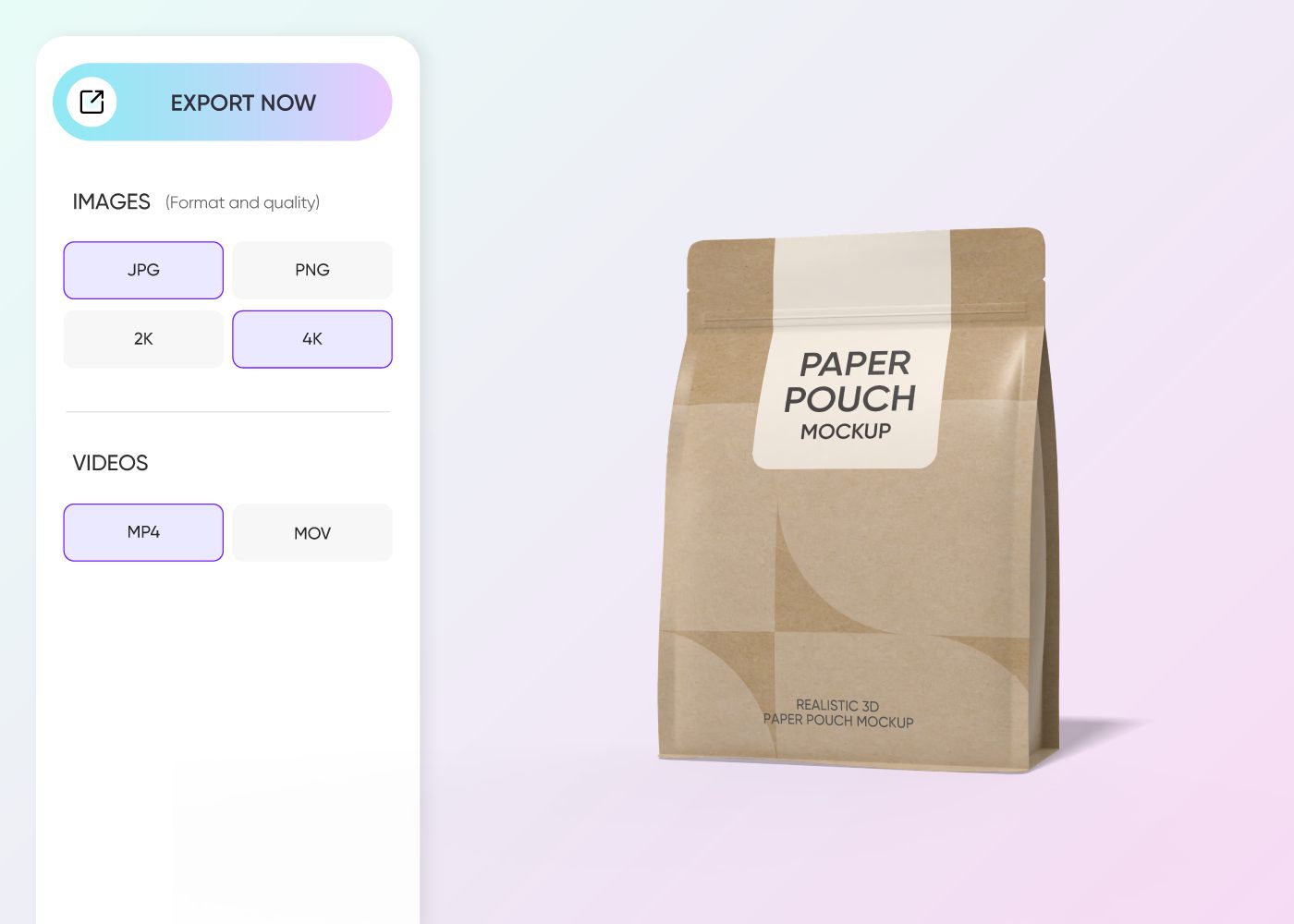
Step 3: Download your bag or box design
Download your custom bag and box designs in high-quality PNG or JPG images, or as MP4 videos for previews and presentations.
Step 1: Select a bag or box design
Select your favorite bag or box design from Pacdora’s vast collection, including tote or mailer bags, and sleeve or drawer-style boxes.
Step 2: Upload designs and customize
Upload images, patterns, or logos to your chosen bag or box design. Refine colors and adjust the layout to fit your packaging style.
Step 3: Download your bag or box design
Download your custom bag and box designs in high-quality PNG or JPG images, or as MP4 videos for previews and presentations.
Our customers love Pacdora’s mockups
Thousands before you have designed realistic mockups with Pacdora and loved it.

Great mock-ups and literally thousands of packaging designs to choose from. The 3d mock-up is so good, helps bring clarity to the client as well as the designers. Great product for packaging design professionals.


cosmiccorner
Move over, complicated design software! Pacdora is the superhero of packaging mockups. Creating 3D magic for my products is as easy as pie – no PhD in design required. It’s like the software looked at the clock and said, ‘Time to save users from design nightmares!’ It’s so user-friendly, even my coffee mug wants to try its hand at packaging design.
FAQ
How is Pacdora a reliable platform for making custom bags and boxes?
Pacdora is a reliable platform for creating custom bags and boxes. Anyone can design the shape and size they need. Beginners can also access our platform through their browser without requiring any PSD files. Pacdora allows the designers to select a bag or box design and customize it using simple drag-and-drop tools.
What branding details should I place on my custom bags and boxes?
Add brand name, product type, and the company’s logo to the custom bags and boxes for branding purposes. Besides this, include usage instructions, net weight, ingredient details, and expiry date. Brands can also place special promotions, batch numbers, and QR codes for quick tracking.
Can I download my custom boxes as dieline files on Pacdora?
Yes, you can download your custom box designs as printable dieline files in PDF or DXF formats. A dieline clearly shows the cut lines, folds, and glue areas for each layout. This allows printers to produce boxes with the correct shape and size. It also keeps your logos, images, and text in the right place after folding and assembly.
Can I add a background to custom bags and boxes using Pacdora?
Yes, Pacdora helps you add unique images and colors as backgrounds for your custom bags and boxes. Use graphics like textures, fabrics, shapes, or simple illustrations to make your packaging attractive. You can also try Pacdora’s AI background generator to create relevant backdrops for your designs.
Can I design custom bags and boxes for free on Pacdora?
Yes, Pacdora lets you design custom bags and boxes for free. Some advanced editing features are available on our pricing page.
Explore more mockups
Discover more about Pacdora

Kickstart your exciting journey of designing bags and boxes online
Create a bag
